Optimalworkshop
optimalworkshop.com/
Optimal Workshop (branded "Optimal" on-site) is a user-research platform bundling usability testing, tree testing, card sorting, first-click testing, and survey tools into one suite, with the hero line "Build Optimal Products, like Netflix." The homepage segments its pitch by role — product managers, content designers, UX designers, marketing managers, UX researchers — with a distinct value proposition written for each rather than one generic pitch, e.g. telling content designers to "validate before it goes live" and PMs they "shouldn't need a researcher's sign-off." It states access to over 20 million verified research participants across 45+ countries, and frames its AI explicitly as assistive rather than autonomous: "AI that Amplifies Your Judgement. Not AI that Replaces It," with every AI-generated insight tied to a time-stamped citation.
- Category
- Design & Creative
- Style
- LightColorful
- Stack
- Webflow
- Fonts
- Saans 1
- Palette
- Meta title
- UX Research & Design Testing Platform | Optimal Workshop
- Sections
- 10
- Updated
Optimalworkshop's landing page, section by section
Each section below is cropped straight from Optimalworkshop's live page — useful references for design & creative landing page design.
Heroes
More heroesFeatures
More featuresCTAs
More ctasLogo clouds
More logo cloudsAbout Us
More about usContact Us
More contact usPricing & Plans
More pricing & plansCareers pages
More careers pagesWhy Choose Us
More why choose usOptimalworkshop design review: how the homepage is built
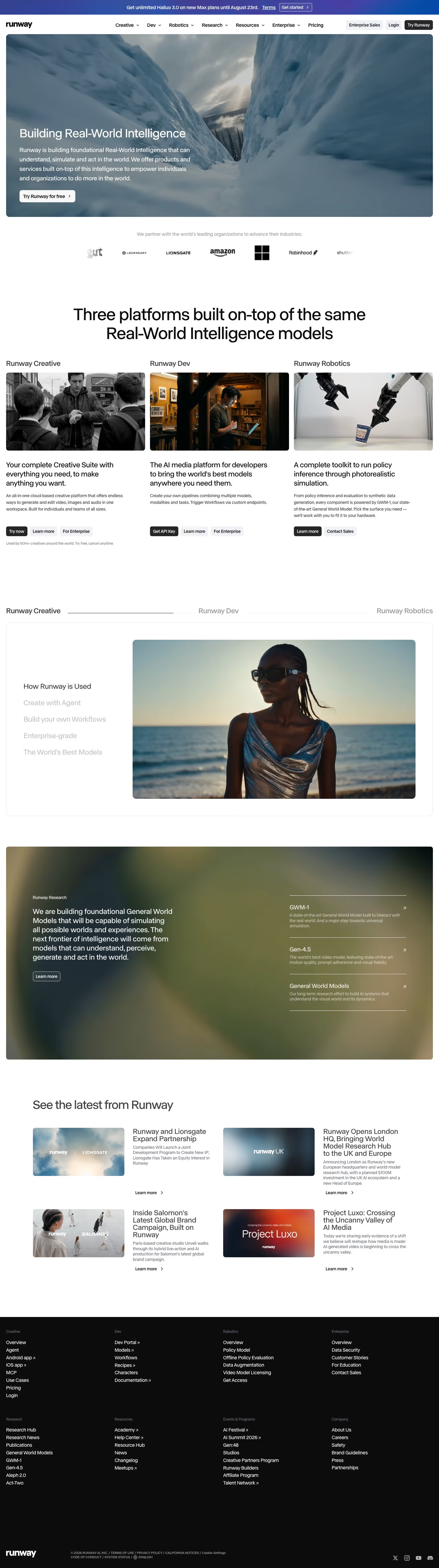
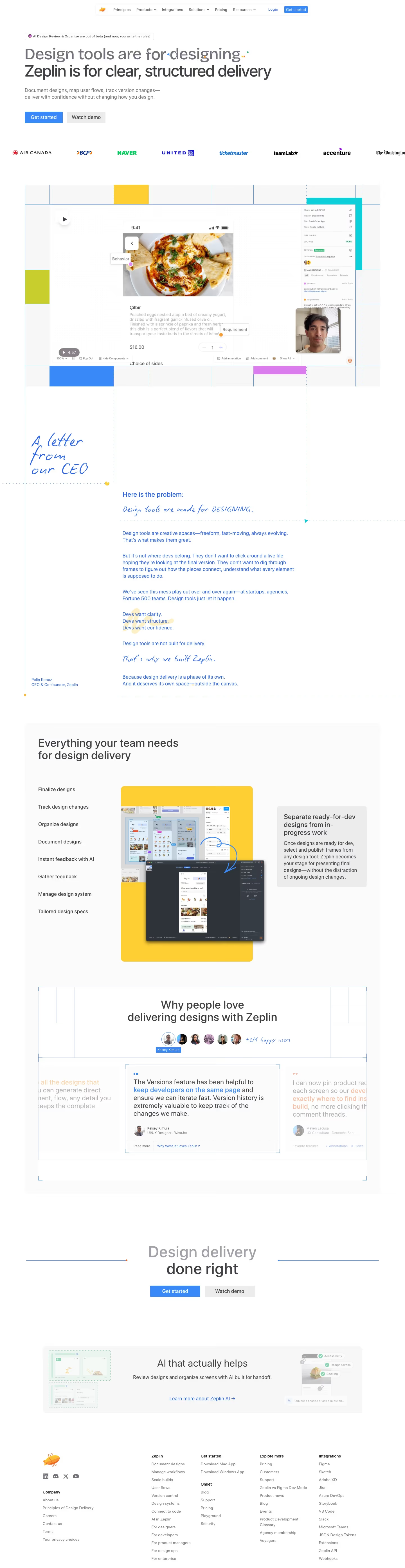
Optimal's homepage is a pale blue-white page with a cyan action colour, sampled as #00a4df for buttons and #8ee183 for the green counter. The desktop capture runs 9717 pixels tall and the mobile capture 13918 pixels at 390px. Blocks run top to bottom: a centred hero, a logo strip, a persona-led feature split, an eight-card tool grid, two long-form bands, a value grid, case study tiles, a stats band, a security panel and a footer. Display type is Saans 1. The distinctive pattern for research tooling is the eight-card method grid, where each card carries its own colour-washed illustration.
Above the fold
Above the fold sits a centred hero on a faint blue gradient. The headline reads "Build Optimal Products, like Deloitte", with Deloitte highlighted in a pale yellow block. Below the subhead, a filled cyan button labelled "Book a demo" sits beside an outlined "Try Optimal for Free" button. A dark strip above the navigation carries "Latest webinar: What 100+ Teams Taught Us About Better Participant Recruitment".
Persona split and tool grid
The second band, headed "Enable research across your organization", pairs a role list with a photo of two people at a laptop. The active tab "Product Managers" opens "Ship features users actually want.", while "Content Designers" and "UX Designers" sit dimmed below. A login screen with hotspots and counts such as "Hits" and "Misses" overlays the photo. Beneath, a four-by-two grid headed "Tools that Power Insight" lists eight methods, from "Usability Testing" to "Prototype Testing", each in its own coloured tile.
Value, AI and case study bands
"Not a Vendor. A Research Partner." follows, a short paragraph beside a green-washed photo of two people at a table. "AI that Amplifies Your Judgement. Not AI that Replaces It." sits next to an insight card asking "Would you pay extra for flight upgrades?" with three numbered findings. A six-card grid headed "Why Choose Optimal" includes "The Best Value" and "Robust Analytics", and "Meet the teams that build with Optimal" introduces case study tiles.
Stats, security and closing footer
A green counter reads "2,347,442,742 pixels optimized", followed by three stat cards. "Safe, Secure & Compliant" sits beside a lock icon and two certification badges. The page ends on "Seeing is believing" above "Book a demo" and "Try for free" buttons. The six-column footer lists Product, Solutions, Customer Stories, Compare Optimal, Company and Social, then a copyright line.
On mobile
At 390px the hero headline wraps to three lines, with the buttons stacked beneath and the logo strip cropped at the edge. The feature split drops its photo under the persona list, and the eight tools reflow into one column of tiles. Case study tiles become full-width cards with a "Read story" button, stats stack vertically, and the footer collapses to a two-column link list.
Worth borrowing
- Place a persona list beside a photo so the section shows who the product serves first.
- Give each tool card its own colour wash so eight similar methods stay distinct.
- Pair a large accent-green counter with three stat cards to show scale.