LiveChat
livechat.com/
LiveChat is a Sales & Support product. See its livechat.com landing page design in full — desktop and mobile screenshots plus close-ups of the heroes, features, footers, testimonials, pricing, and 3 more. It's built with WordPress. Its type is set in Colfax, anchored by a #ee0007 palette. Study how LiveChat structures its messaging, layout and visual hierarchy, then explore more of the best Sales & Support website designs.
- Category
- Sales & Support
- Style
- LightColorful
- Stack
- WordPress
- Fonts
- Colfax
- Palette
- Meta title
- Live Chat Software with AI by Text | LiveChat.com
- Sections
- 8
- Updated
LiveChat's landing page, section by section
Each section below is cropped straight from LiveChat's live page — useful references for sales & support landing page design.
Heroes
More heroesFeatures
More featuresTestimonials
More testimonialsPricing
More pricingLogo clouds
More logo cloudsAbout Us
More about usContact Us
More contact usLiveChat design review: how the homepage is built
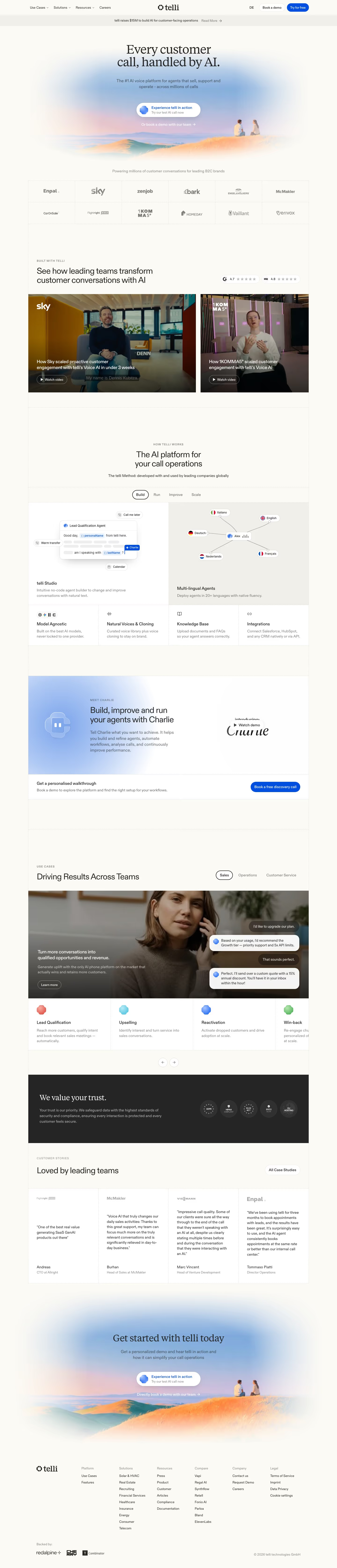
The page shows the brand "Text by LiveChat" rather than plain LiveChat. Top to bottom: a six-item header, an oversized two-line headline, a product collage over a cyclist photo, a 14-logo grid, three chapters (CRO, sales, support) each with its own gradient-framed screenshots, an integrations grid, a compliance badge row, a lime feature ticker and a dark footer. It measures 14683 pixels on desktop. A warm off-white ground carries red near #ee0007 on every button. Colfax sets the type.
Above the fold
The header lists "Product", "Solutions", "Integrations", "Customers", "Resources" with dropdown arrows, then "Pricing", "Log in" and a red "Sign up free". A strip reads "Best live chat software for" beside "Shopify", "Webflow" and "WordPress" pills. "Live chat software that grows sales" fills two lines of huge black type. A three-line subhead sits left of a wide red "Start free trial" button. A dark collage of chat panels over a cyclist photo precedes the logos.
Visitor chapter and integrations
"See who’s on your website right now" heads a coral-framed customer table. "Know your visitors" brings three coral cards, "Build customer profiles", "See browsing activity" and "Watch live cart updates", then "Engage before they leave" and a black bar, "Convert traffic into customers", with a red button. "Works anywhere" shows six white integration cards from "Shopify" to "Google Tag Manager", followed by a large quote with a red-toned portrait.
Sales and support chapters
"Sell with live chat" sits in a lime frame, followed by "AI Agent helps with 70% of Nuvoo’s chat sales" and two grey cards, "Track AI and team performance" and "Engage and sell automatically". After another quote and black bar, "Serve customers 24/7" opens three outlined cards. Lilac-framed rows, "Save requests as tickets" and "Capture and qualify leads", alternate sides, and "For teams of hundreds and for a team of one" lists three plans priced from "Starting from $19/user/month".
Compliance, ticker and footer
"Secure, accessible live chat for enterprise" shows seven grey badges, from CCPA to Data Privacy Framework. A yellow-green band, "150+ features, new updates every week", carries a black "See all features" button over two rows of ticker tiles, "AI Agents" and "Ticketing" among them. A black section, "Get more from the traffic you already have", ends with a red button. The footer has six link columns, "Product" to "Company", an integrations row, eight social icons and legal text.
On mobile
At the narrow width the page reaches 16384 pixels. The header collapses to a "Menu" button and the platform pills reorder with a shorter "200+" label. The headline wraps to three lines, with the red button spanning nearly the full width directly under the subhead. The logo grid shrinks to eight, integration cards run in one column, and the footer columns pair up two across.
Worth borrowing
- Giving each chapter its own gradient frame colour, coral then lime then lilac, lets one long page signal topic changes.
- Ending chapters with a black full-width bar and a red button repeats the single action at every pause.
- Pairing short customer quotes with red-toned portraits ties testimonials to the red button colour.