
Layout & concepts
MCP (Model Context Protocol)
MCP (Model Context Protocol) is an open protocol that lets AI assistants call external tools and data sources through one standard connection.
- Also called
- Model Context Protocol, MCP server, MCP tools
- Browse examples
- Our MCP server →
What is MCP (Model Context Protocol)?
MCP was introduced by Anthropic in late 2024 as an open standard for connecting AI assistants to the outside world. An MCP server exposes a small set of named tools, each with typed inputs; an MCP client, such as Claude, Cursor or VS Code, discovers those tools and lets the model call them while it works. One server works in any client that speaks the protocol, so a data source only has to be connected once.
For designers this means references can come to the AI instead of the other way round. Rather than pasting screenshots or describing "a dark pricing page like the ones developer tools use", you can let the assistant search a design catalog directly, read back real sites with their colors, fonts and stack, and use them while it drafts a layout or writes front-end code.
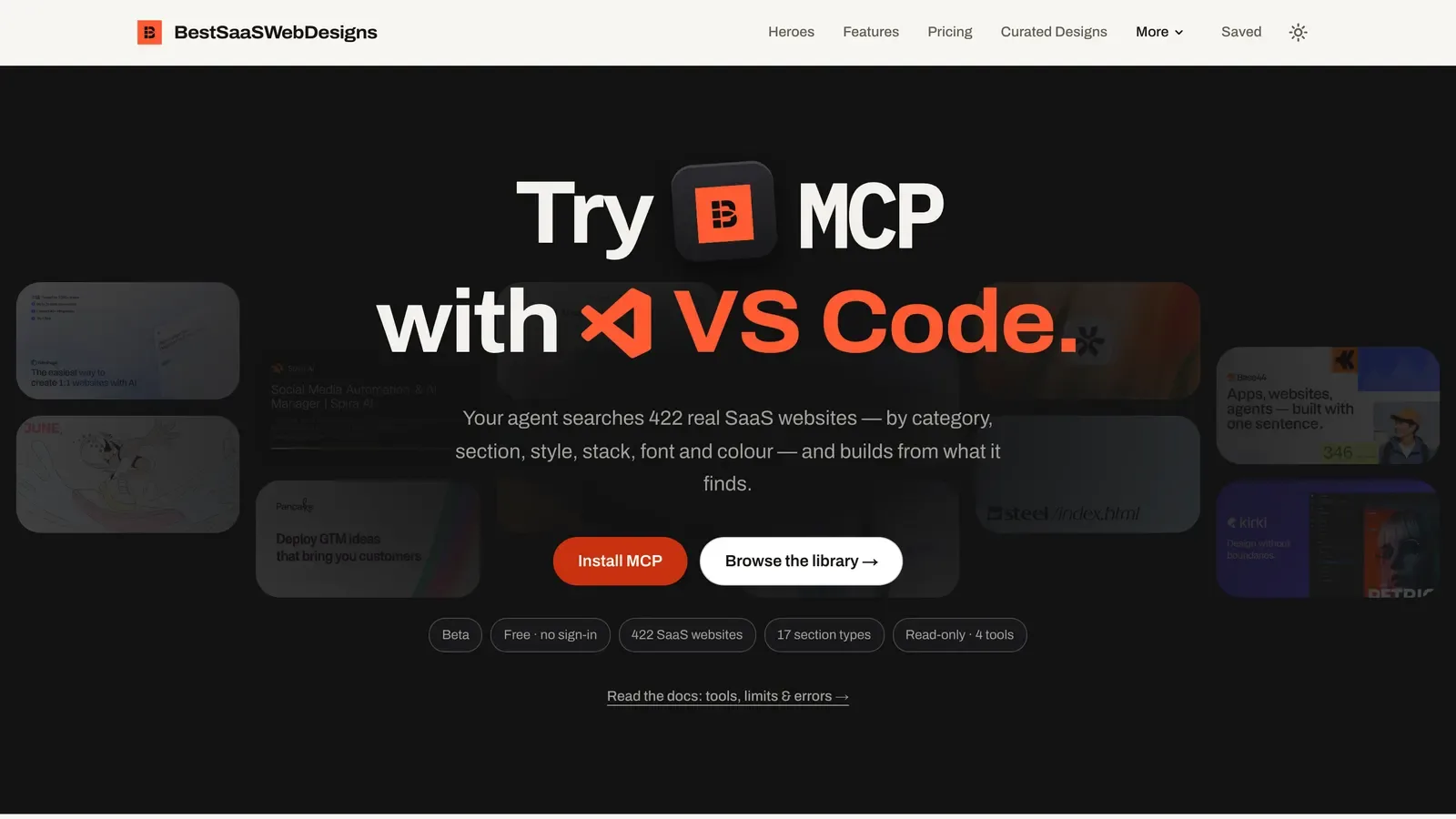
A design-reference MCP server is usually read-only: it looks things up and returns facts and links, and changes nothing. Ours is a concrete example. It is free, needs no sign-in or API key, and lives at https://mcp.bestsaaswebdesigns.com/mcp. It offers four tools: list_filters, search_sites, list_site_links and get_site. Results include each site's URL, categories, style, tech stack, five-color palette, fonts and captured sections, with links to the site's page here. It returns no screenshots, and it never visits the websites itself; list_site_links only hands out homepage links that a browsing-capable agent can open on its own.
When to use MCP (Model Context Protocol), and when not to
Use it for
- AI-assisted designYou draft layouts or front-end code with an AI assistant and want it working from real references.
- Structured lookupsYou need specific facts, such as palettes, fonts or stacks, rather than a vague description.
- Repeatable researchThe same kind of reference search comes up often enough to hand to an agent.
Avoid it for
- Visual judgmentDeciding whether a design feels right still needs you looking at the screenshots yourself.
- One-off browsingIf you only want to look at a few examples, browsing a gallery is faster than setting up a server.
- Clients without MCPAn assistant that doesn't support remote MCP servers can't use the tools at all.
Anatomy of MCP (Model Context Protocol)
- 1ClientThe AI app (Claude, Cursor, VS Code, Codex or ChatGPT) that connects to servers and shows their tools to the model.
- 2ServerA service reachable at one URL that exposes tools; remote servers commonly use Streamable HTTP.
- 3ToolsNamed functions with typed inputs, such as search_sites with filters for category, section, style, stack, font or hex color.
- 4ResultsText and structured data the model reads and reasons over, here links and design facts rather than images.
- 5LimitsRate limits and read-only access that keep a shared server fast and safe for everyone.
Common MCP (Model Context Protocol) variants
1. Read-only data server
Looks things up in a catalog or database and changes nothing, like a design-reference server.
2. Action server
Lets the assistant make changes in another system, such as creating issues or editing files.
3. Local server
Runs on your own machine, often to give the assistant access to local files or tools.
4. Remote server
Hosted at a public URL and added to a client by pasting that address.
Frequently asked
Do I need to be a developer to use an MCP server?
No. In most clients you add a server by pasting its URL into the settings or running one setup command. After that you just ask the assistant in plain language, and it decides when to call the tools.
What does the BestSaaSWebDesigns MCP server return?
Real SaaS marketing sites with their URL, categories, visual style, tech stack, five-color palette, fonts and captured sections, plus links to each site's page on BestSaaSWebDesigns. It does not return screenshots; those stay on the site.
Can an MCP server change my files or accounts?
Only if it offers tools that do so and your client allows them. A read-only server like ours can't change anything; it only looks things up in the catalog.