
Components
Code snippet
A code snippet is a short block of real code or a terminal command, set in monospace with a copy button, showing developers how easy the product is to use.
- Also called
- Code block, Code sample, Install command, Terminal block
- Spotted on
- 72 of 422 homepages
- Browse examples
- Hero sections →
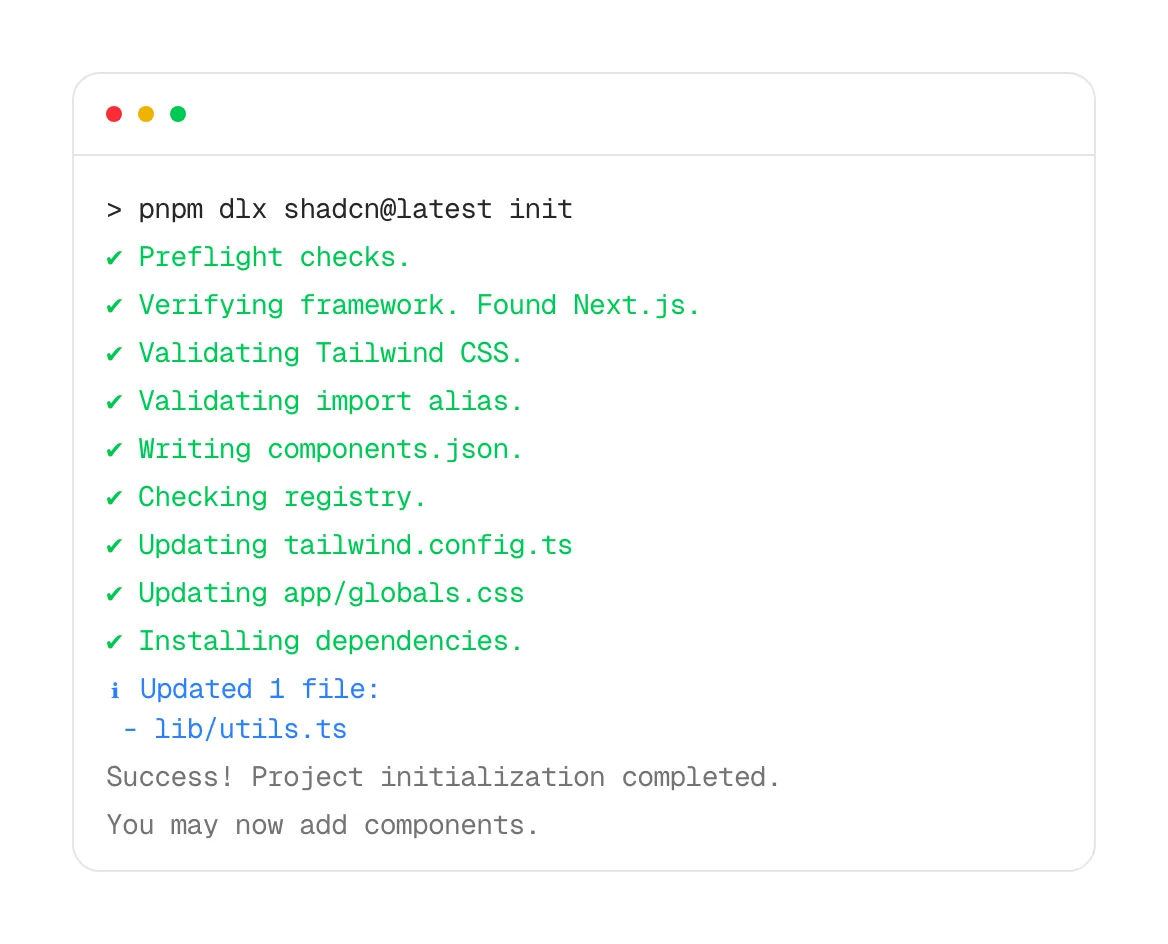
What is a code snippet?
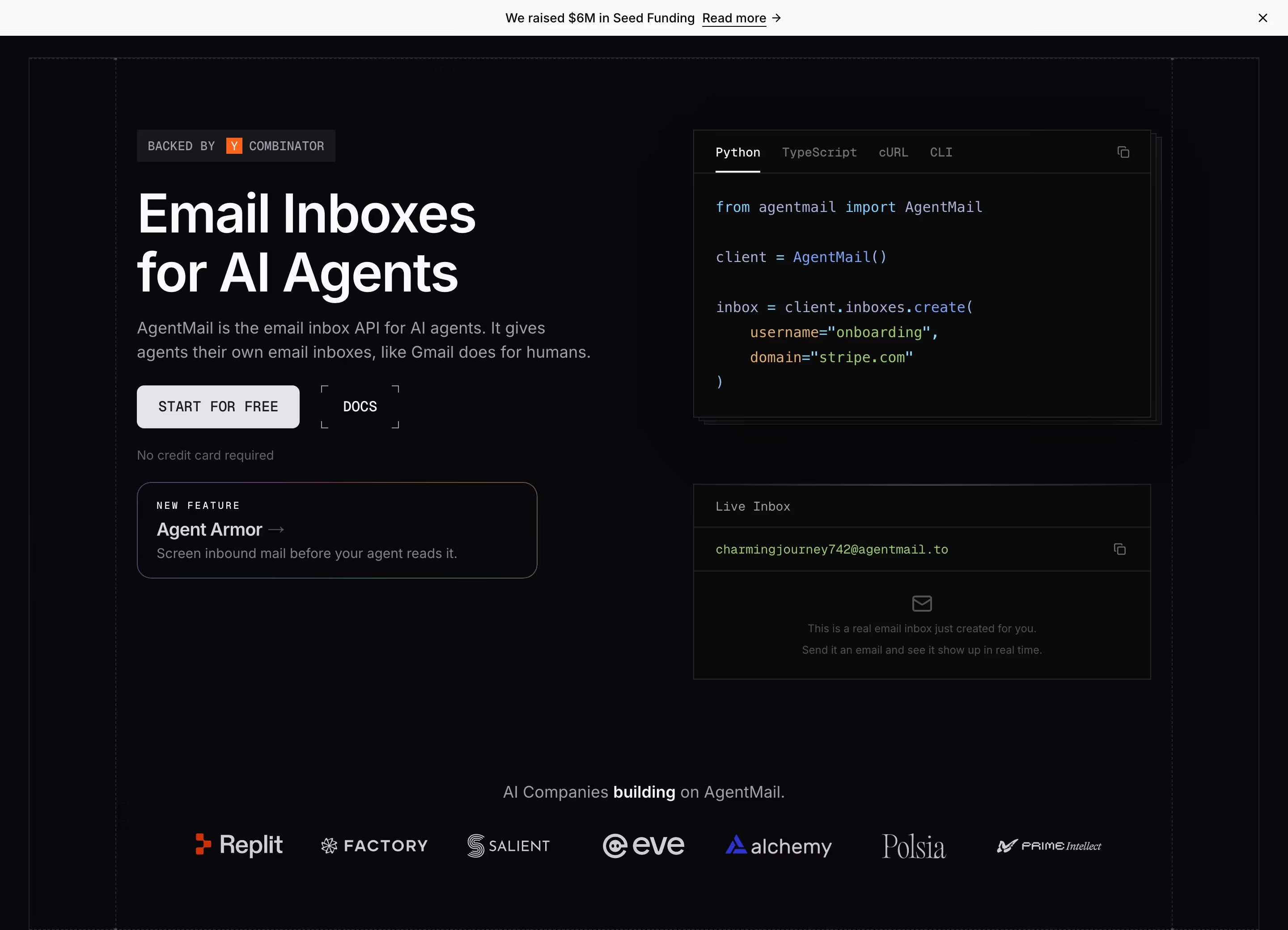
For developer tools the code snippet does the job a product screenshot does for everyone else: it shows the product. A one-line install command in the hero, such as Cline's "npm i -g cline" with a "Copy" button or Supermemory's "npx supermemory setup", says "you can start in ten seconds" more convincingly than any headline. Further down, language-tabbed code samples, like Resend's or Moss's Python and TypeScript panels, show what integrating actually looks like.
The best snippets are short, real and runnable. Three to ten lines that do something meaningful, using the actual SDK and real method names, beat a long block that scrolls. Tabs for languages or package managers let each visitor see their own stack without the page showing every variant.
Weak snippets are decorative: blurred or faded code that can't be read, pseudo-code that doesn't match the real API, or a long file that nobody will study on a marketing page. If the code can't be copied and run, it is just texture.
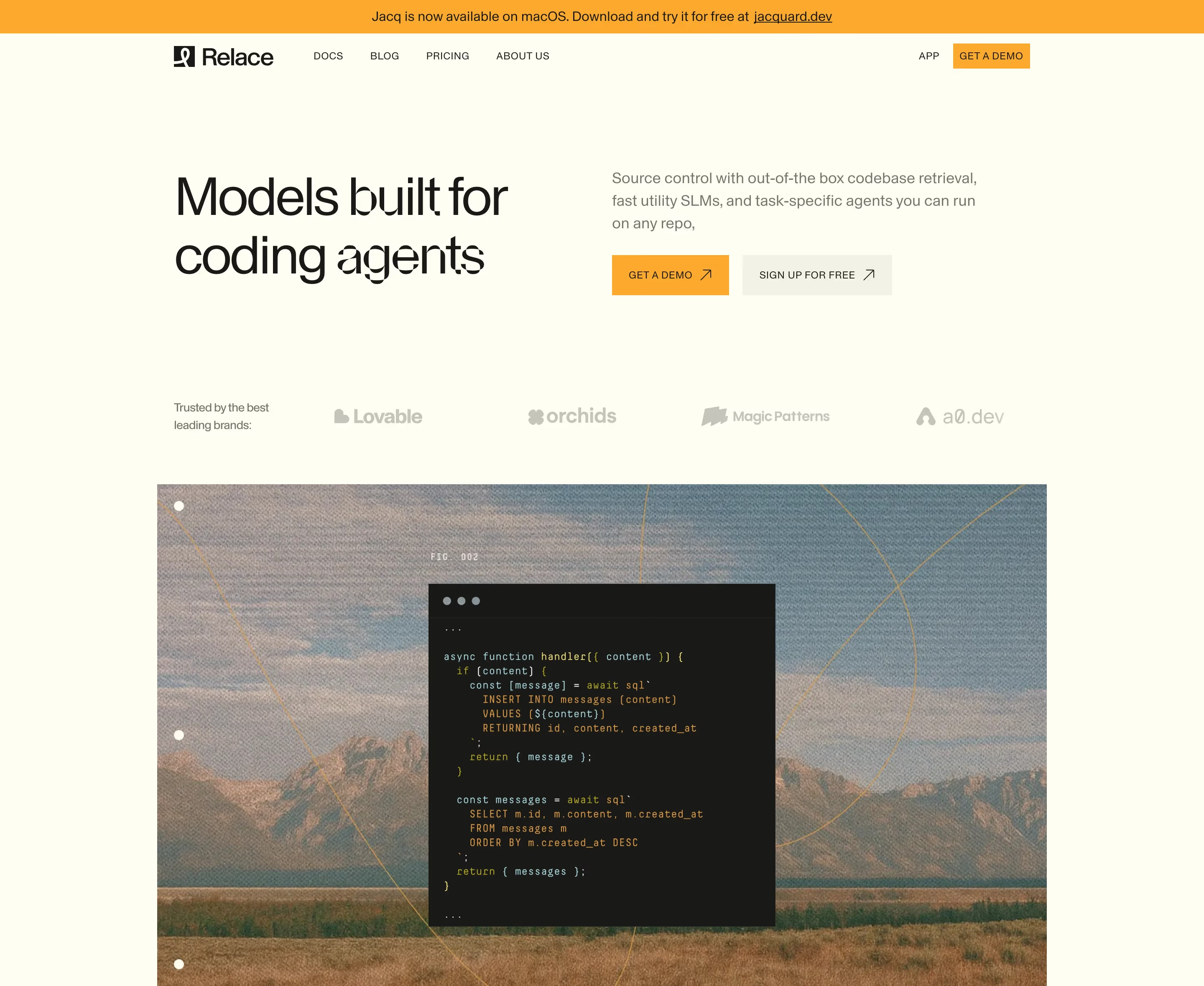
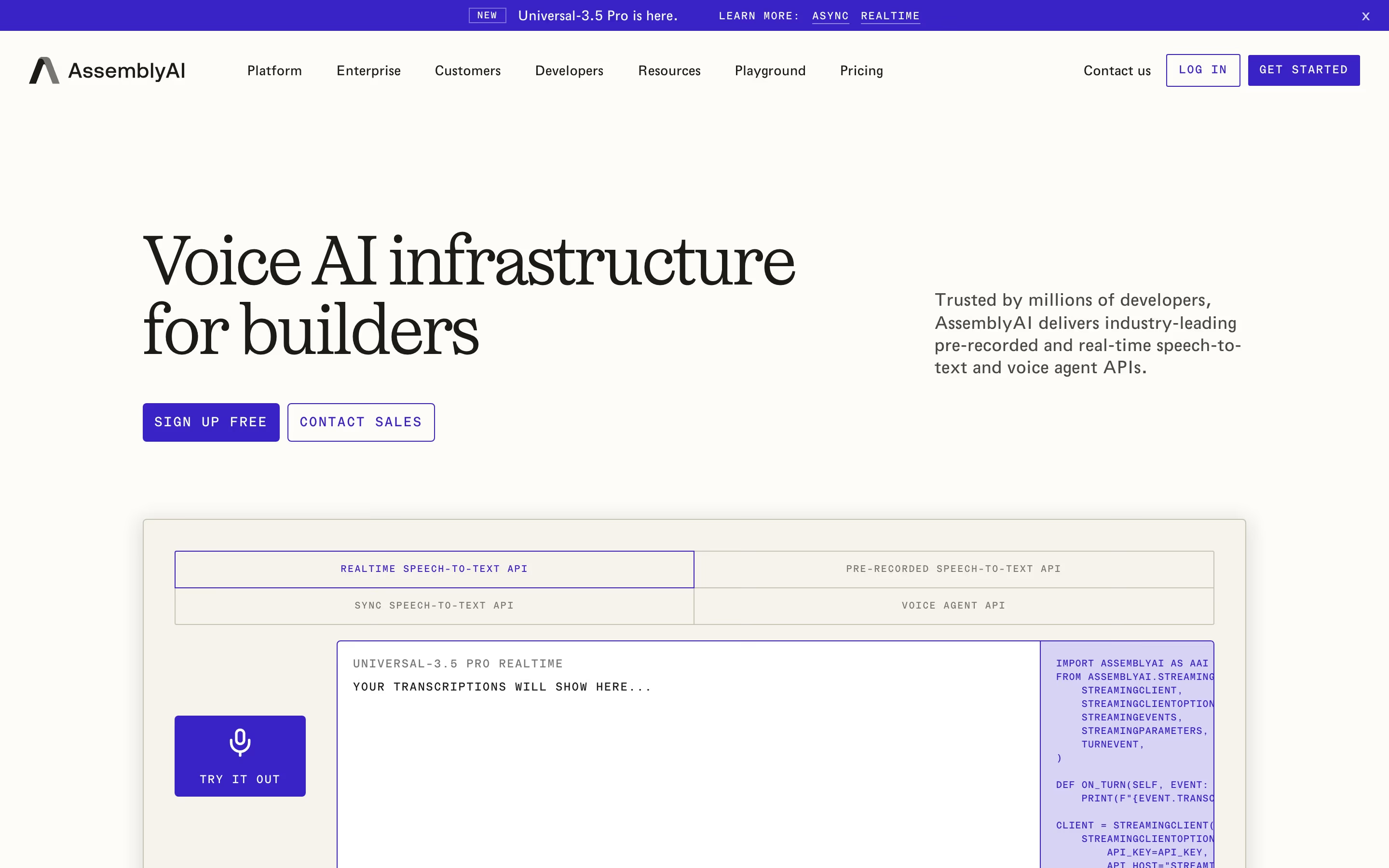
Code snippet examples from real SaaS sites
Each one is a hero capture whose design review mentions the code snippet.

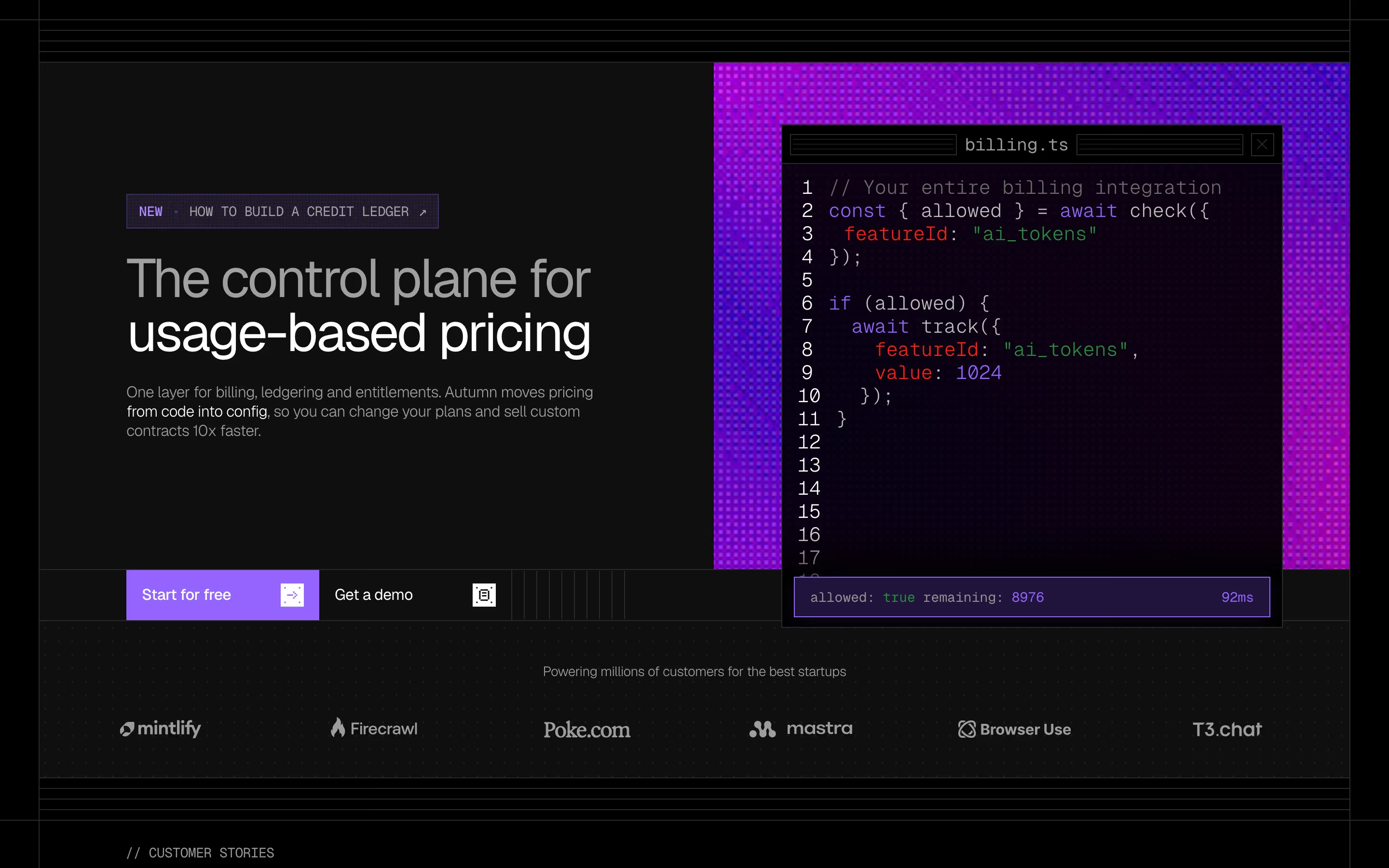
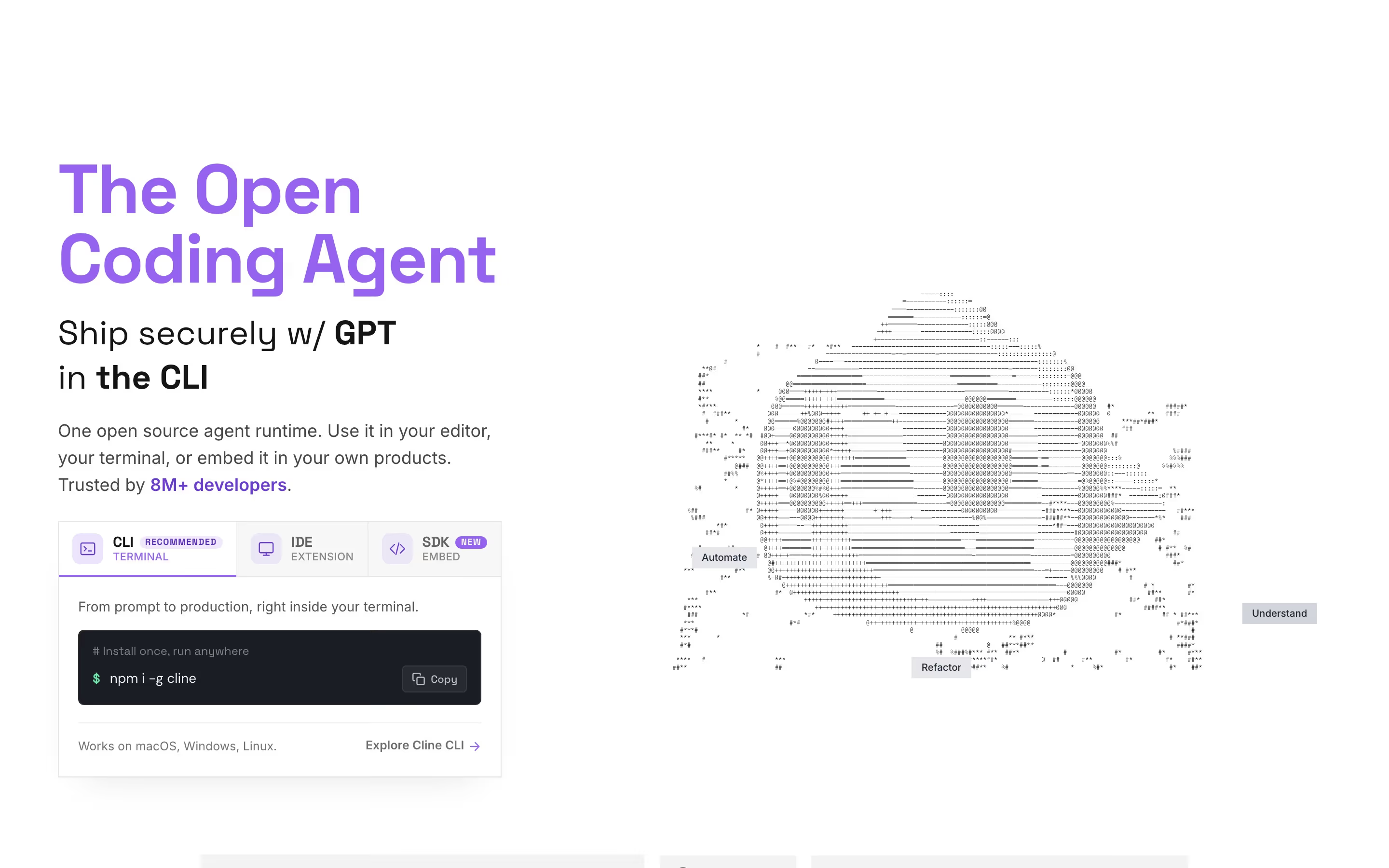
When to use a code snippet, and when not to
Use it for
- Developer audiencesAPIs, SDKs, CLIs and infrastructure, where the code is the product experience.
- One-line installsA copyable install command next to the primary CTA gives developers a faster path than signing up.
- Integration claims"Add it in five lines" is only believable when the five lines are on the page.
Avoid it for
- Non-technical buyersFor marketers or finance teams, a code block signals "not for you"; show the interface instead.
- Long or fake codeFifty lines or invented method names undermine the simplicity the snippet is meant to prove.
- Unreadable textureFaded, blurred or tiny code used as background decoration adds nothing a developer can use.
Anatomy of a code snippet
- 1ContainerA dark or tinted panel, sometimes styled as an editor or terminal window with traffic-light dots.
- 2TabsOptional language or package-manager tabs (TypeScript, Python, cURL; npm, pnpm, yarn).
- 3CodeA few lines in a monospace font with syntax highlighting and, for longer samples, line numbers.
- 4Copy buttonA one-click copy control, essential for install commands.
- 5Caption or linkA short line or link to the docs explaining what the code does.
Common code snippet variants
1. Install command
A single copyable line such as an npx, npm, pip or curl command, often right under the hero buttons.
2. Tabbed code sample
A short integration example with tabs for each supported language.
3. Terminal window
A mock terminal showing a typed command and its output, used to demo CLIs and agents.
4. Code beside UI
A code panel paired with the dashboard or result it produces, showing cause and effect.
Spotted in our design reviews
Our reviews describe a code snippet on 72 of the 422 SaaS homepages in the catalog. A few of them:
Right, a tabbed panel for "Python", "TypeScript", "Ruby", "Go" and "Java" shows "pip install daytona" over a sandbox code sample.
Daytona · Above the fold
Below, “Lunagraph Desktop” is a working window: Chat, Layers, Insert, Assets, and Icons tabs flank a selected component, web preview, code editor, and terminal.
Lunagraph · Hero canvas
A wide editor mock under them shows a left thread panel titled "SpendWise explorations", a finance dashboard canvas and an overlapping dark terminal window.
Magicpath · Above the fold
The subhead is set in a narrow centred block, and a white "Try for free" pill sits beside a grey "npx skills add https://mcp.tiun.business" pill.
Tiun · Above the fold
A layered mock on the right shows a code panel, a subscriber chart and a paywall card reading "Get outdoors with us".
Revenuecat · Above the fold
A strip of eight tabs, from "AI agents" to "Browser automation", opens onto a code panel with large grey text at right.
Trigger · Above the fold
A slim banner announces "Introducing Prime Agent" beside a copyable curl command, above a nav with four numbered tabs.
Primeintellect · Above the fold
The right column opens with "README" and a short paragraph, then a command bar reading "npx auth init" with tabs for CLI, Prompt, MCP and Skills.
Better-auth · Above the fold
Often confused with
Code snippet vs. monospace font
Monospace is a typeface choice that many developer sites use for labels and body text. A code snippet is a specific component containing actual code.
Code snippet vs. product screenshot
A product screenshot shows the interface. A code snippet shows the developer experience; dev tools often pair the two side by side.
Frequently asked
Should a code snippet go in the hero?
For a developer tool with a one-line install, yes: a copyable command beside the main button is often the fastest path to activation. Longer samples belong further down the page.
How long should a code sample be on a marketing page?
Short enough to read without scrolling, typically under ten lines. The goal is to show how little code is needed, not to document the API.
Light or dark code blocks?
Either works if it matches the page. Dark blocks stand out as distinct objects on light pages, which is why most sites use them even when the rest of the design is light.