
Overlays & feedback
Loading indicator
A loading indicator is an animated element, often a spinner or pulsing dots, that shows the interface is working when a wait has no known length.
- Also called
- Spinner, Loader, Activity indicator, Loading state
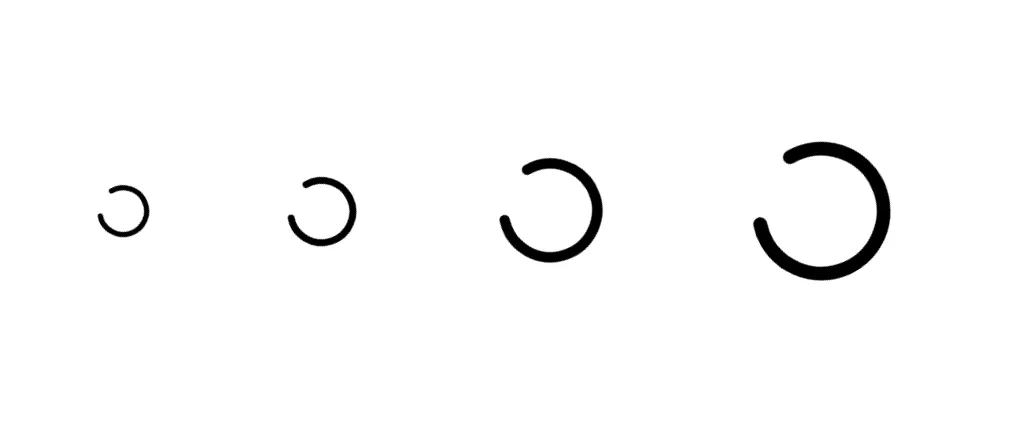
What is a loading indicator?
A loading indicator answers one question: "Is anything happening?" It is used when the wait has no measurable progress, such as a form submitting, a search running or an interactive demo fetching data. Spinners, pulsing dots and shimmering bars are the usual forms; a button whose label is replaced by a small spinner is the most common one on marketing sites.
SaaS sites mostly meet loading states in three places: submit buttons on signup and demo forms, embedded interactive demos and playgrounds that need a moment to start, and AI-product heroes where a prompt "thinks" before answering. In the last case the loading animation is part of the pitch; a few typing dots or a "Searching 12 sources..." line make the product feel responsive in a mockup.
Show an indicator only after a short delay (a few hundred milliseconds), so quick actions don't flash a spinner. Keep the triggering button disabled while it spins so it isn't clicked twice, say what is happening when the wait is long ("Setting up your workspace"), announce the state to screen readers, and slow or stop the animation for visitors who prefer reduced motion.
When to use a loading indicator, and when not to
Use it for
- Unknown waitsA request or process whose duration can't be estimated.
- Short delaysWaits of roughly one to a few seconds, where a progress bar would be overkill.
- Showing an AI thinkingA product mockup where a brief working state makes the response feel real.
Avoid it for
- Measurable progressUploads and multi-step setups should show a progress indicator with real progress.
- Page-level contentWhen a layout is loading, a skeleton of the content reads faster than a centered spinner.
- Instant actionsAnything faster than a few hundred milliseconds needs no indicator at all.
Anatomy of a loading indicator
- 1AnimationA spinner, dots or pulse that moves continuously while the work is underway.
- 2ContainerWhere it sits: inside a button, over a card or in the center of an embed.
- 3LabelAn optional line describing the work, such as "Generating" or "Connecting".
- 4Accessible statusA hidden live-region message so screen readers know something is loading.
Common loading indicator variants
1. Button spinner
Replaces or sits beside a button's label while a form submits.
2. Typing dots
Three pulsing dots, used for chat and AI responses.
3. Inline loader
A small spinner inside a card or embed that is fetching content.
Often confused with
Loading indicator vs. progress indicator
A progress indicator shows how much is done or how far through a process the visitor is. A loading indicator only says that work is happening.
Loading indicator vs. skeleton
A skeleton shows the shape of the content that is about to appear. A loading indicator shows motion, not layout.
Frequently asked
Should a spinner appear immediately?
No. Wait a few hundred milliseconds; if the action finishes first, the visitor never sees a flash. Once shown, keep it up long enough not to flicker.
Spinner or skeleton for loading content?
A skeleton when you know the layout of what is coming, such as a list or card grid. A spinner when you don't, or when the wait is inside a single button.