
Overlays & feedback
Skeleton
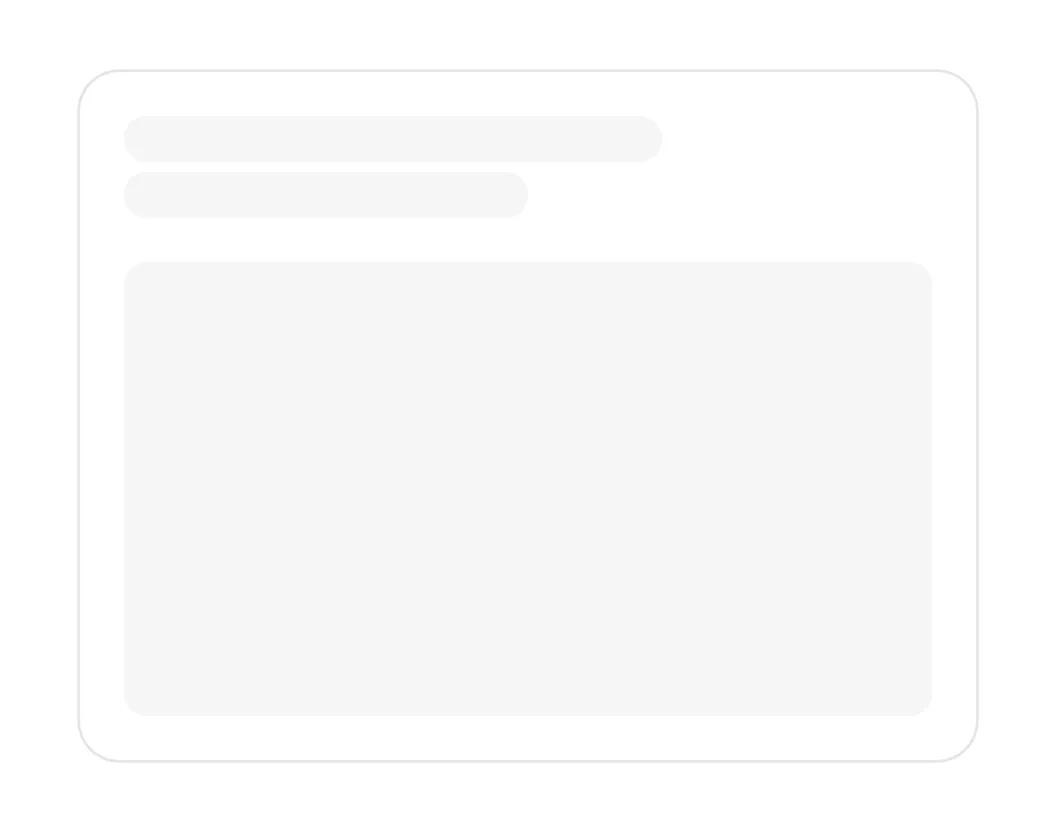
A skeleton is a gray placeholder in the shape of content that is still loading, such as text lines, avatars and cards, often with a soft shimmer.
- Also called
- Skeleton screen, Skeleton loader, Placeholder loading, Shimmer
What is a skeleton?
Skeletons show the layout before the data arrives. Instead of a blank area or a spinner, visitors see gray bars where headings and text will be, circles where avatars will be and blocks where images will be. When the content loads it takes the same places, so nothing jumps and the wait feels shorter because the page already looks nearly ready.
On marketing sites skeletons appear in a few places: blog and changelog lists that load client-side, embedded dashboards and interactive demos, and pricing pages that fetch localized prices. They also show up deliberately in product visuals. A hero mockup with one finished card and a few skeleton rows hints at activity, and AI products use shimmering skeletons to show an answer being generated.
A good skeleton matches the real layout closely, so the switch to content causes no layout shift. Keep the shapes simple and low-contrast, run the shimmer slowly and in one direction, and drop the animation for visitors who prefer reduced motion. Don't keep a skeleton up indefinitely: if loading fails, replace it with an error message or empty state.
When to use a skeleton, and when not to
Use it for
- Predictable layoutsLists, card grids and profiles whose shape is known before the data arrives.
- Waits over a momentLoads long enough to notice, where a blank area would look broken.
- Avoiding layout shiftReserving exact space so the page doesn't jump when content appears.
Avoid it for
- Server-rendered pagesIf the content is in the HTML already, a skeleton only delays it.
- Single actionsA form submit or button action needs a small loading indicator, not a page-shaped placeholder.
- Unknown layoutWhen the shape of the result can't be predicted, a skeleton will mislead.
Anatomy of a skeleton
- 1Text barsRounded gray lines of varying widths standing in for headings and paragraphs.
- 2Media blocksRectangles or circles in place of images, thumbnails and avatars.
- 3ContainerThe real card or row frame, shown as it will appear when loaded.
- 4ShimmerAn optional soft highlight sweeping across, signaling that loading is in progress.
Common skeleton variants
1. Static skeleton
Plain gray shapes with no animation, the calmest option.
2. Shimmer skeleton
A highlight that sweeps across the shapes in a slow loop.
3. Pulse skeleton
Shapes that fade gently in and out instead of shimmering.
Often confused with
Skeleton vs. loading indicator
A loading indicator is a spinner or dots with no hint of what is coming. A skeleton previews the layout of the content itself.
Skeleton vs. empty state
An empty state means loading finished and there is nothing to show. A skeleton means content is on its way.
Frequently asked
Are skeletons better than spinners?
For content with a known layout, usually yes: the page looks closer to ready and nothing jumps when the data arrives. For a single button or an unpredictable result, a spinner is simpler.
Why put skeletons in a product mockup?
To suggest a live product. A few finished rows above some loading ones, or a shimmering answer block, implies data and AI output arriving in real time.