
Components
Button
A button is a clickable control with a short verb label, styled to look pressable, that triggers an action such as signing up, submitting or opening.
- Also called
- CTA button, Primary button, Action button, Submit button
- Spotted on
- 416 of 422 homepages
- Browse examples
- Hero sections →

What is a button?
Buttons are the hinge of every SaaS marketing page. The hero's "Start free" or "Book a demo", the pricing card's "Choose plan", the newsletter field's "Subscribe": each is the moment a visitor stops reading and does something. Most homepages repeat the same primary button in the navigation, the hero and the closing band so it is never more than a scroll away.
The visual system matters more than any single button. A site needs one primary style (solid, in the accent color), one secondary style (outlined or muted) and a text-link style, used the same way everywhere. Warp keeps its single orange accent for primary buttons; Webflow reserves its blue for buttons and a few brand moments. That restraint is what makes the button the first thing the eye lands on.
Weak buttons fail in familiar ways: vague labels ("Submit", "Learn more" on every card), two equally loud buttons side by side, or a contrast so low that the button reads as a tag. A good label finishes the sentence "I want to..." and says what happens next.
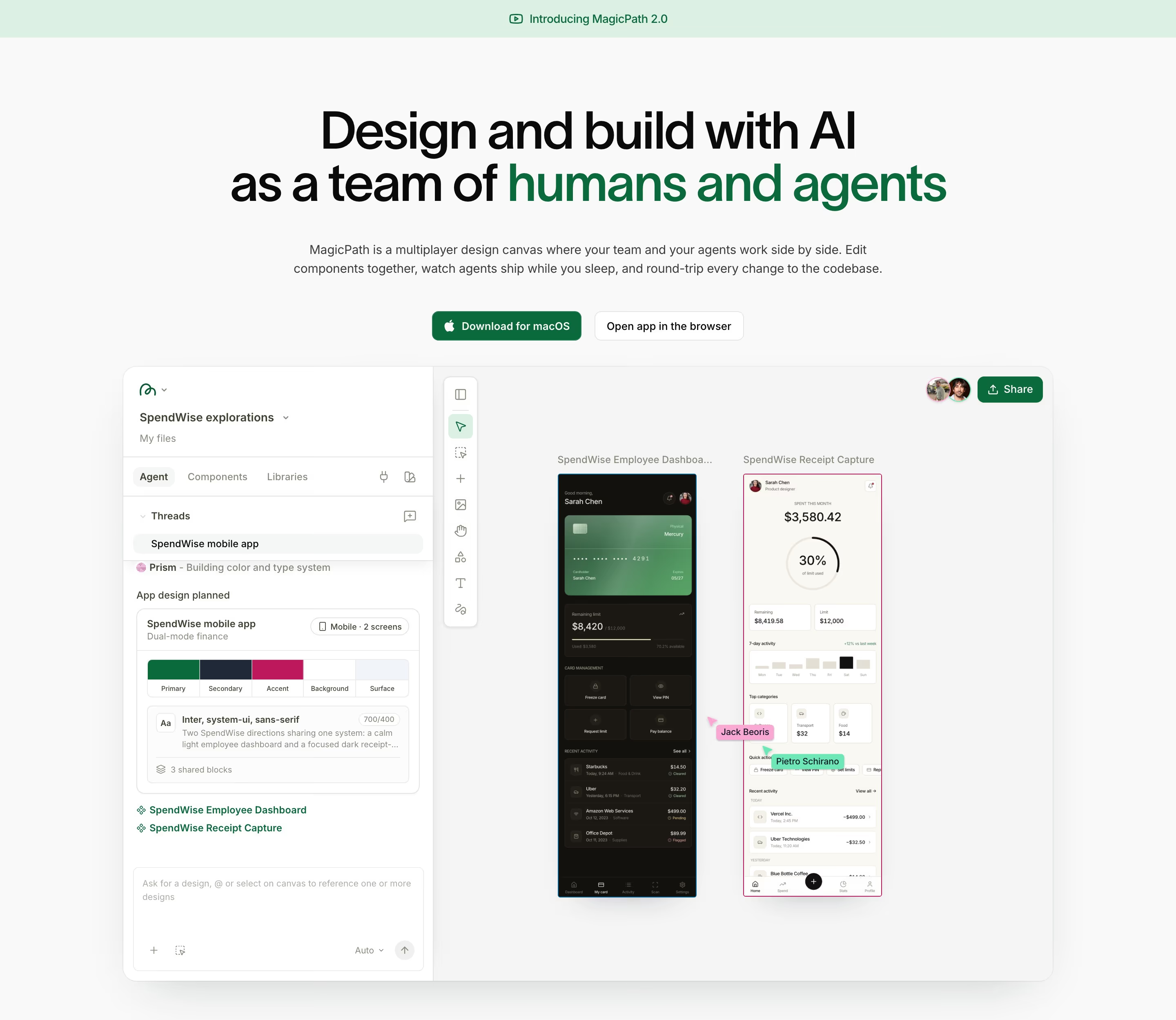
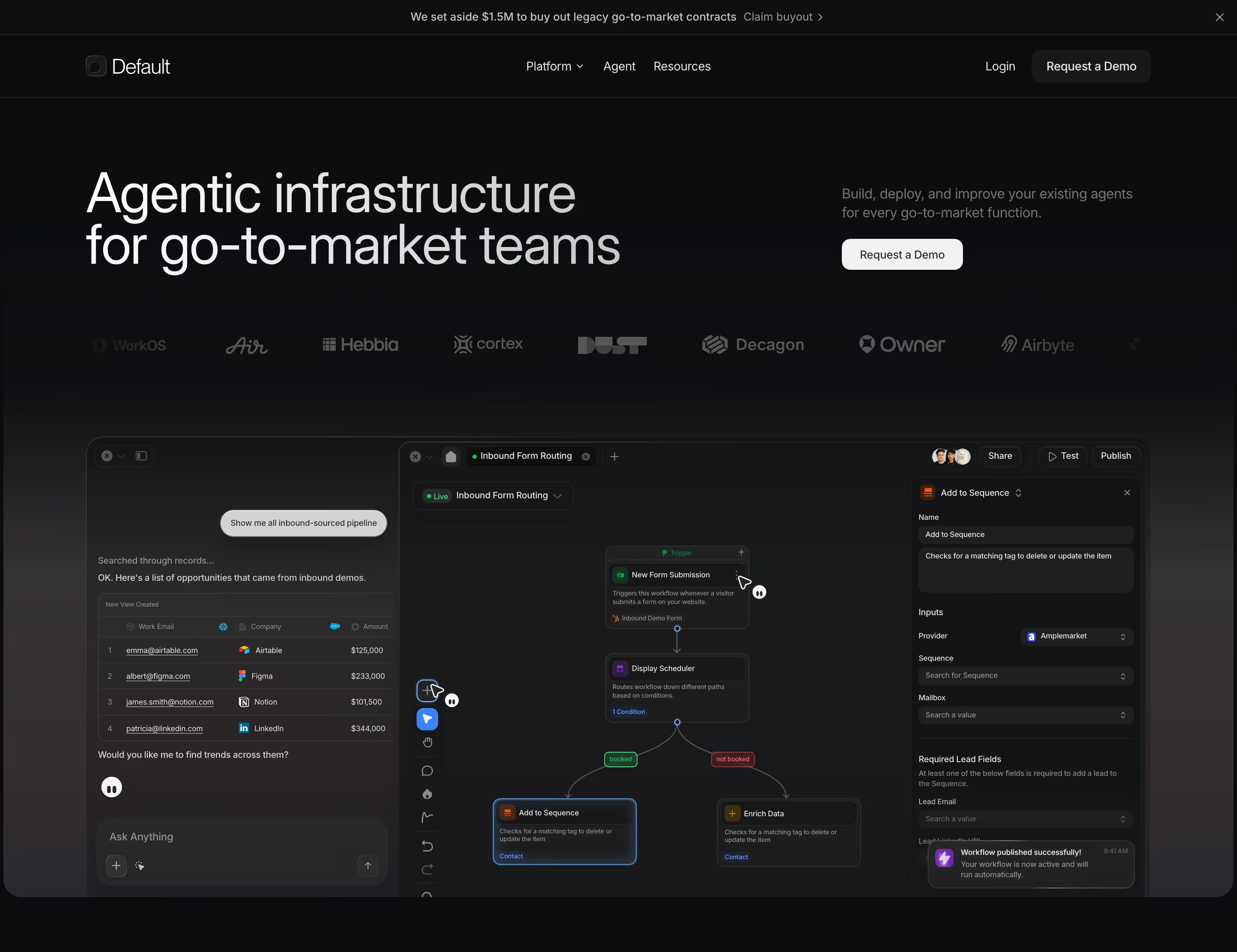
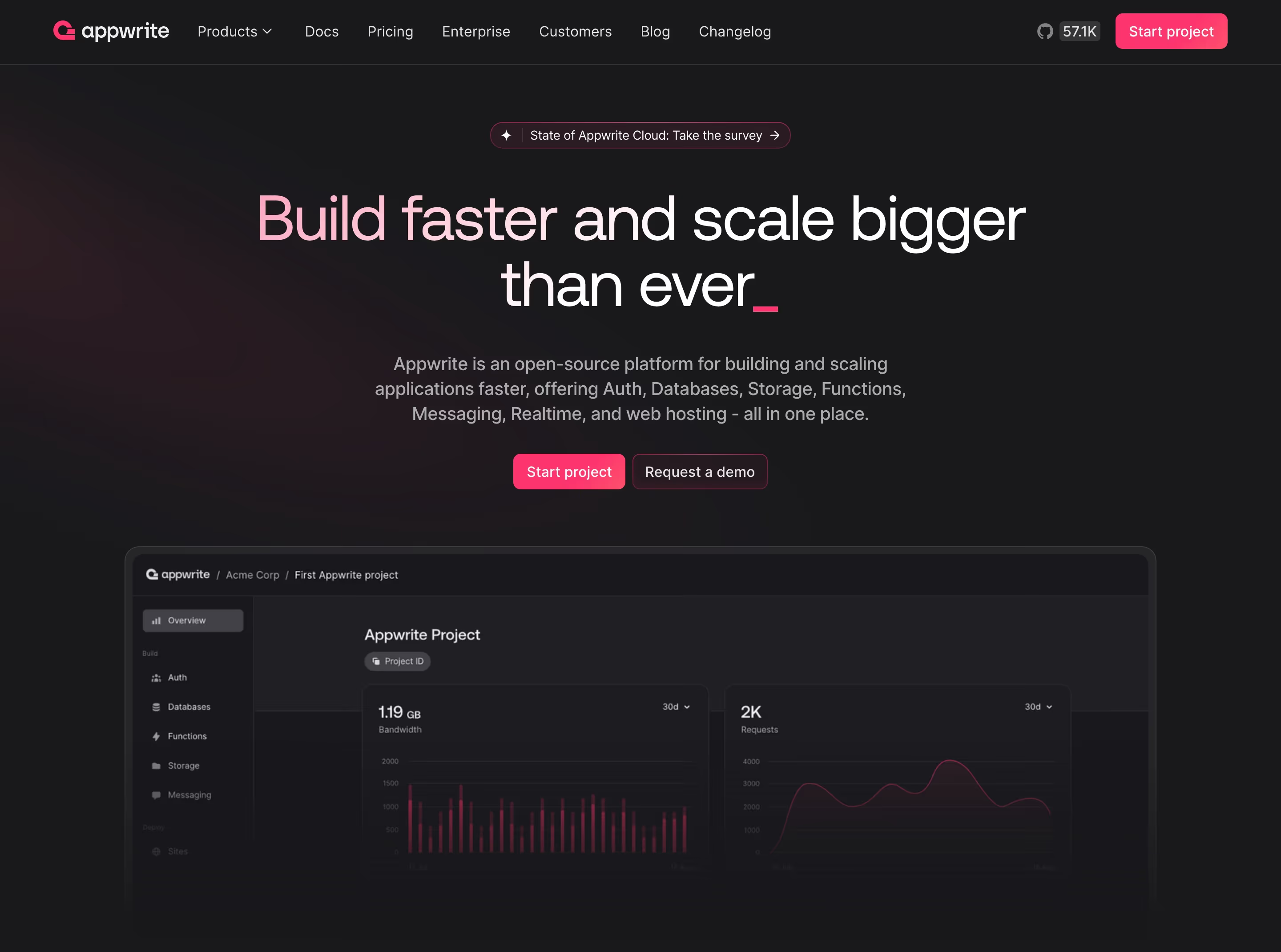
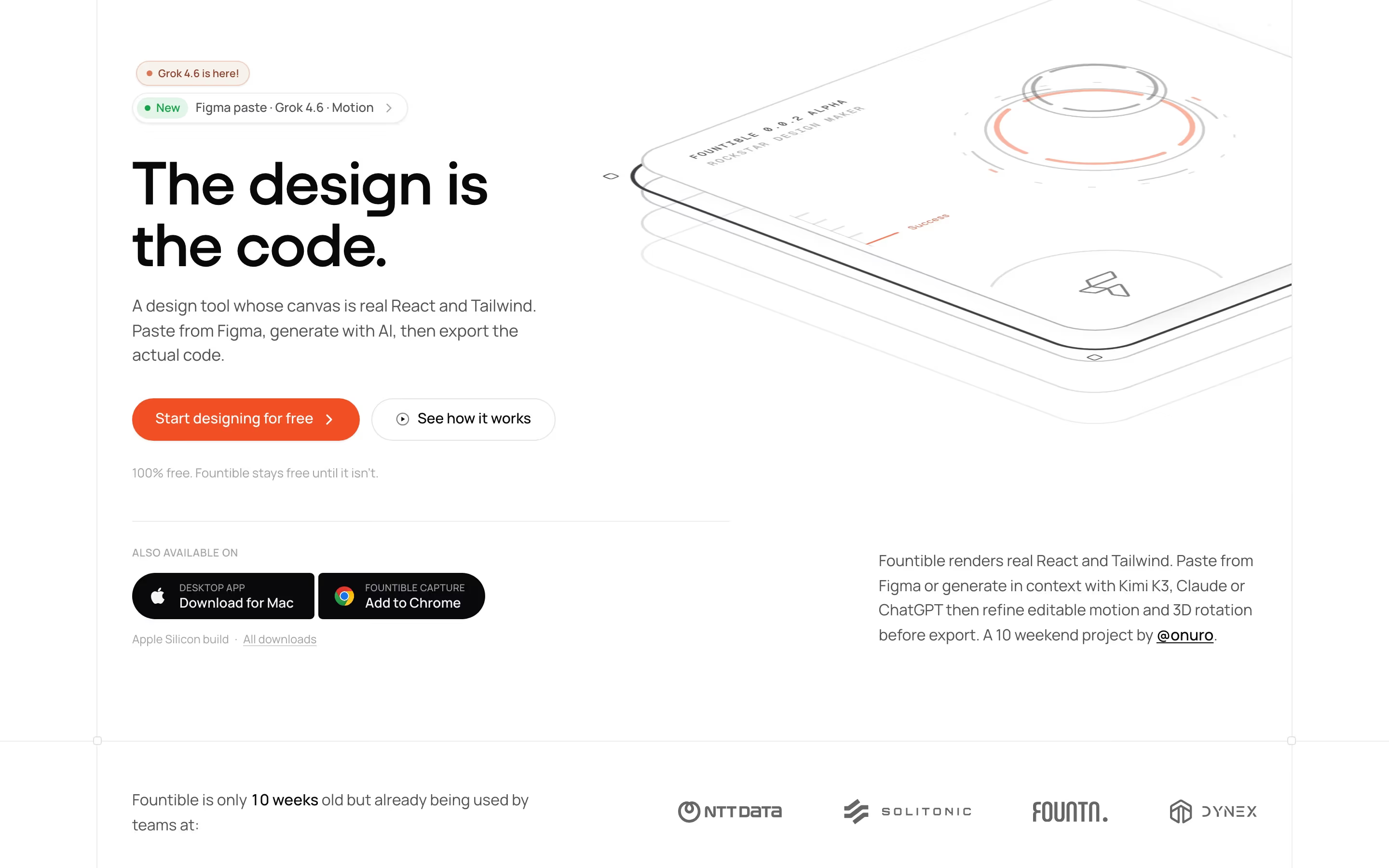
Button examples from real SaaS sites
Each one is a hero capture whose design review mentions the button.
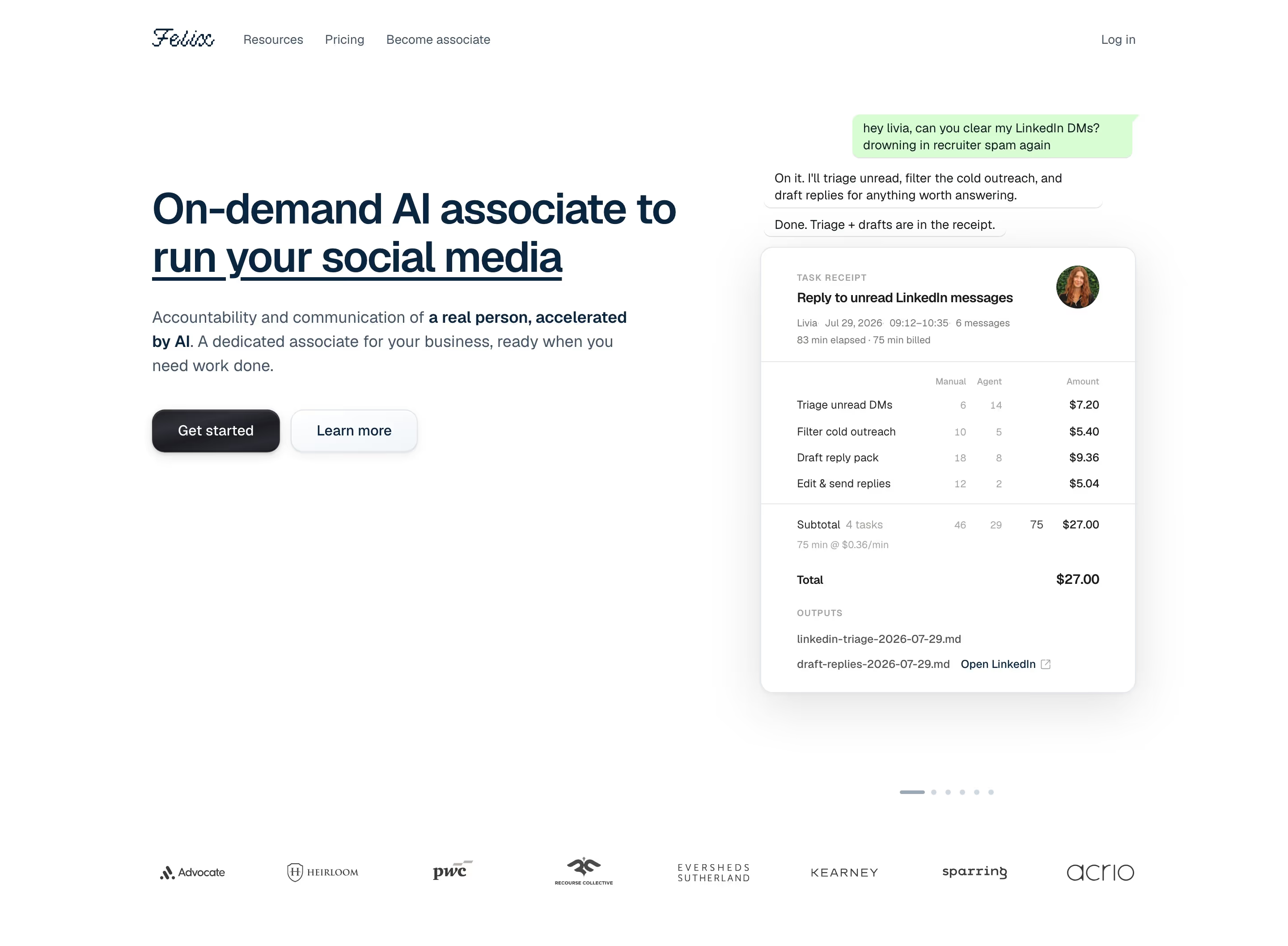
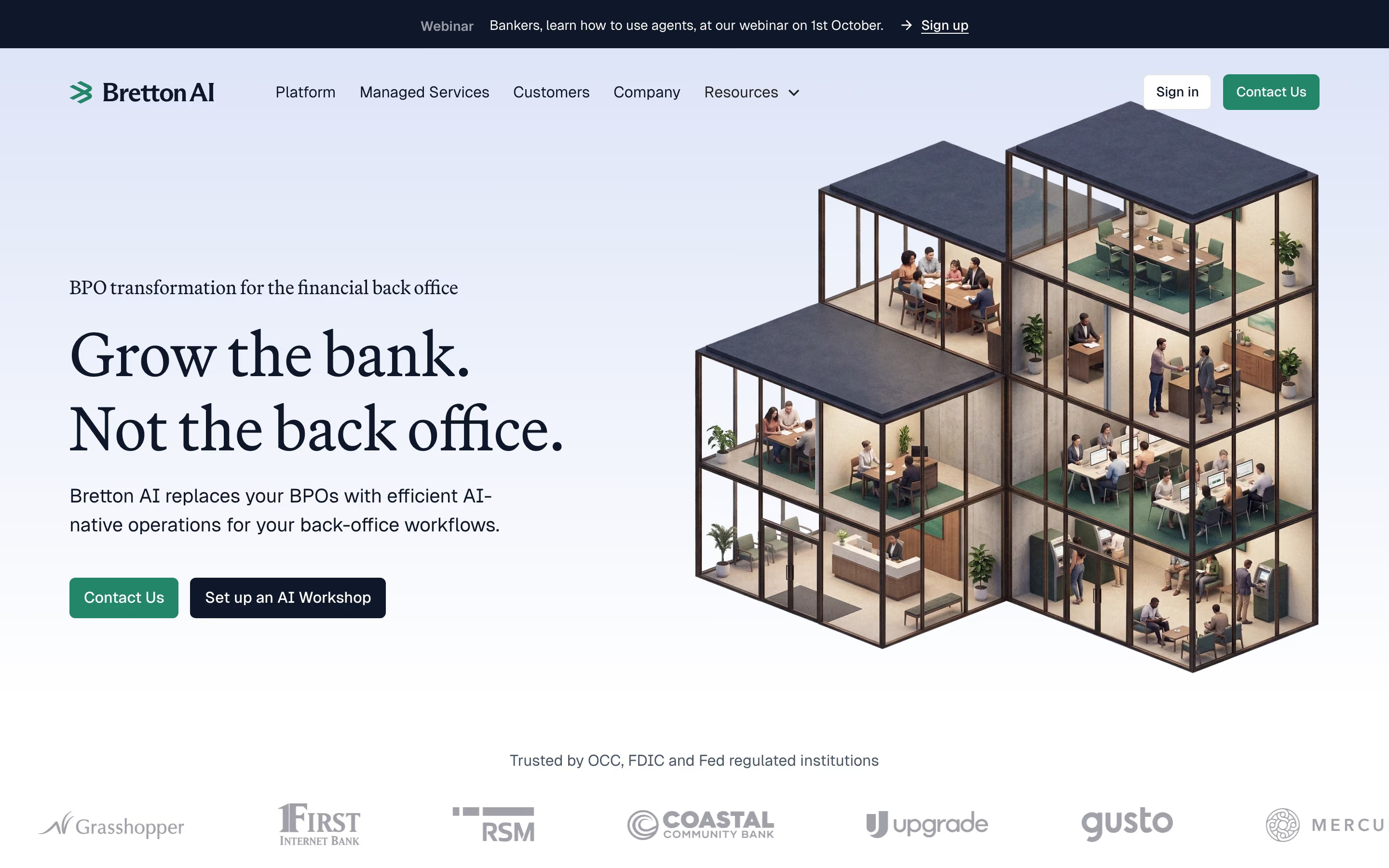
When to use a button, and when not to
Use it for
- Committing actionsStarting a trial, submitting a form or choosing a plan: anything that changes state or starts a flow.
- The page's main goalThe one action a section exists to drive deserves a filled, unmistakable button.
- Repeated entry pointsPlacing the same primary action in the nav, hero and closing section.
Avoid it for
- Inline navigationGoing to another page mid-sentence is a job for a hyperlink, not a button.
- Too many choicesFive buttons in one hero means none is primary; demote the extras to links.
- DecorationButton-shaped labels that do nothing teach visitors to stop clicking.
Anatomy of a button
- 1ContainerA filled or outlined shape, usually 40-48px tall, with a consistent corner radius across the site.
- 2LabelA short verb phrase ("Get started", "Book a demo") in medium or semibold weight.
- 3IconAn optional trailing arrow or leading logo, such as a GitHub or Google mark on sign-in buttons.
- 4StatesHover, focus and pressed styles that confirm the control is live; the focus ring matters for keyboard users.
- 5Supporting lineOptional microcopy beneath, such as "No credit card required", that lowers the cost of clicking.
Common button variants
1. Primary (filled)
Solid accent or black fill, used once per section for the main action.
2. Secondary (outlined)
A bordered, transparent button for the alternative path. See ghost button.
3. Text button
A label with an arrow and no container, for the lightest actions.
4. Icon or social button
Square icon-only buttons, or sign-in buttons carrying a provider logo.
Spotted in our design reviews
Our reviews describe a button on 416 of the 422 SaaS homepages in the catalog. A few of them:
The three-line headline "People + AI: Succeeding Together" sits left, over a three-line subhead and two buttons: dark green "Request a demo" and a mint "Take a tour".
Lattice · Above the fold
The centred hero carries a boxed "SEARCH AND FETCH APIS · NOW FREE" tag, the headline "Everything AI needs to use the web." with the last four words in orange, grey copy and one black "Get your API key" button.
Tinyfish · Above the fold
A large serif headline "Write like a human." sits above the sans-serif line "Ellipsus is a collaborative writing tool made for creativity." with a white "Join for free" button beneath.
Ellipsus · Above the fold
Instead of buttons, the only action is a monospace copy field reading "Add Clerk auth to my app: clerk.com/SKILL.md".
Clerk · Above the fold
Beneath it a floating pill nav holds the logo, a Dictation and Notetaker toggle, "Business", "Pricing", "Lab" and a lilac "Get started on macOS" button.
Wisprflow · Above the fold
The header carries "Product", "Use Cases", "Resources", "Security", "Pricing", "Enterprise" and a blue, bracketed "Superagents", with a dark "Start building" button at right.
Base44 · Above the fold
An email field and a dark "Book a demo" button sit beneath, while a product panel with a ticket table and chat bubbles fills the right side.
Console · Above the fold
A faint grid backdrop holds the oversized headline "From Notion to Blog", a two-line subhead, and two buttons, a filled "Start for free" and an outlined "View examples".
Feather · Hero, avatars and customer logos
Often confused with
Button vs. ghost button
A ghost button is one style of button: transparent fill, thin border, used for the secondary action. "Button" covers every style, including the filled primary.
Button vs. call to action
A call to action is the intent (the action you want taken) and can be a button, a link or a whole section. A button is the component that most often carries it.
Button vs. hyperlink
A link navigates to another place; a button performs an action. On marketing sites the line blurs, but inline text that goes somewhere should look like a link.
Frequently asked
How many buttons should a hero have?
One primary, at most one secondary. Two filled buttons of equal weight force visitors to choose without guidance; make the second one outlined or a text link.
Should button labels be "Get started" or something specific?
Specific beats generic when you can name the outcome ("Start free trial", "Book a demo"). "Get started" works when the next step is genuinely just sign-up and the hero has already explained the product.
Rounded or square buttons?
Either, as long as it is consistent. Fully rounded pill buttons feel softer and more current; small radii feel more technical. Mixing both on one page looks unfinished.