
Navigation
Pagination
Pagination is a row of numbered links and next/previous arrows that splits a long list across several pages and lets readers jump between them.
- Also called
- Pager, Page numbers, Numbered pagination, Paging
- Spotted on
- 4 of 422 homepages
- Browse examples
- Blog pages →

What is pagination?
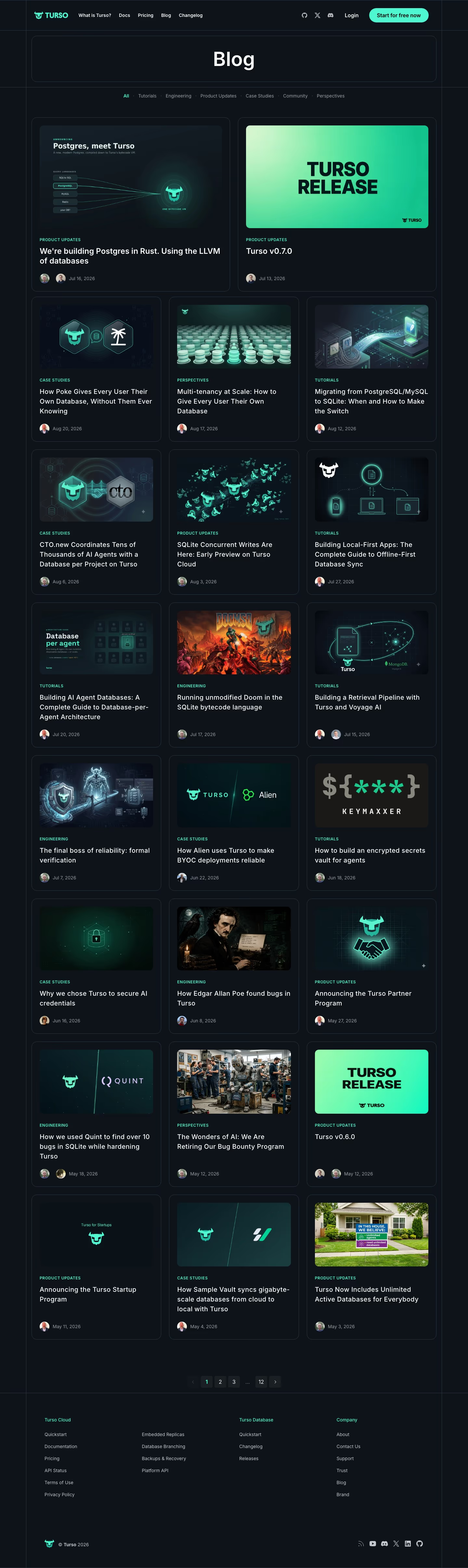
On SaaS sites pagination lives at the bottom of the blog index, the changelog, the customer-stories library and search results. Its job is unglamorous: let a reader get past the first twelve posts without loading three hundred at once. Our blog reviews describe it plainly, Turso's grid "ending in pagination up to '12'" and Linktree's "numbered pagination" below its cards.
Numbered pagination tells the reader how big the archive is and lets them jump back to a page they remember, which a single "Load more" button cannot. Its weakness is that page 2 rarely gets visited, so a blog that leans on pagination should also offer categories or search, or older posts effectively disappear.
The details that matter: a clear current-page state, previous and next arrows that are big enough to tap, and real links (not script-only buttons) so each page has its own URL that search engines can crawl.
Pagination examples from real SaaS sites
Each one is a blog page capture whose design review mentions the pagination.


When to use pagination, and when not to
Use it for
- Large archivesA blog or changelog with more entries than one page should load.
- Returning readersPeople who want to find "that post on page 3" again need stable, numbered pages.
- Crawlable listingsEach page of the archive gets its own URL, which helps older posts stay discoverable.
Avoid it for
- Short listsUnder a couple of dozen items, show them all; a pager for two pages is friction.
- CarouselsA slider of cards uses page-control dots or arrows, not numbered pages.
- Browsing feedsFor casual, visual browsing a "Load more" button keeps people moving without a page reload.
Anatomy of pagination
- 1Previous controlAn arrow or "Previous" link, disabled on the first page.
- 2Page numbersLinks to individual pages, with an ellipsis standing in for long runs.
- 3Current pageThe active number, filled or outlined so it reads as "you are here".
- 4Next controlAn arrow or "Next" link, disabled on the last page.
- 5Result countAn optional "Showing 1–12 of 140" line that sets expectations.
Common pagination variants
1. Numbered pager
Page numbers with arrows on either side, the standard on blog indexes.
2. Previous / next only
Two links and no numbers, common on changelogs and single-post navigation.
3. Load more button
One button that appends the next batch to the same page.
4. Infinite scroll
New items load automatically as the reader nears the bottom, which hides the footer and the archive's size.
Spotted in our design reviews
Our reviews describe pagination on 4 of the 422 SaaS homepages in the catalog. A few of them:
A three-column grid of square-cover cards follows, split by two promo cards, ending with "See more posts" and numbered pagination.
Linktr · Blog pages
Pagination reads "1", "2", "32", and a four-card "Product Updates" row follows.
Supademo · Blog pages
Three-column cards below each hold an illustration, mint category label, title, avatars and date, ending in pagination up to "12".
Turso · Blog pages
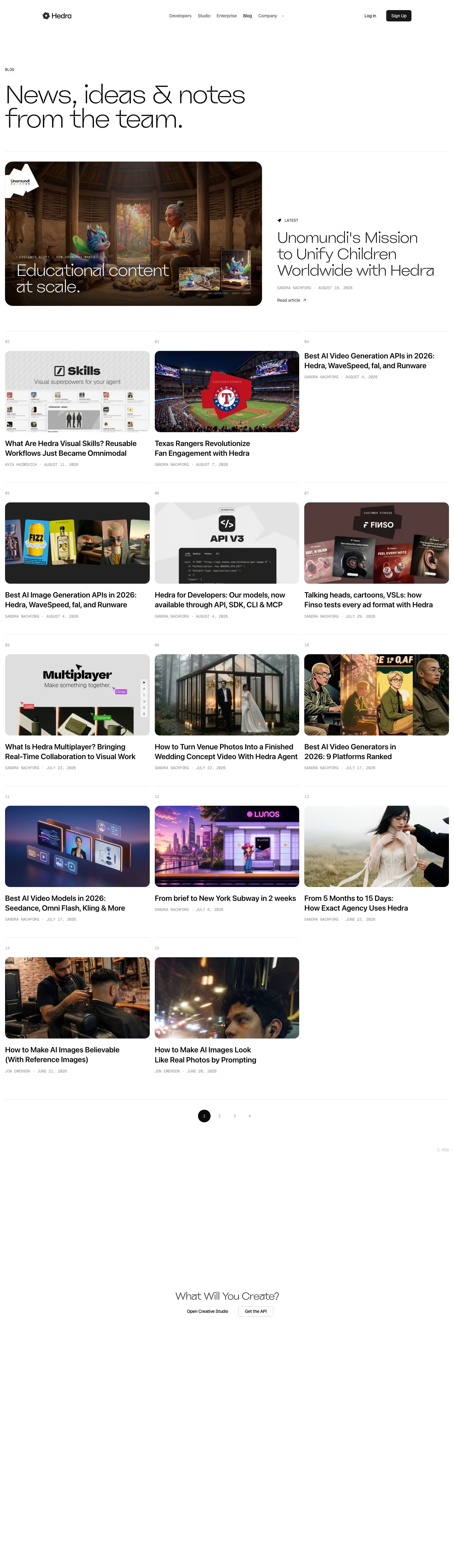
Pagination and an RSS link follow.
Hedra · Blog pages
Often confused with
Pagination vs. page control
Page-control dots show position within a carousel and carry no numbers. Pagination splits a list across separate pages with their own URLs.
Pagination vs. stepper
A stepper shows progress through ordered steps of a task. Pagination moves through pages of a list in any order.
Frequently asked
Is pagination or "Load more" better for a SaaS blog?
Pagination is better for archives people search and return to, because every page has a URL. "Load more" feels smoother for browsing. Many blogs pair a "Load more" button with category filters so older posts stay findable.
How many posts should a blog show per page?
Enough to fill the grid evenly, typically nine or twelve for a three-column layout, so the last row isn't left half empty.