
Components
Card
A card is a bounded container, usually a rounded rectangle, that groups an image, a heading, short text and often a link into one self-contained unit.
- Also called
- Content card, Feature card, Panel, Tile card
- Spotted on
- 407 of 422 homepages
- Browse examples
- Feature sections →
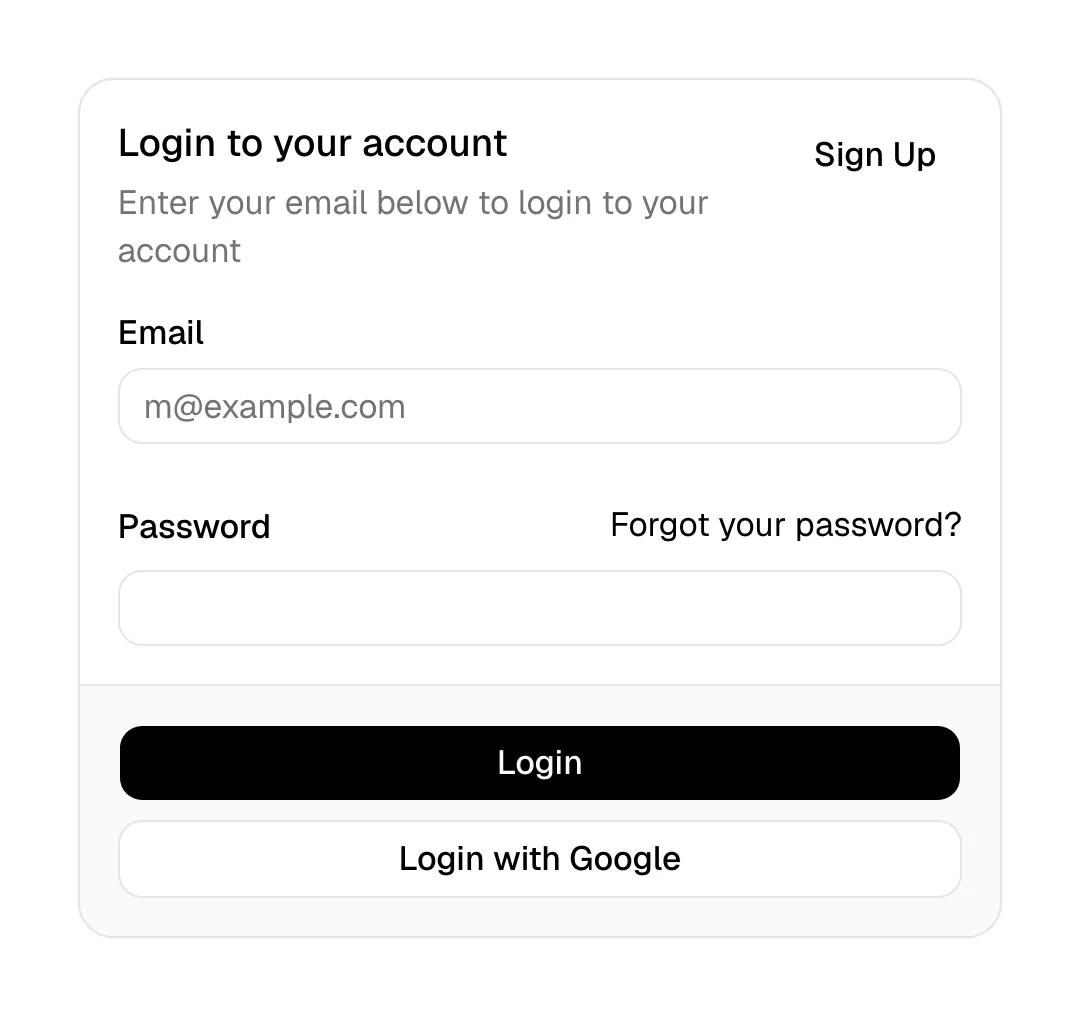
What is a card?
Cards are how SaaS sites chunk information. A feature grid is a row of cards, each with an icon, a title and two lines of copy; a pricing page is three or four plan cards; a blog index is a wall of post cards. Because each card is self-contained, they reflow cleanly from four columns on desktop to one on a phone.
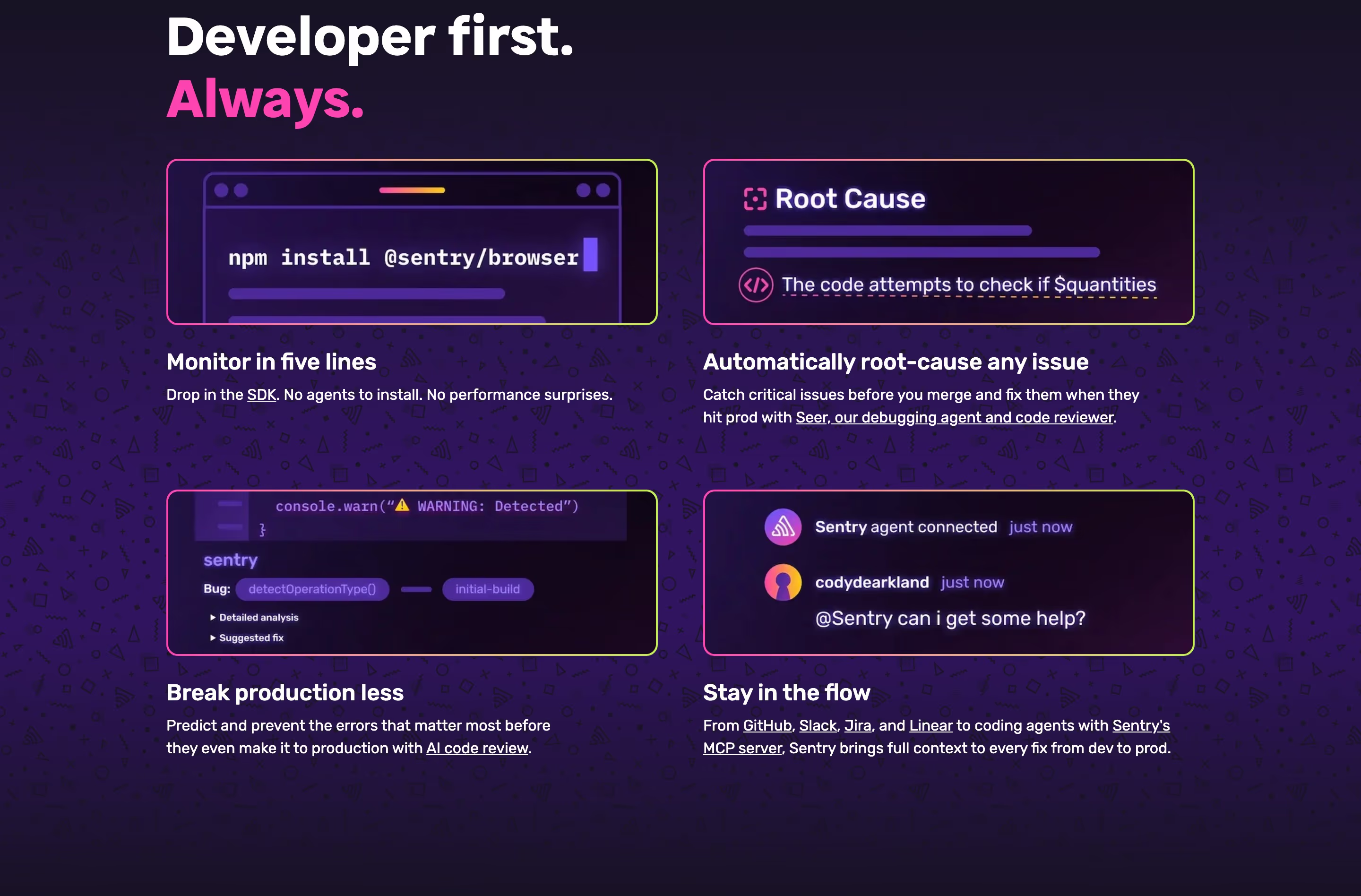
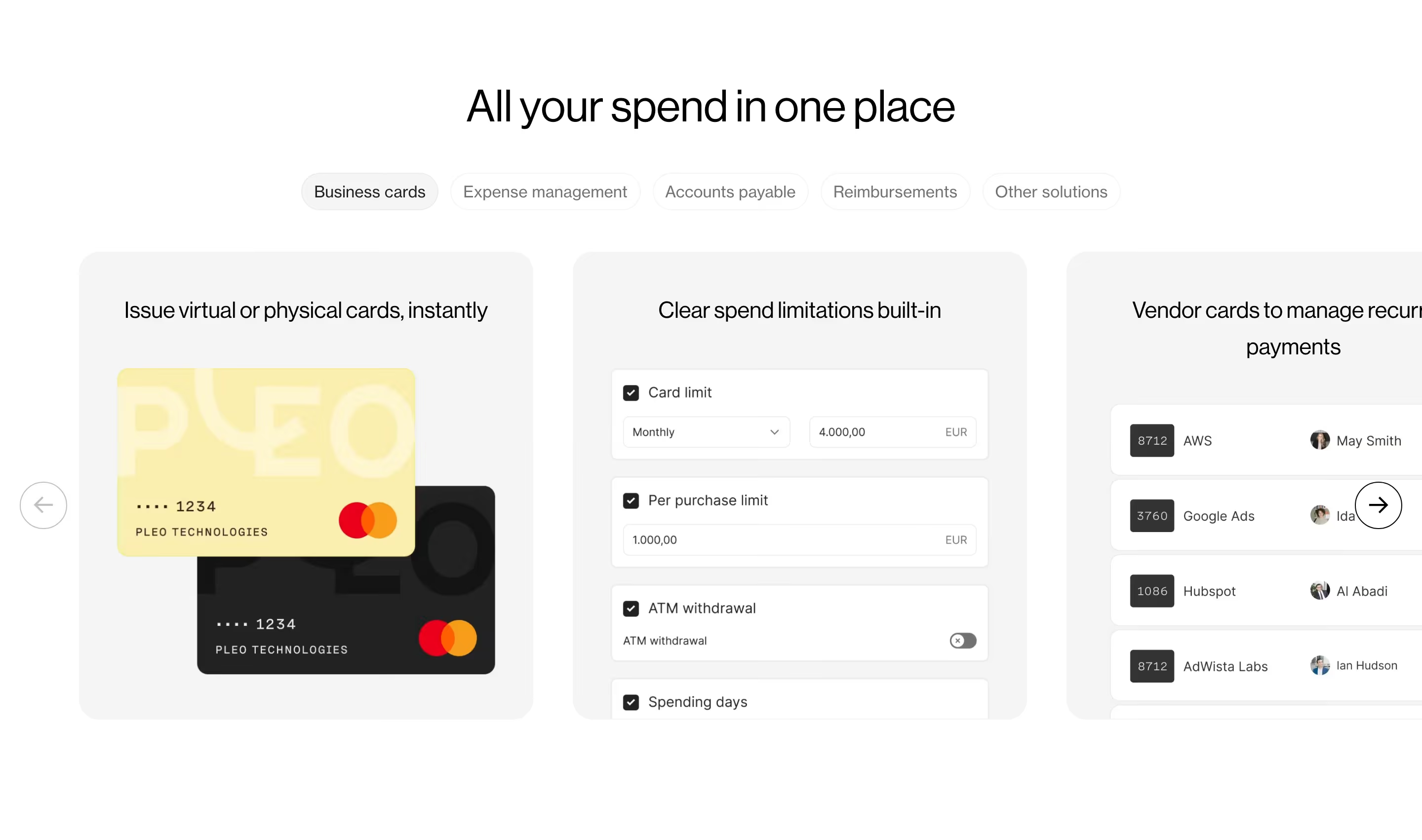
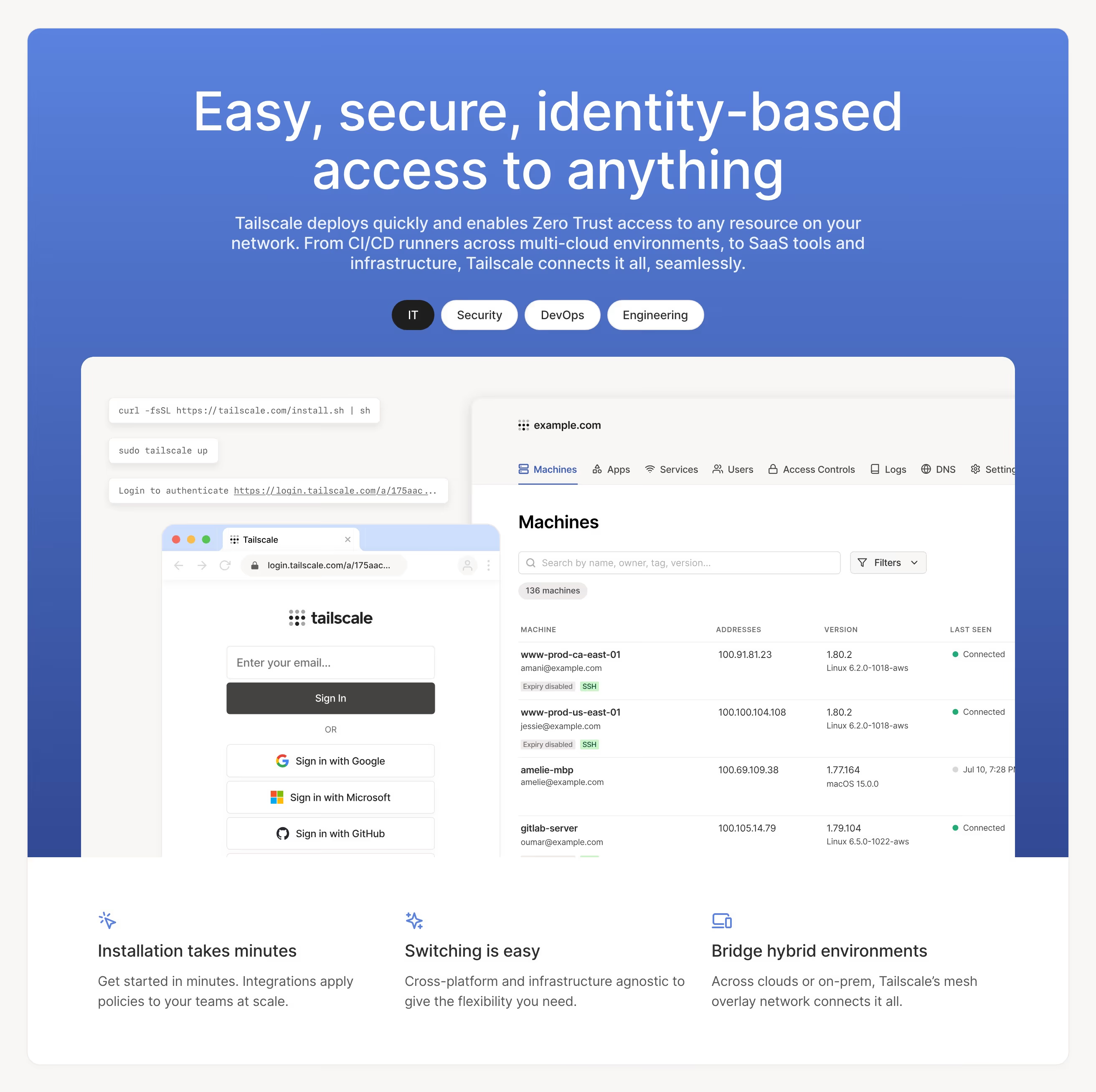
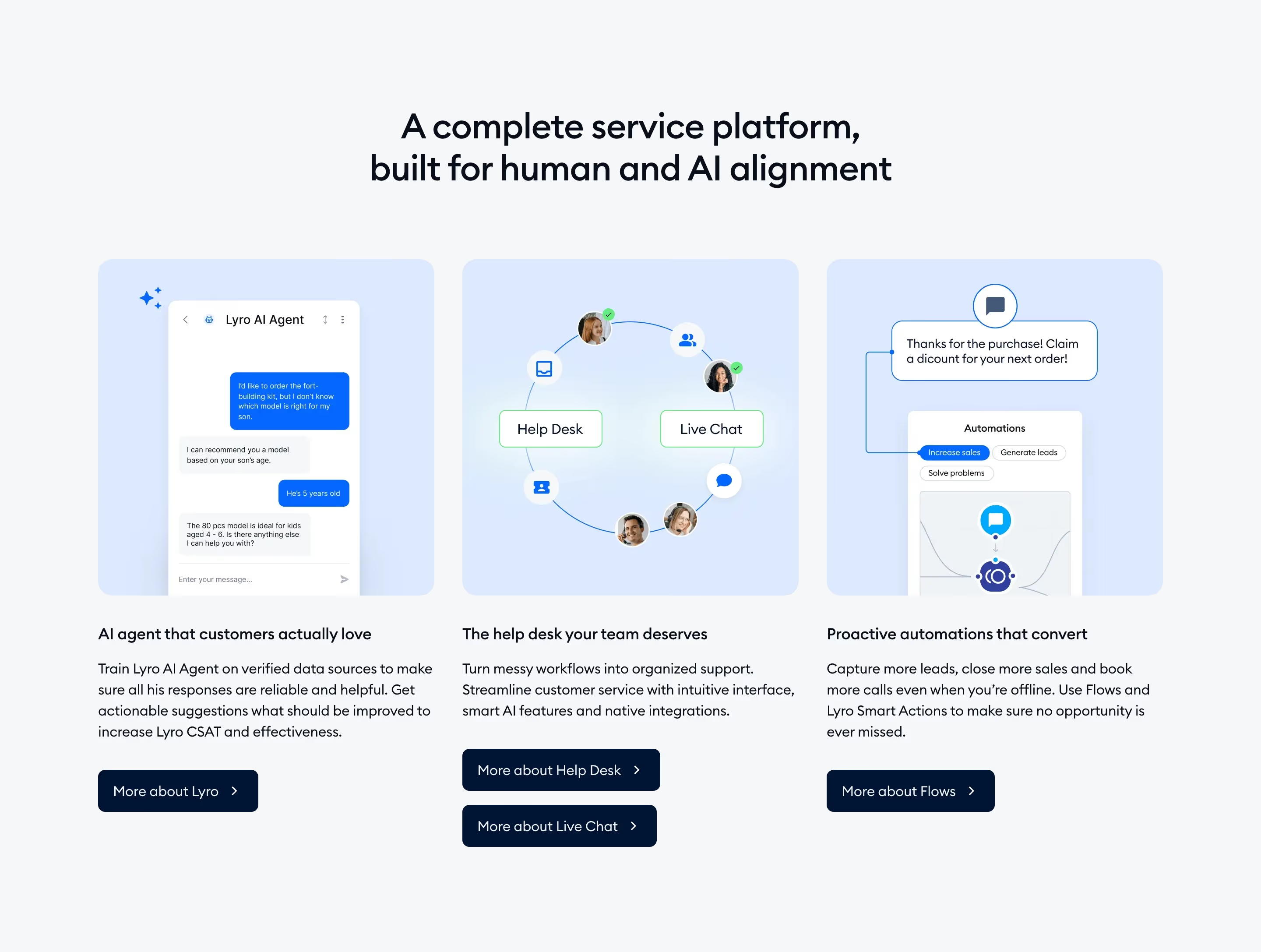
The best feature cards carry something visual that proves the claim: a small product crop, a chart or a mini interface, as in Polar's four billing cards topped by radiating-line drawings or Mailchimp's two-by-two grid with icons, checklists and illustrations. Cards are also the default for customer stories, as with Stripe's carousel of dark story cards.
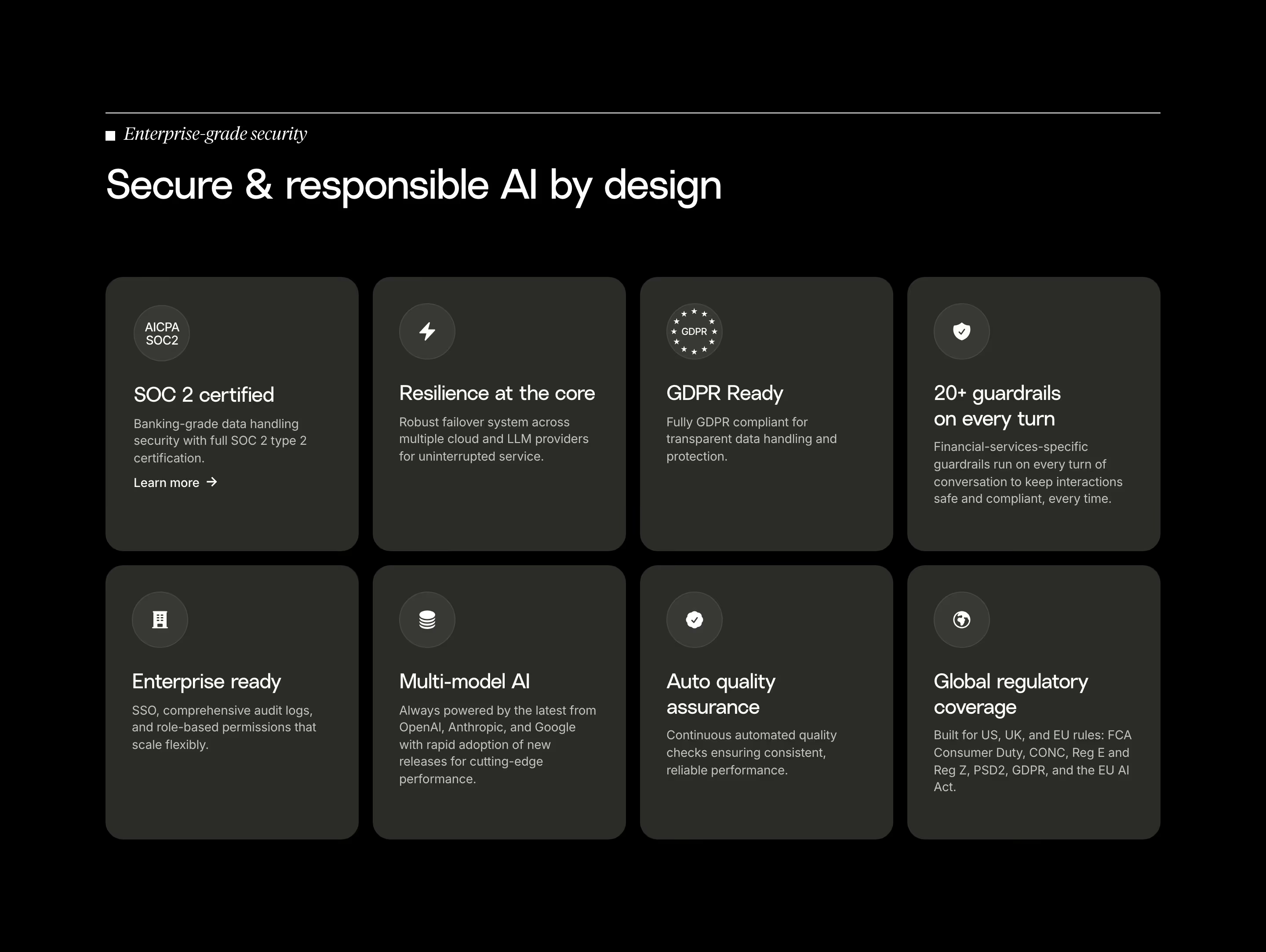
Cards go wrong when they become boxes around paragraphs. Eight identical grey cards with an icon and three lines each are easy to build and hard to remember. Vary the size where content deserves it (that is what a bento grid does), and make the whole card clickable if it links anywhere.
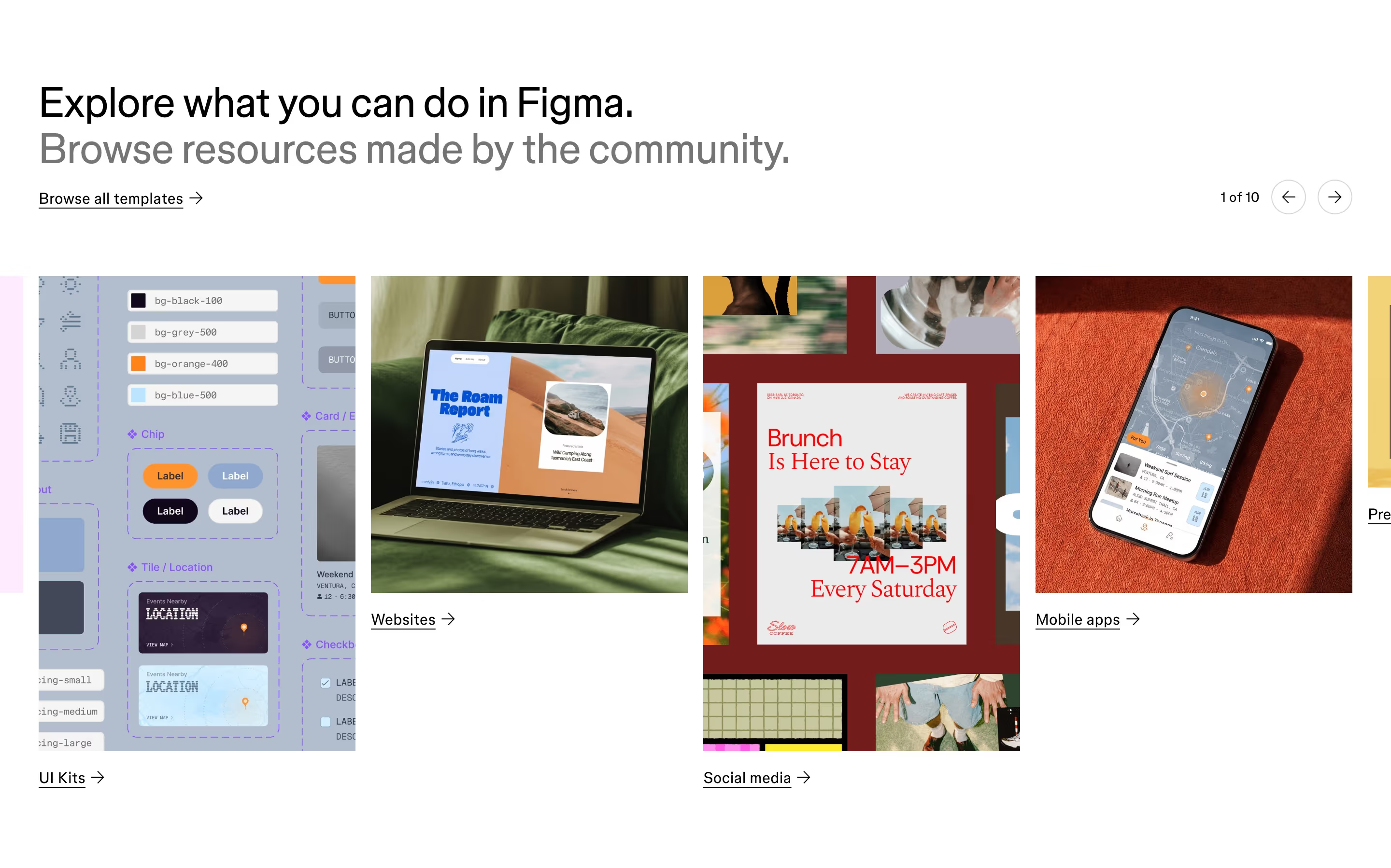
Card examples from real SaaS sites
Each one is a feature capture whose design review mentions the card.
When to use a card, and when not to
Use it for
- Parallel itemsSeveral things of the same kind (features, plans, posts) that visitors compare side by side.
- Responsive gridsContent that must reflow from many columns to one without redesigning each block.
- Linkable summariesEach item leads to its own page and needs a compact preview.
Avoid it for
- One long storyA narrative that flows from point to point reads better as a plain section than chopped into boxes.
- Cards inside cardsNesting bordered containers several layers deep makes the hierarchy unreadable.
- Uneven contentIf one item has a paragraph and the next has a word, a list or table will look tidier.
Anatomy of a card
- 1ContainerA rounded rectangle defined by a border, a shadow or a background tint.
- 2MediaAn icon, illustration, screenshot or photo at the top or side.
- 3HeadingA short title, the part visitors scan across the row.
- 4BodyOne to three lines expanding on the heading.
- 5ActionA link, arrow or button; often the whole card is the link target.
Common card variants
1. Feature card
Icon or visual, title and short copy in an even grid.
2. Pricing card
Plan name, price, feature list and a button, often with one card highlighted.
3. Content card
Thumbnail, title, date and author for blog posts or resources.
4. Story card
A customer logo or photo with a one-line result, linking to a case study.
Spotted in our design reviews
Our reviews describe a card on 407 of the 422 SaaS homepages in the catalog. A few of them:
A floating card headed "Set up for free" lists three ticked claims above two buttons, "Get started" and "Install with AI".
Posthog · Above the fold
On the right, an "Installation Method" card with "Human" and "Agent" toggles sits above four small call-status tiles.
Pollyreach · Above the fold
Inside it, a "Customer Lifecycle" card lists four stages beside an "Active Rules" panel with four rules.
Critter · Above the fold
Seven portrait cards fan out beneath, the centre one, "Atif Dashwood", enlarged with "Hire Atif for free" and arrows below.
Delos · Above the fold
A pill-shaped "Discover Contentful AI" link sits above the headline, and a woman holding a laptop stands on the right beside a product card.
Contentful · Above the fold
About eight image cards of varied sizes float around it, several cropped at the edges.
Flora · Above the fold
A white app window below asks "What’s your next GTM idea?" and shows three cards under "Suggested Plays".
Pancake · Above the fold
Below, a five-card grid titled "Explore Ethereum in a whole new way." shows "Easy" as a tall dark card listing "Send", "Swap", "Receive" and "Purchase", with "Secure", "Fast", "Powerful" and "Fun" alongside it.
Family · Above the fold
Often confused with
Card vs. tile
A tile is a compact, often square unit packed tightly in a grid, such as a logo or integration tile. A card holds more content and stands apart with its own padding and border.
Card vs. bento grid
A bento grid is a layout of cards in mixed sizes. Card is the component; bento is how several are arranged.
Frequently asked
Should the whole card be clickable?
Yes, when the card links to one destination. A tiny "Learn more" link as the only target makes visitors aim for a few pixels; a full-card link with a visible hover state is easier to hit.
Border, shadow or background for cards?
Pick one and use it everywhere. Thin borders suit flat, minimal sites; soft shadows suit lighter, layered designs; tinted backgrounds work well on dark pages where shadows disappear.