
Components
Pill
A pill is a small element with fully rounded ends, like a capsule, used for buttons, tags, filters, tabs or short announcements on a page.
- Also called
- Pill button, Chip, Capsule, Rounded tag
- Spotted on
- 233 of 422 homepages
- Browse examples
- Hero sections →
What is a pill?
The pill is the default shape of the current SaaS website. Buttons, navigation bars, tab rows, category filters and the little announcement above the headline all borrow it. Assembly's hero stacks a rating pill over the headline and then two pill buttons; Guideflow turns five demo types into pill tabs.
Because the shape is everywhere, a pill on its own says nothing; color and placement do the work. A dark pill under a headline reads as the CTA. A pale pill above it reads as news, as with Superset's "We're hiring engineers in San Francisco →". A green dot inside a pill in the footer reads as system status, as on Warp.
Pills go wrong when everything on the page is one. If the CTA, the tags, the tabs and the nav are all the same rounded capsule in similar colors, visitors cannot tell which ones are clickable. Keep the primary button visibly heavier than any tag-style pill.
Pill examples from real SaaS sites
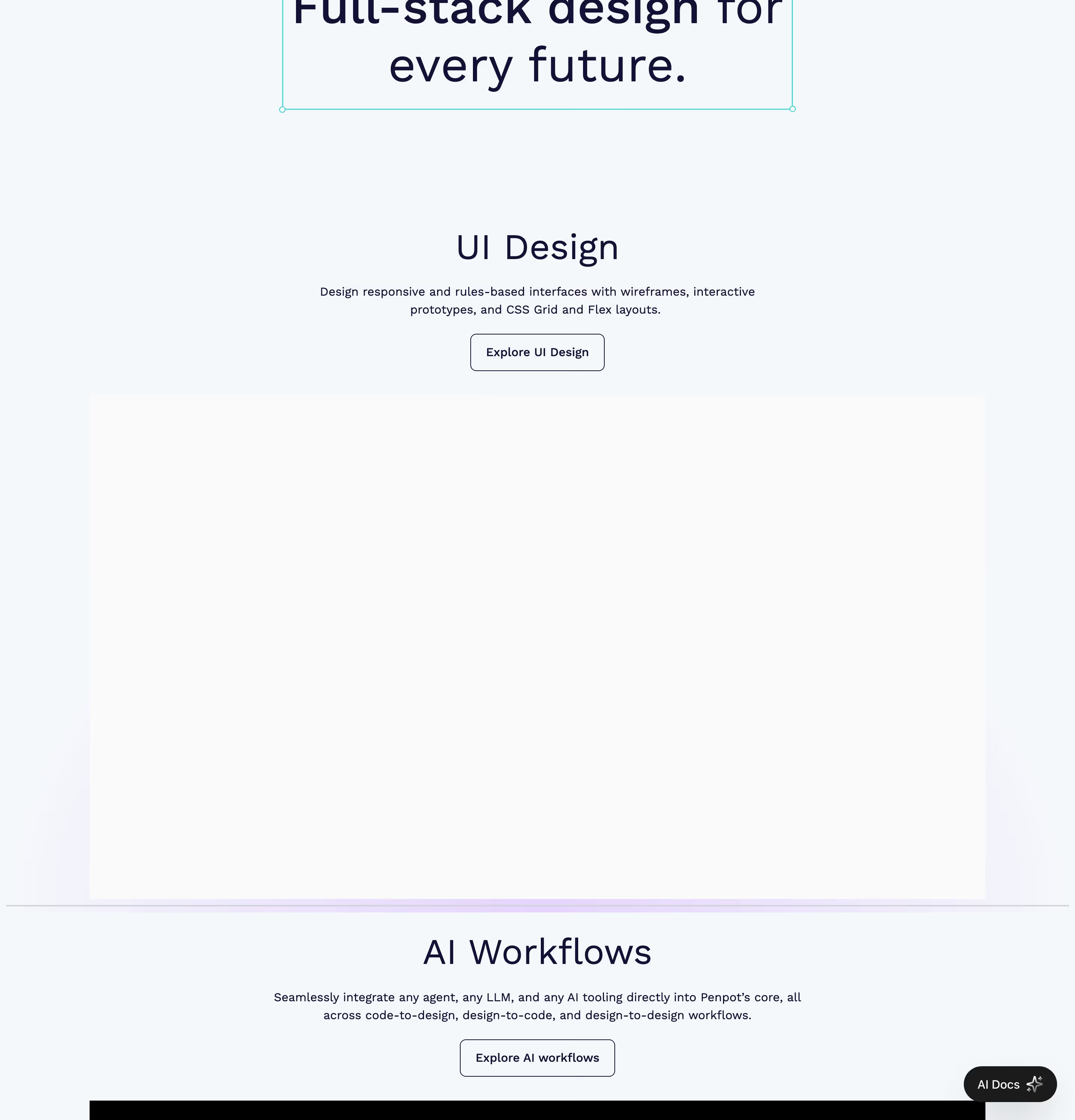
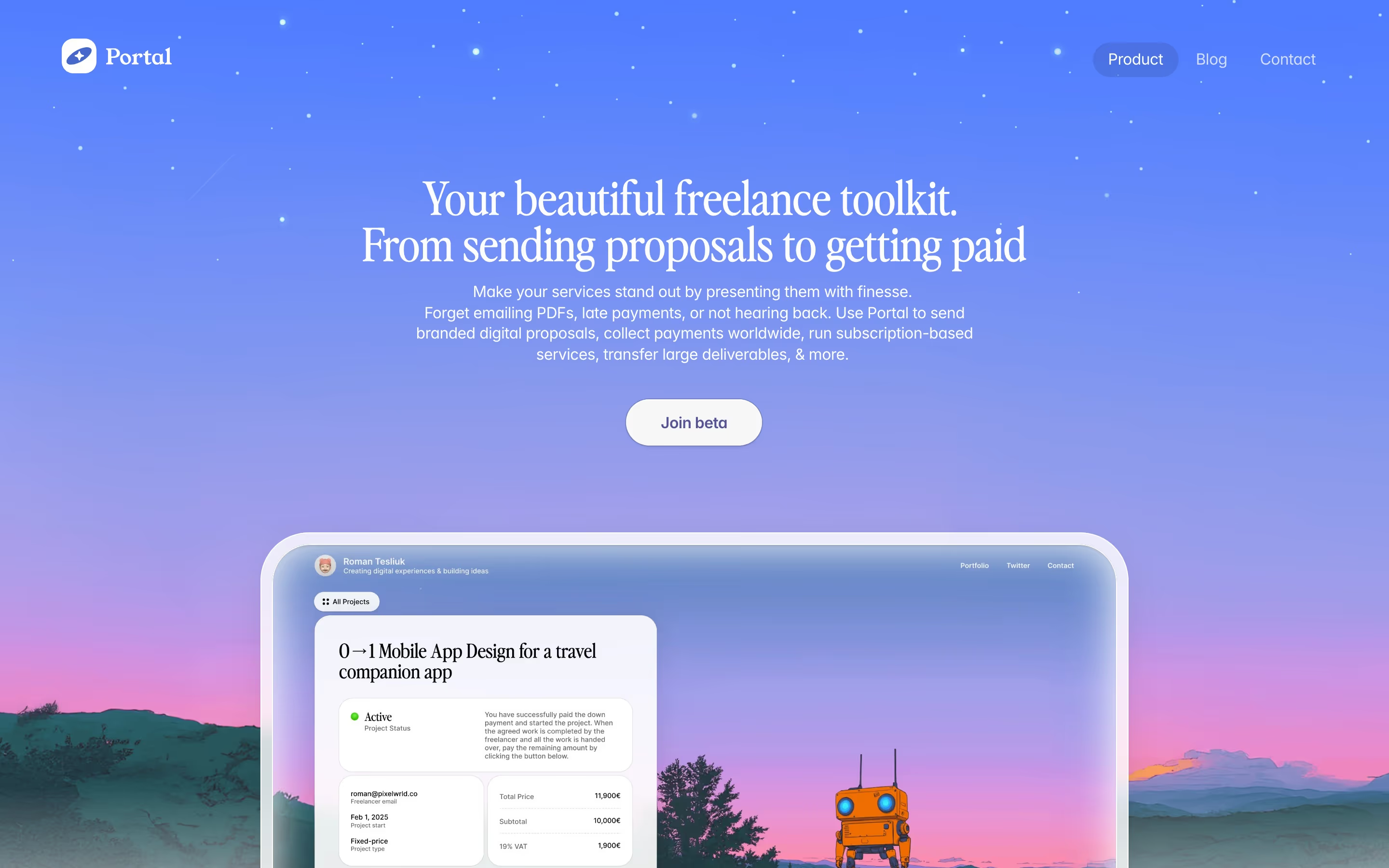
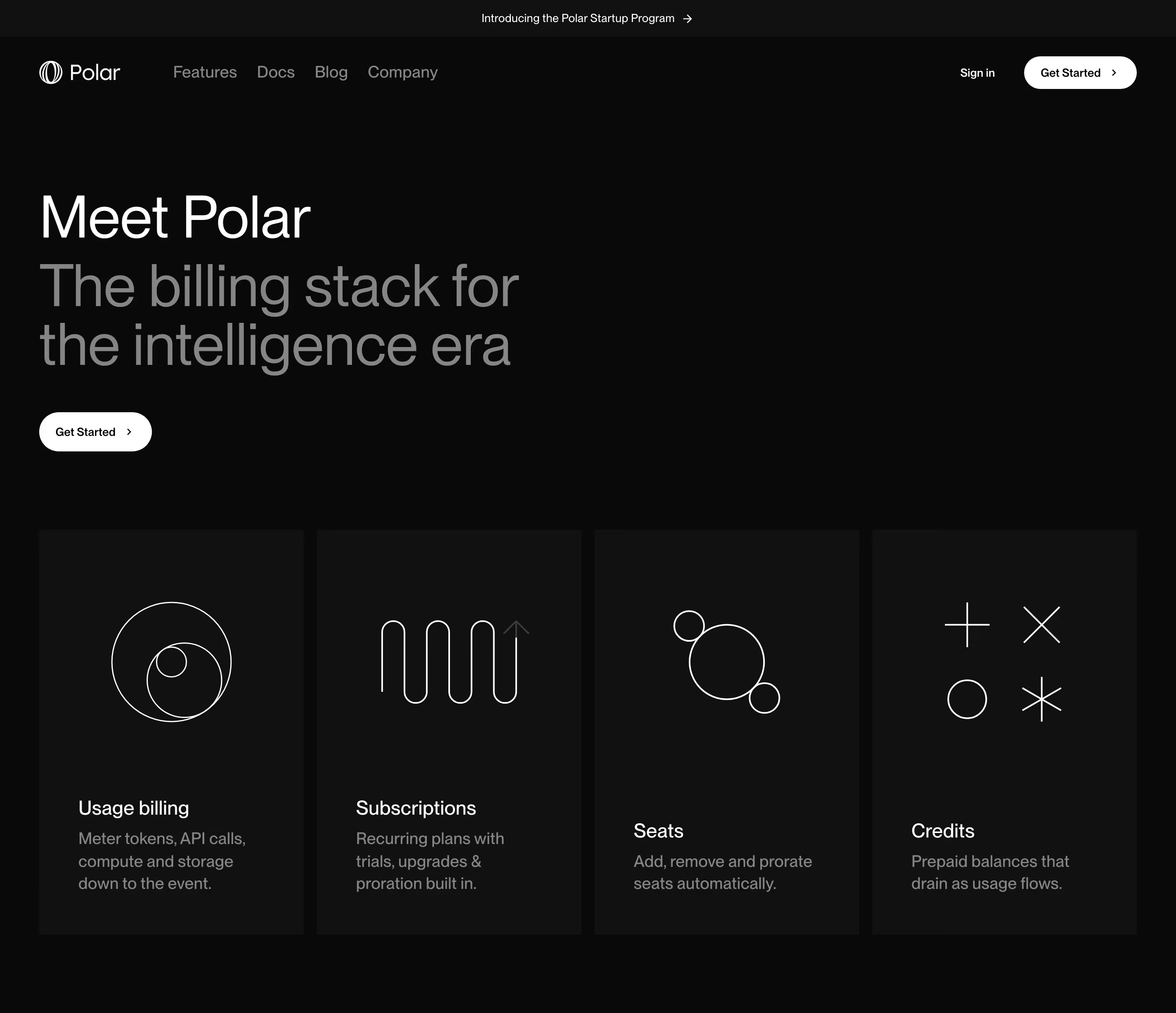
Each one is a hero capture whose design review mentions the pill.


When to use a pill, and when not to
Use it for
- Soft, friendly brandsFully rounded shapes suit consumer-leaning and creative tools better than hard rectangles.
- Compact labelsShort words that need a container ("New", "Beta", a category) without the weight of a card.
- Segmented choicesA row of options, such as tabs or filters, where the active one fills in.
Avoid it for
- Long labelsA pill wrapping onto two lines loses its shape; use a rounded rectangle instead.
- Every elementWhen tags, buttons and nav are all identical pills, the clickable ones stop standing out.
- Sharp, technical brandsSquare-cornered, monospace-heavy sites usually look more consistent with square buttons.
Anatomy of a pill
- 1ContainerA shape whose corner radius is half its height, so both ends are semicircles.
- 2Fill or borderSolid, tinted or outlined; the treatment decides whether it reads as a button or a tag.
- 3LabelOne to five words, usually medium weight and smaller than body text for tags.
- 4Icon or arrowOptional leading dot or icon, or a trailing arrow when the pill is a link.
Common pill variants
1. Pill button
The primary or secondary CTA with fully rounded ends, as in Assembly's black "Get started" and pale grey "Book demo".
2. Announcement pill
A pale pill above the headline linking to news. See eyebrow.
3. Pill tabs
A row of pills where the selected one is filled, used to switch a demo or feature panel.
4. Status pill
A small pill with a colored dot reading something like "All systems operational", usually in the footer.
Spotted in our design reviews
Our reviews describe a pill on 233 of the 422 SaaS homepages in the catalog. A few of them:
The headline "The AI analyst that turns data into dollars." sits over a two-line subhead about complete business data, with "Get started free" and "Talk to us" buttons and a "Connect your agent" pill.
Summation · Above the fold
Two small pills sit on top, "Grok 4.6 is here!" and "New · Figma paste · Grok 4.6 · Motion".
Fountible · Above the fold
A thin banner announces a funding round above a bar with the logo at left and "Resources", "Sign in" and a black "Try for free" pill at right.
Handhold · Above the fold
The white header holds the logo, six nav items, a plain "Talk to sales" link and a filled blue pill, "Get started free".
1password · Above the fold
A rounded nav pill holds the "Morph" wordmark, "Models", "Docs", "Pricing", "Resources", then an outlined "Book a Call" and a lime "Sign Up / Log In".
Morphllm · Above the fold
A pill near the bottom reads "Meet Glaze | Learn more →".
Raycast · Above the fold
A pill toggle switches "Marketing Teams" and "Agents".
Gooseworks · Above the fold
Below it the headline "AI Cloud in one line of code." sits left in large white type, with a grey subhead and two pill buttons: a white "Start building" and an outlined "Explore docs".
Langbase · Above the fold
Often confused with
Pill vs. badge
A badge is a role (a small label marking something as new, beta or popular); a pill is a shape. Many badges are pill-shaped, but a pill can also be a full-size button.
Pill vs. tabs
Pill tabs are one style of tabs. Tabs describe behavior (switching panels); pill describes the outline of each tab.
Frequently asked
Is a pill button better than a square button?
Neither converts better by shape alone. Pills feel softer and more current; square corners feel more technical. Pick one radius for the whole site and keep it consistent.
What's the difference between a pill and a chip?
Mostly vocabulary. "Chip" comes from app design systems and usually means an interactive filter or input token; "pill" is the broader web term for any capsule-shaped element.