
Visual style
Glow effect
A glow effect is a soft, blurred patch of colored light placed behind a headline, screenshot or graphic, so it looks lit from behind against the page.
- Also called
- Glow, Background glow, Blurred light, Halo
- Spotted on
- 39 of 422 homepages
- Browse examples
- Dark designs →
What is a glow effect?
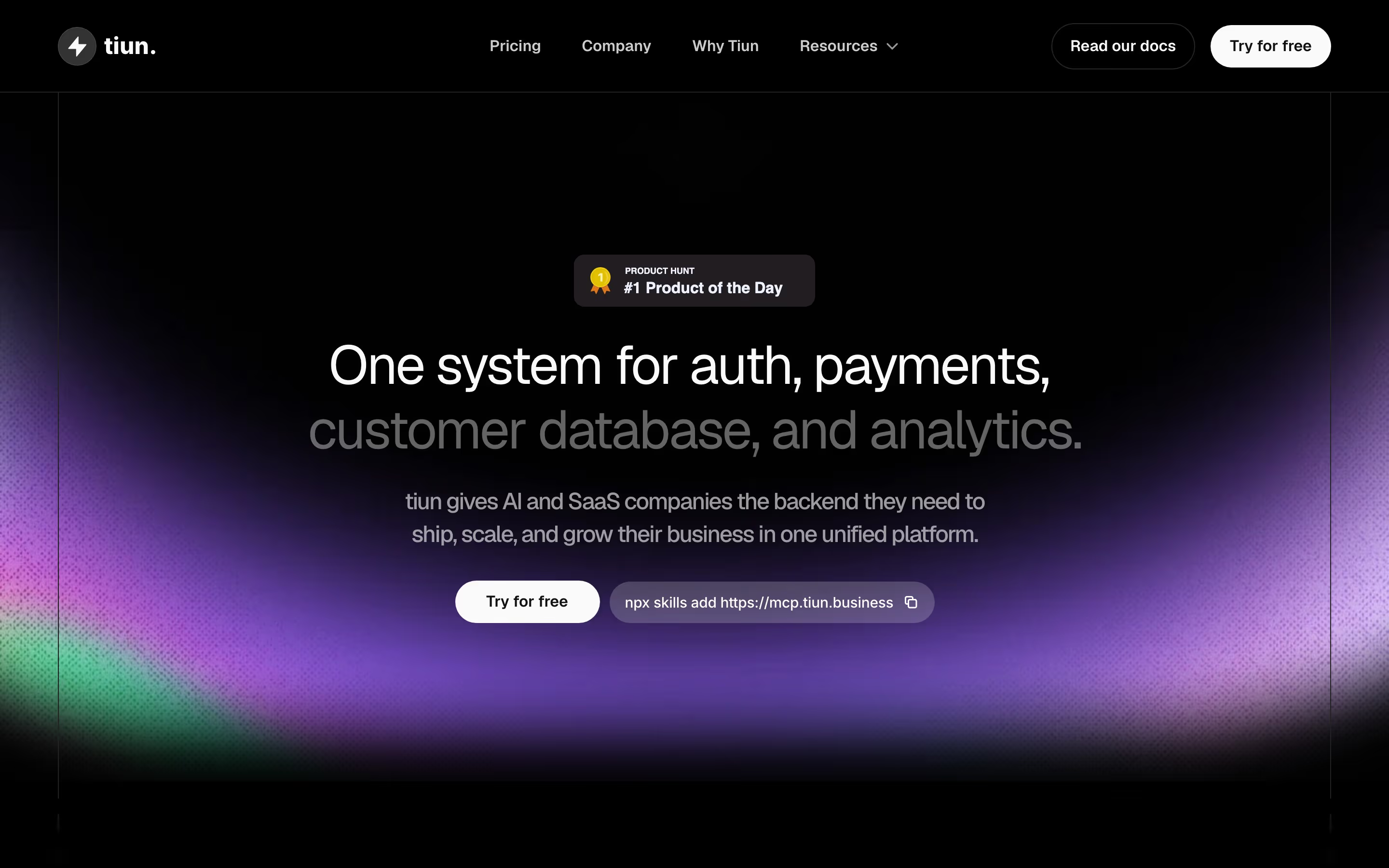
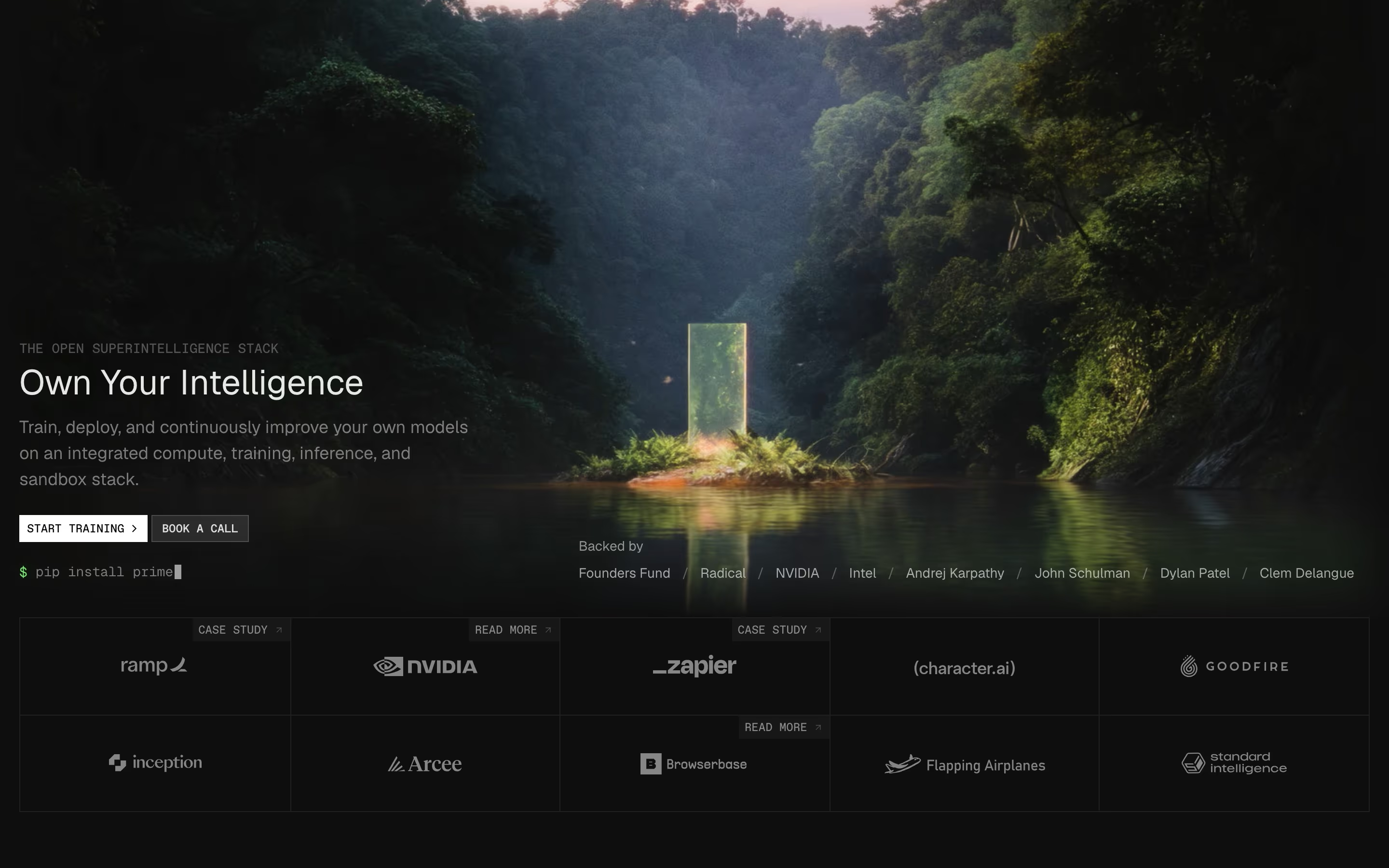
Glows are how SaaS sites add light to a flat screen. On a dark page they make an object look illuminated: our reviews describe Retool's brown and navy glows tinting the hero, Linearity's blurred orange and amber light on near-black, and Hiro's orange glow around the hero screenshot frame. On a light page the same trick becomes a pastel wash, like the peach and pink glow behind Amplemarket's hero.
A glow works because it directs the eye. Light draws attention, so a glow placed behind the product screenshot or the prompt box quietly says "look here". The weak version is a glow with no subject: a colored blur floating in a corner adds atmosphere but no hierarchy.
Glows sit naturally with dark mode, where a single saturated color reads far brighter than it would on white. Most strong examples use one hue, sometimes two, so the light feels like one source rather than a light show.
Glow effect examples from real SaaS sites
Each one is a hero capture whose design review mentions the glow effect.




When to use a glow effect, and when not to
Use it for
- Dark canvasOn near-black, one colored glow gives depth and draws the eye without adding another element.
- One focal objectA screenshot, prompt box or 3D object that should feel lit from behind.
- Brand color as lightA soft wash of the accent color ties the hero to the brand more quietly than a solid block.
Avoid it for
- Behind small textA bright patch under body copy reduces contrast exactly where readers need it.
- Several competing glowsThree colors of light in one viewport cancel out; nothing reads as the focus.
- Busy light pagesOn a white page full of cards, a pastel glow often just looks like a smudge.
Anatomy of a glow effect
- 1Light sourceOne blurred shape, usually radial, in a saturated brand color.
- 2FalloffA wide, soft edge so the color fades into the background with no visible boundary.
- 3SubjectThe object the glow sits behind: a screenshot, headline, orb, icon or button.
- 4BackgroundUsually near-black or deep navy, where the light reads strongest; sometimes off-white for a pastel version.
Common glow effect variants
1. Screenshot halo
Light spilling from behind a product window, as if the screen itself were glowing.
2. Hero tint
Large, faint glows in brand colors across the top of the page, behind the headline.
3. Glowing object
A 3D shape, arc or orb that seems to emit light itself, often the centerpiece of a dark hero.
4. Corner glows
Small patches of color in opposite corners of a CTA panel to give it depth.
Spotted in our design reviews
Our reviews describe a glow effect on 39 of the 422 SaaS homepages in the catalog. A few of them:
There is no product image, only a faint peach glow.
Replit · Above the fold
A wide video frame with a play icon shows blue-glowing desktop, tablet and mobile layouts.
Framer · Above the fold
Everywhere." among them, each with a soft pink glow and a small interface mockup.
Gorgias · Logo grid and feature cards
"The production cloud for AI." introduces four equal cards, each with a code or chart window on a green glow, a small caps label and a title such as "Autoscale from 0 to 1000+ GPUs, instantly."
Modal · Feature grid and workloads
Arcade makes every format effortless." leads into a large framed player on a blue glow, with tabs "Video", "Interactive Demo" and "Visuals".
Arcade · Video demo frames and feature cards
"Antigravity SDK" sits inside a blue glowing ring.
Antigravity · Four product rows
Illustrations appear only in the bottom row, under the three last entries: a glowing "Get started" button, a contact card for "Mary Caldicott", and flight rows tagged "Cancelled" and "Arrived".
Inertiajs · Nine-cell feature grid
Between rows sit full-width screenshots under one-line headings: "Vibe Shaders." over a glowing black-circle render, and "AI Pen." over a red frame with a line-drawn lion.
Pen · Feature grid and editor screenshots
Often confused with
Frequently asked
Why do so many dark SaaS websites use glows?
On a dark background a colored glow is the simplest way to create depth and point the eye at the product. A flat near-black page without it can feel empty.
How do you make a glow effect on a website?
Usually a large blurred shape behind the content: a radial gradient, or a colored element with a heavy CSS blur filter. Keep it behind the subject and away from body text.