
Page sections
Hero section
A hero section is the first block under the navigation of a landing page: a headline, a short subhead, one or two buttons and usually a product visual.
- Also called
- Hero, Hero banner, Hero area, Header section
- Spotted on
- 400 of 422 homepages
- Browse examples
- Hero sections →
What is a hero section?
On a SaaS homepage the hero has one job: tell a stranger what the product is and what to do next, before they scroll. Everything else on the page (logos, features, testimonials) exists to back up the claim the hero makes, so a vague hero weakens every section below it.
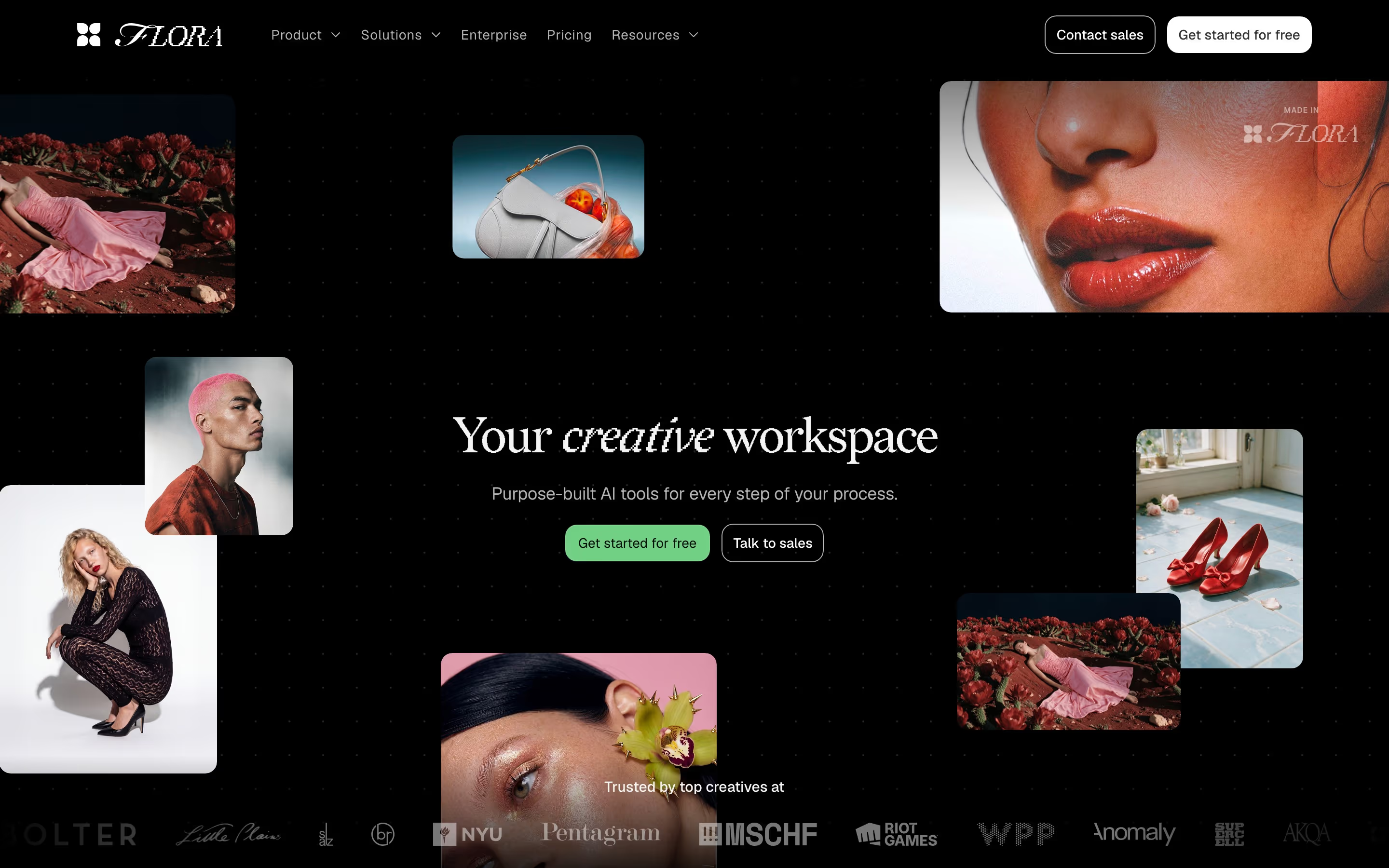
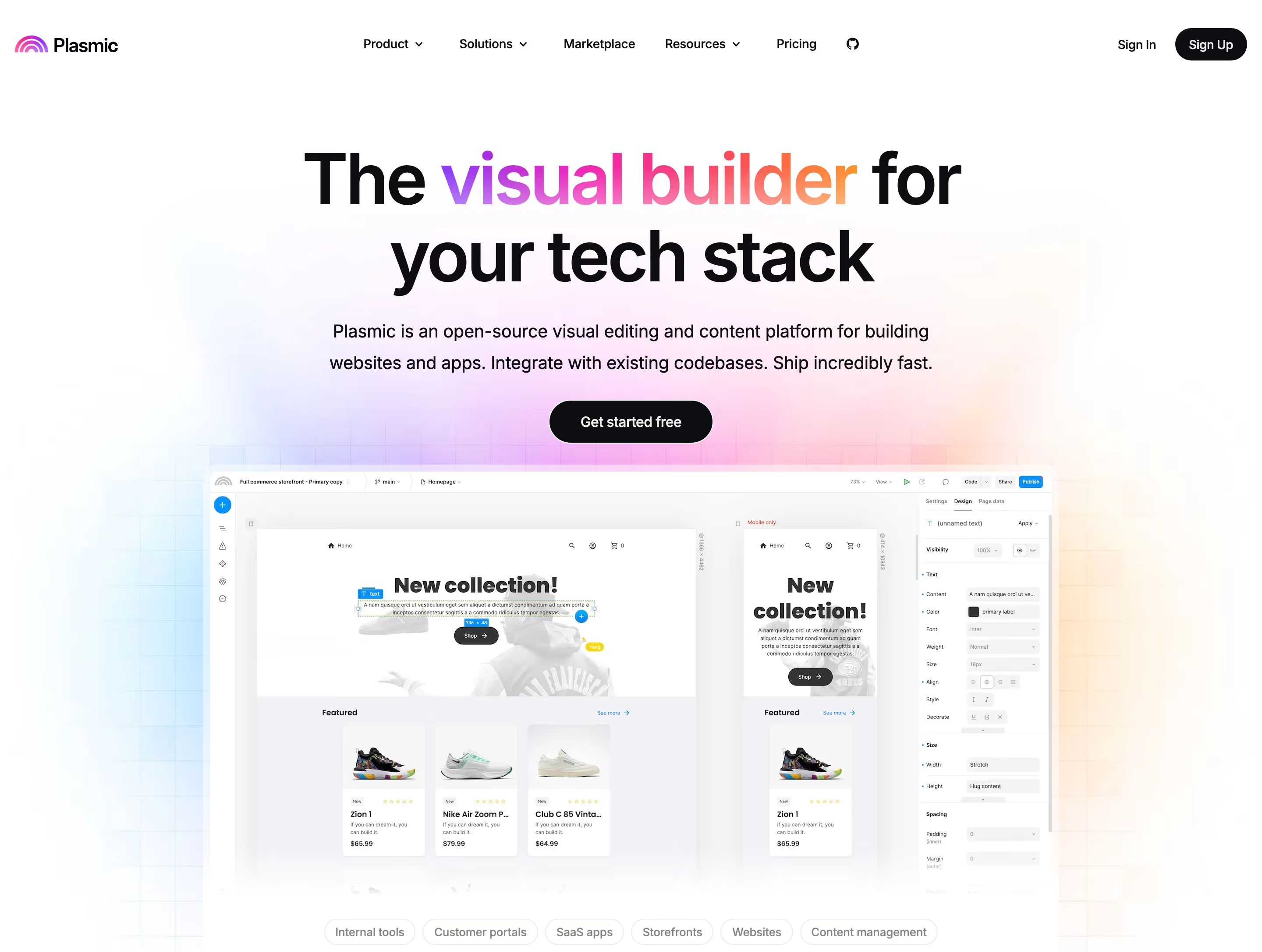
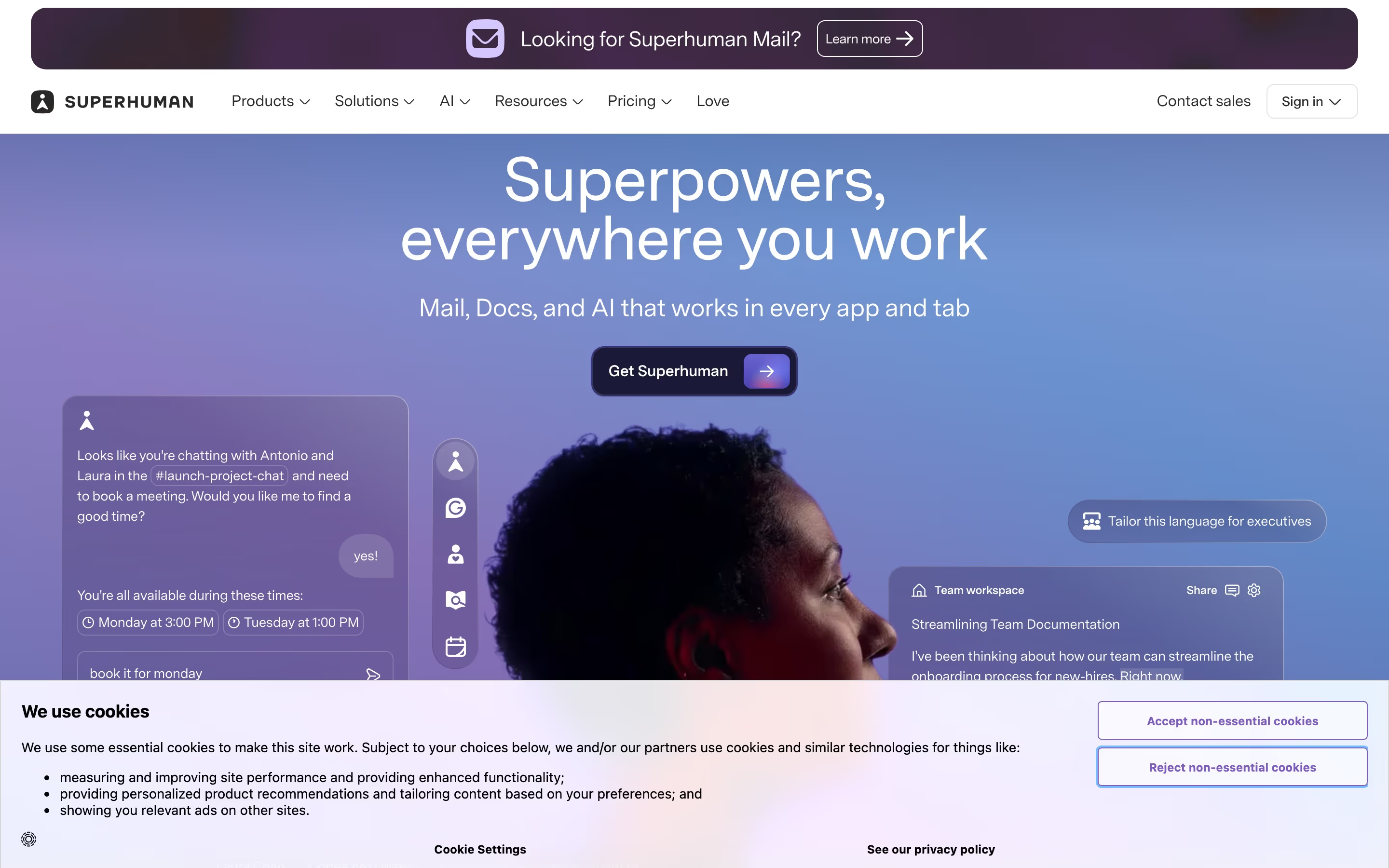
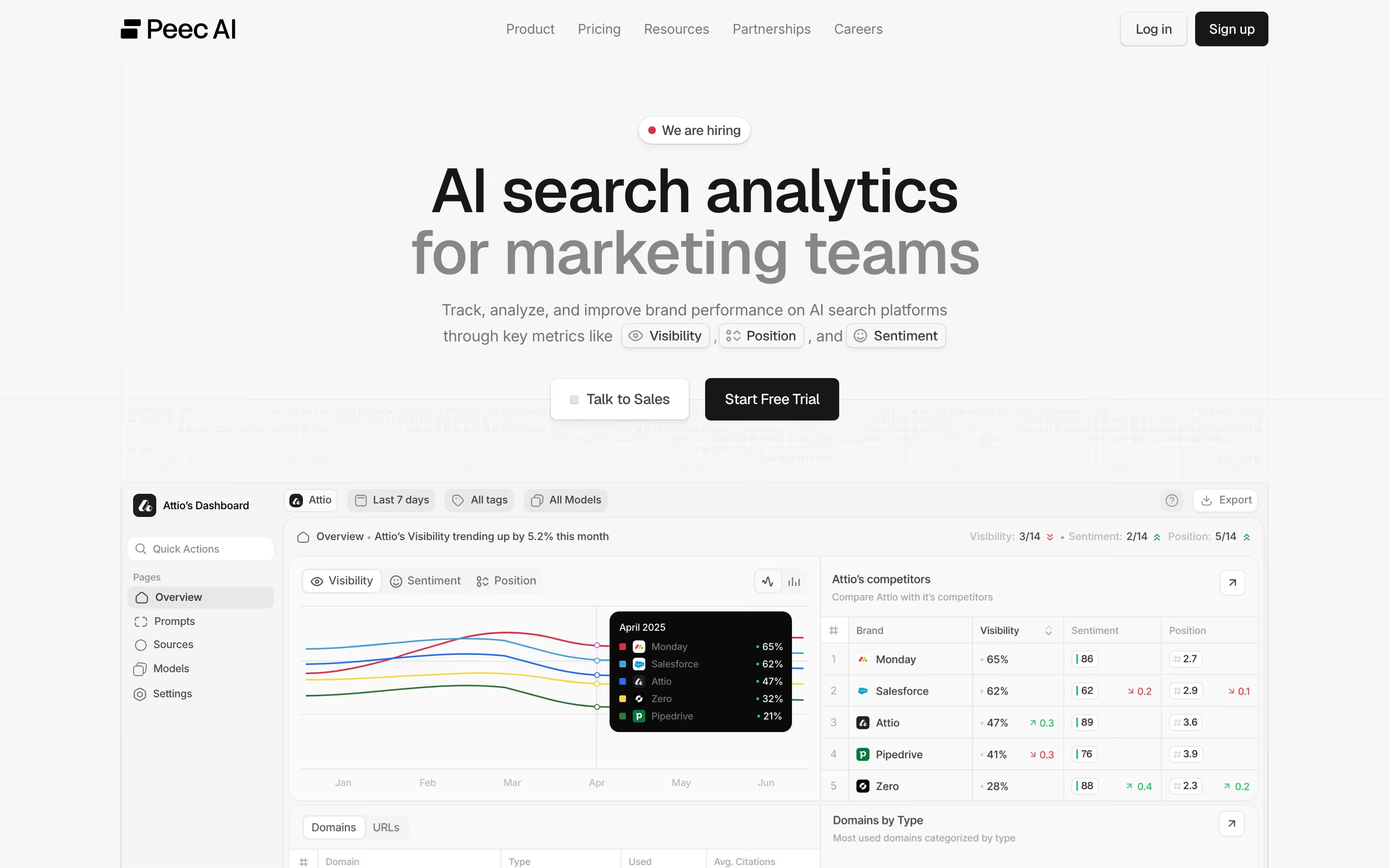
Most heroes in our catalog follow the same skeleton: a centered or left-aligned headline, a subhead of one or two lines, a solid primary button beside an outlined secondary one, and a product screenshot, mockup or illustration underneath or to the side. PandaDoc's "Make proposals that make impressions" with a solid green "Get Started" and an outlined "Talk to sales" is the pattern at its plainest.
What separates strong heroes is specificity. A headline that names the job ("Run 100+ Coding Agents in Parallel.") beats one that names a feeling, and a real product visual beats an abstract gradient. AI products increasingly replace the visual with a working input: Lovable's hero is a prompt box you can type into.
Hero section examples from real SaaS sites
Heroes from the catalog.
When to use a hero section, and when not to
Use it for
- Every marketing homepageThe top of the page is read by nearly every visitor; it should always carry the core claim and the main action.
- Landing pages for campaignsA focused hero that repeats the ad's promise keeps paid visitors from bouncing.
- Product and feature pagesA smaller hero naming the feature and its outcome orients visitors arriving from search.
Avoid it for
- As a slogan wallA huge headline with no subhead, product image or button tells visitors nothing they can act on.
- As a carouselRotating hero slides split one message into several that nobody waits to read; pick the strongest.
- When it pushes everything downA full-height hero with only a tagline hides the proof that would make a visitor scroll.
Anatomy of a hero section
- 1Eyebrow or pillAn optional small label above the headline, often announcing a launch or naming the audience.
- 2HeadlineThe value proposition in one line or two, the largest type on the page.
- 3SubheadOne or two sentences that explain how the product delivers the headline's promise.
- 4CTA buttonsA filled primary action ("Start free", "Get a demo") and often a quieter secondary one.
- 5VisualA product screenshot, mockup, video, illustration or interactive demo below or beside the copy.
- 6Proof lineAn optional row of customer logos, ratings or a user count directly under the buttons.
Common hero section variants
1. Centered stack
Headline, subhead and buttons centered over a wide product screenshot. A layout that recurs across our catalog.
2. Split hero
Copy on the left, visual on the right. Suits products whose UI reads well at half width.
3. Prompt-box hero
An input field replaces the screenshot so visitors try the product immediately, common on AI tools.
4. Full-bleed image
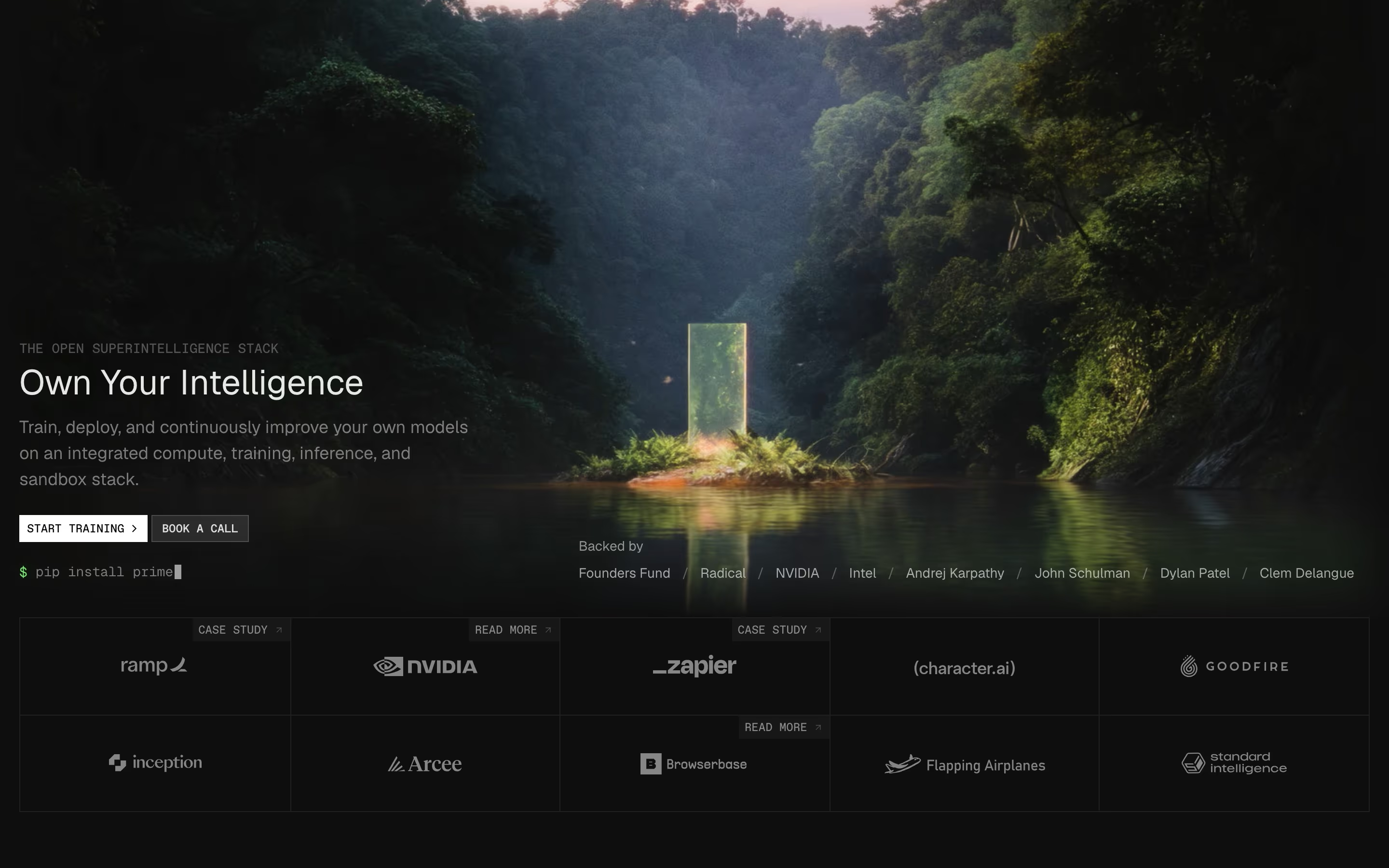
A photograph or rendered scene fills the background behind the text, as on Hedra's metallic landscape.
Spotted in our design reviews
Our reviews describe a hero section on 400 of the 422 SaaS homepages in the catalog. A few of them:
The hero is a rounded lilac panel holding the serif headline "Put culture at the center of AI", a filled "Book demo" button beside an outlined "Read more", and a portrait ringed by confetti.
Cultureamp · Above the fold
The hero is split.
Workos · Above the fold
A white two-pane code card, "UserController.php" beside "Users.vue", overlaps the bottom edge of the hero.
Inertiajs · Above the fold
The hero places a "Backed by" badge above the headline.
Moss · Above the fold
The hero is a two-column split.
Mailwarm · Above the fold
A dark hero with the small line "Website Builder for WordPress, reimagined." above the headline "Design without boundaries."
Kirki · Above the fold
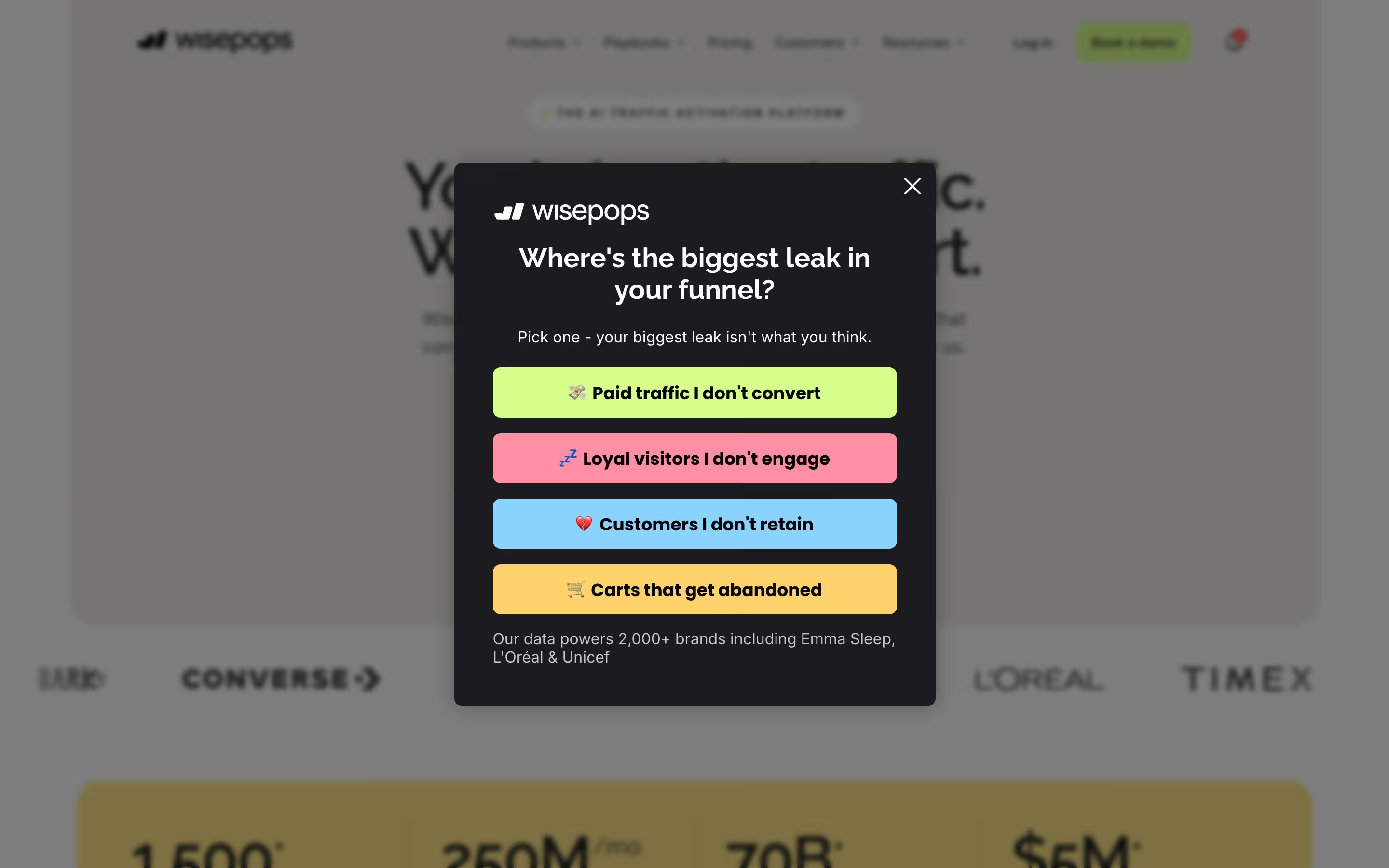
Under it, a darkened, blurred photograph fills the hero, with six nav items, "Sign in" and a yellow "Get a demo".
Attentive · Above the fold
The hero sets the headline "CRM engineered for the future" at left, with a grey subhead beneath it that begins "Lightfield updates itself from every customer interaction."
Lightfield · Above the fold
Often confused with
Hero section vs. above the fold
Above the fold is a viewport boundary, whatever happens to fit in the first screen. The hero is a designed section that may end above or below that line.
Hero section vs. CTA section
A CTA section usually closes the page and repeats the ask; the hero opens it and has to explain the product first.
Frequently asked
What should a SaaS hero section include?
A specific headline, a subhead explaining how, one primary button and a visual of the actual product. Logos or a rating directly underneath help, but those four are the core.
Should the hero have one button or two?
One primary action is enough for most products. A second, visually quieter button works when there are two real audiences, such as self-serve sign-up and sales-led demos.
Is a product screenshot better than an illustration?
For most SaaS, yes: a real interface proves the product exists and shows what it does. Illustrations suit products with no visual UI, like APIs or infrastructure, where a code snippet or diagram is the honest alternative.