
Visual style
Gradient
A gradient is a smooth blend between two or more colors, used on SaaS sites as a hero backdrop, a panel fill or a highlight on key headline words.
- Also called
- Color gradient, Gradient background, Mesh gradient, Aurora gradient, Gradient text
- Spotted on
- 119 of 422 homepages
- Browse examples
- Colorful designs →

What is a gradient?
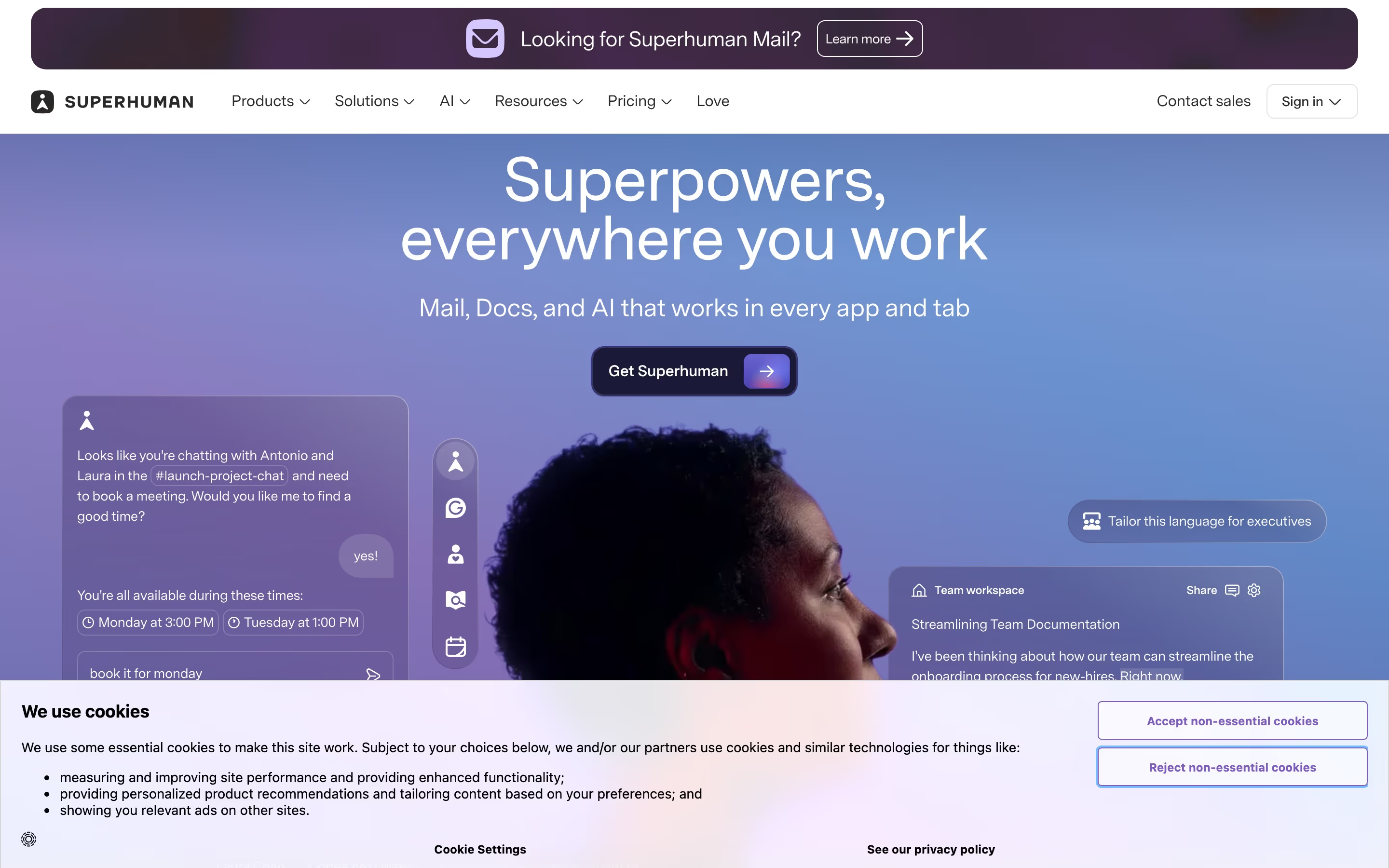
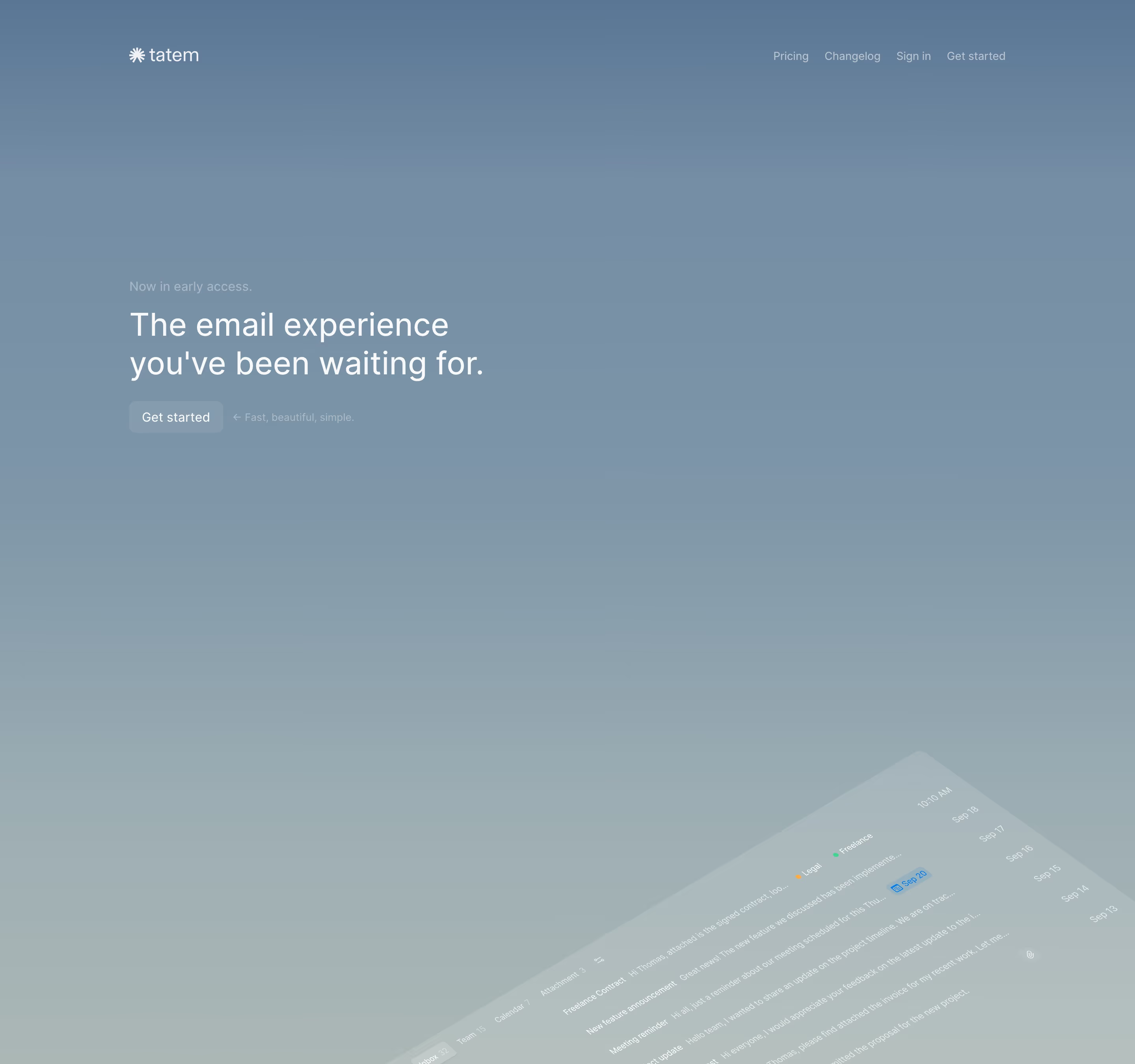
Gradients are the cheapest way to give a SaaS page color without photography or illustration. Our reviews find them in three main places: washed behind the hero (Lovable's blue, pink and red bands, Bolt's blue hero), filling cards and panels that frame a screenshot, and running through one or two headline words, as Render does with a purple-to-orange phrase and Coderbyte with teal into violet.
The difference between a gradient that reads as a brand and one that reads as a template is restraint and specificity. A single, consistent pair of hues that recurs from the hero to the closing band ties a long page together; a different rainbow in every section makes each block look borrowed. Soft, heavily blurred blends (often called aurora) set a mood, while crisper ribbons and bands act more like a logo.
Text is the usual casualty. Copy that crosses the brightest part of a gradient loses contrast, so strong pages keep the blend behind or beside the headline and put body text on a calm area.
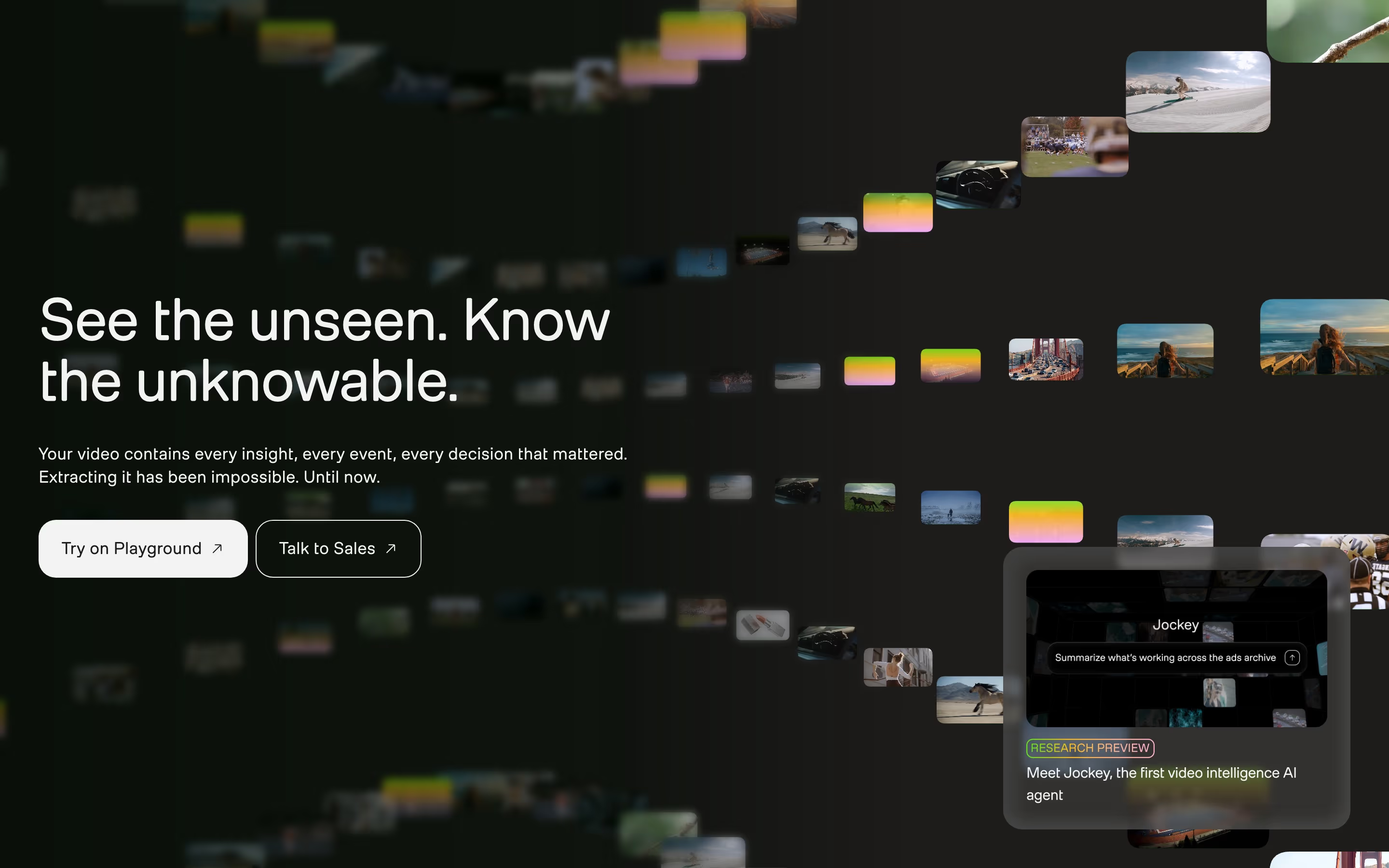
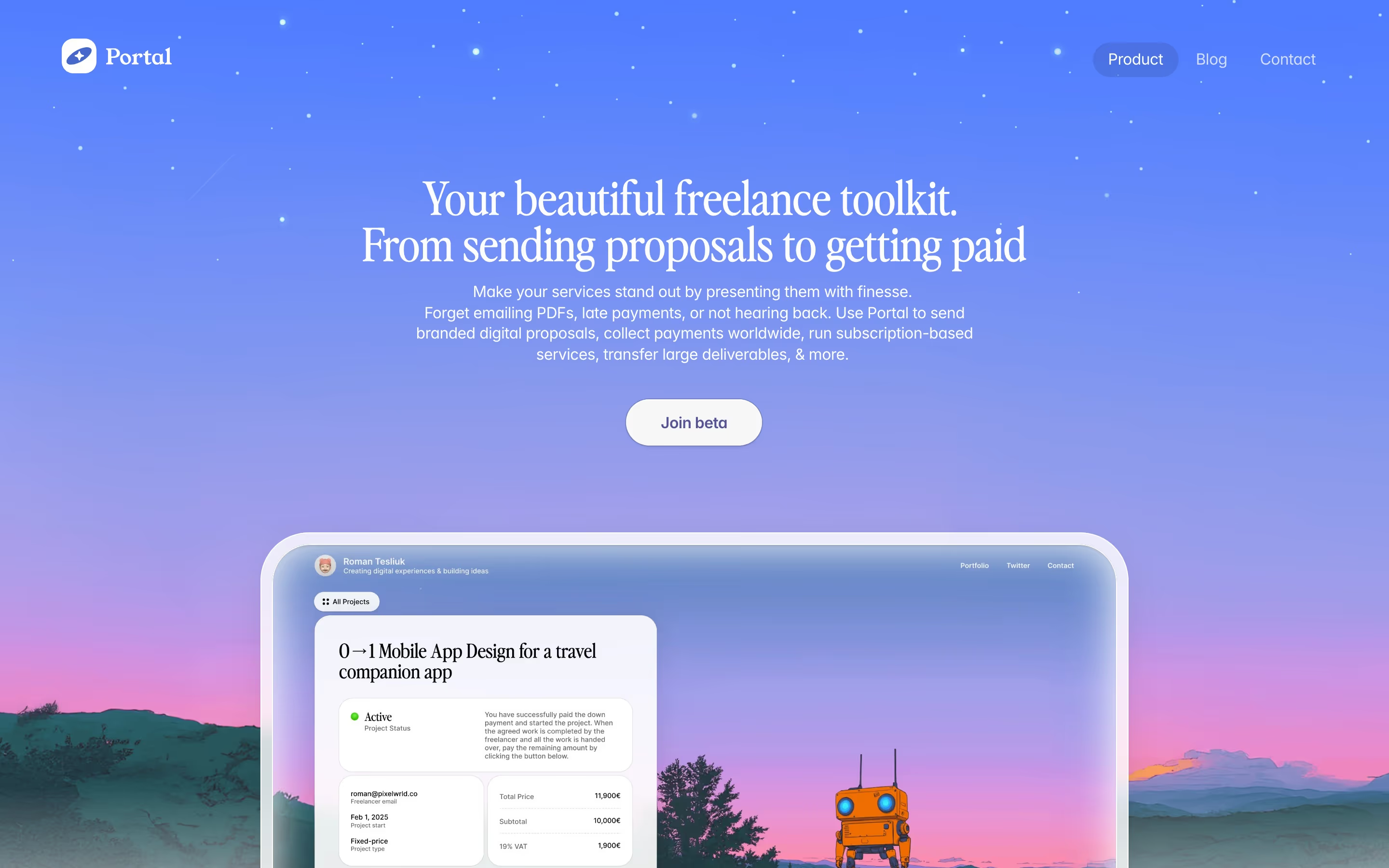
Gradient examples from real SaaS sites
Each one is a hero capture whose design review mentions the gradient.

When to use a gradient, and when not to
Use it for
- No photography to lean onA software product with no natural imagery can get atmosphere and color from a gradient field alone.
- One recurring brand pairTwo or three hues repeated from hero to footer give a long page a consistent signature.
- Framing product UIA gradient card behind a screenshot separates the interface from a white page without a heavy border.
Avoid it for
- Behind body textParagraphs over shifting color are hard to read; keep text on a flat or very soft area.
- Every section differentA new gradient per block fragments the page. Pick one family and repeat it.
- Competing with the CTAIf the gradient is the loudest thing on screen, the primary button has to fight it for attention.
Anatomy of a gradient
- 1Color stopsTwo to four hues, usually neighbours on the color wheel (blue into violet, orange into pink) so the blend stays clean.
- 2Direction or shapeLinear, radial or freeform mesh; the shape decides whether it reads as a wash, a glow or a ribbon.
- 3SoftnessHow blurred the transitions are. Heavy blur reads as light; crisp edges read as a graphic.
- 4PlacementBehind the hero, inside a card, across a closing band, or clipped to text.
- 5Content on topHeadline, prompt box or screenshot, placed where the blend is calmest.
Common gradient variants
1. Hero wash
A full-width, soft blend behind the first screen, often fading into white or black lower down.
2. Gradient panel
A rounded card filled with a blend that holds a product screenshot or illustration.
3. Gradient text
One or two headline words filled with a blend, the most common way to add color to an otherwise monochrome hero.
4. Grainy gradient
A blend overlaid with fine noise so it looks printed rather than digital. See grain texture.
Spotted in our design reviews
Our reviews describe a gradient on 119 of the 422 SaaS homepages in the catalog. A few of them:
Inside a rounded blue gradient frame, "What will you build today?" sits above a dark input reading "Let's build a prototype..." with "Plan" and "Build now" controls.
Bolt · Above the fold
The hero sits on a lavender gradient that fades to cream.
Pexo · Above the fold
On the right a rounded gradient frame holds a review form screenshot for Bethany Hale.
Lattice · Above the fold
A framed app window rises from a pale lavender gradient.
Attio · Above the fold
A gradient banner above the nav reads "Comparing Coderbyte to HackerRank, Coderpad, and TestGorilla!"
Coderbyte · Above the fold
The hero fills the first screen with a grainy teal-to-black gradient.
Autostep · Above the fold
The hero sets "The visual builder for your tech stack" with "visual builder" in a pink-to-orange gradient, followed by "Plasmic is an open-source visual editing and content platform for building websites and apps."
Plasmic · Above the fold
The hero is centred: a two-line headline reading "Book More, Stress Less", with the words "Stress Less" set in a coral gradient, then a subhead and a dark pill button labelled "Sign up now, free forever!".
Lemcal · Above the fold
Often confused with
Gradient vs. glow effect
A glow is a gradient used as light: a soft, localized halo behind one object. A gradient can be any blend, including a hard-edged band or a fill clipped to text.
Gradient vs. glassmorphism
Glassmorphism usually needs a gradient behind it to work, but the style is the translucent, blurred panel on top, not the color field.
Frequently asked
Are gradients still in style on SaaS websites?
Yes, but the treatment has moved from loud two-color buttons to softer hero washes, gradient panels behind screenshots and gradient highlights on single headline words.
How many colors should a website gradient use?
Two or three is the comfortable range. More stops tend to turn muddy where hues mix, especially between colors that sit far apart on the color wheel.
Is gradient text accessible?
It can be if every part of the blend keeps enough contrast with the background. Check the lightest stop, not the average, and keep gradient text to large display sizes.