
Visual style
Dark mode
Dark mode is a visual style that sets a page on a near-black background with light text, so product UI, accent colors and light effects stand out.
- Also called
- Dark theme, Dark website, Dark UI, Dark background
- Spotted on
- 46 of 422 homepages
- Browse examples
- Dark designs →
What is dark mode?
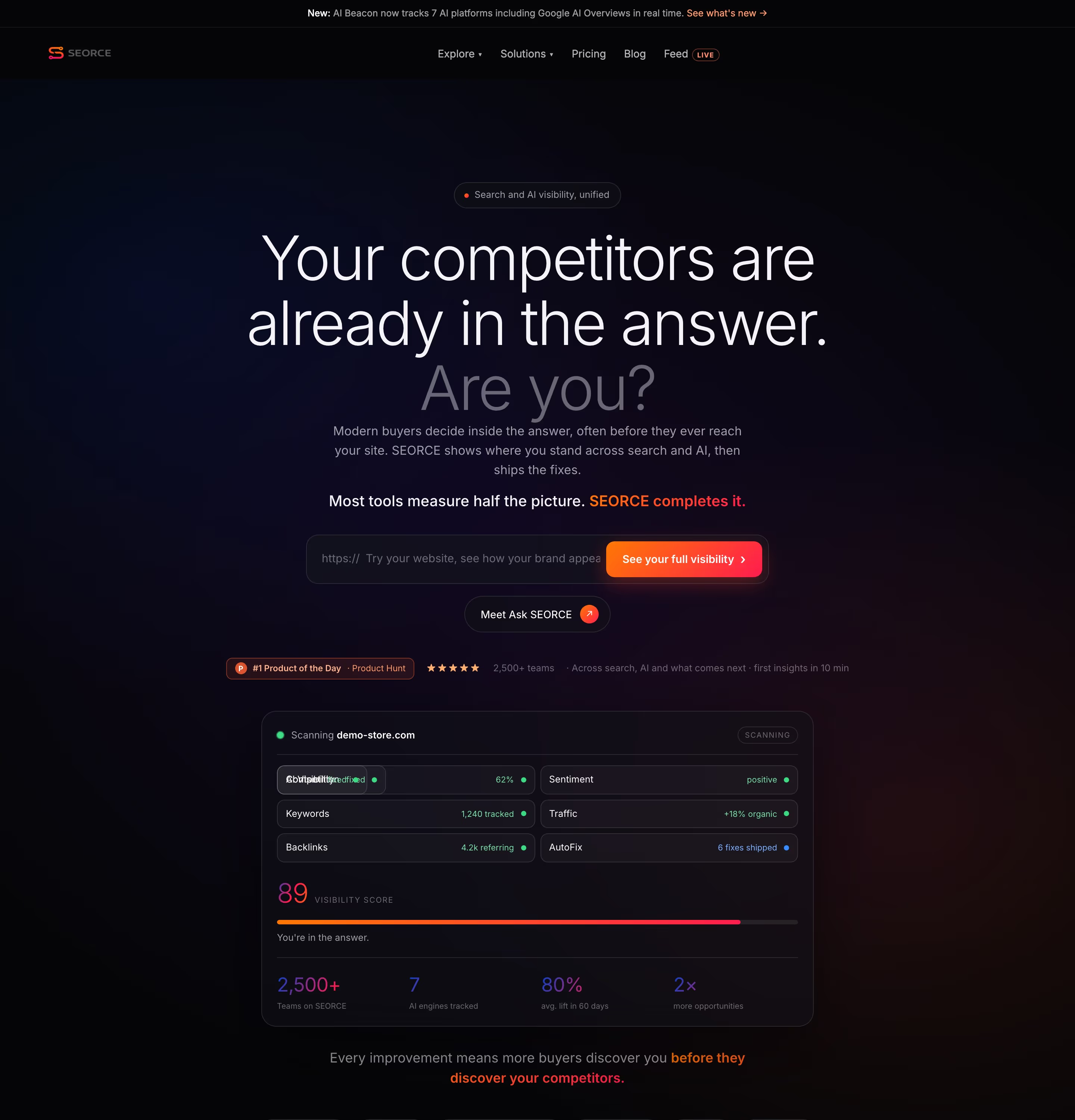
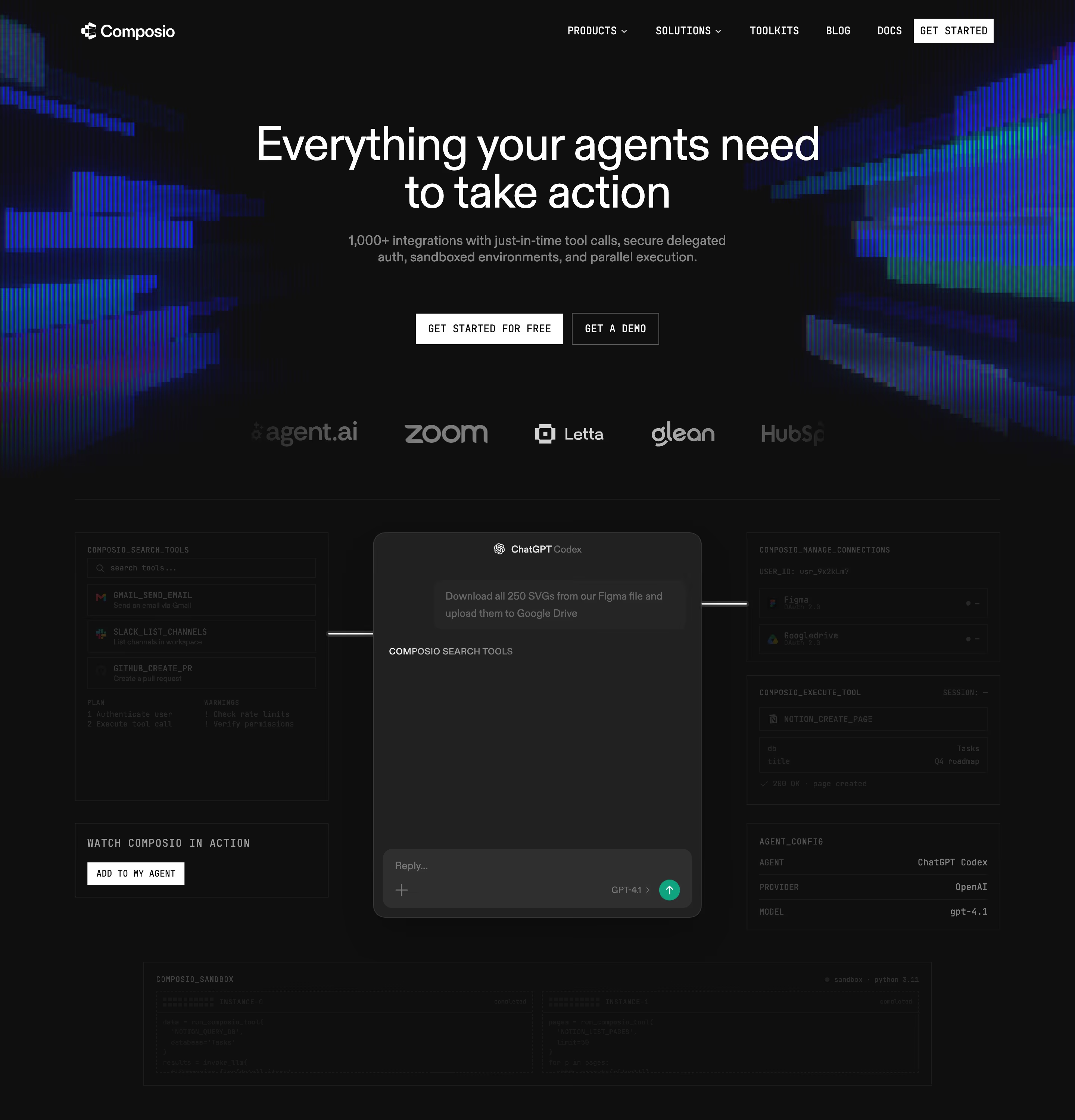
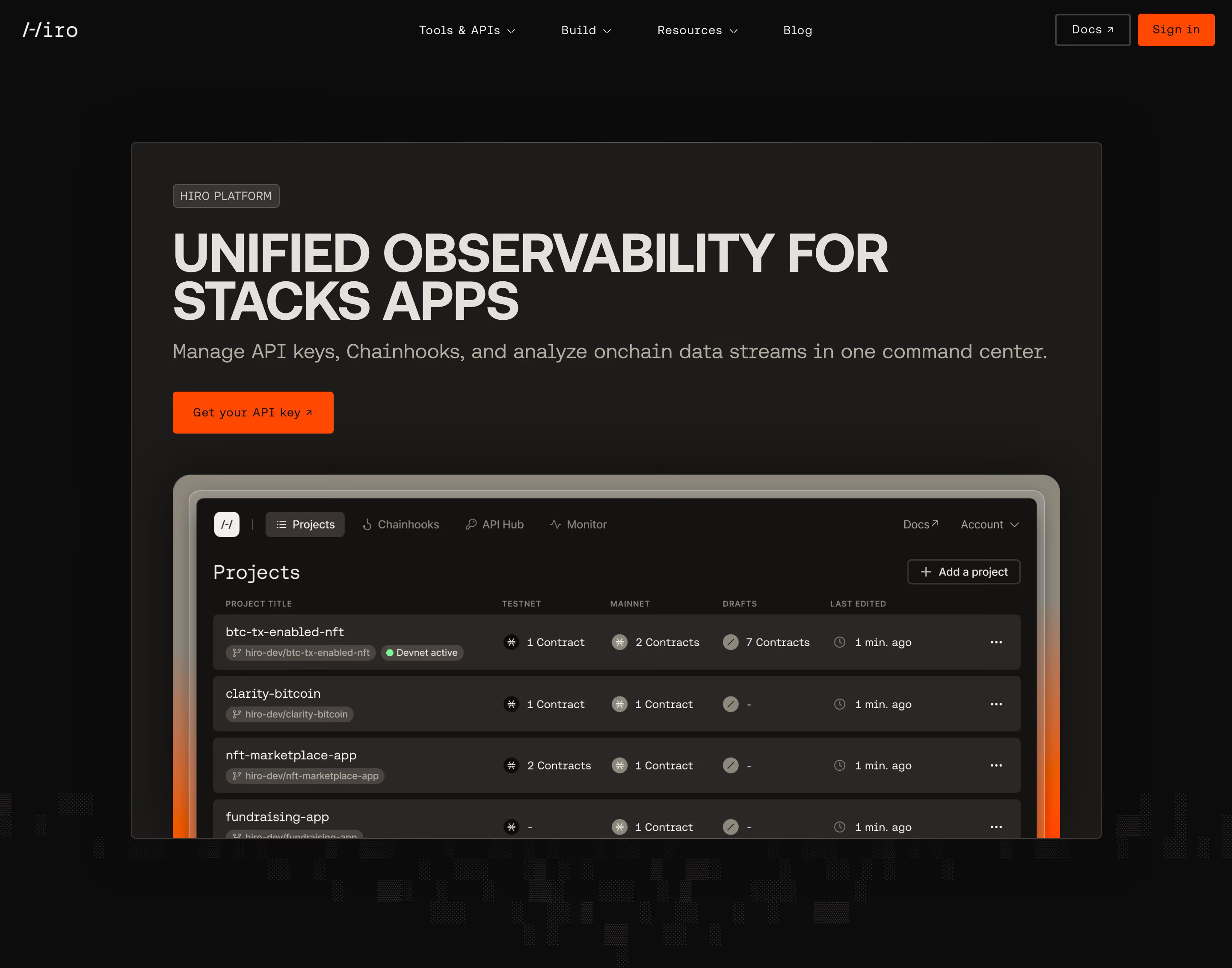
On a marketing site, dark mode is a design decision, not a toggle. The whole page, or long stretches of it, sits on near-black, and our reviews describe sites like Raycast, Hebbia and Better Stack as near-black pages carrying a single accent color. It is most common among developer, AI and infrastructure products, whose audience already works in dark editors and terminals.
The canvas changes how everything else behaves. A saturated accent reads far more vividly on black than on white, which is why dark sites tend to commit to one color (Raycast's red, Kombai's green, Better Stack's violet). Dark product screenshots blend into the page, and glows and gradients become the main source of depth.
Legibility is where dark pages fail. Pure white on pure black glares, and grey body text that looks fine on a designer's bright monitor can fall below accessible contrast. The strongest dark sites use off-white text, near-black rather than #000 backgrounds, and keep the dark treatment consistent instead of flipping section by section without reason.
Dark mode examples from real SaaS sites
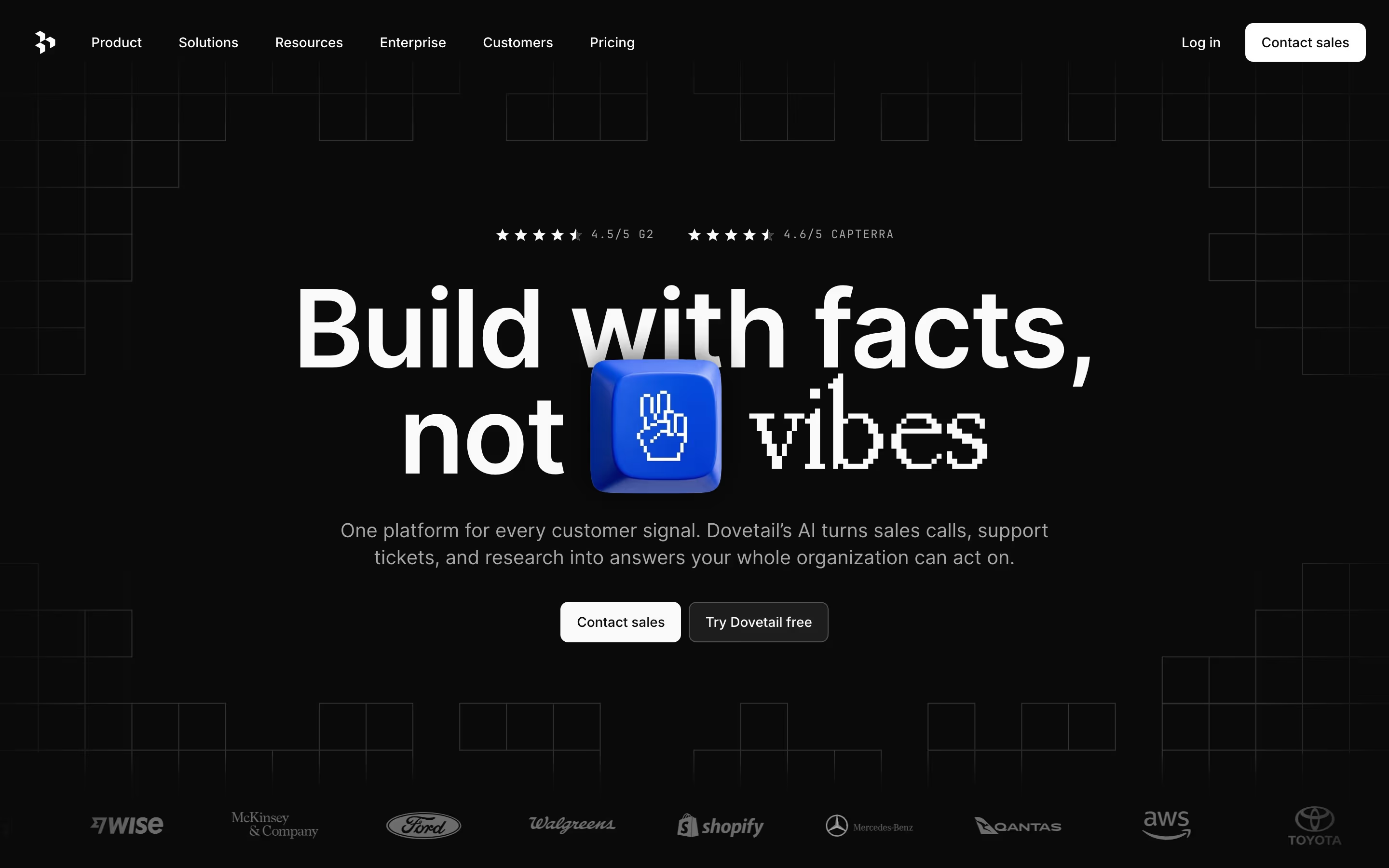
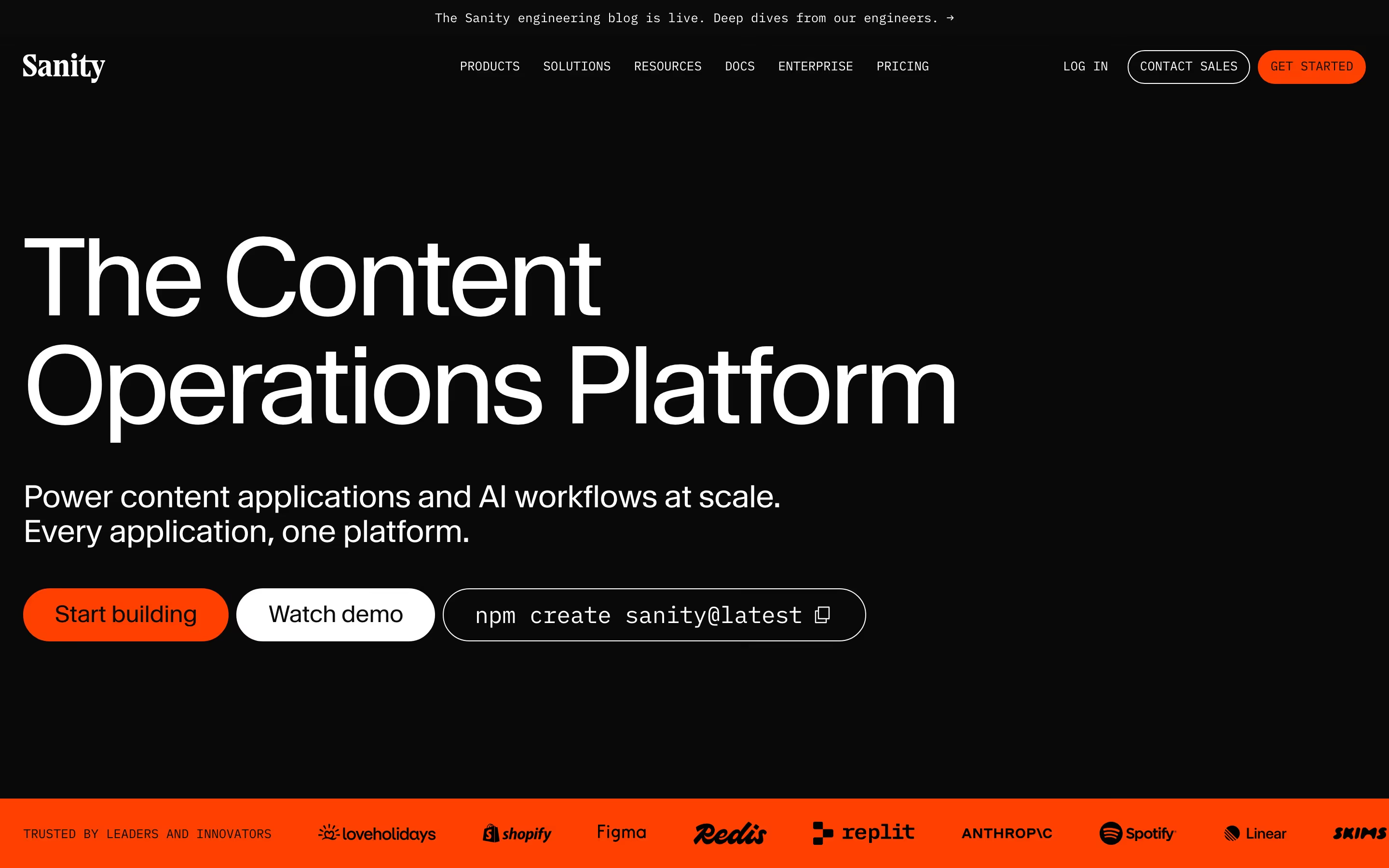
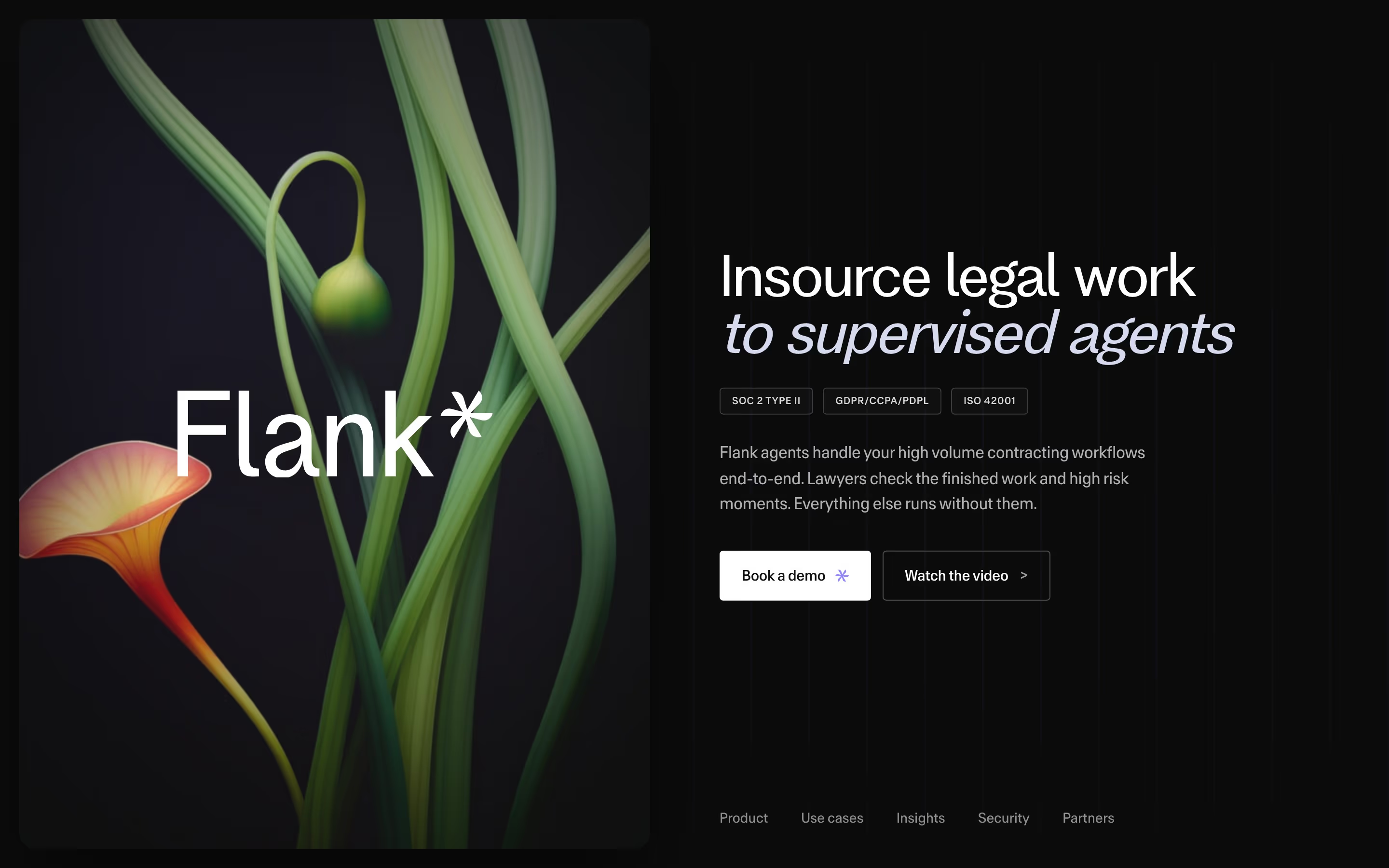
Heroes from the catalog.
When to use dark mode, and when not to
Use it for
- Dark product UIIf the app itself is dark, a dark page makes screenshots feel continuous with the site.
- Technical audienceDevelopers and AI practitioners who already live in dark-themed tools.
- One vivid accentA brand built around a single saturated color that should glow against the background.
Avoid it for
- Long readingDocs-heavy or text-heavy pages are usually easier to read in a light theme.
- Broad business buyersHR, finance and general business audiences often read light pages as more approachable.
- Inverted light designSimply flipping a light design's colors produces muddy greys and weak contrast; dark needs its own palette.
Anatomy of dark mode
- 1Near-black groundA very dark grey, navy or warm black (often around #0a0a0a to #1a1a1a) rather than pure #000.
- 2Off-white textLight grey or cream type for body copy, with pure white kept for headlines.
- 3Single accentOne saturated brand color for buttons, links and highlights.
- 4Surface stepsSlightly lighter greys for cards and panels, so layers separate without borders.
- 5Light effectsGlows, gradients or bright screenshots that provide depth and focus on the dark canvas.
Common dark mode variants
1. All-dark page
Every section from navigation to footer on near-black, the purest form.
2. Dark hero, light body
A dark first screen that hands over to white sections further down.
3. Dark bands
A light page punctuated by one or two dark sections for contrast, often stats or a closing CTA.
Spotted in our design reviews
Our reviews describe dark mode on 46 of the 422 SaaS homepages in the catalog. A few of them:
On a near-black field, "Human-like Integration Agents With Memory" sits beside a blue gradient panel.
Refold · Dark capabilities band and feature list
"Universal Context™" appears in large white type over a glowing arc on a black background, above five columns that each pair an icon, a title and one caption, such as "It logs itself."
Attio · Dark block and scale stats
This dark page opens with "Hedra builds the research and infrastructure behind visual intelligence.", two words brightened against grey.
Hedra · About Us
Four white cards stand on the dark ground: "Developer" at "Free", "Team" at "$26/mo", "Business" at "$80/mo" and "Enterprise" at "Custom".
Sentry · Pricing
A dark theme carries "Catch up on Config 2026" carousels, a large pull quote beginning "AI has lowered the floor", and a three-column grid under "The latest".
Figma · Blog pages
The homepage is dark throughout, with a near-black background (#171819) and a slate panel colour (#283545) behind the product mock-ups.
Default · Overview
The first screen is a full-bleed black field, 900 pixels tall, split into a text half on the left and a tall photograph on the right.
Pipe · Overview
The Daytona homepage is one long dark page about 11,514 pixels tall at desktop width.
Daytona · Overview
Often confused with
Dark mode vs. toggle switch
A theme toggle lets visitors switch light and dark themes; dark mode as a design style means the site is designed dark from the start.
Dark mode vs. minimalism
Minimalism is about how little is on the page; dark mode is about the background color. A page can be both, either or neither.
Frequently asked
Is a dark website better for conversions?
There's no universal answer. It suits developer, AI and technical audiences comfortable with dark interfaces and is less predictable for broader business buyers.
What color should a dark website background be?
A near-black such as a very dark grey, navy or warm black, rather than pure #000, with off-white text. That reduces glare while keeping strong contrast.
Should a dark marketing site offer a light theme?
It's optional. Many dark SaaS sites ship dark only, because the dark canvas is part of the brand; a theme toggle matters more for docs and long-form reading.