
Navigation
Navigation bar
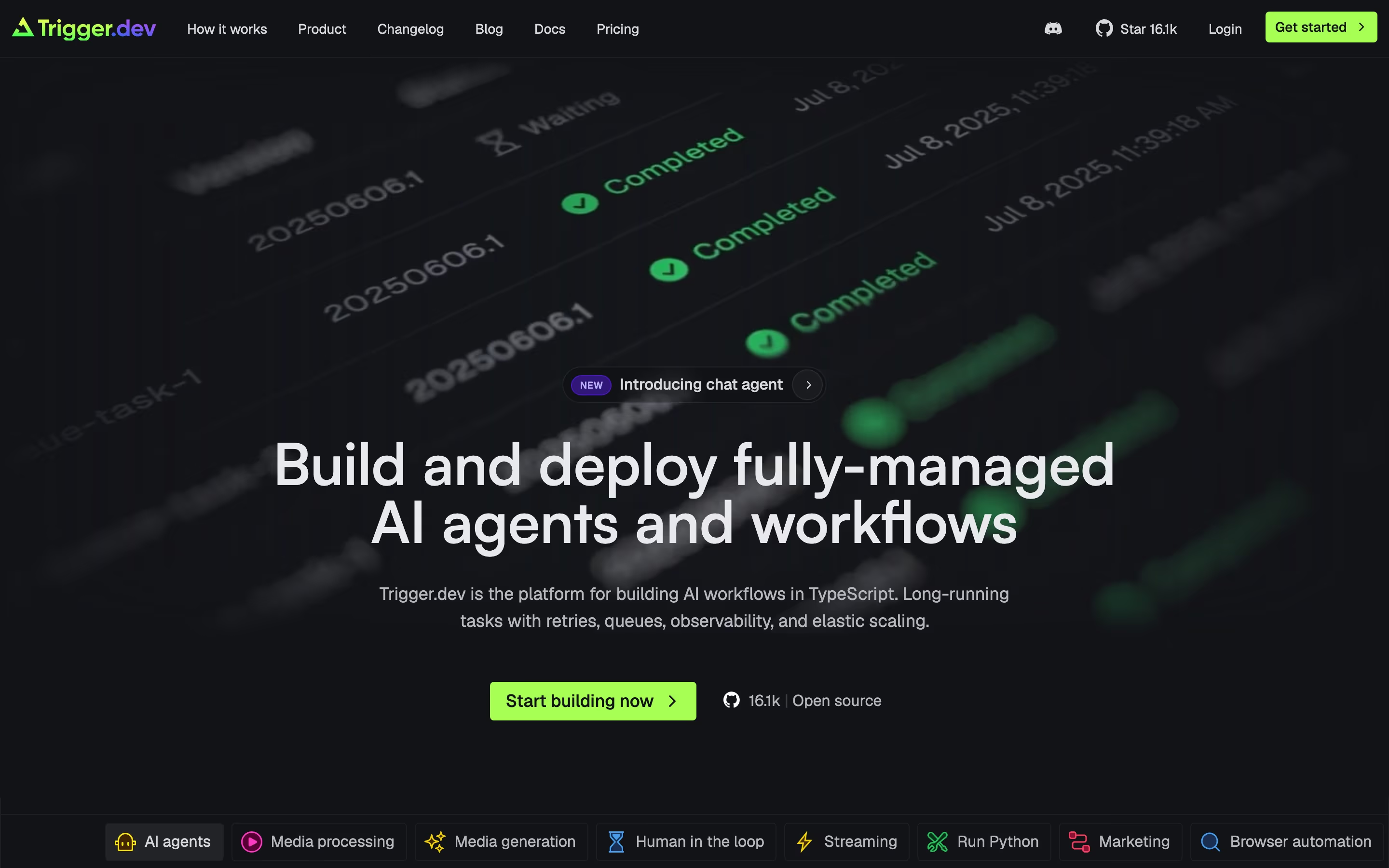
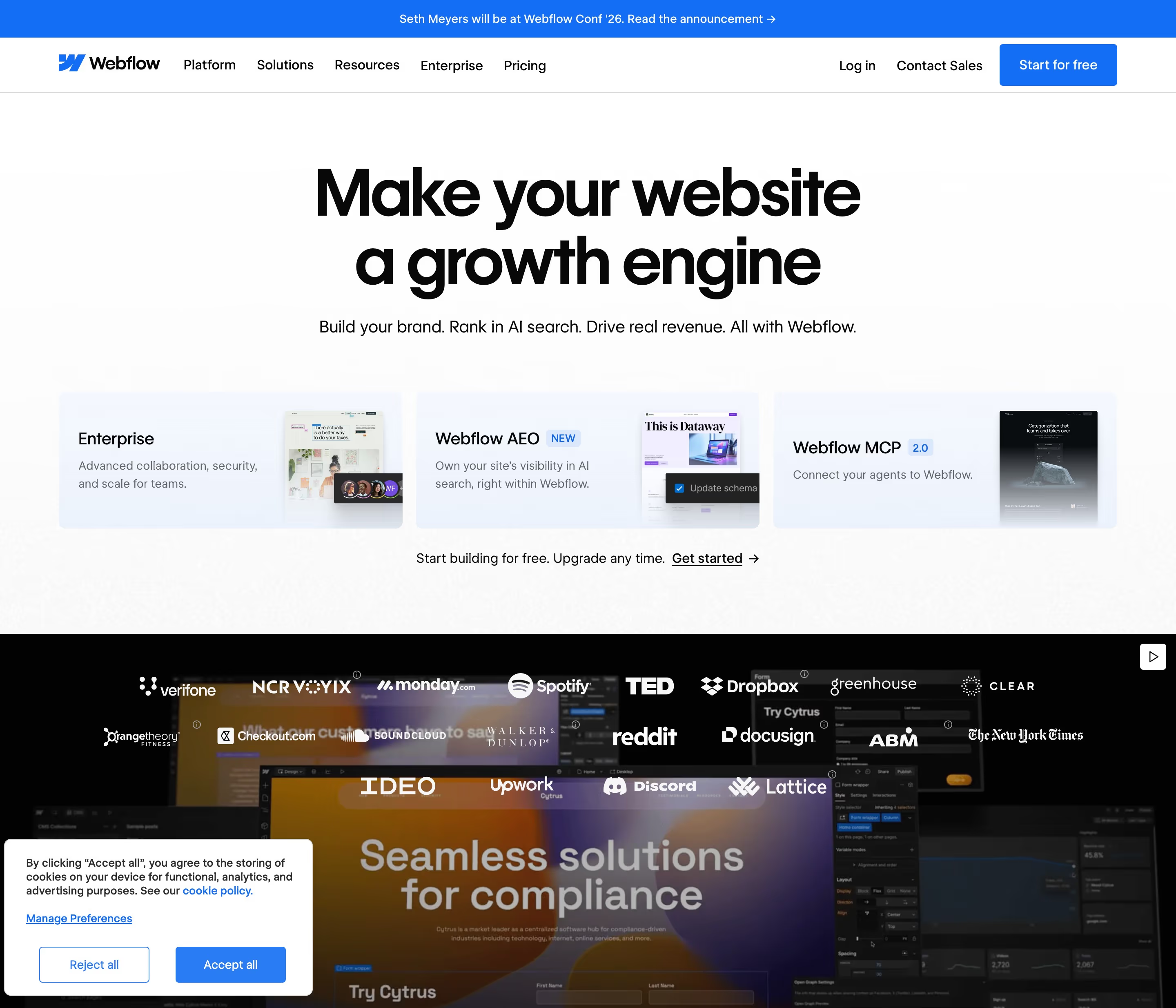
A navigation bar is the horizontal strip at the top of every page holding the logo, the main site links, a login link and the primary sign-up button.
- Also called
- Navbar, Nav bar, Header, Top navigation, Site header
- Spotted on
- 255 of 422 homepages
- Browse examples
- Hero sections →
What is a navigation bar?
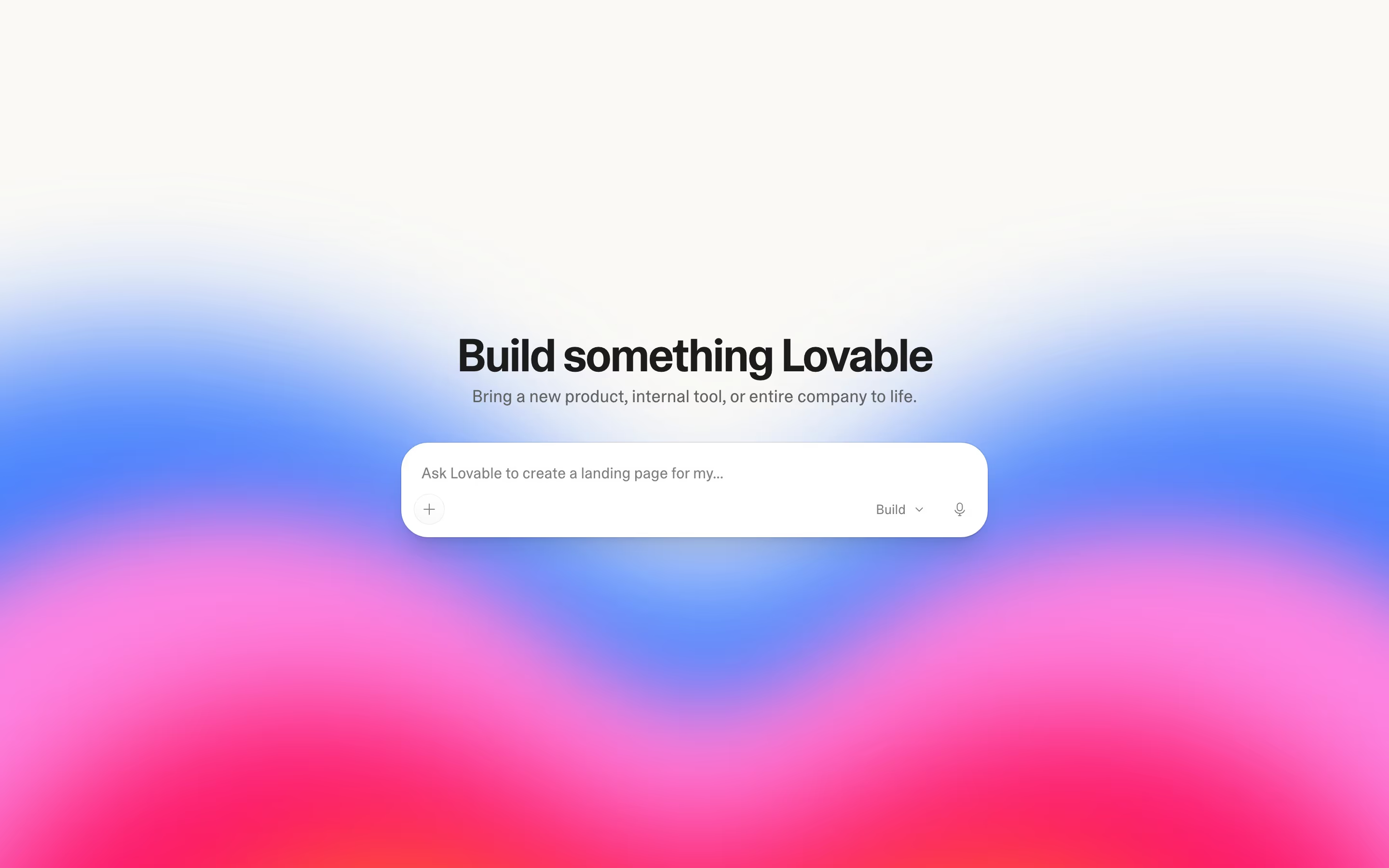
On SaaS sites the navigation bar serves two audiences at once: new visitors looking for Product, Pricing and Customers, and existing users who just want "Log in". That is why so many navs in our catalog end with a quiet login link next to a filled button such as "Start free" or "Get a demo".
Link count is the main design decision. Most navs carry four to six items, with Product, Solutions or Resources opening dropdowns. Developer tools often add a GitHub star count, as Appwrite does with its "57.1K" badge beside a pink "Start project" button.
On mobile the links collapse behind a hamburger or "Menu" button and only the logo plus one CTA stay visible. A nav that keeps its primary button on a phone, rather than hiding it in the menu, keeps the main action one tap away.
Navigation bar examples from real SaaS sites
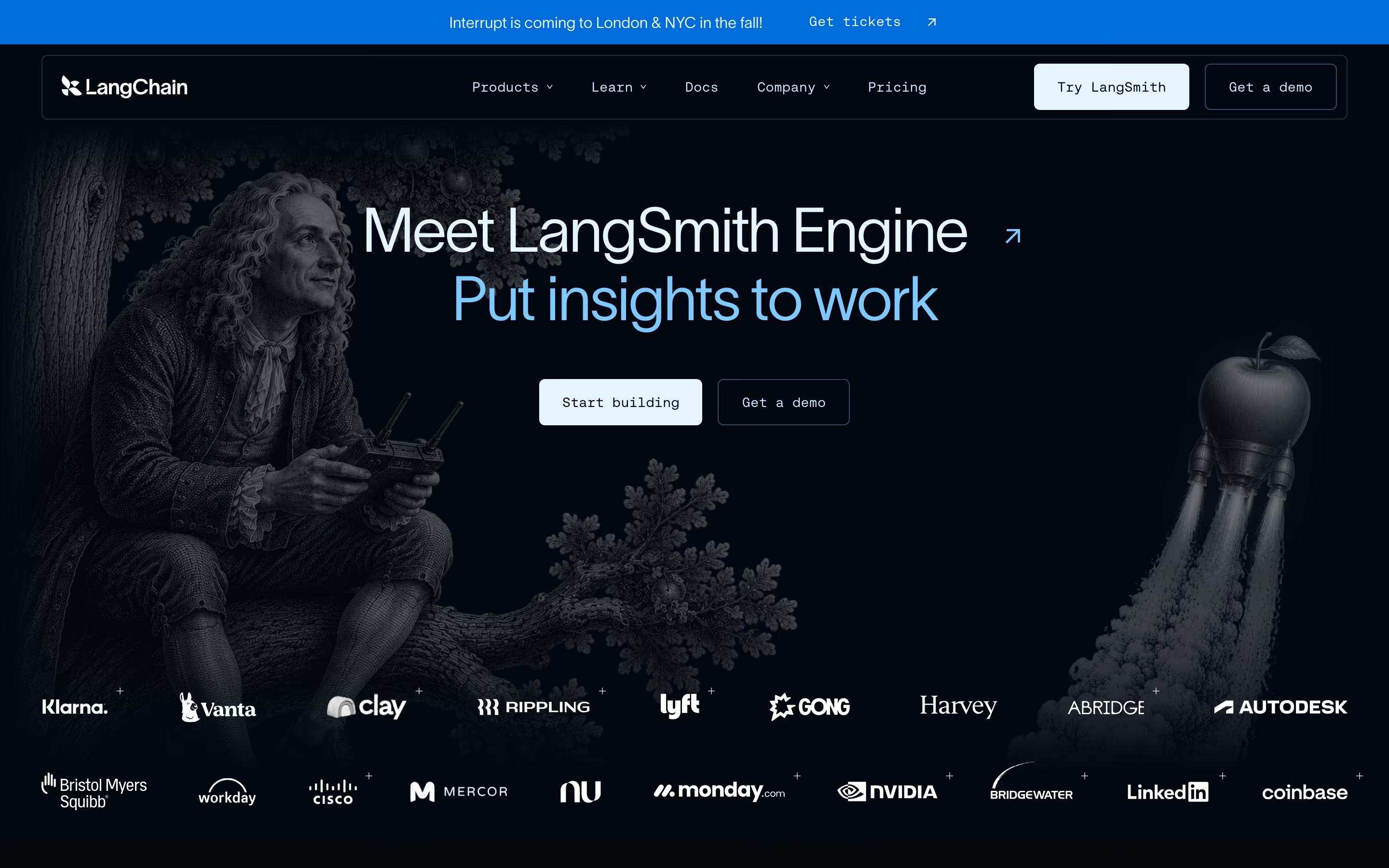
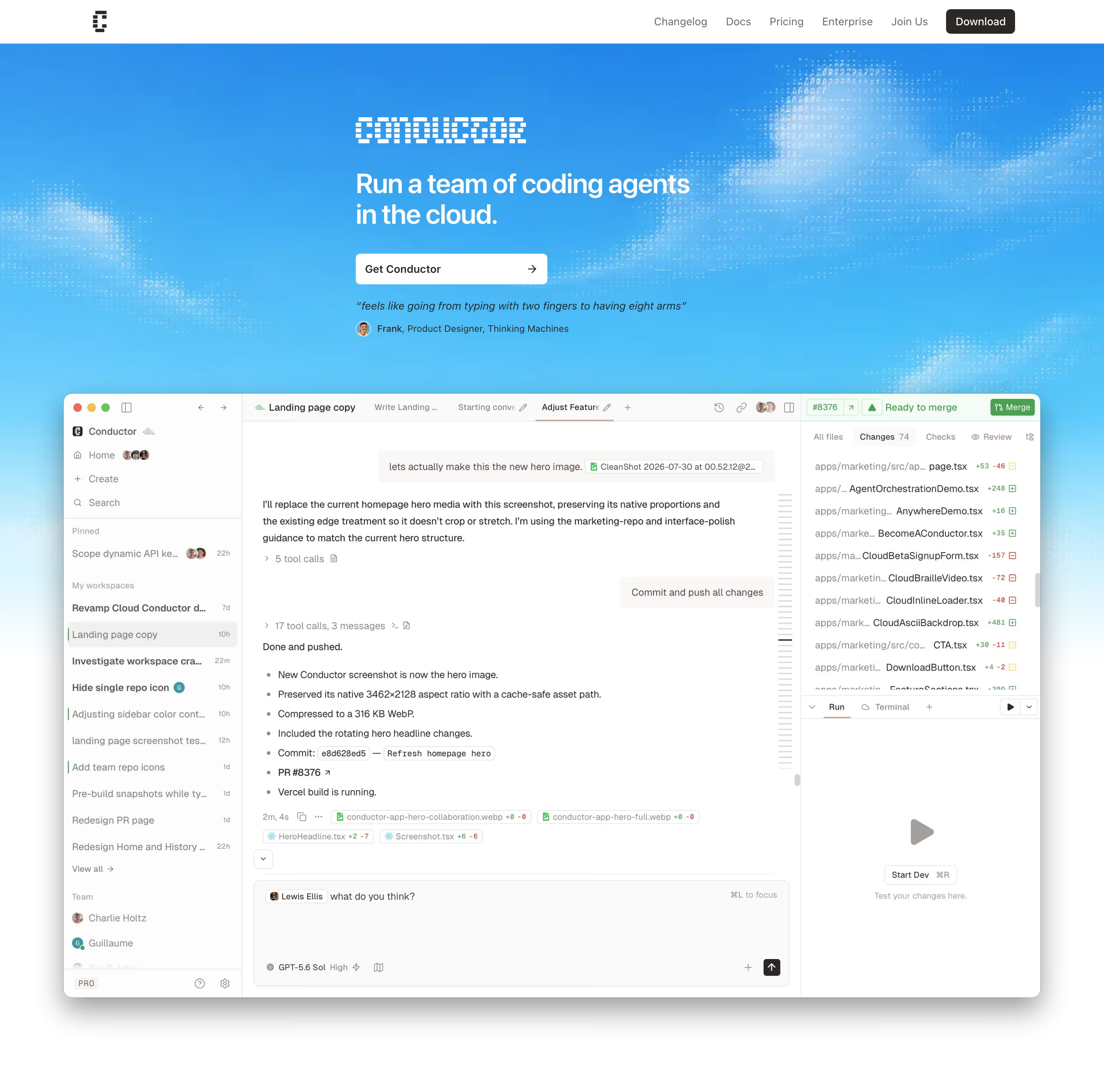
Each one is a hero capture whose design review mentions the navigation bar.

When to use a navigation bar, and when not to
Use it for
- Every marketing pageVisitors land on blog posts and feature pages as often as the homepage; each needs the same way around.
- Sticky on long pagesA nav that stays fixed on scroll keeps the sign-up button visible through a long homepage.
- Separating audiencesLogin and sign-up side by side let returning users and new ones each find their door.
Avoid it for
- On focused landing pagesCampaign or checkout pages often convert better with the links removed and only the logo left.
- As a sitemapTen top-level links force visitors to read the nav instead of the page; move the rest to the footer.
- With competing buttonsThree filled buttons in one bar mean none stands out as the main action.
Anatomy of a navigation bar
- 1LogoLeft-aligned, linking home.
- 2Primary linksFour to six items such as Product, Solutions, Pricing, Customers and Resources, some with dropdowns.
- 3Utility linksDocs, changelog, a GitHub count or a search field, common on developer tools.
- 4LoginA text link or ghost button for existing users.
- 5Primary CTAThe filled button, usually the brand color, repeated from the hero.
Common navigation bar variants
1. Full-width bar
Edge-to-edge strip, transparent over the hero or solid white or black.
2. Floating pill
A rounded, inset bar that hovers over the page with a gap above it. See floating navbar.
3. Mobile collapsed
Logo, one CTA and a hamburger or "Menu" button that opens a full-screen panel.
Spotted in our design reviews
Our reviews describe a navigation bar on 255 of the 422 SaaS homepages in the catalog. A few of them:
The top navigation reads "Payments", "Partnerships" and "Contra Labs", with a dark "Sign up" button and "Log in" at the far right.
Contra · Above the fold
The nav is short: "Solutions", "Resources", "Enterprise", "Pricing", "Careers", with "Book a demo" and a dark "Get Started" at right.
Gumloop · Above the fold
The nav reads "Product", "Pricing" and "Resources", with "Login", "Book demo" and a dark "Start Free" button at the right.
Productbridge · Above the fold
A white nav lists "Platform", "Solutions", "Partners", "Resources" and "Plans", with "Log in" and a violet "Get a demo" pill.
Vanta · Above the fold
A centred nav of six items and a black "Get Started" pill sits over the blue hero.
Usesuperflow · Above the fold
A violet bar announces "Universal-3.5 Pro is here." above the navigation.
Assemblyai · Above the fold
A lime strip reads "GET YOUR SPOTLIGHT TICKET" above a nav with the logo, "Product", "Pricing", "Solutions", "Resources", "Enterprise", an outlined "Log In" and a black "Start for free" pill.
Semrush · Above the fold
The navigation reads "Product", "Solutions", "Resources", "Gallery", "Blog", "Pricing".
Coda · Above the fold
Often confused with
Navigation bar vs. mega menu
The navigation bar is the always-visible strip; a mega menu is the large panel that opens from one of its links.
Navigation bar vs. announcement bar
An announcement bar is a thin strip above the nav carrying one temporary message, not site links.
Navigation bar vs. floating navbar
A floating navbar is a navigation bar styled as a detached, rounded pill rather than a full-width strip.
Frequently asked
How many links should a SaaS navigation bar have?
Four to six top-level items is the common range. Anything beyond that usually belongs in a dropdown or the footer.
Should the navigation bar be sticky?
On long homepages, usually yes, so the sign-up button stays reachable. Keep it slim when stuck, or let it hide on scroll down and return on scroll up.
Where should the login link go?
At the right, just before the primary button, styled as a plain link so it doesn't compete with sign-up.