
Conversion & trust
Call to action
A call to action is a button or link that asks the visitor to take one specific next step, such as starting a free trial, booking a demo or signing up.
- Also called
- CTA, CTA button, Primary button, Book a demo button, Free trial button
- Spotted on
- 166 of 422 homepages
- Browse examples
- CTA sections →
What is a call to action?
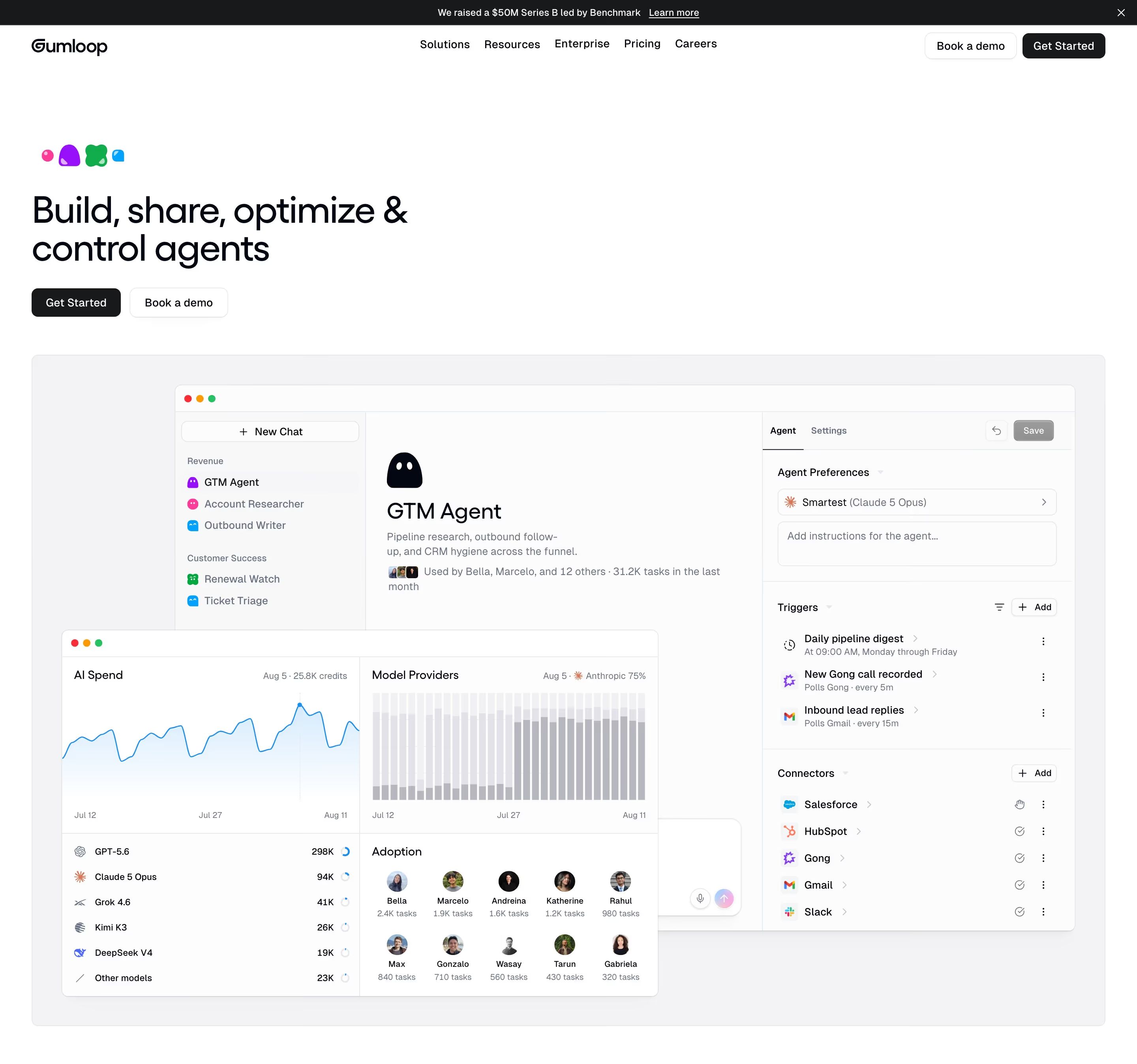
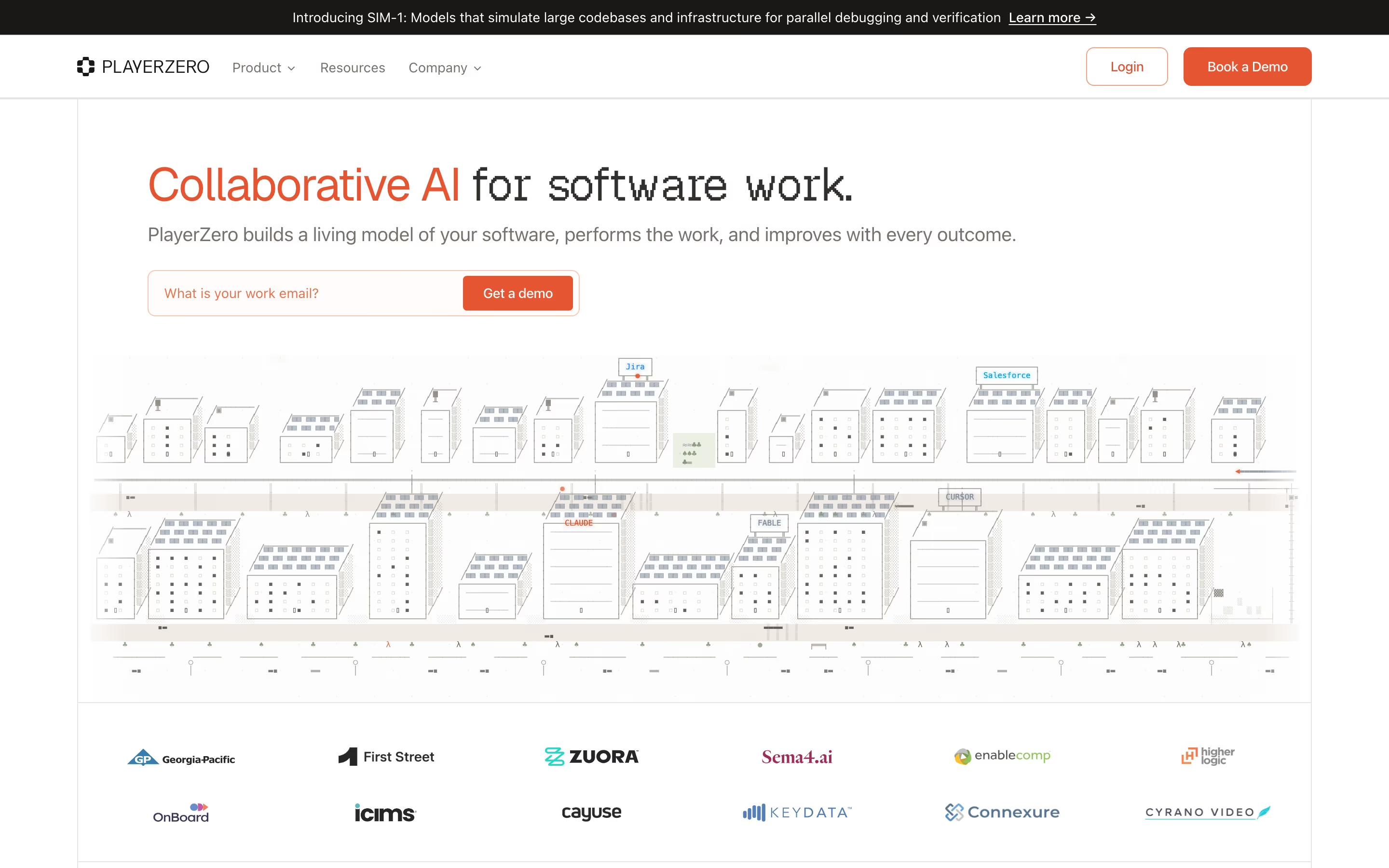
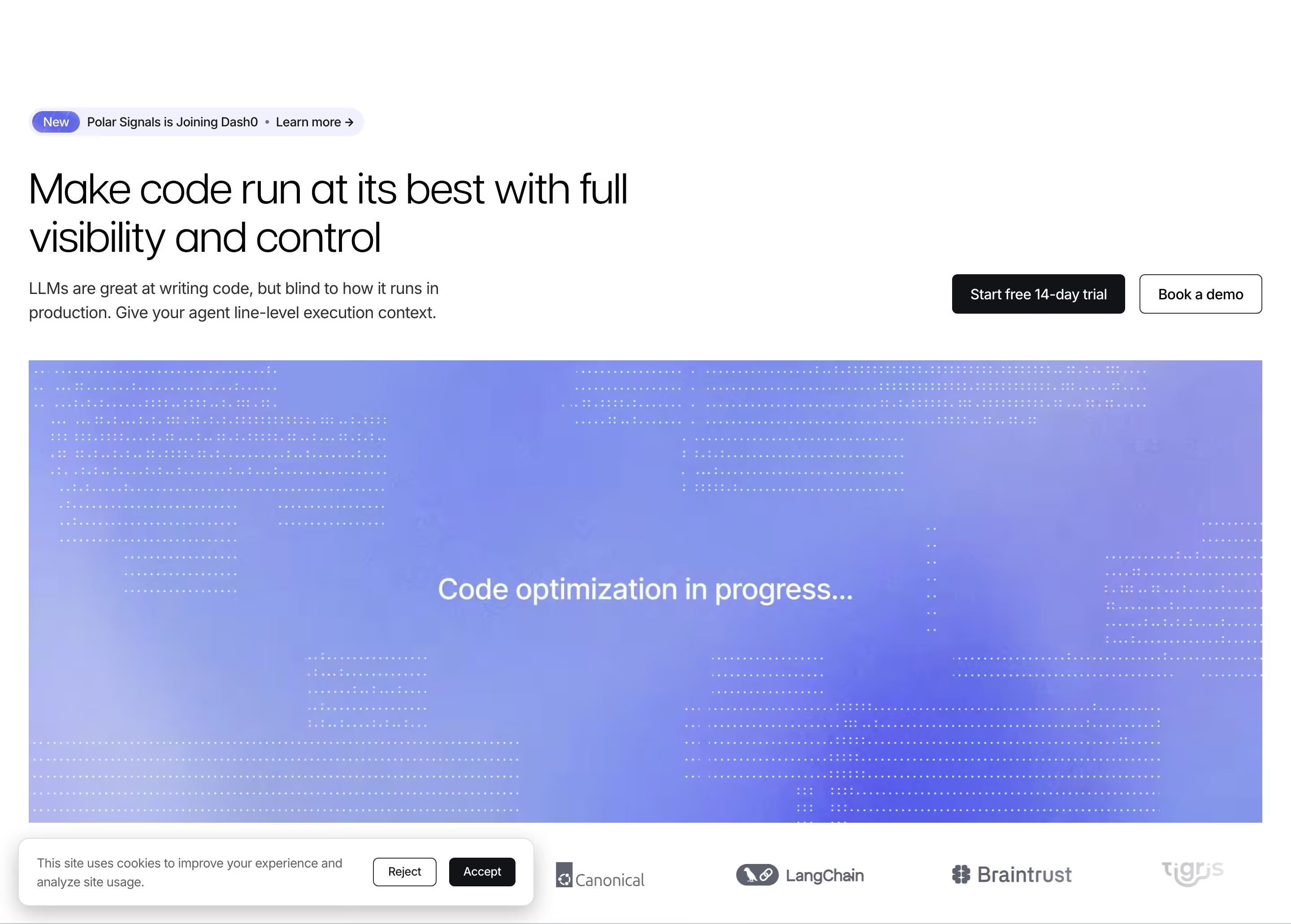
On SaaS sites the call to action is mostly one of two choices: a self-serve start ("Start free trial", "Get started for free") or a sales conversation ("Book a demo", "Talk to sales"). Which one leads tells you who the company sells to. Product-led tools put the free start first; enterprise products lead with the demo; many put both side by side, the preferred one filled and the other outlined, as Polarsignals does with a filled "Start free 14-day trial" next to an outlined "Book a demo".
Good CTAs name the outcome or the product ("Get Notion free"), sit in the same place in the nav, hero and closing band, and carry a short reassurance nearby: "14-day free trial", "No credit card required". Weak ones are generic ("Submit", "Learn more"), multiply into four buttons of equal weight, or change wording between sections so visitors aren't sure it's the same offer.
Hierarchy matters more than color. One filled button per view, with secondaries as outlines or text links, lets the eye find the action without reading.
Call to action examples from real SaaS sites
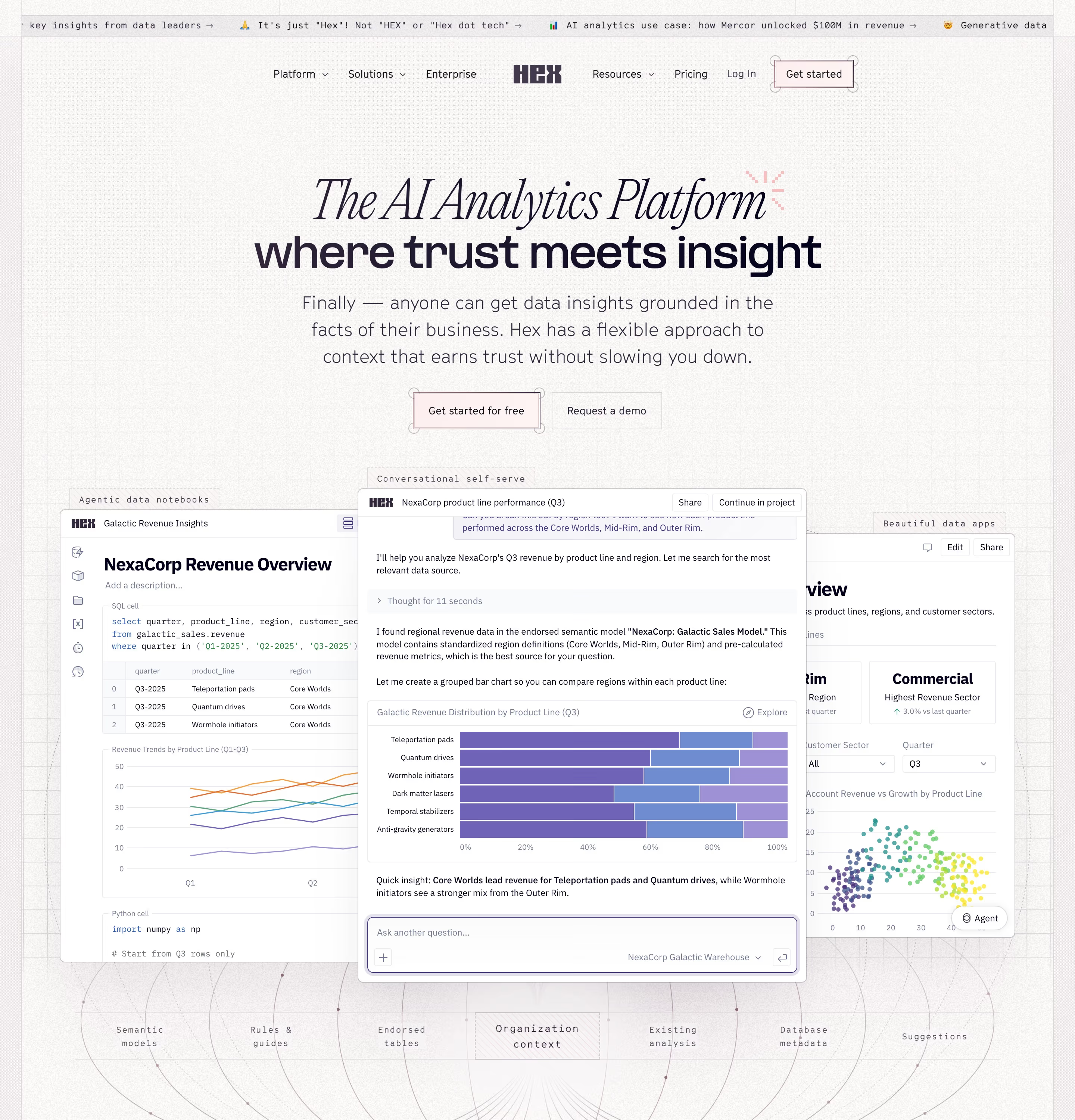
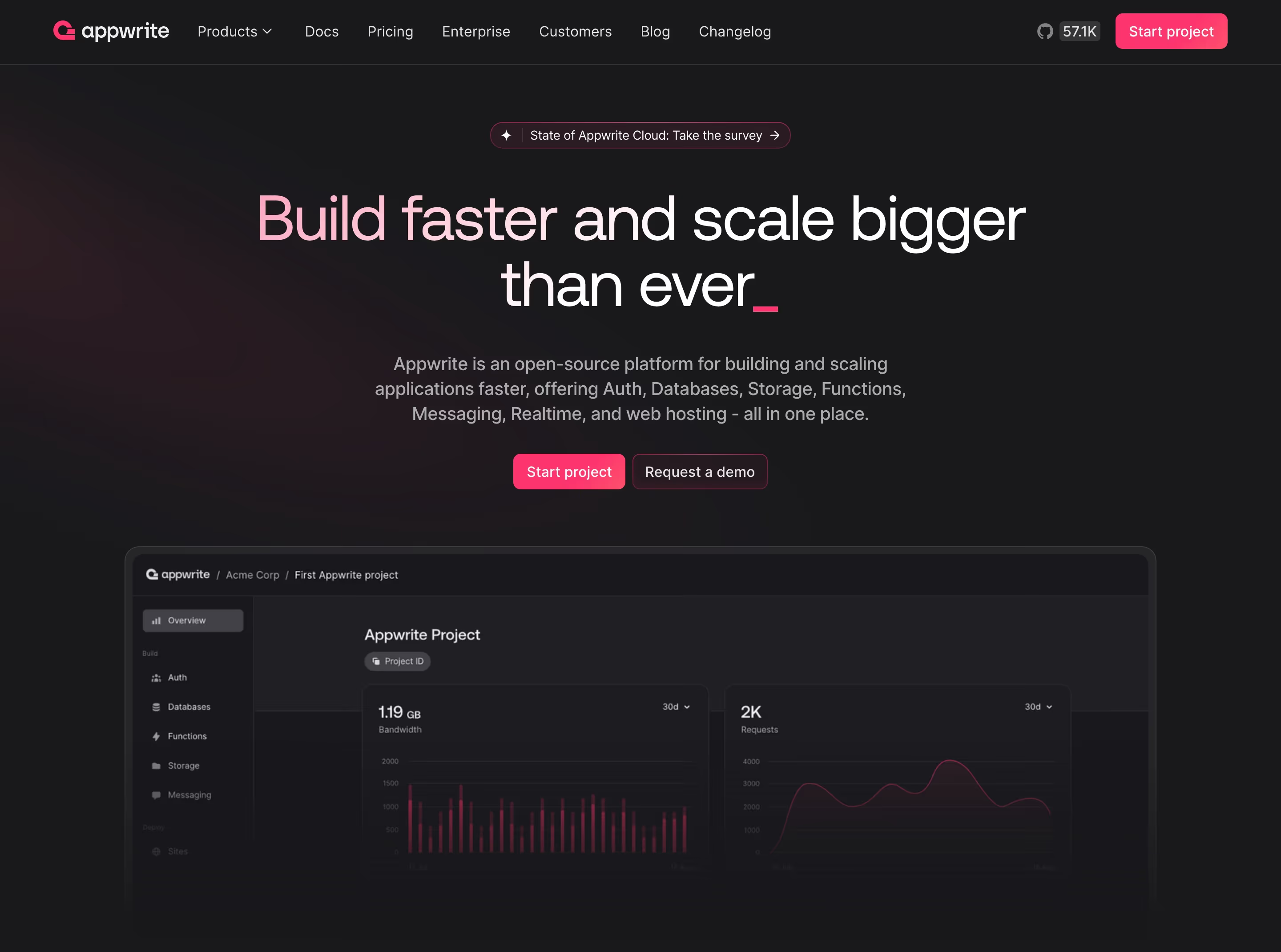
Each one is a hero capture whose design review mentions the call to action.
When to use a call to action, and when not to
Use it for
- Every key viewNavigation, hero and closing band should each offer the main action.
- Two buyer typesPair a self-serve CTA with a demo CTA when both small teams and enterprises buy.
- After proofRight after testimonials or stats, when the visitor is most convinced.
Avoid it for
- Competing primariesTwo filled buttons side by side split attention; make one of them secondary.
- Vague labels"Learn more" as the main CTA gives no reason to click; say what happens next.
- Inside dense contentA button in every feature card dilutes the main action; use text links there.
Anatomy of a call to action
- 1LabelTwo to four words starting with a verb and naming the outcome.
- 2Visual weightA filled button for the primary action, outlined or ghost style for secondary ones.
- 3PositionTop-right of the nav, under the hero subhead, and in the closing band.
- 4MicrocopyA reassurance line beneath it: trial length, no card needed, setup time.
- 5Secondary actionAn optional alternative path, such as a demo, video or docs link.
Common call to action variants
1. Free trial or signup
"Start free trial", "Get started for free": the product-led default, often with "No credit card required" beneath.
2. Book a demo
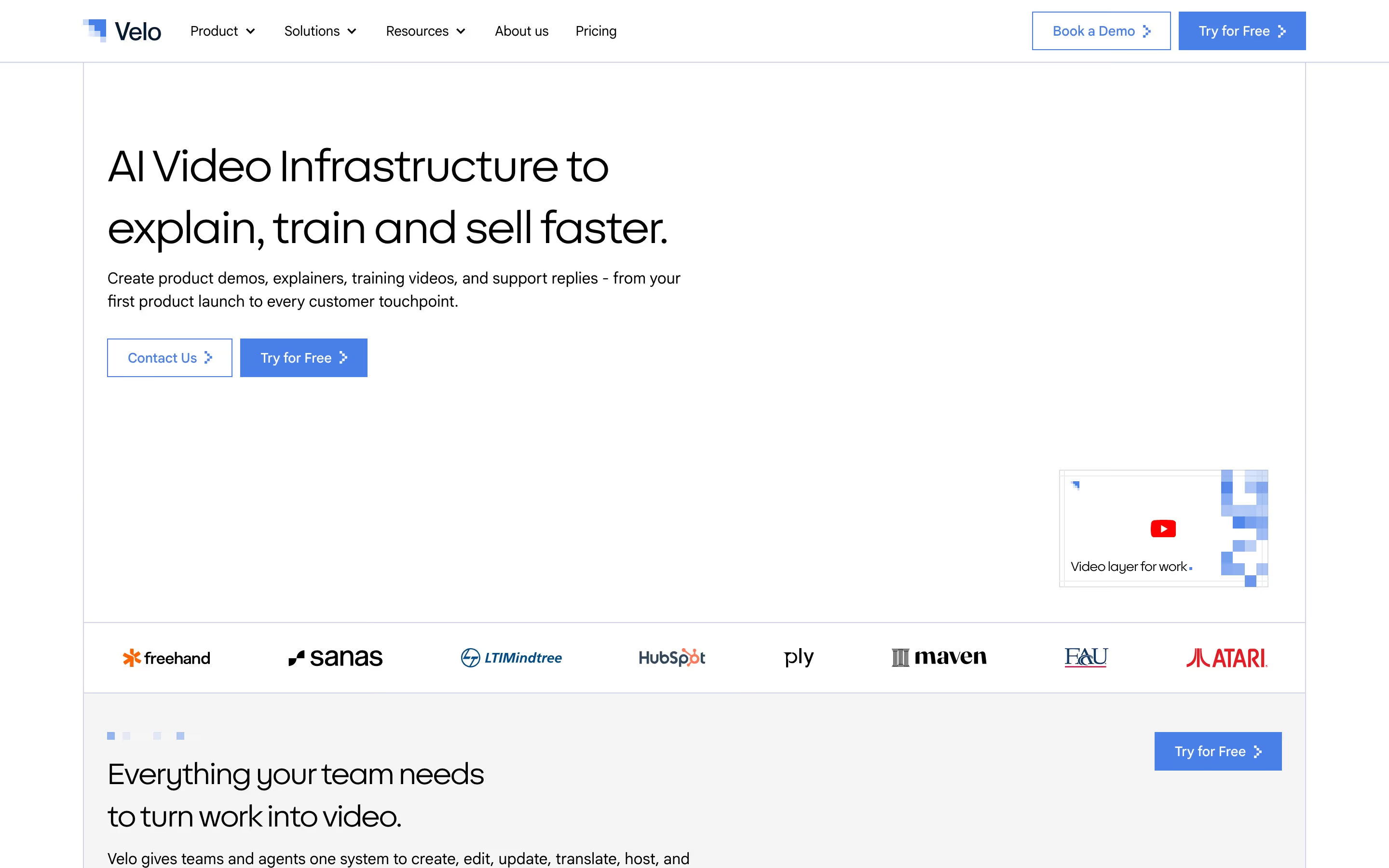
"Book a demo", "Get a demo", "Talk to sales": the sales-led default, common for enterprise, compliance and infrastructure products.
3. Dual CTA
Both of the above side by side, the preferred path filled. The most common hero pattern in our catalog.
4. Inline email capture
An email field joined to the button ("Your work email" + "Get a demo"), which starts the form inside the hero.
Spotted in our design reviews
Our reviews describe a call to action on 166 of the 422 SaaS homepages in the catalog. A few of them:
Two lines of text follow, then a filled "Book a demo" button and an outlined "See the product" button.
Decawork · Above the fold
A white nav lists "Platform", "Solutions", "Partners", "Resources" and "Plans", with "Log in" and a violet "Get a demo" pill.
Vanta · Above the fold
Below it a rounded pill holds Overview, Solutions, Integrations, Resources and Pricing, with Book a Demo, Log In and an outlined SIGN UP FREE button at right.
Fathom · Announcement bar, header and hero
Two buttons follow, "SIGN UP" in white and "BOOK A DEMO" in black.
Arcade · Above the fold
A yellow "GET A DEMO" button sits under the copy, and a strip above the header announces "New research: Leading indicators of AI coding agent effectiveness."
Span · Above the fold
The nav has five items, "Sign in" and a dark "Book a demo" pill.
Cultureamp · Above the fold
Below, an announcement pill reads "Introducing Partner Referrals", followed by the centered headline "Turn clicks into revenue", a two-line subhead and two buttons, "Start for free" in black and "Get a demo" outlined.
Dub · Above the fold
A thin violet banner announces a webinar, above a navigation bar with four links, "LOG IN", a filled "BOOK A DEMO" button and an outlined "START TRIAL" button.
Qodo · Above the fold
Often confused with
Call to action vs. CTA section
A call to action is the button or link itself; a CTA section is a whole closing band built around one.
Call to action vs. ghost button
A ghost button is an outlined visual style, usually used for the secondary call to action beside a filled primary one.
Frequently asked
Should a SaaS homepage lead with "Book a demo" or "Start free trial"?
Lead with the path most of your buyers actually take. If people can get value alone in the first session, put the free start first. If buying needs a contract, security review or onboarding, lead with the demo and offer the self-serve path as the secondary button.
How many CTAs should a hero have?
One primary and at most one secondary. A third button almost always belongs in the nav or further down the page.
Does "No credit card required" matter?
It answers the most common hesitation about a free trial in four words, so if it's true, put it next to the button.