
Page sections
CTA section
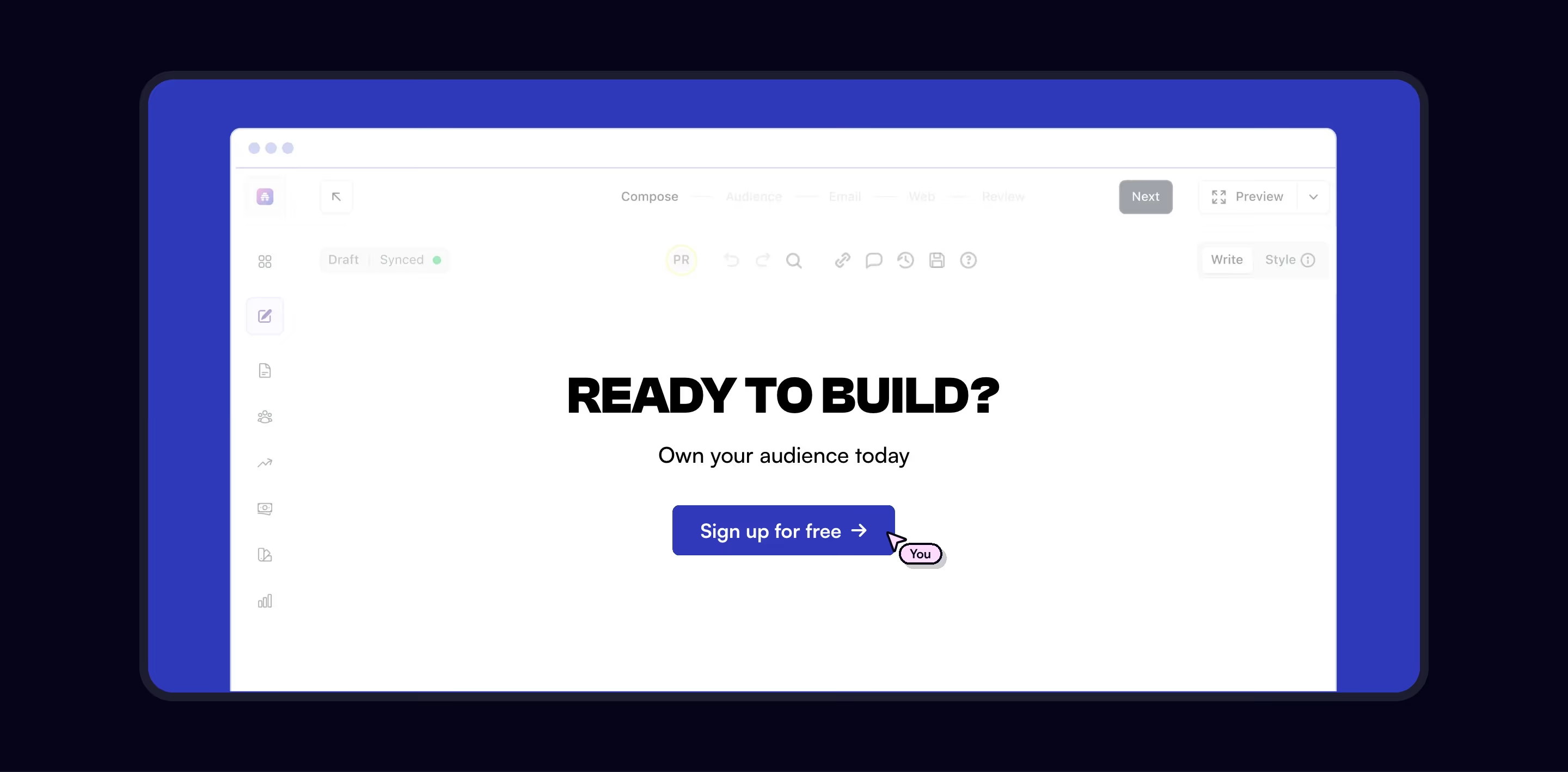
A CTA section is a full-width band near the end of a page that restates the core offer in one headline and repeats the primary button before the footer.
- Also called
- Closing CTA, Final call to action, CTA banner, Closing band
- Spotted on
- 196 of 422 homepages
- Browse examples
- CTA sections →

What is a CTA section?
The closing CTA is the page's second chance to convert anyone who scrolled past the hero. It typically has the shortest copy on the page: one headline, maybe a subline, and the same button the hero used. Arcade asks "Ready to actually ship your agent?" over Sign up and Book a demo; Homerun puts "Join 1000+ teams" above a single Start free trial button.
Visual contrast is what makes it work. Most closing bands switch background (a dark panel on a light page, a brand gradient, an illustration), so the section reads as an ending rather than one more feature block. Developer tools often swap the button for the install command itself, as Convex and Impeccable do, because copying a command is their real first step.
Weak CTA sections introduce a new offer the hero never mentioned, stack three competing buttons, or blend into the footer so visitors scroll past without noticing them.
CTA section examples from real SaaS sites
CTAs from the catalog.




When to use a CTA section, and when not to
Use it for
- Long pagesAnything past three or four screens should end with the action, not force a scroll back up.
- One clear next stepYou have a single primary action worth repeating, such as a trial, signup or demo.
- Feature-heavy pagesAfter a lot of detail, a short summary headline helps visitors decide.
Avoid it for
- Short single-screen pagesIf the hero button is still nearly in view, a second band is repetition.
- Unrelated offersDon't use the closing band to push a webinar or newsletter that competes with the main action.
- Already in the footerIf the footer itself carries a prominent signup, merge the two rather than stacking them.
Anatomy of a CTA section
- 1BackgroundA contrasting band: dark panel, brand color, gradient or illustration.
- 2HeadlineA short restatement of the promise or a direct question ("Ready to get started?").
- 3Supporting lineOptional; often a reassurance such as "No credit card required".
- 4ButtonsThe hero's primary button, sometimes with a secondary demo or contact link.
- 5ProofOptional logos, a rating or a user count beneath the buttons.
Common CTA section variants
1. Dark band
A near-black or deep brand-color panel on an otherwise light page, the most common form.
2. Illustrated or gradient panel
A rounded card with artwork or a gradient that gives the ending some weight.
3. Command block
A terminal-style box with the install command and a copy button, typical of developer tools.
4. Repeat of the hero
The hero's headline and buttons restated almost word for word, as Veed's closing section does.
Spotted in our design reviews
Our reviews describe a CTA section on 196 of the 422 SaaS homepages in the catalog. A few of them:
A closing block, "Runs inside the systems you already trust.", floats logos around a central icon.
AI Work · Client quote, how-it-works and integration blocks
A closing band links to "Intuit Website" and "Contact Intuit".
Mailchimp · Contact Us
Below come three cream cards, two image-and-text rows, a three-step list, an FAQ accordion with plus buttons and an illustrated closing call to action.
Deel · Affiliate pages
A purple closing band and footer fill the rest.
Linktr · Contact Us
A closing banner over a blurred plant and desk clock reads "You've got the vision.
Cartage · Footers
Three benefit cards and a closing banner follow.
Cal · Affiliate pages
Block order runs from an announcement strip to the hero, a how-it-works section, a card grid, an accordion and a closing panel above the footer.
Monad · Overview
The closing section centres a "Let's talk" heading, a short contact line and a dark "Get in touch" button.
Getnudge · Closing section and footer
Often confused with
CTA section vs. call to action
A call to action is any button or link asking for the next step; a CTA section is the full-width band built around one, usually at the end of the page.
CTA section vs. footer
The footer is navigation and legal links; the CTA section sits directly above it and asks for one action.
CTA section vs. hero section
The hero opens the page with the full pitch; the CTA section closes it with a compressed version of the same pitch.
Frequently asked
Should the closing CTA repeat the hero's button exactly?
Usually, yes. Visitors who reach the bottom are ready for the same action, and a consistent label avoids making them wonder whether it's a different offer.
What headline works for a closing CTA?
Something short and specific to the product beats "Get started today". A question tied to the visitor's job ("Ready to ship your agent?") or a one-line recap of the promise both work.