
Layout & concepts
Open Graph image
An Open Graph image is the preview picture set in a page's og:image meta tag, shown as a card when the link is shared in social feeds and chat apps.
- Also called
- OG image, Social share image, Link preview image, Social card
- Browse examples
- OG images →
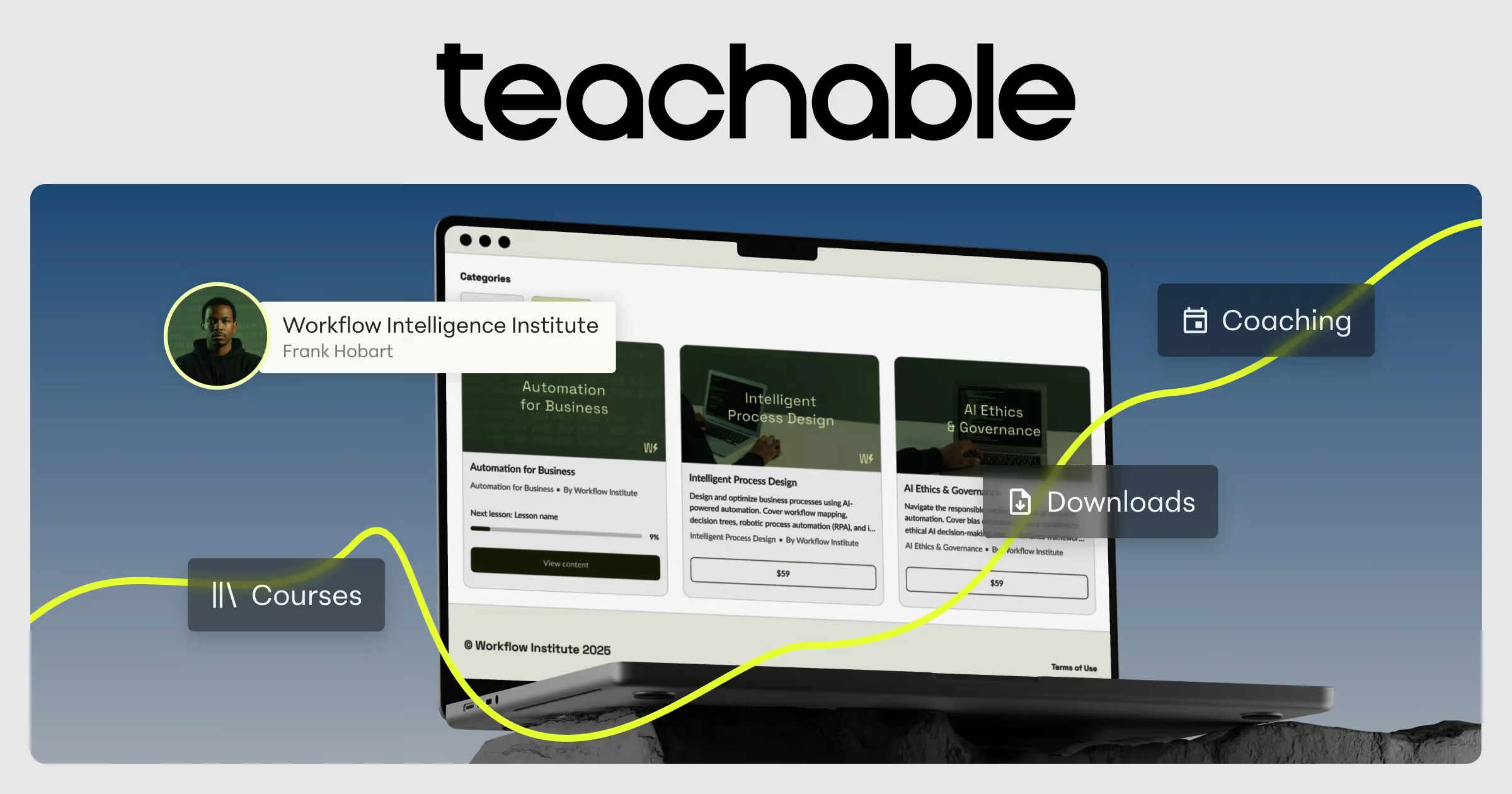
What is an open graph image?
For most people, the first view of a SaaS website isn't the website. It is a link in Slack, X, LinkedIn or a group chat, and what they see is the Open Graph image: a wide card, usually 1200 by 630 pixels, plus the page title. That card decides whether the link gets clicked.
SaaS teams treat it in roughly three ways: a branded card with the wordmark and headline on a brand-color background, a product screenshot framed like the hero, or nothing deliberate at all, in which case platforms fall back to a random image or show none. The first two work; the third throws away the cheapest impression a launch gets.
Good OG images are designed for a thumbnail. Large type, five or fewer words, high contrast and the logo inside the safe area, because some platforms crop the edges or show the card at a fraction of its size.
Open Graph image examples from real SaaS sites
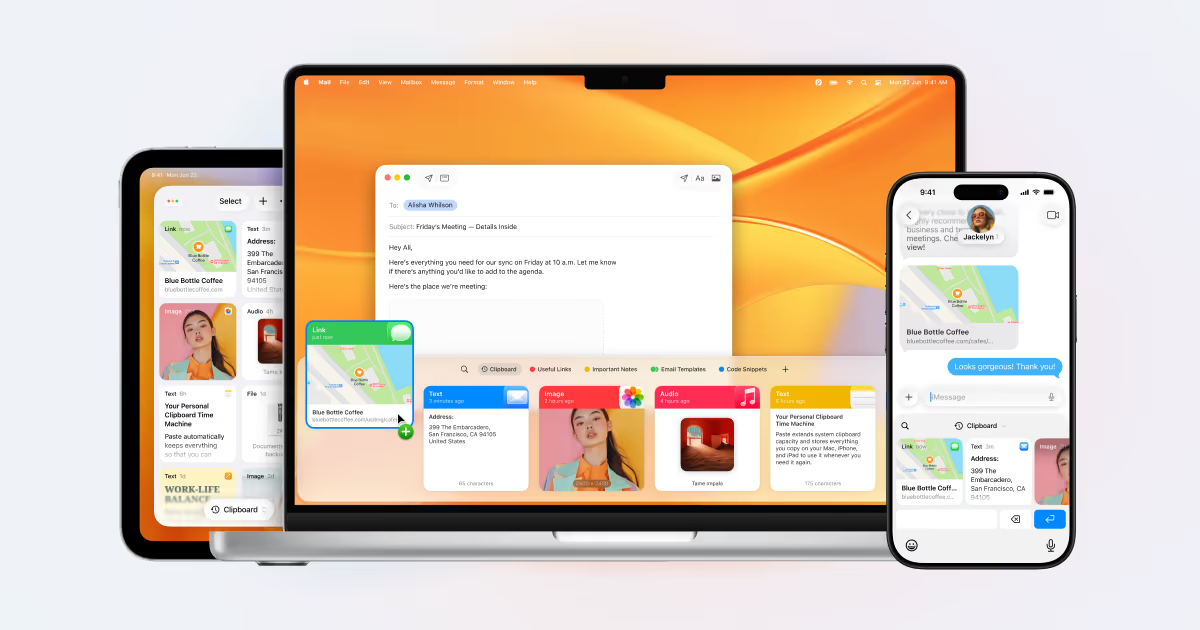
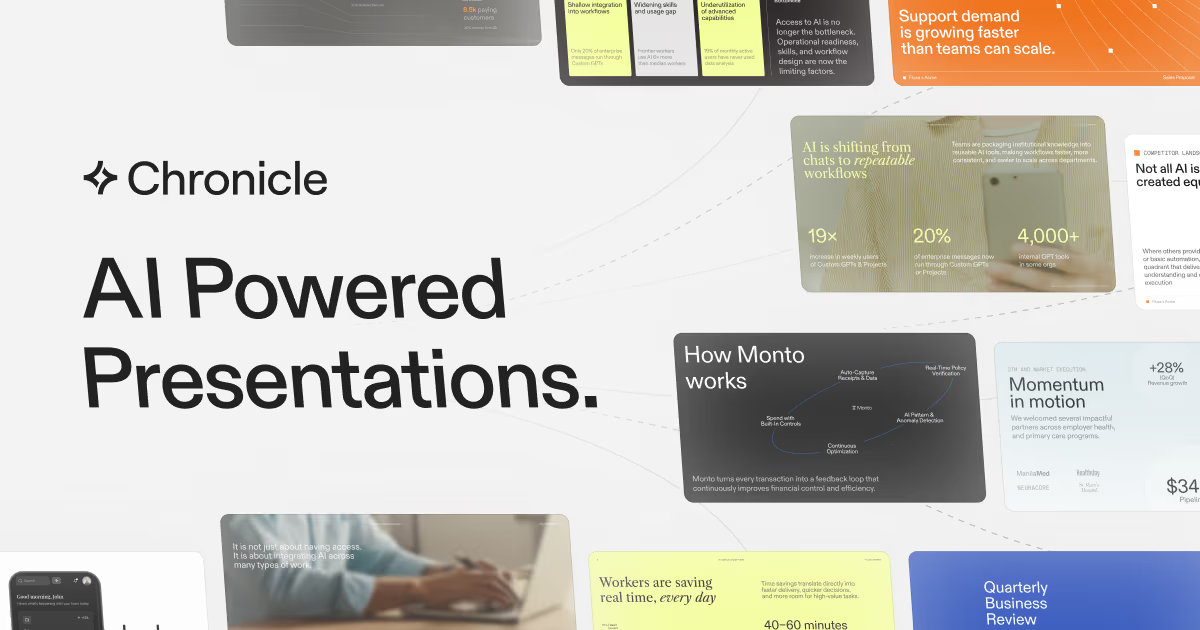
OG images from the catalog.


When to use an open graph image, and when not to
Use it for
- Every public pageAny page that might be shared should have an og:image set, even if it's a site-wide default.
- LaunchesA launch day page deserves its own card naming the release.
- Content pagesBlog posts and changelog entries benefit from generated per-page cards with their titles.
Avoid it for
- Tiny textA full screenshot of the homepage with its paragraph copy is unreadable at preview size.
- Edge-to-edge textWords near the border get cropped on platforms that show a square or narrower crop.
- Mismatched messagingA card that promises something the page doesn't show breaks trust on the first click.
Anatomy of an open graph image
- 1CanvasTypically 1200x630px (about 1.91:1), declared with og:image and its width and height tags.
- 2HeadlineThe page's core message in a few large words.
- 3Brand marksLogo or wordmark and brand colors, placed away from the edges.
- 4VisualAn optional product crop, illustration or pattern that echoes the hero.
Common open graph image variants
1. Branded text card
Wordmark and headline on a solid or gradient brand background; the most legible at small sizes.
2. Product shot card
A cropped product screenshot or mockup with the logo, mirroring the hero.
3. Generated per-page card
Built automatically from each page's title, common for blogs and docs.
Often confused with
Open Graph image vs. hero section
The hero is the first screen on the site; the OG image is the first impression off it. Strong brands make the two recognizably related.
Open Graph image vs. product screenshot
A product screenshot shows the interface on the page; an OG image may include one but must stay readable at thumbnail size.
Frequently asked
What size should an Open Graph image be?
1200 by 630 pixels is the widely supported default. Keep key text and logos inside the central area, since some platforms crop to a square or narrower shape.
Why does my link preview show the wrong image?
Usually because the og:image tag is missing, uses a relative URL, or the platform cached an older version. Use an absolute URL and re-fetch the preview in the platform's sharing debugger.