
Visual style
Newsletter signup
A newsletter signup is a small form, usually one email field and a subscribe button, inviting visitors to get updates by email without starting a trial.
- Also called
- Email signup, Subscribe form, Newsletter form, Email capture
- Spotted on
- 35 of 422 homepages
- Browse examples
- Footers →
What is a newsletter signup?
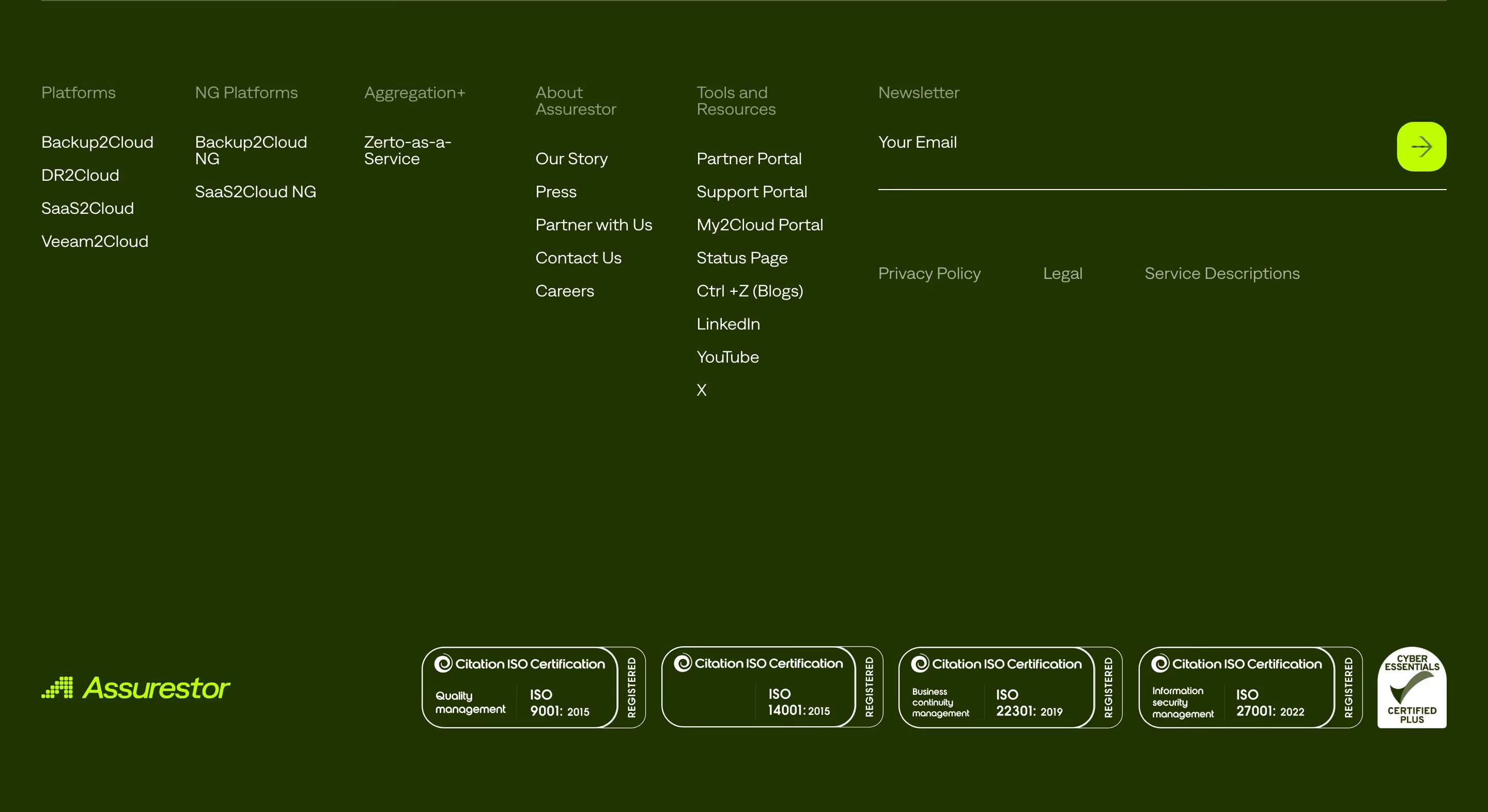
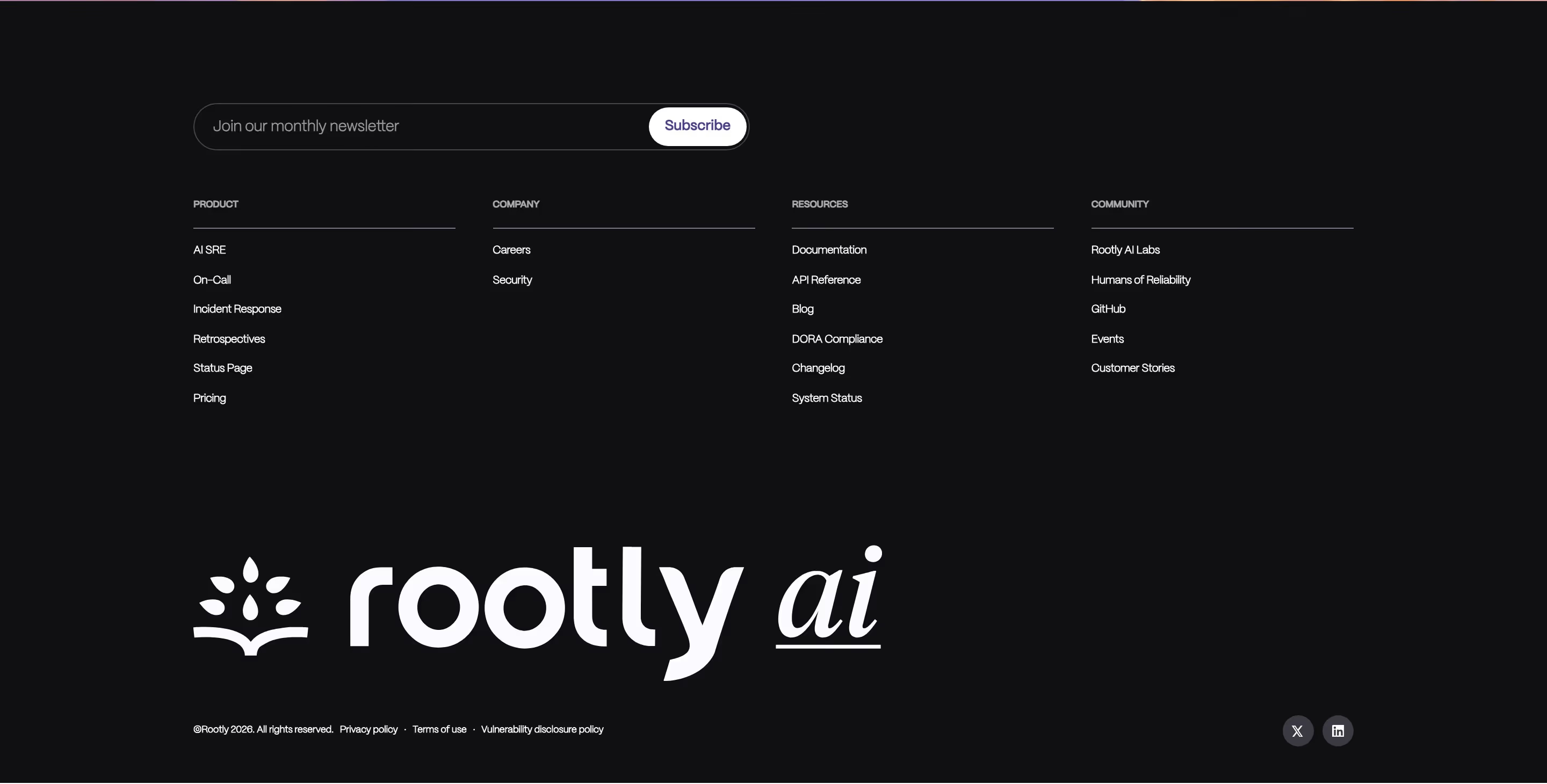
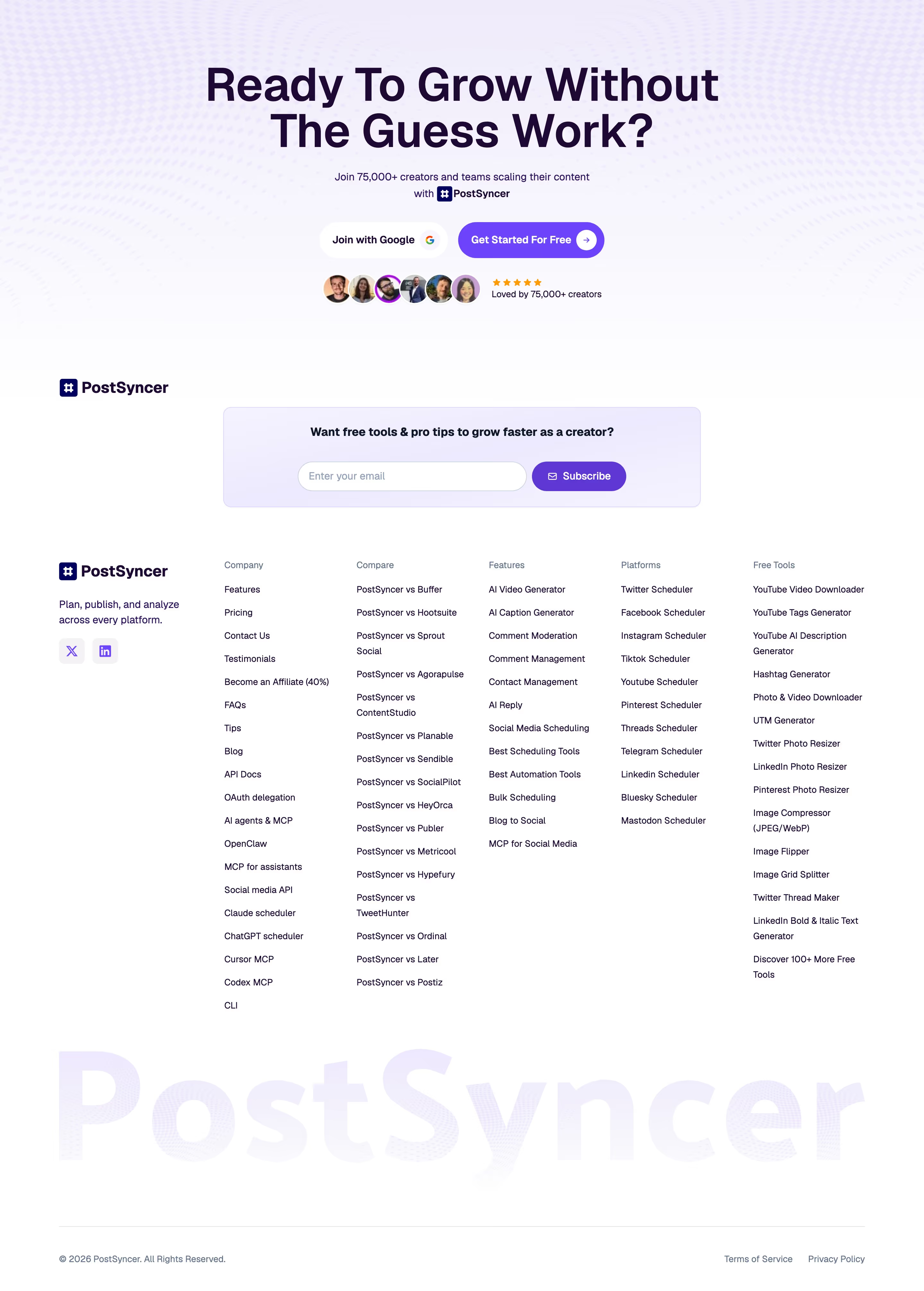
On SaaS sites the newsletter signup is a low-commitment option for visitors not ready to sign up for the product. It most often lives in the footer: Deel puts a rounded email field with an arrow button there, Encord uses a lime arrow, and Mastra labels its field "GET WEEKLY UPDATES:".
The good ones say what you'll receive and how often ("Our monthly newsletter" on Runway's Flight Deck signup is a clear example). The weak ones are a bare "Subscribe" field with no hint of content, which reads as a mailing list for marketing emails.
A full-width newsletter band above the footer, as Jitter uses, gives it more weight, but it then competes with the closing CTA, so it suits content-heavy companies more than product-led ones.
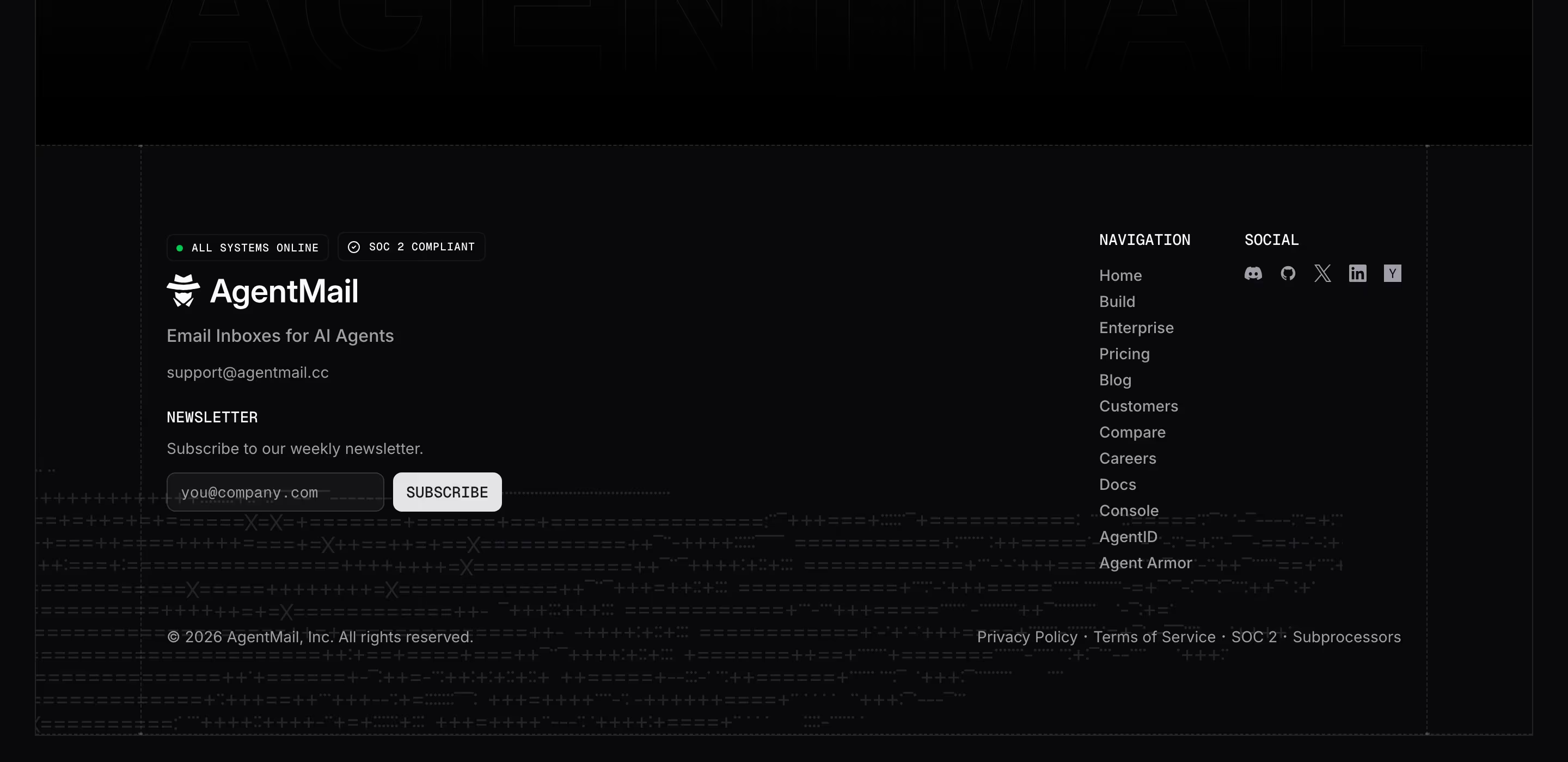
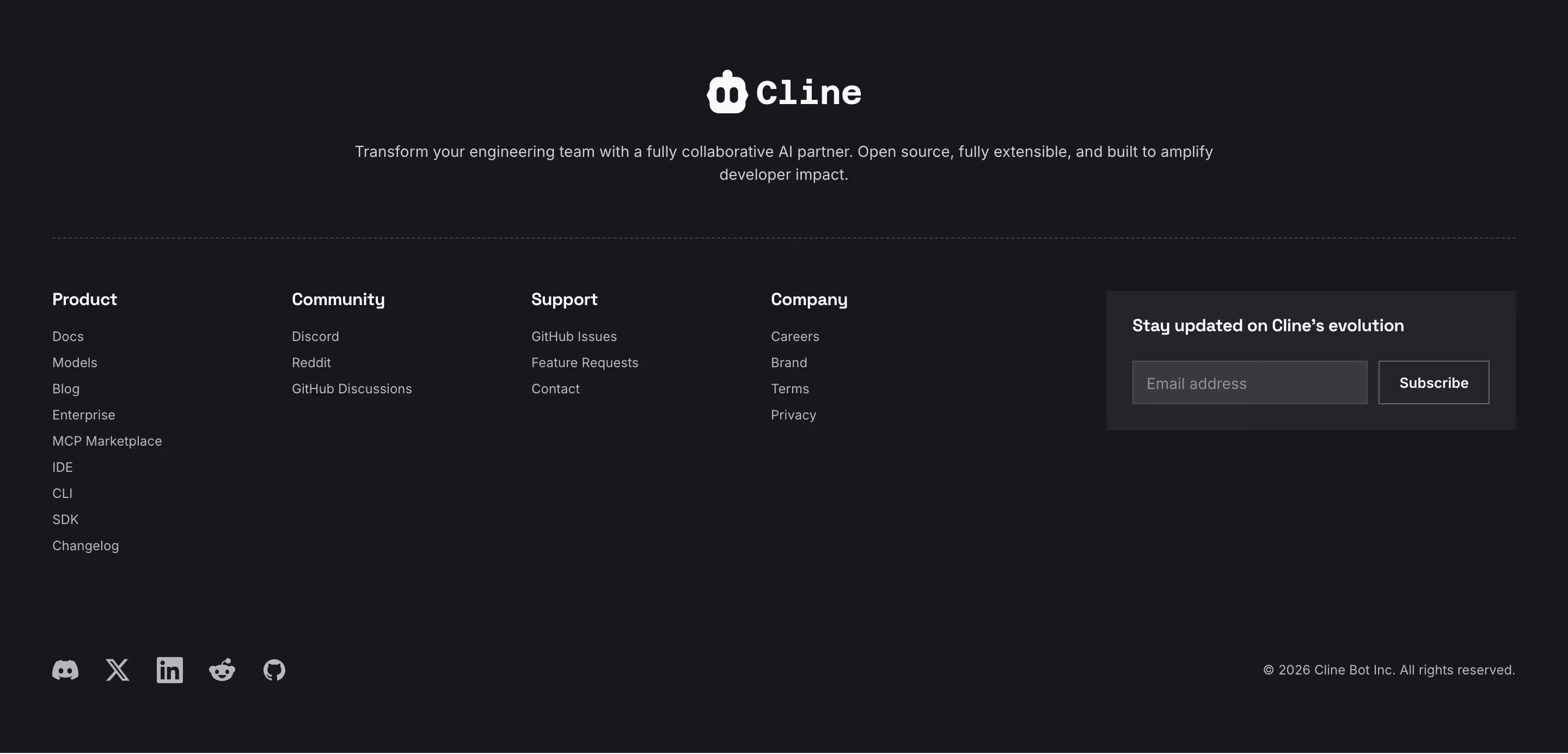
Newsletter signup examples from real SaaS sites
Each one is a footer capture whose design review mentions the newsletter signup.
When to use a newsletter signup, and when not to
Use it for
- Regular contentYou actually publish a changelog, blog or newsletter people would want.
- Long buying cyclesVisitors often research for weeks before trialing; email keeps you in view.
- Pre-launchBefore the product is open, the email field is the main conversion.
Avoid it for
- No content planCollecting emails you never write to wastes the visitor's trust.
- Competing with signupDon't put the newsletter field where the product signup should be the only action.
- Pop-up on arrivalA modal newsletter prompt before the visitor has read anything interrupts more than it converts.
Anatomy of a newsletter signup
- 1Heading or labelWhat the newsletter is and how often it arrives.
- 2Email fieldOne input, sometimes with a name field, with a clear placeholder.
- 3Submit button"Subscribe", "Sign up" or an arrow icon joined to the field.
- 4Consent noteA short privacy line or link, required in some regions.
Common newsletter signup variants
1. Footer field
A single inline field in the footer's brand or utility column, the most common placement.
2. Newsletter band
A full-width section above the footer with its own headline.
3. Blog header signup
A field at the top of the blog index or post pages, where interested readers already are.
Spotted in our design reviews
Our reviews describe a newsletter signup on 35 of the 422 SaaS homepages in the catalog. A few of them:
A newsletter bar titled "Fuzzy Insider" closes the opening.
Getfuzzy · Hero, logos and newsletter
"Funnels that convert" pairs a "Join our weekly newsletter" signup with a welcome email preview.
Kajabi · Payments, funnels and call to action band
Below come "Guides", "Webinars" and "Case studies" tiles, an email subscribe bar, category rows and a "Popular topics" tag cloud with counts.
Customer · Blog pages
Below a divider sits a newsletter row with "Your name" and "you@example.com" fields and a violet "Subscribe" button.
Fly · Footers
A sixth block holds the logo, a newsletter field with a yellow "Sign up" button and a "Star us on Github" outline button.
Clickhouse · Footers
A title, newsletter field and featured post with four progress bars open the page.
Conduit · Blog pages
A newsletter headline sits beside a rounded email field with an arrow button, above four social icons and seven legal links.
Deel · Footers
Headings are white, links grey, and no newsletter field or social icons appear.
Linear · Footers
Often confused with
Newsletter signup vs. call to action
The main call to action asks for a product signup or demo; a newsletter signup asks only for an email address and offers content in return.
Newsletter signup vs. footer
The footer is the container; the newsletter signup is one of the forms that often sits inside it.
Frequently asked
Where should a newsletter signup go on a SaaS site?
The footer and the blog. Those are where visitors who want to follow along, but aren't ready to sign up, actually look.
Should a newsletter signup ask for more than an email?
Rarely. Every extra field lowers signups; ask for a name or role later if you need it.