
Visual style
Illustration
An illustration is drawn or rendered artwork, not a photo or screenshot, used on a SaaS site to explain ideas, set a mood or give the brand personality.
- Also called
- Website illustration, Spot illustration, Hero illustration, Brand illustration
- Spotted on
- 123 of 422 homepages
- Browse examples
- Colorful designs →
What is an illustration?
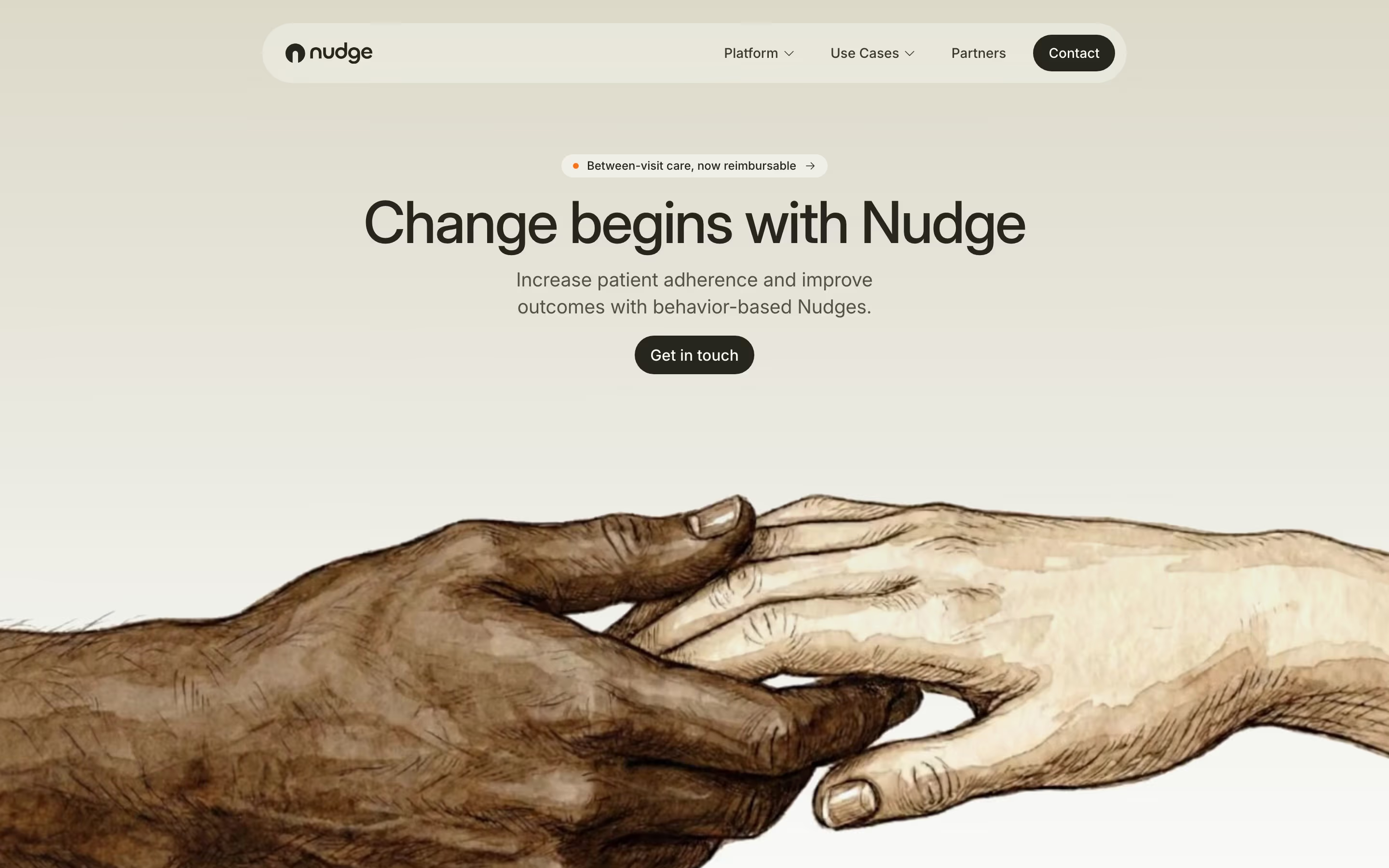
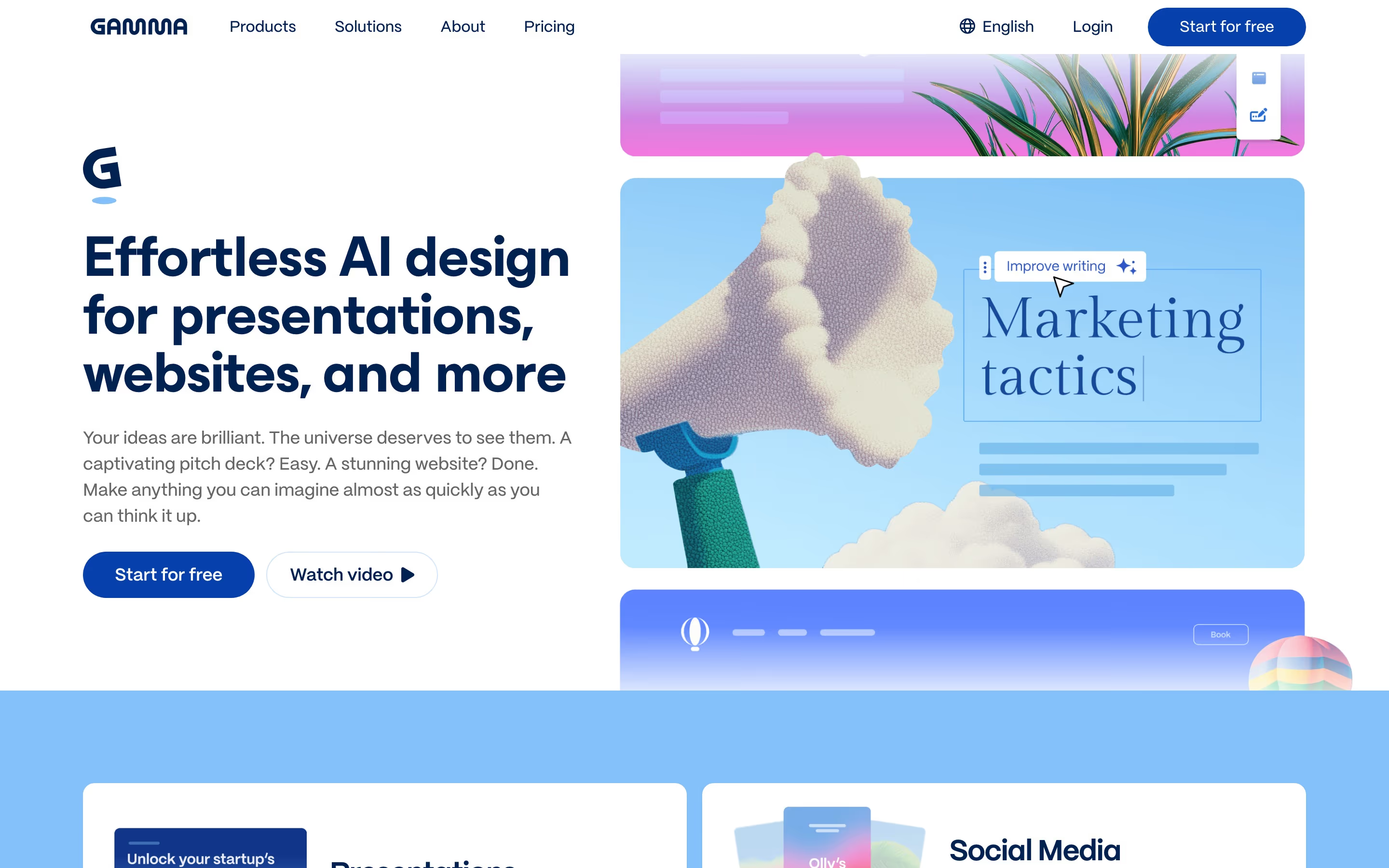
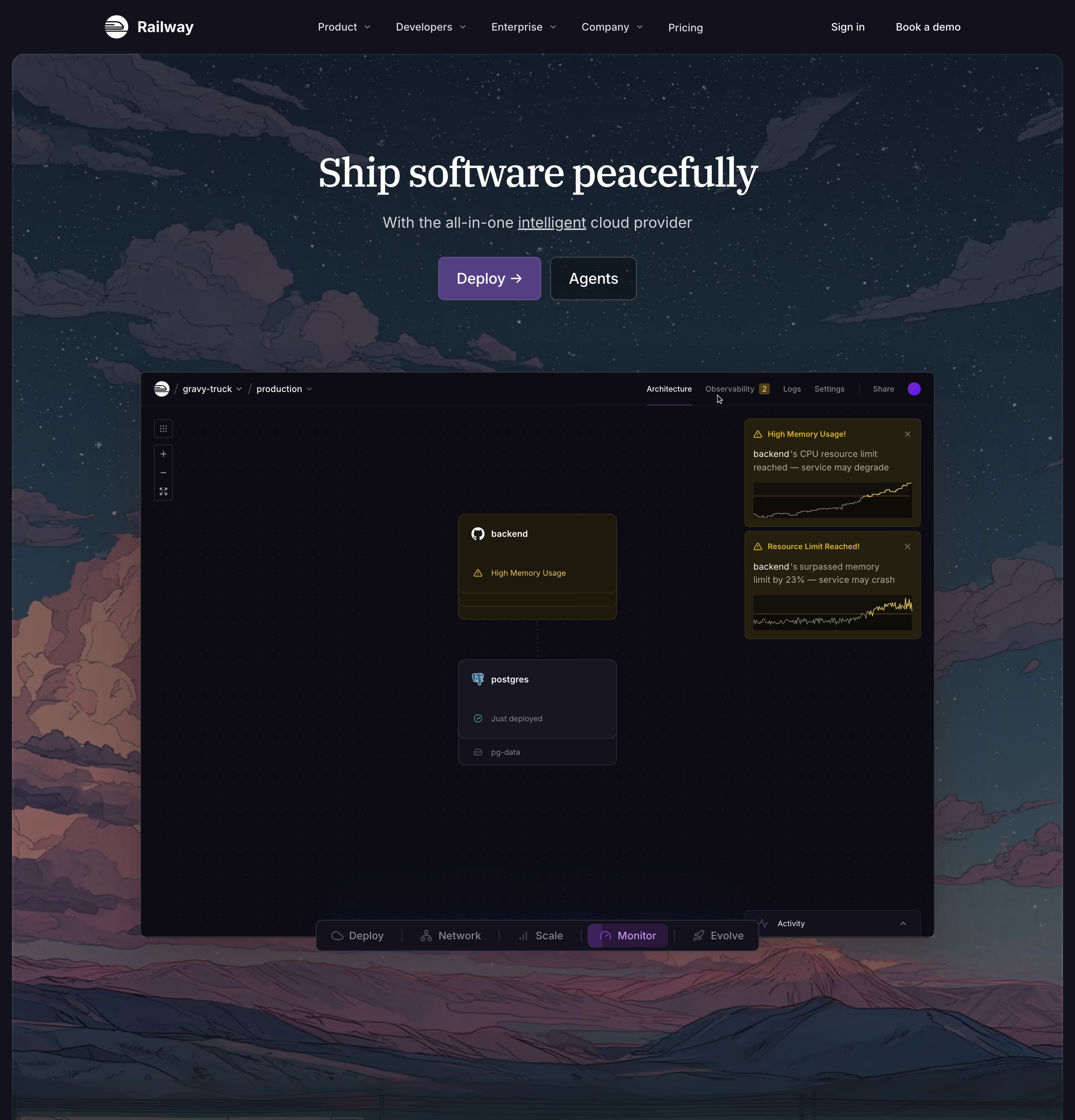
Illustration is how a SaaS site shows things a screenshot can't: an abstract benefit, a workflow, a feeling. Our reviews find it in two roles. As a hero centerpiece it sets the tone, like Railway's dusk mountain scene behind "Ship software peacefully" or June's line-art kangaroo surfing a wave. As spot art it sits in feature cards, one small illustration per card, which is how most pages use it.
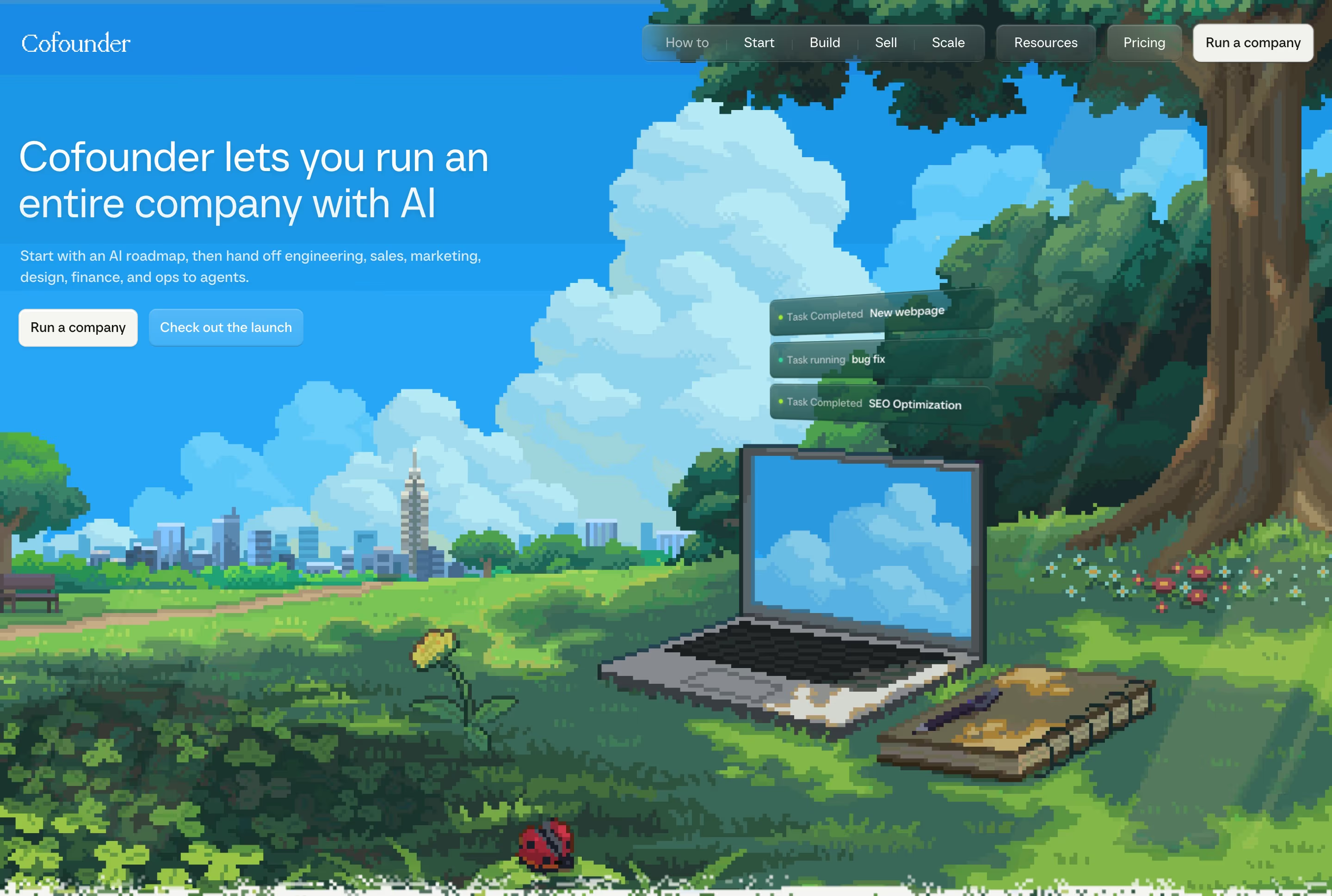
A distinct illustration system can become the brand. Sentry carries its page with flat character illustrations, Whereby with friendly editorial drawings, and Cofounder tells its story through hand-drawn scenes. The common thread is consistency: one style, one palette and one line weight across every drawing.
The risk is vagueness. Generic stock illustrations of people at laptops say nothing about the product, and an illustrated hero can hide what the software actually looks like. Many sites pair illustration for mood with real screenshots for proof.
Illustration examples from real SaaS sites
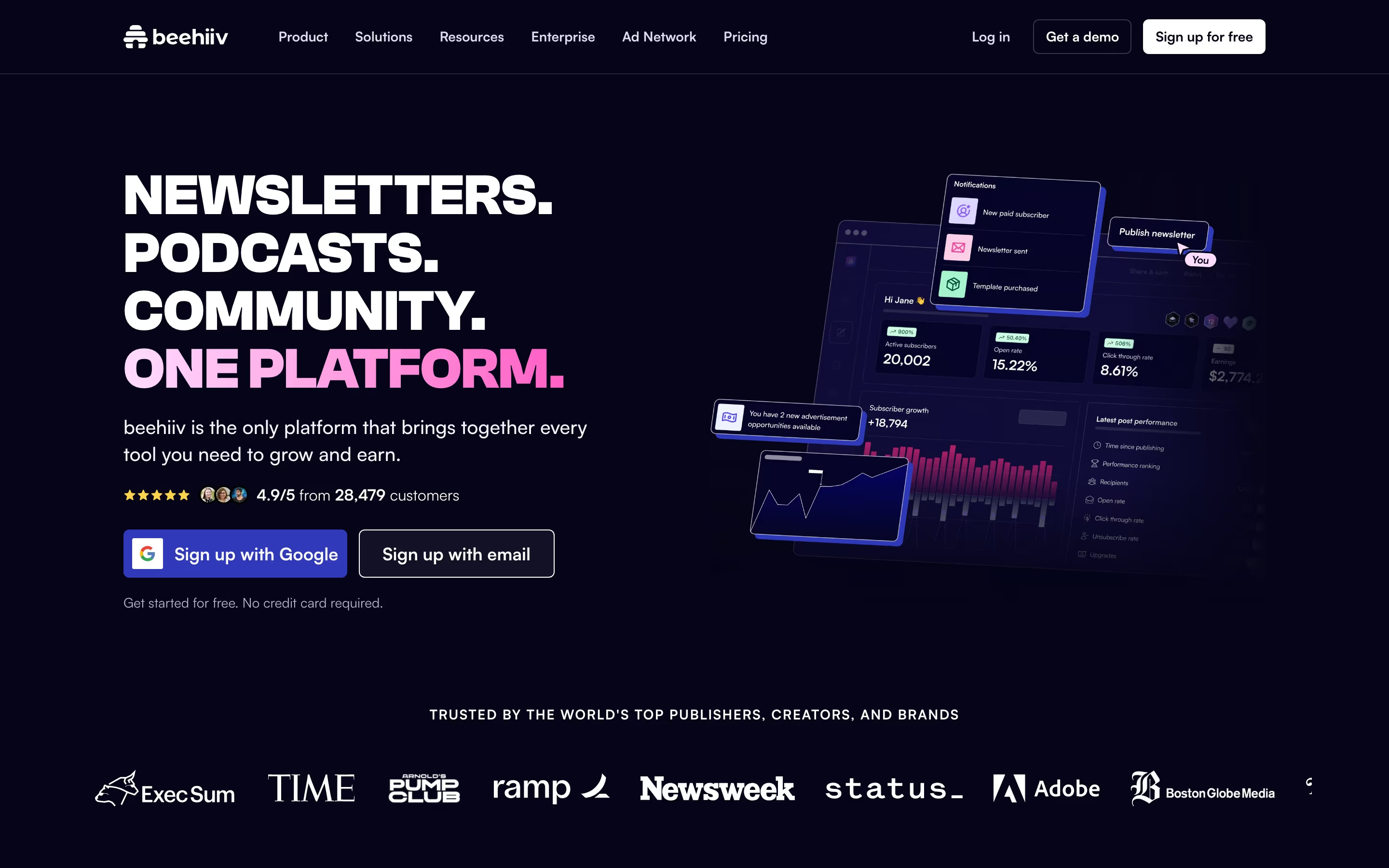
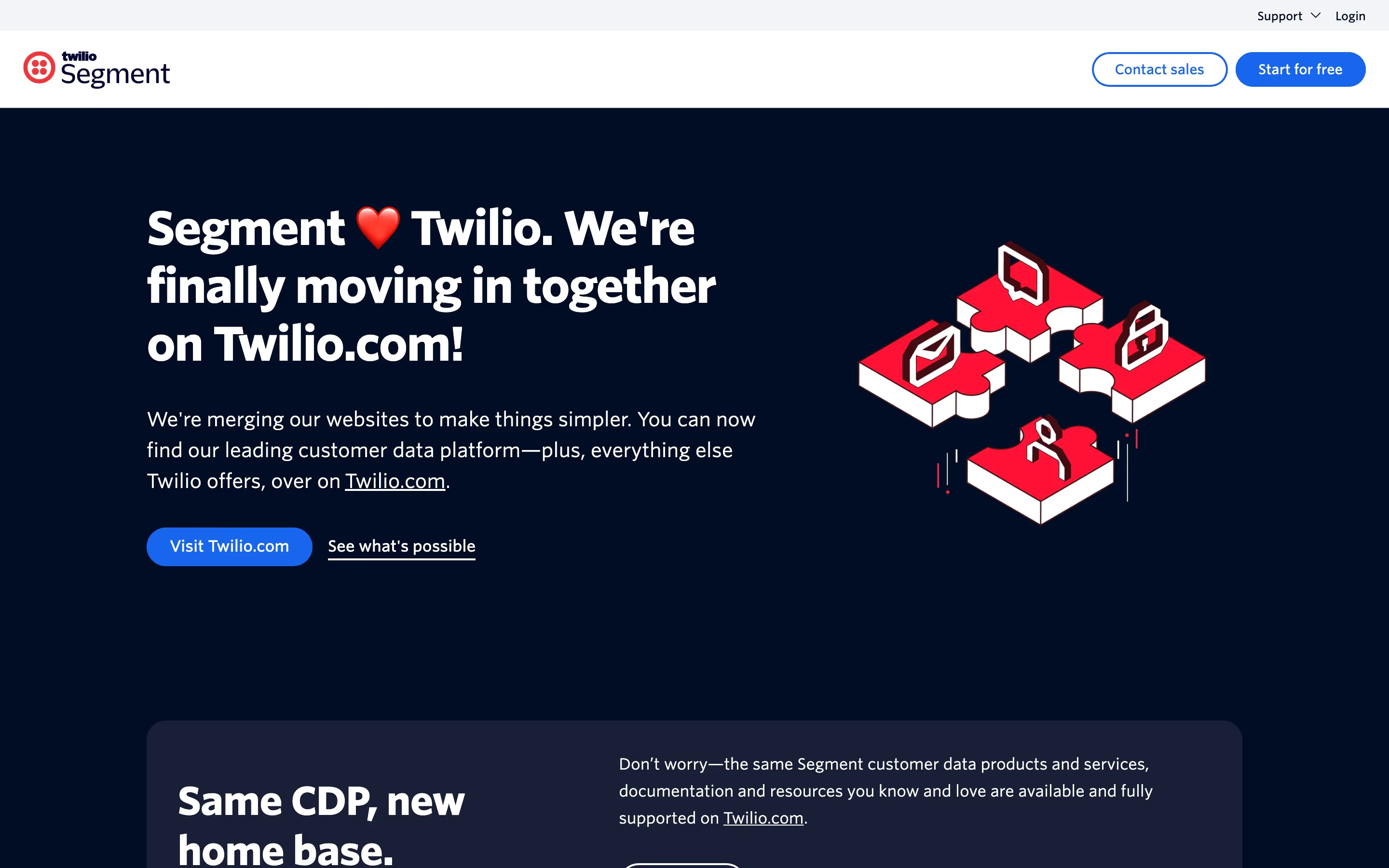
Each one is a hero capture whose design review mentions the illustration.
When to use an illustration, and when not to
Use it for
- Abstract productInfrastructure, security or AI where the interface is not visually interesting or not the point.
- Distinct personalityA brand that wants warmth or humour that screenshots and photos can't provide.
- Explaining a conceptShowing how data flows or what a workflow does more clearly than a UI crop would.
Avoid it for
- Visual productIf the interface is the selling point, show the interface; an illustration delays the proof.
- Generic stock artOff-the-shelf characters dilute the brand and look like every other site using the same pack.
- Inconsistent stylesMixing 3D renders, flat icons and line art on one page looks unplanned.
Anatomy of an illustration
- 1StyleLine art, flat vector, isometric, 3D render, pixel art or painterly, chosen once and kept.
- 2PaletteA limited set of colors, ideally drawn from the brand's own accents.
- 3SubjectA metaphor for the product's benefit, a character, a scene or a simplified diagram.
- 4PlacementHero centerpiece, beside a feature row, inside a card or in the closing band.
Common illustration variants
1. Hero scene
A large landscape or scene that fills the first screen and sets the tone.
2. Spot illustrations
Small, consistent drawings that head each card in a feature grid.
3. Characters and mascots
Recurring figures that carry the brand's personality across the page.
4. Isometric and 3D
Rendered objects with depth, often used for infrastructure and data concepts.
Spotted in our design reviews
Our reviews describe an illustration on 123 of the 422 SaaS homepages in the catalog. A few of them:
A grid of seven cards follows, from "Postgres Database" to "Data APIs", each with a small illustration, ending in "Use one or all."
Supabase · Above the fold
The illustration fills the right half of the frame.
Zinley · Above the fold
The right half is the illustrated building showing people in glass-walled rooms.
Bretton · Above the fold
Your reporting doesn't.", followed by three illustrated cards titled "Data support can't keep up?", "Between dashboards and spreadsheets?" and "Measurement and backend data in silos?".
Clarisights · Challenge and solution cards
Maximum flexibility." leads into a circuit-board illustration with chips tagged "AuthKit", "WorkOS", "User Management", "Your Application", "Your Database" and "Events API".
Authkit · Icon row, circuit diagram and customisation demo
Rows then keep text left and illustration right: "Write code as if failure doesn't exist", "You have to see it to believe it" with a "Watch a Demo" button, and "Create failproof apps using our SDKs" beside language tiles.
Temporal · Interactive demo and SDK rows
Then "Fast, Scalable, Stateful" introduces three cards, "Lightning-Fast Infrastructure for AI Development", "Separated & Isolated Runtime Protection" and "Massive Parallelization for Concurrent AI Workflows", each with an illustration.
Daytona · Logo grid, three-card capabilities and code tabs
Below the logos, "Enterprise SSO (and a whole lot more)" sits beside a card illustration of a sign-in form, with the button "Add Single Sign-On to your app".
Workos · SSO feature cards and the developer band
Often confused with
Illustration vs. product screenshot
A screenshot shows the real interface as proof; an illustration interprets or simplifies, trading accuracy for clarity or mood.
Illustration vs. product video
Video shows the product moving; illustrations are usually static, though some are animated.
Frequently asked
Should a SaaS homepage use illustrations or screenshots?
Both often work best: screenshots to prove what the product does and illustrations to explain concepts or add personality. If you can only pick one, pick the screenshot for a visual product.
Are custom illustrations worth it?
Custom illustrations make a brand recognizable in a way stock packs can't. If budget is tight, a few consistent spot illustrations beat a large mixed library.