
Forms & inputs
Accordion
An accordion is a vertical list of headings that each expand to reveal their content when clicked, keeping long material collapsed until it's needed.
- Also called
- Collapsible list, Expandable rows, Disclosure, FAQ accordion
- Spotted on
- 113 of 422 homepages
- Browse examples
- FAQ sections →
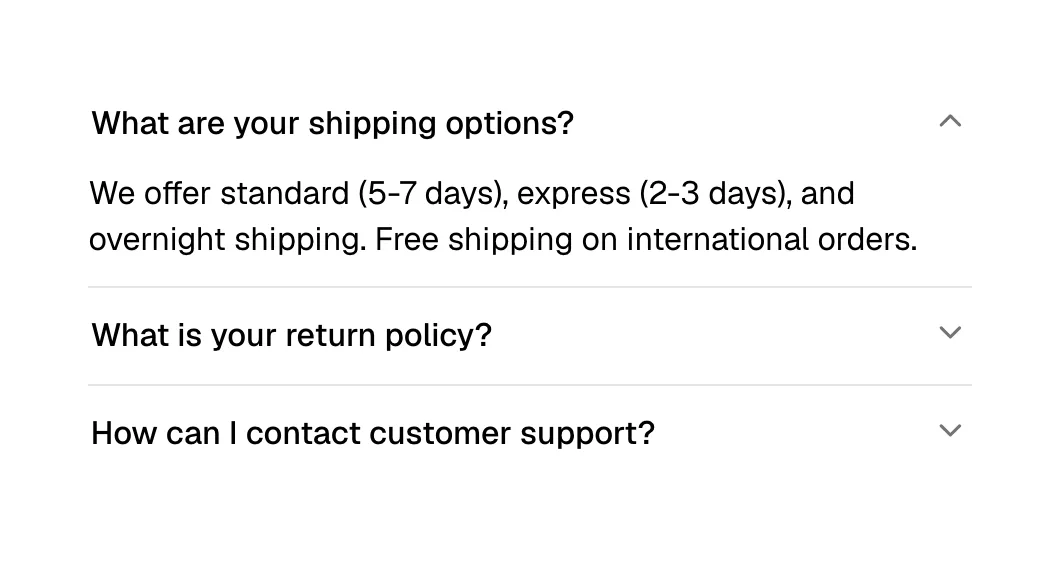
What is an accordion?
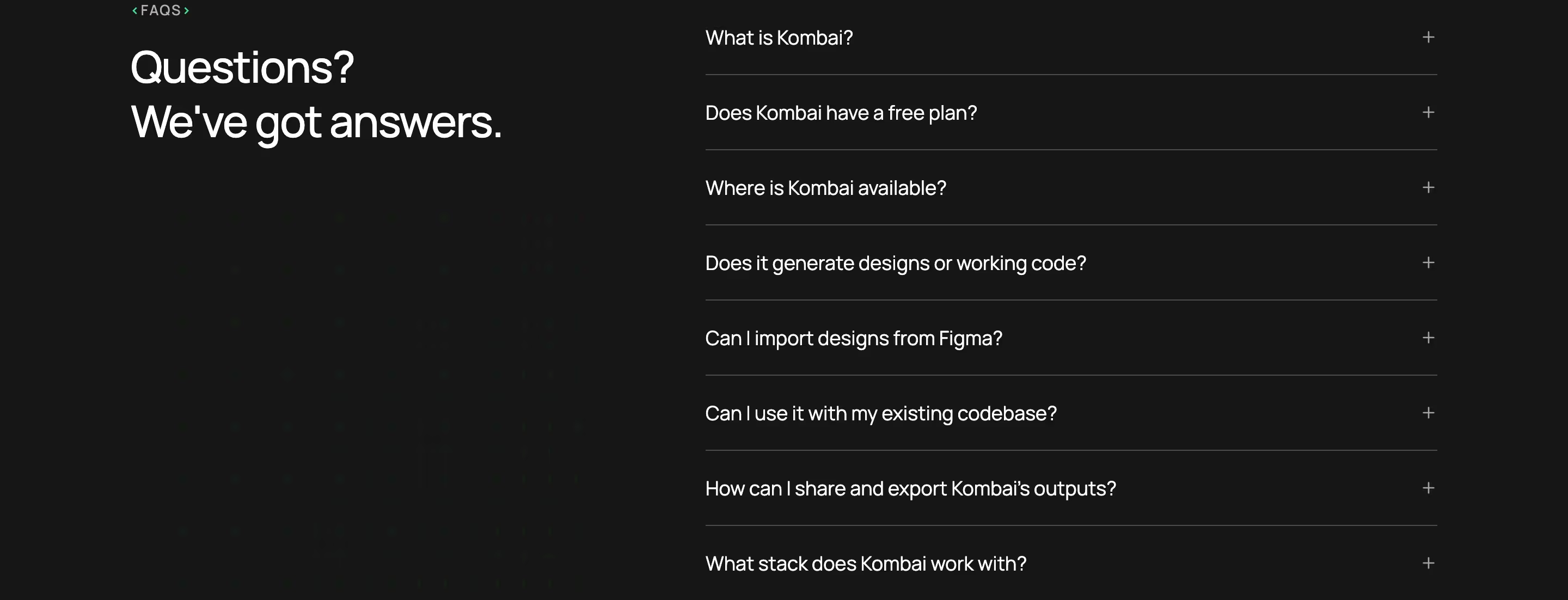
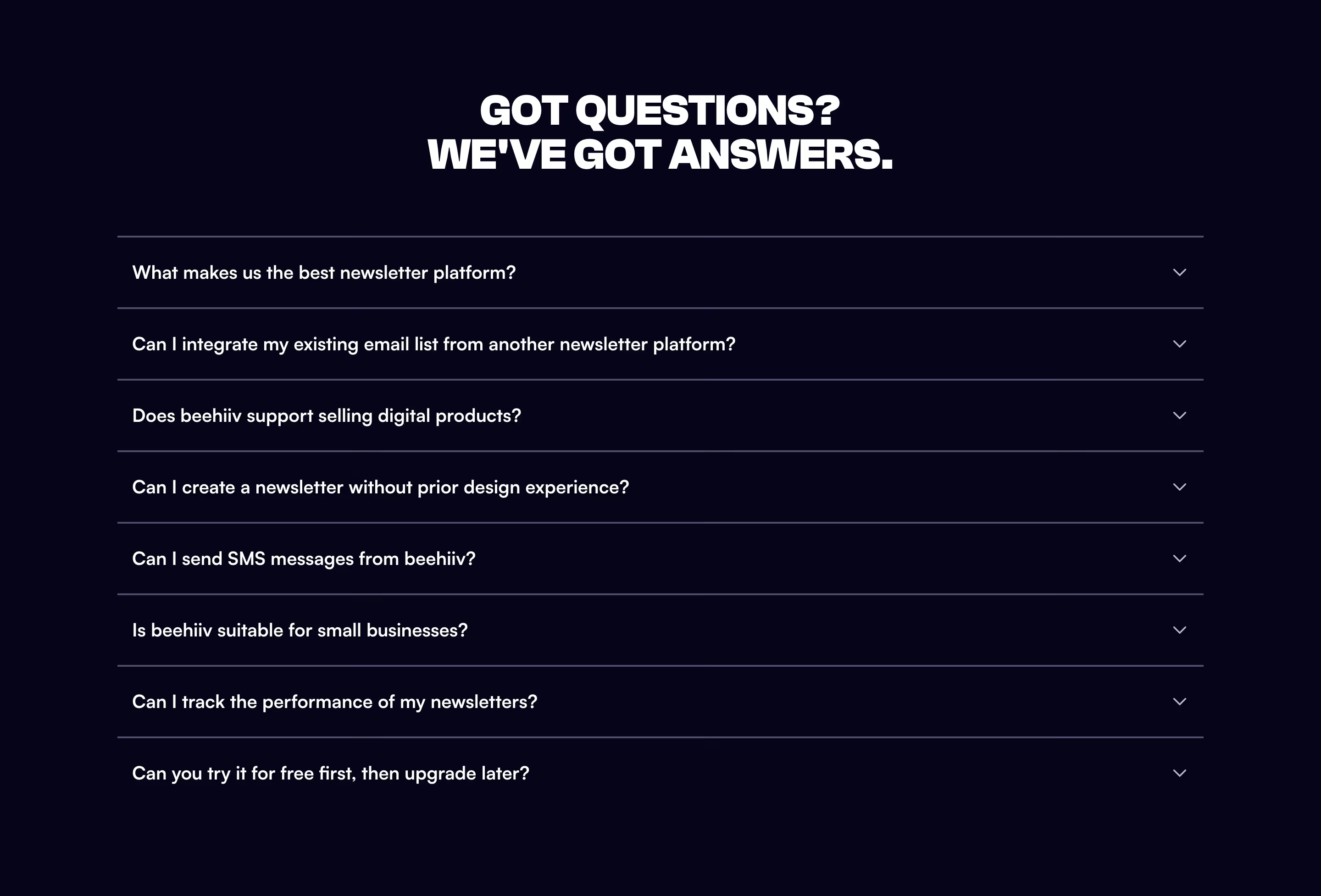
On SaaS sites the accordion's main job is the FAQ. A list of questions in collapsed rows, each with a plus or chevron, lets visitors scan every question in one screen and open only the two they care about. Modeinspect heads eight such rows with "Questions Design Engineers ask before they switch."; Tinyfish numbers its five.
It is also the standard way a page shrinks on mobile. Footer link columns collapse into accordion rows (Semrush, Fin), and desktop tab panels become stacked expandable rows, as on Monday. In both cases the accordion is the more phone-friendly form of a layout that only fits on a wide screen.
Good accordions are scannable when closed: the questions or headings carry the meaning, the click target is the whole row, and opening one does not shove the page around unpredictably. A weak one hides essential information behind vague labels like "More details".
Accordion examples from real SaaS sites
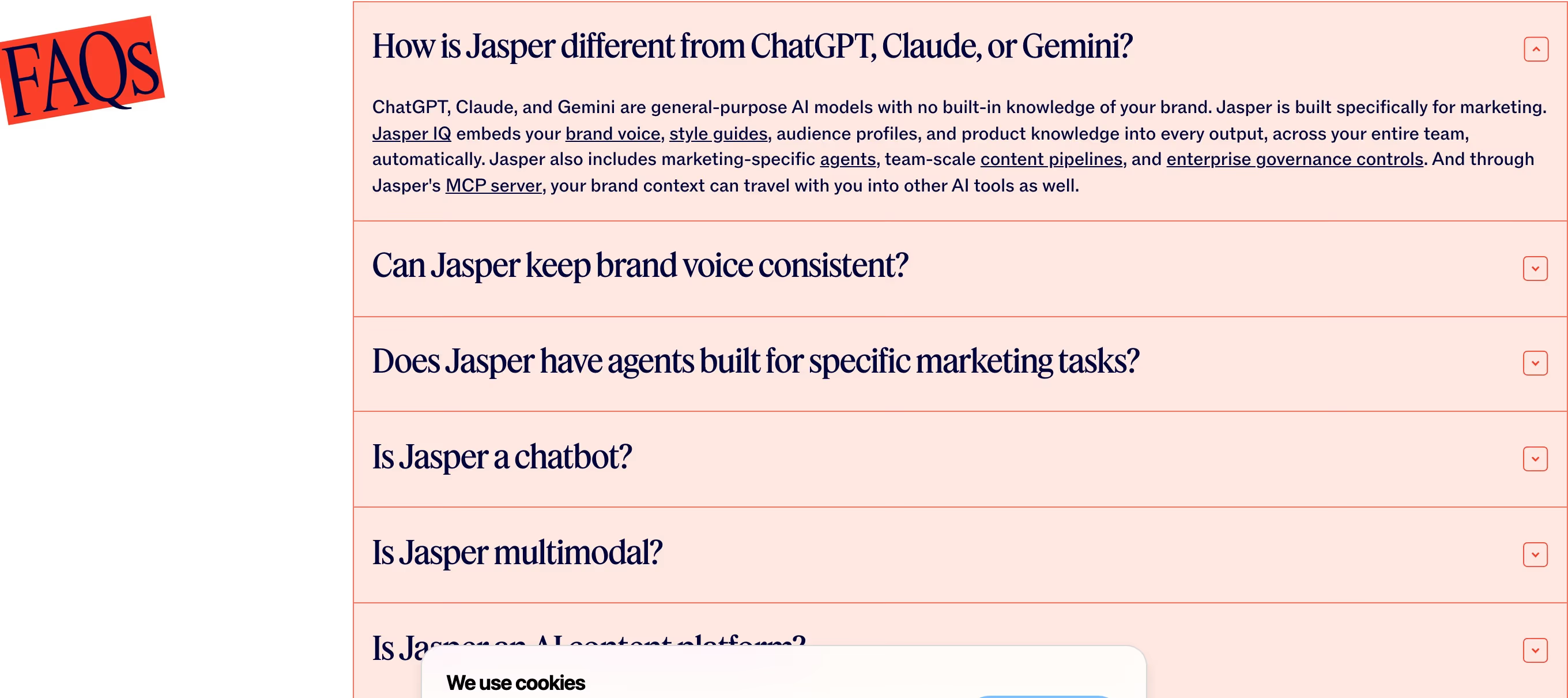
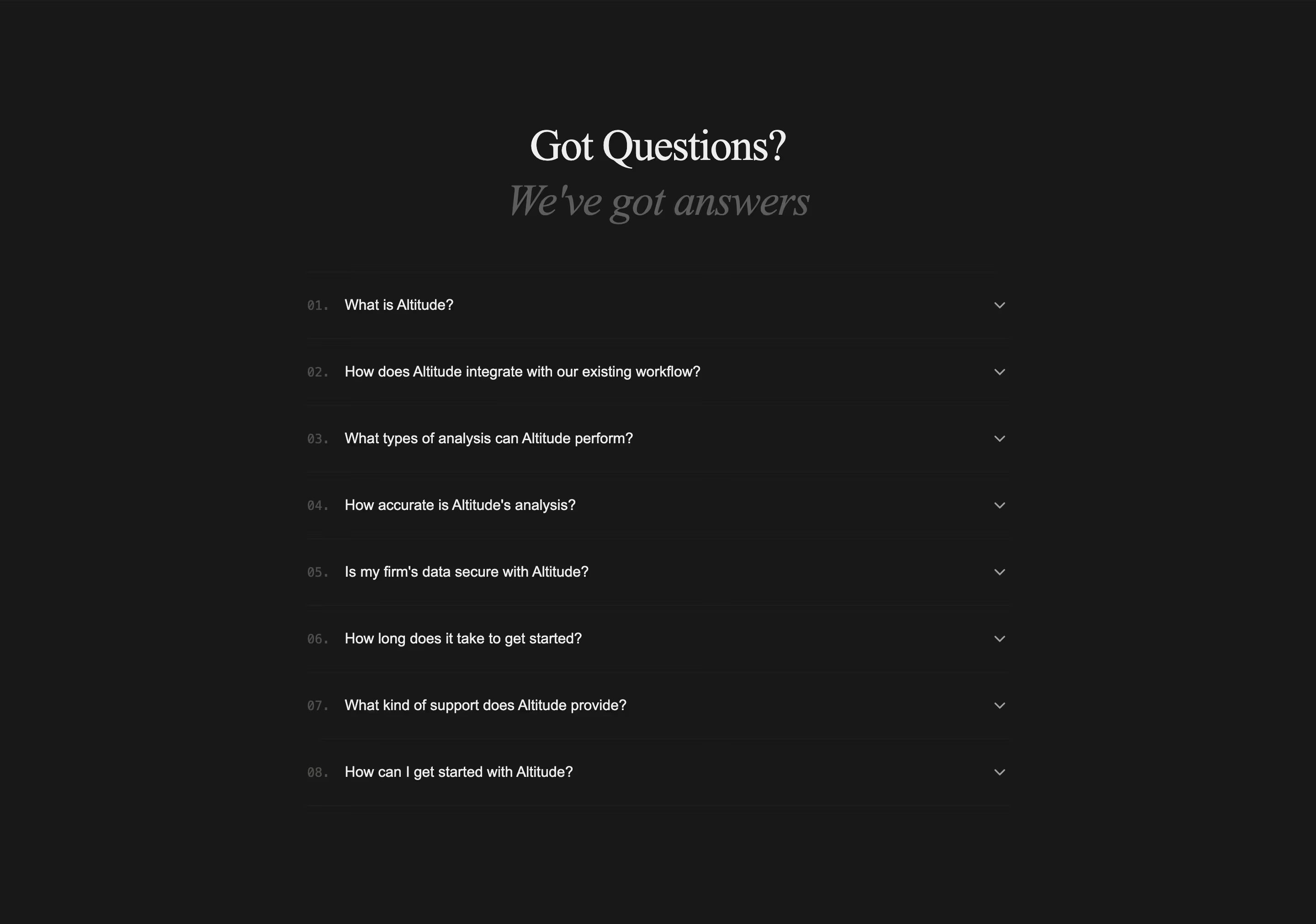
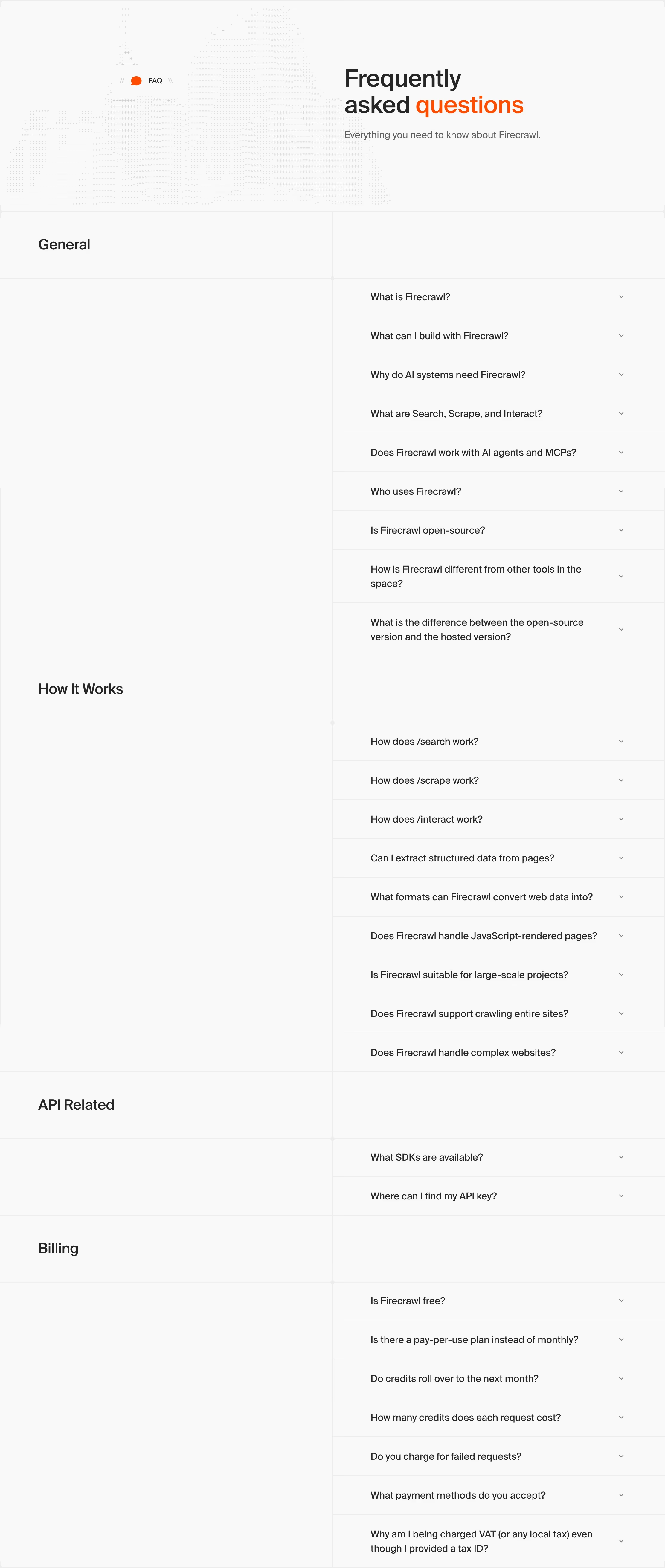
FAQs from the catalog.

When to use an accordion, and when not to
Use it for
- Many questionsVisitors need to scan a list and read one or two answers, not all of them.
- Small screensContent laid out in columns or tabs on desktop needs to fit a narrow viewport.
- Optional detailEach item has a short label most people only need, and a longer explanation some people want.
Avoid it for
- Key selling pointsThe reasons to buy shouldn't be collapsed; most visitors never click them open.
- One or two itemsTwo collapsed rows hide more than they save; just show the text.
- Content to comparePlans or options that need side-by-side reading belong in a table.
Anatomy of an accordion
- 1Row headerThe question or heading, set large enough to scan, with the whole row clickable.
- 2IndicatorA plus, chevron or arrow that rotates or swaps to show open and closed states.
- 3PanelThe answer or detail, revealed below its header; usually a short paragraph or list.
- 4DividersThin rules or card borders separating the rows so each reads as its own target.
Common accordion variants
1. FAQ accordion
The common form: a heading such as "Frequently asked questions" beside or above a list of collapsed questions.
2. Feature accordion
Expandable feature rows paired with an image that changes as each row opens.
3. Mobile footer accordion
Desktop footer columns collapsed into tappable headings on phones.
Spotted in our design reviews
Our reviews describe an accordion on 113 of the 422 SaaS homepages in the catalog. A few of them:
The eyebrow "Clerk Components" leads "Pixel-perfect UIs, embedded in minutes", with an accordion for "USER AUTHENTICATION", "MULTI-TENANCY" and "BILLING" beside a live-looking "Create your account" sign-up card.
Clerk · Components and authentication grid
Below, "Trusted by 500,000+ companies" sits left of a case-study accordion, whose open item, "OpenAI uses Airtable to surface product risks faster", shows a "50+" stat and a risk-summary card.
Airtable · Proof and demo tabs
Every employment need." introduces five products as an accordion, from "Employer of Record (EOR)" to "Professional Employer Organization (PEO)", with "Global Payroll", "Contractor of Record (COR)" and "Contractor Management" between.
Remote · Product accordion and contractor card
The ATS panel is headed "Organise your hiring." and carries six expandable rows, from "Get an overview of your hiring process" to "Improve your hiring process".
Homerun · Logo row and ATS panel
The panel holds a green "MULTI-AGENT PIPELINE" bar and collapsed rows labelled "BUILT FOR AI", "RAG TECH" and "NUANCE AND CONTEXT", each tinted differently.
Callsine · Competitor critique and pipeline explainer
"Resolve queries faster" uses a screenshot next to three stacked accordions, "Copilot", "AI-enhanced ticketing" and "No code automations".
Intercom · Fin spotlight, helpdesk features and engagement
A use-case accordion beside a video demo shows "AI Image Generation" open in dark text while the other items fade to grey.
Krea · Use cases, pricing and interface demo
A black section follows: "Your next auth feature – just a PUT request away", with accordion rows "Single sign on", "Multi-factor auth", "Role-based access control" and "JIT provisioning" beside curl code.
Stytch · Difference rows and the PUT request section
Often confused with
Accordion vs. tabs
Tabs show labels in a row and one panel at a time; an accordion stacks labels vertically with each panel opening in place, which suits narrow screens.
Accordion vs. FAQ section
An FAQ section is a page section defined by its content; the accordion is the component most FAQ sections are built from.
Frequently asked
Should accordion rows start open or closed?
Closed for FAQs, so the questions themselves form a scannable list. Opening the first row by default can help show visitors the rows are expandable.
Can only one row be open at a time?
Either works. Allowing several open rows is friendlier for comparison; closing others on open keeps the page height stable. Pick one and apply it consistently across the site.