
Page sections
Footer
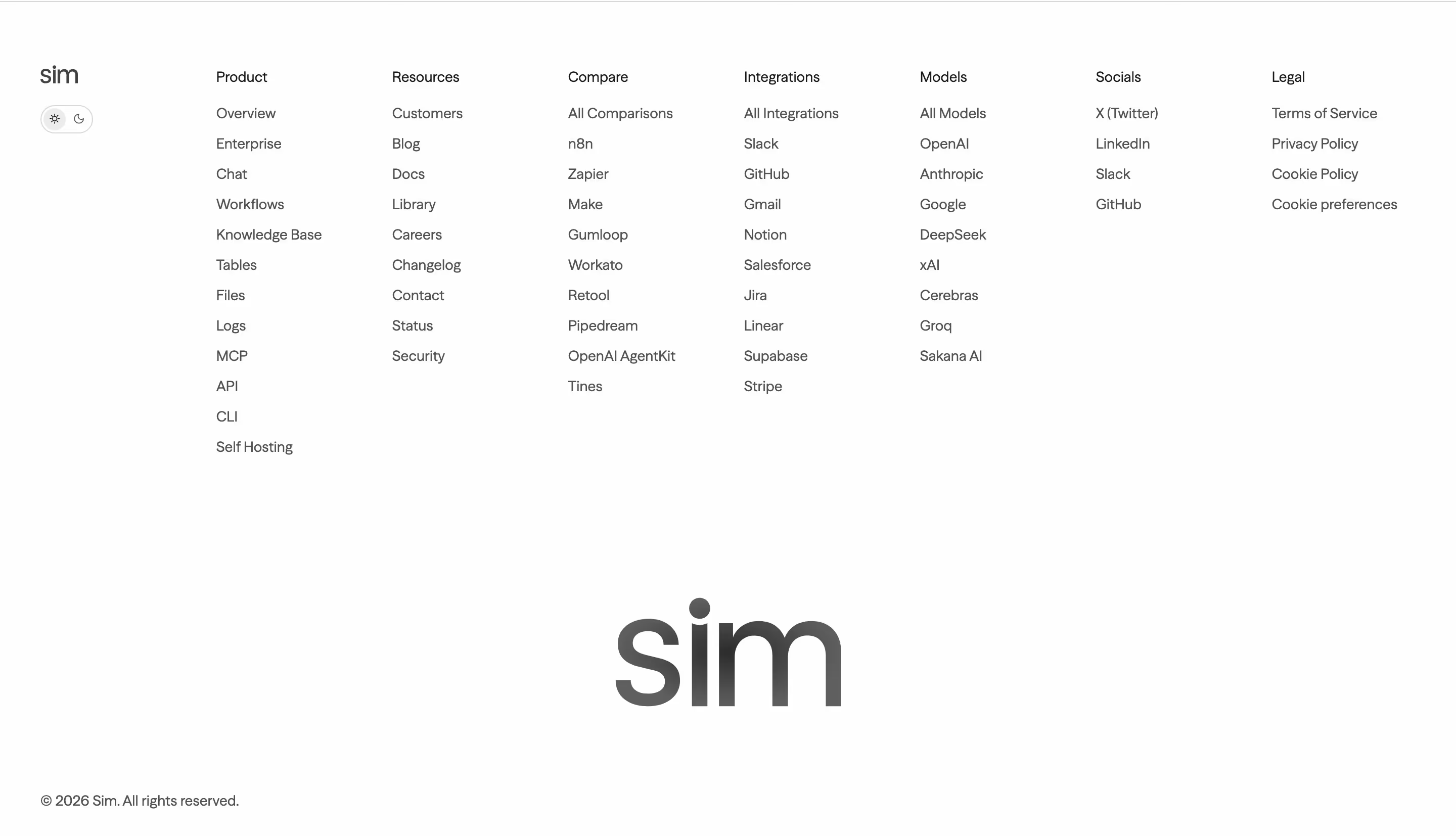
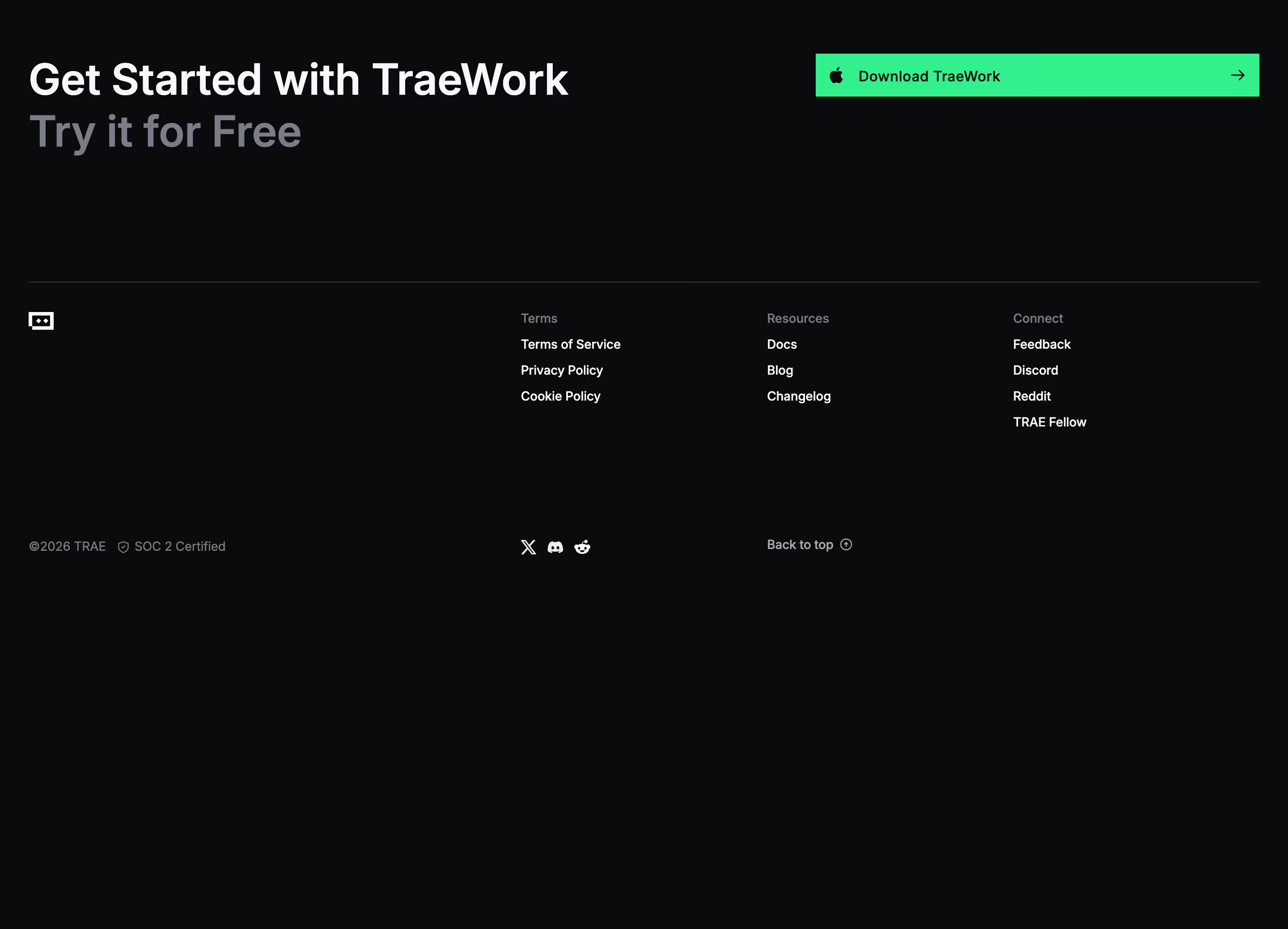
A footer is the block at the bottom of every page that holds site-wide links, legal text, social icons and often compliance badges or a newsletter field.
- Also called
- Site footer, Page footer, Fat footer
- Spotted on
- 410 of 422 homepages
- Browse examples
- Footers →
What is a footer?
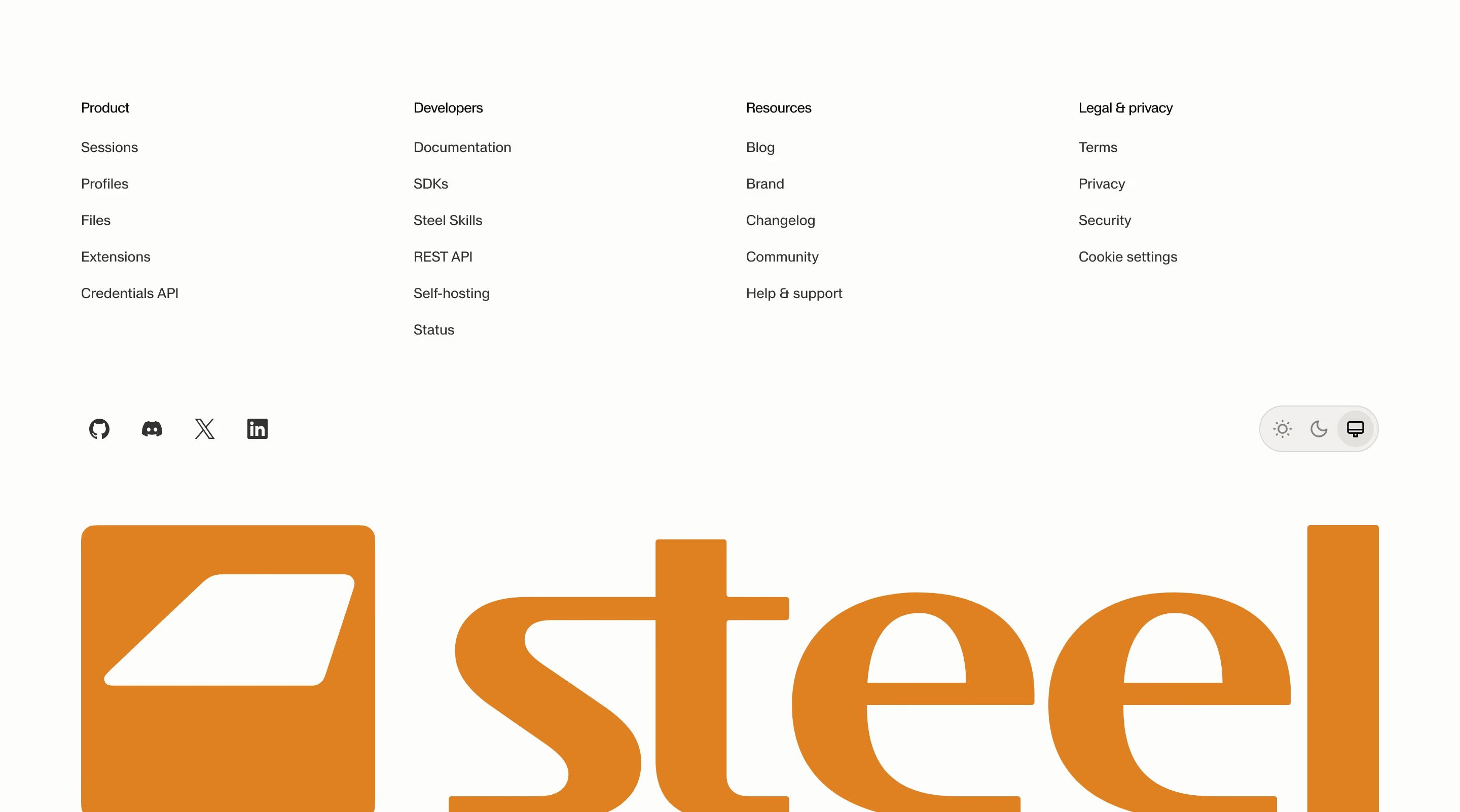
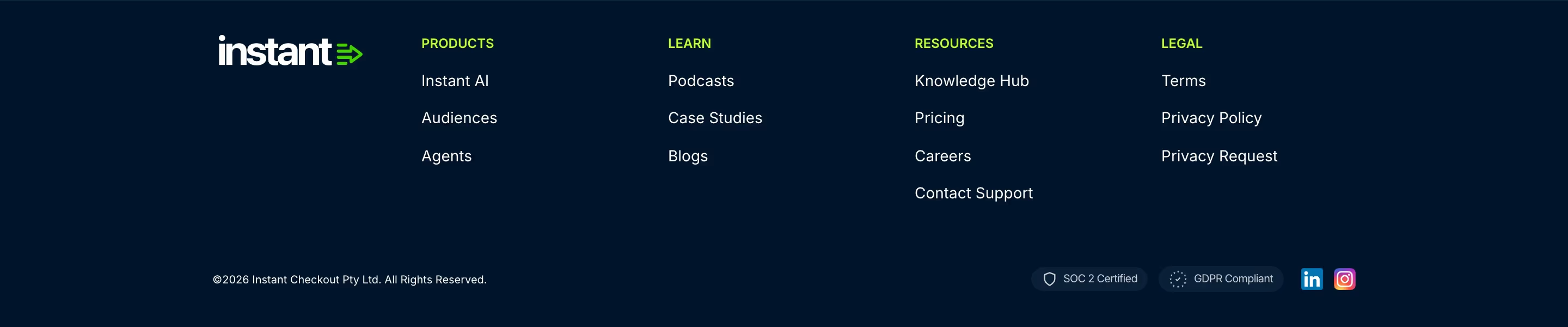
A SaaS footer is a second navigation for visitors who reached the end: product, resources, company and legal link columns, plus social icons and copyright. Wiza's footer, with its logo above "Solutions", "Resources" and "Company" columns, is the standard shape.
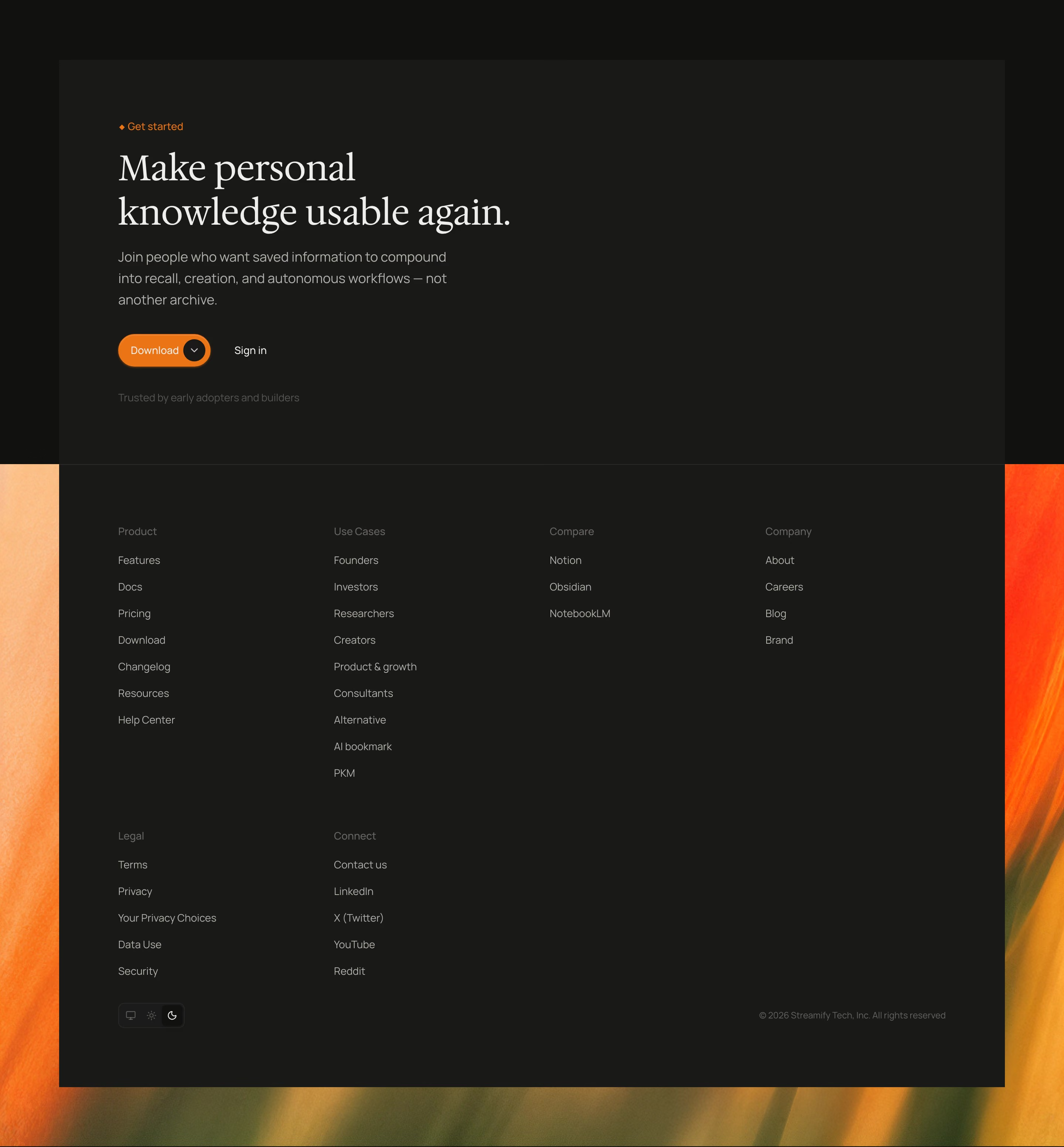
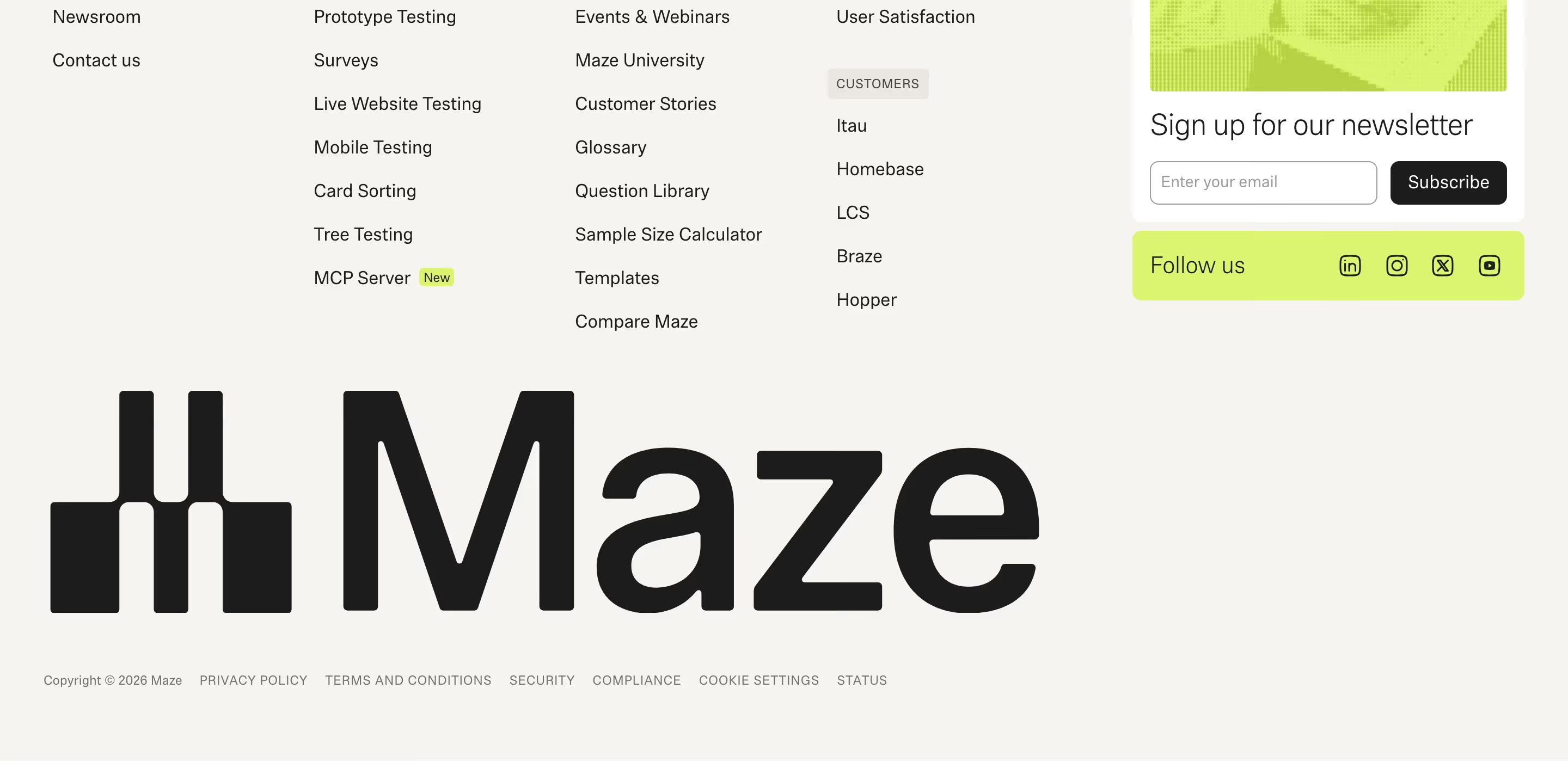
It has also become the place for small signals of trust and polish. Status pills ("All Systems Operational" on Warp), SOC 2 badges, theme switches like Unsloth's and newsletter fields all live here, because they matter to a minority of visitors and would clutter the header.
Strong footers are organized for scanning: four to six labeled columns, a clear hierarchy and enough space. Weak ones dump every page on the site into one unsorted list or shrink the text until it's unreadable on mobile.
Footer examples from real SaaS sites
Footers from the catalog.
When to use a footer, and when not to
Use it for
- Every pageA footer is expected site-wide; visitors scroll to it to find careers, docs or pricing.
- Large sitesMany product, solution and resource pages need a sitemap-style overview.
- Trust detailsCompliance badges, status and company address belong here, not in the hero.
Avoid it for
- Primary actionsDon't rely on the footer for the main signup; that belongs in the CTA section above it.
- Every single pageListing all 200 blog posts or integration pages makes the footer unusable; link to index pages instead.
- Tiny legal-only stripsA one-line copyright bar is fine for a launch page but leaves established products looking unfinished.
Anatomy of a footer
- 1Brand blockLogo, a one-line description and often social icons.
- 2Link columnsGrouped links under headings such as Product, Resources, Company and Legal.
- 3Utility rowNewsletter field, status indicator, language or theme switcher.
- 4Trust marksSOC 2, ISO or GDPR badges and review ratings.
- 5Legal barCopyright, privacy, terms and cookie settings along the bottom edge.
Common footer variants
1. Multi-column fat footer
Four to eight link columns, the default for established SaaS companies.
2. Minimal footer
Logo, a handful of links and copyright on one or two lines.
3. Wordmark footer
Link columns plus an oversized brand wordmark across the bottom.
4. Dark footer
A near-black block under a light page, signaling the end clearly.
Spotted in our design reviews
Our reviews describe a footer on 410 of the 422 SaaS homepages in the catalog. A few of them:
A centred app window mimics a real tool, with a URL bar and a dark status footer.
Adaline · Painted product panels
A footer row carries "ISO" and "AICPA SOC 2" badges.
Retool · Enterprise benefits and customer proof
The footer opens with the logo, "The easiest way to get context from the web", an orange ASCII skyline, a "Backed by" Y Combinator cell, a SOC II badge, and six social links.
Firecrawl · Footers
Black footer with four mono link columns headed "PRODUCTS", "RESOURCES", "COMPANY" and "TRUST AND COMPLIANCE", with blue count badges beside "Events" and "Careers".
Sanity · Footers
The dark footer opens with four links ("About us", "Leadership team", "Careers", "Pricing"), then five columns from "Solutions" to "Customers".
Deel · Footers
The footer starts with the readme wordmark and links to "X (formerly Twitter)" and "LinkedIn", above five columns: "PRODUCT", "SOLUTIONS", "DEVELOPERS", "RESOURCES" and "COMPANY", with a "NEW" tag beside "AI".
Readme · Footers
There is no form, and the footer follows directly beneath the cards.
Aira · Contact Us
The footer repeats "AI Built for Private Equity" in large serif with a white "Request Demo" button at right, then a rule.
Altitude · Footers
Often confused with
Footer vs. CTA section
The CTA section sits immediately above the footer and asks for one action; the footer is reference navigation.
Footer vs. navigation bar
The navigation bar holds the few links most visitors need first; the footer holds the many links some visitors need eventually.
Frequently asked
What links belong in a SaaS footer?
Product pages, pricing, docs, changelog, blog, careers, about, contact, security or trust center, privacy, terms and status. Group them so each column has a clear purpose.
How should a footer collapse on mobile?
Columns usually pair into a two-column grid or collapse into accordions. Keep tap targets large and the legal bar at the very end.