
Components
Chip
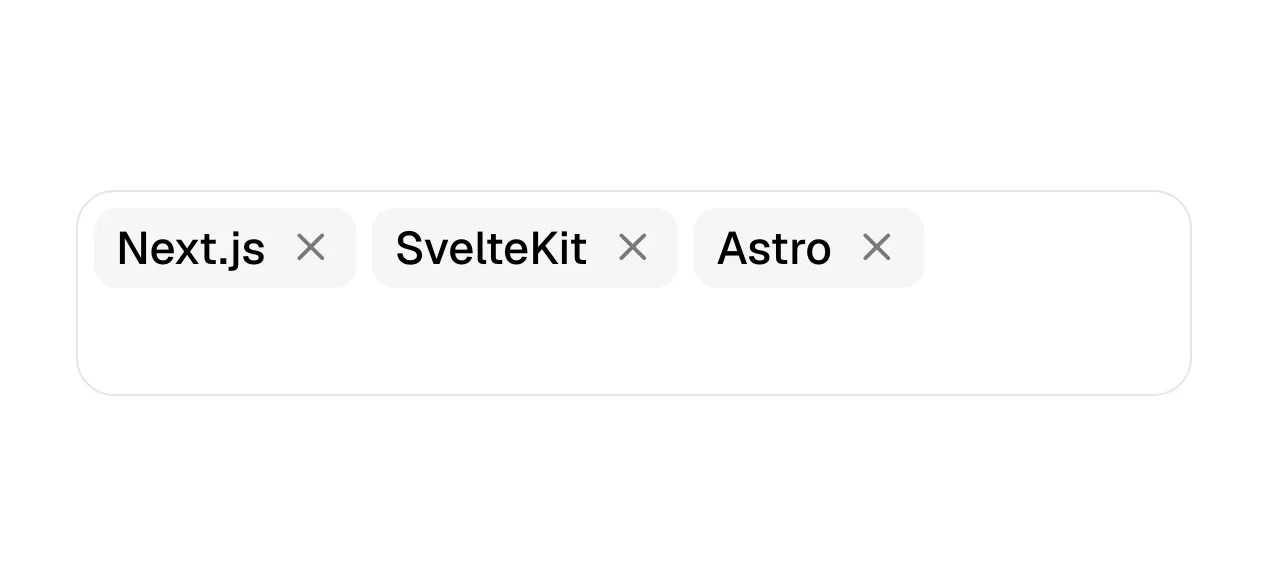
A chip is a compact, rounded element holding a short label, used to filter content, show a selected value or offer a suggestion that can be tapped.
- Also called
- Filter chip, Tag, Token, Input chip, Suggestion chip
- Spotted on
- 72 of 422 homepages
What is a chip?
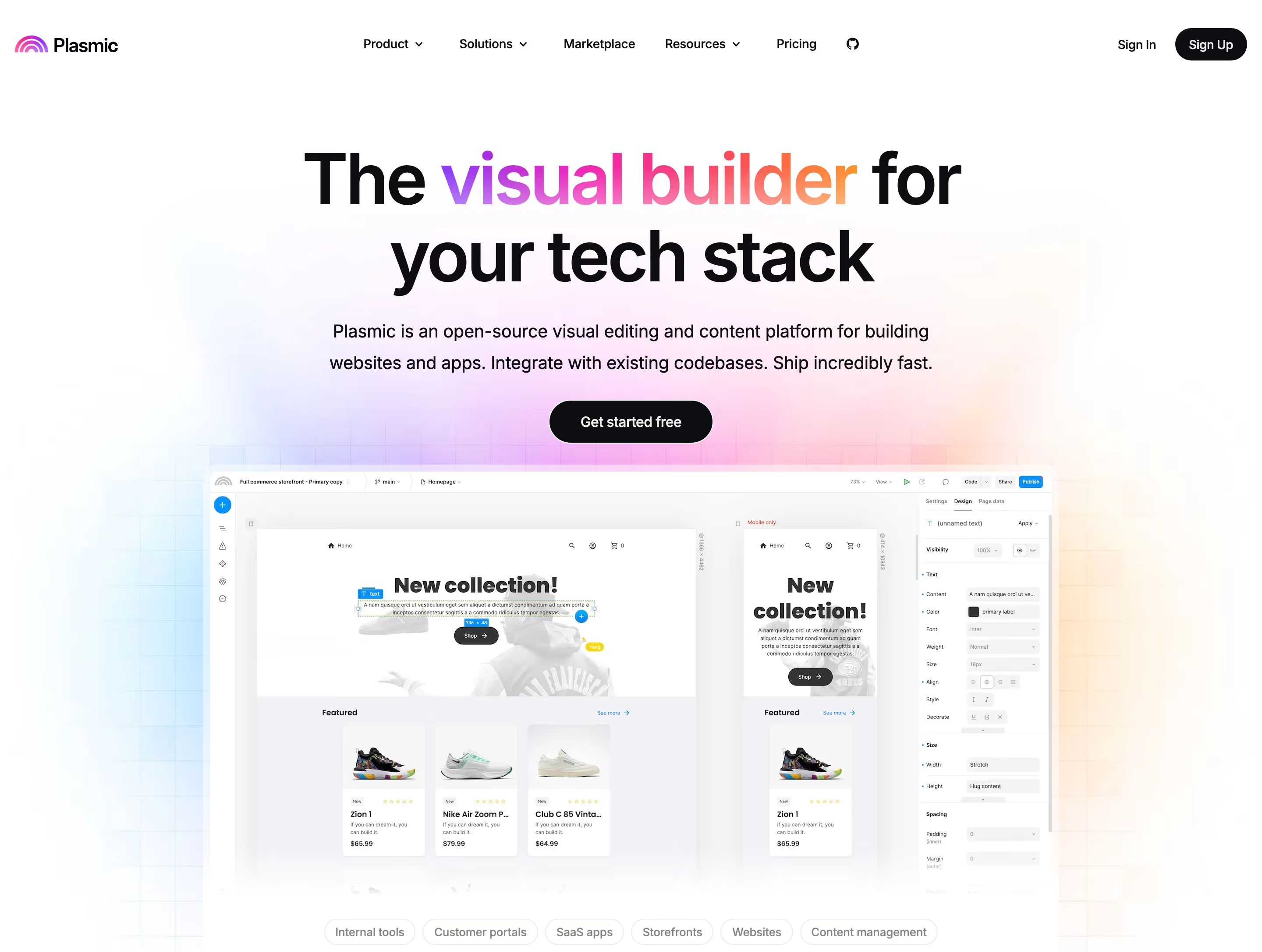
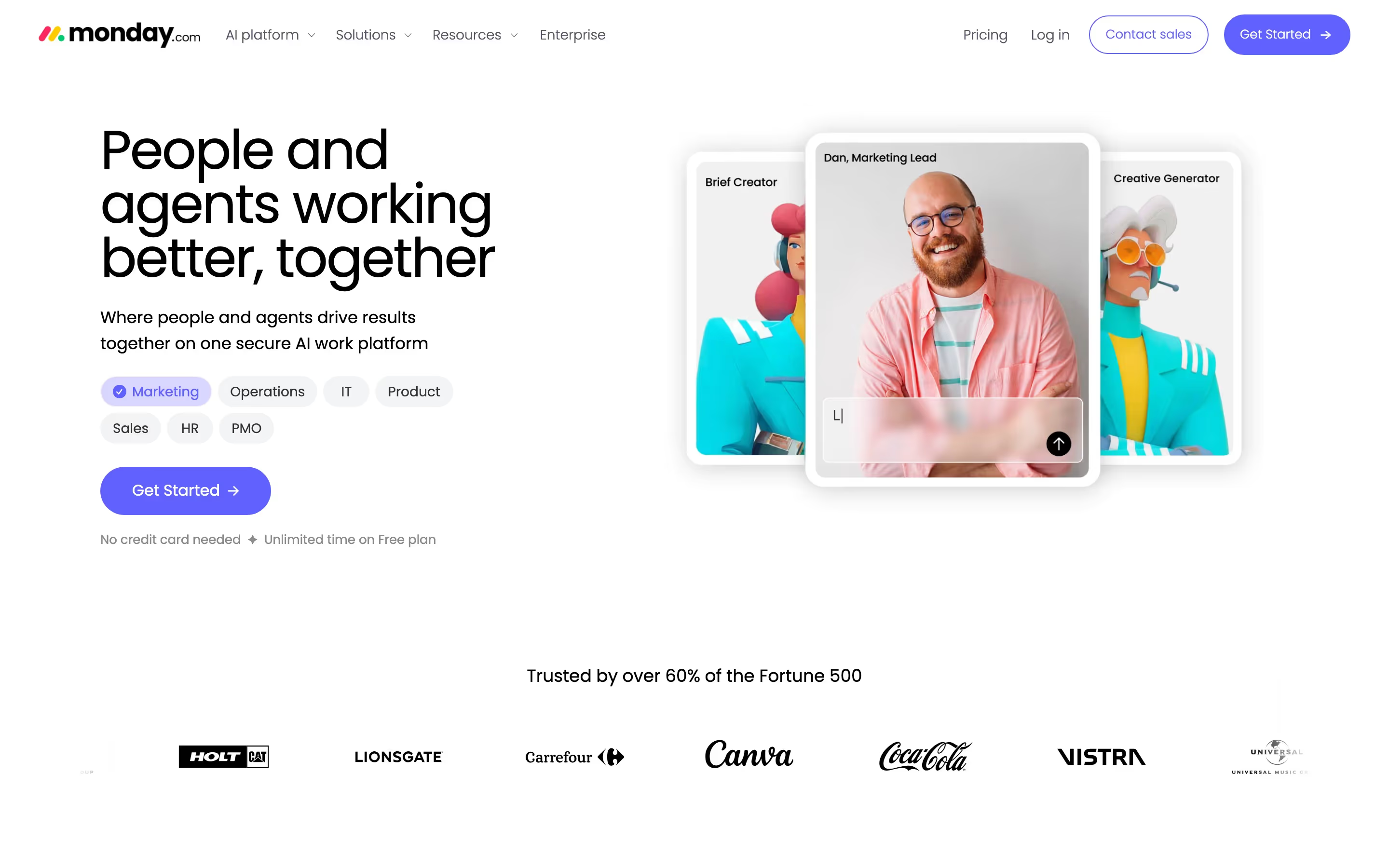
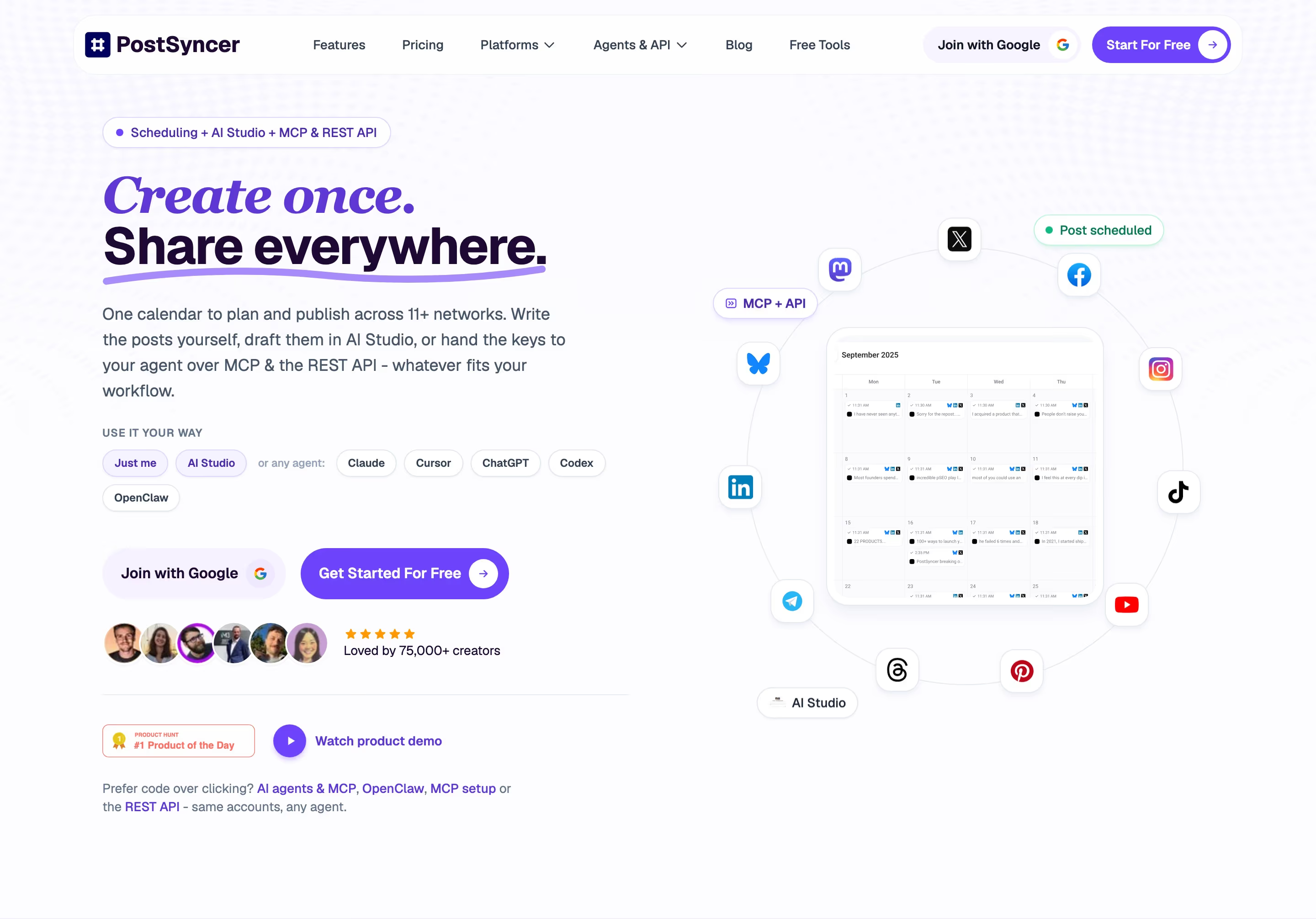
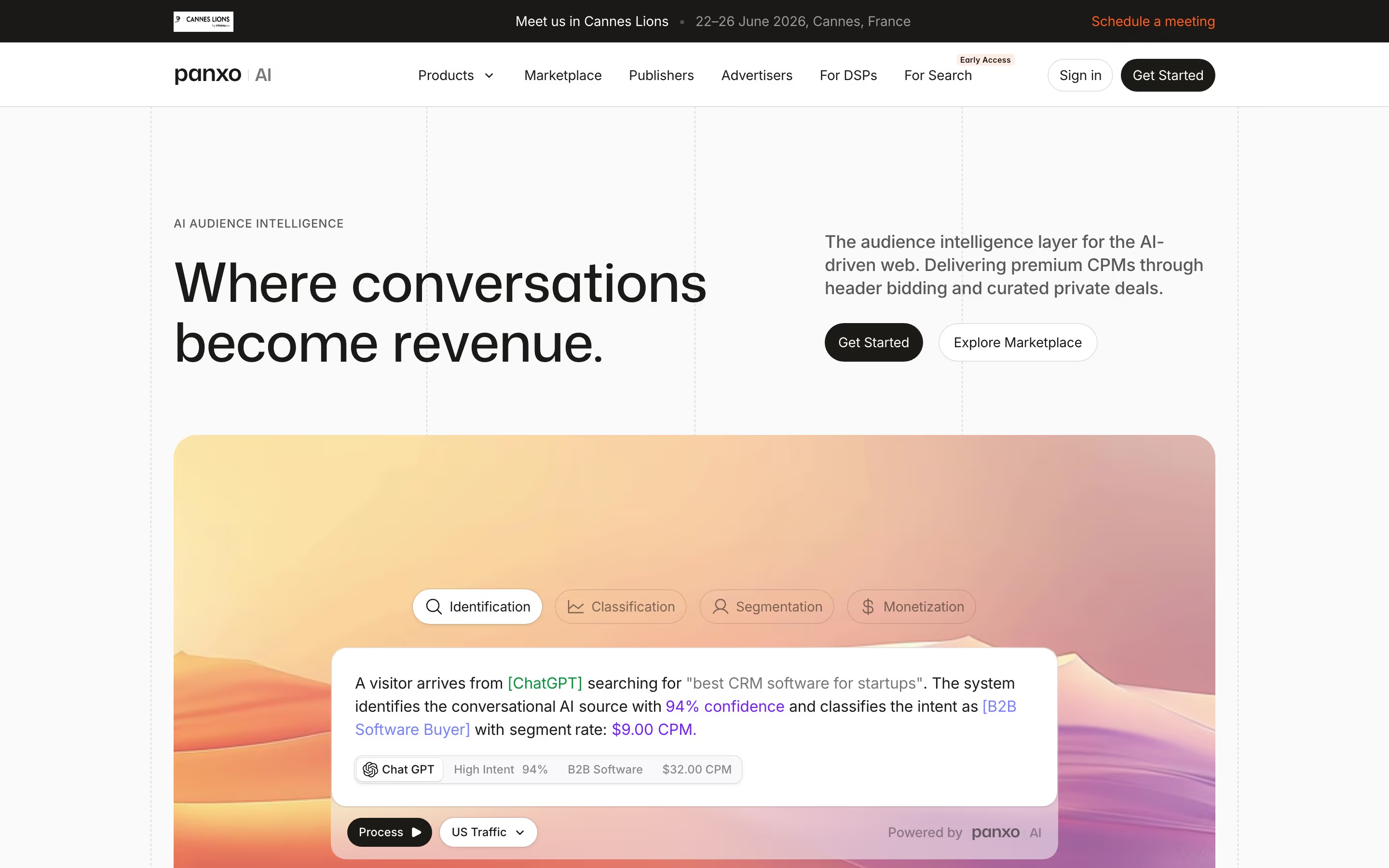
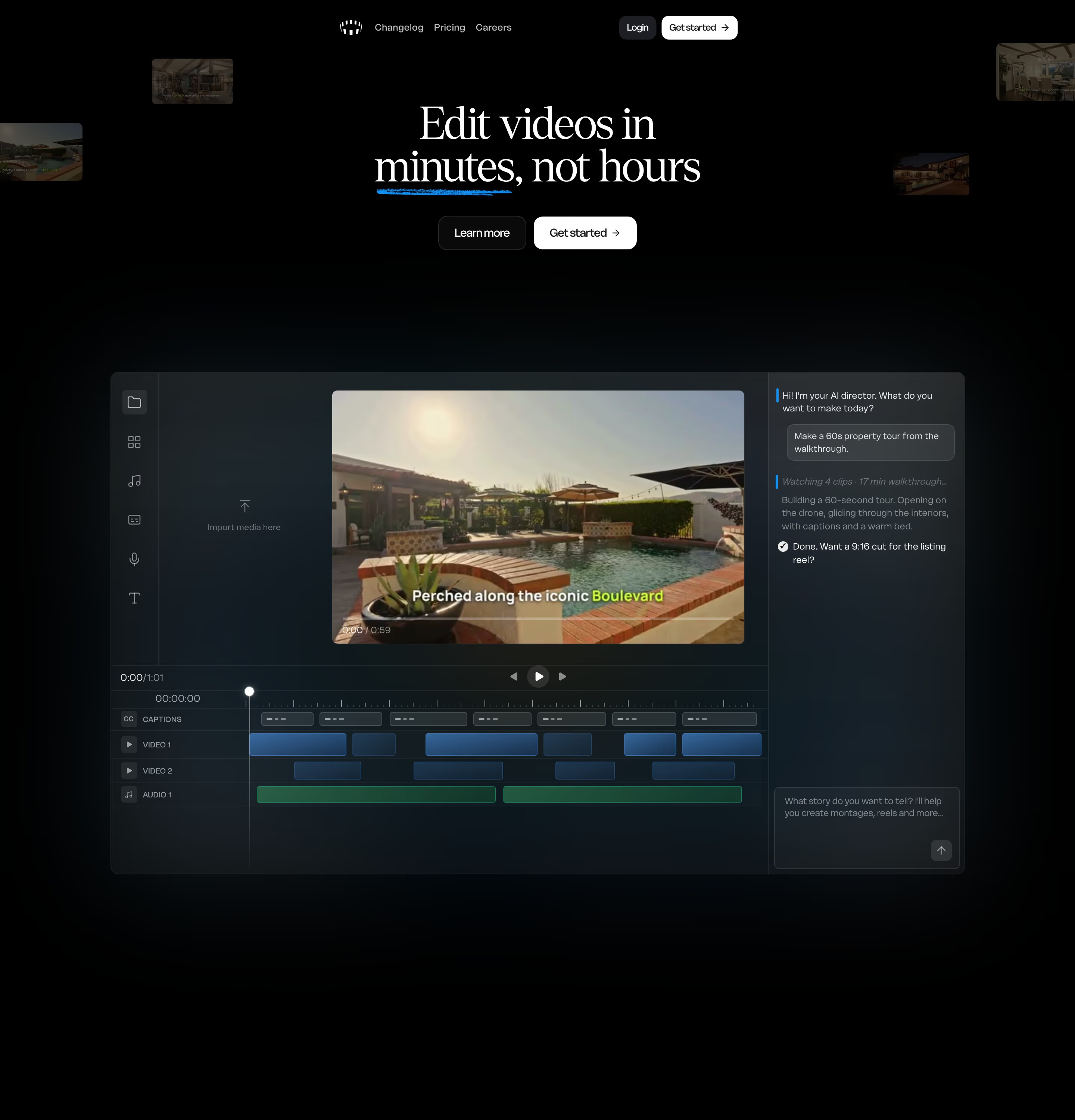
Chips are small and interactive. On SaaS marketing sites they appear as filter rows above a gallery or customer list, as suggestion prompts under an AI input ("Show shader", "Fit all screens" in Pen's editor mockup), and as data-source tokens inside product visuals, like the Gmail, Slack and Google Drive chips in Zaro's tabbed card.
They work because they compress a choice into one word. Modal's "Built with Modal" section offers five filter chips over a scrolling row of examples; Viktor closes with "Ask ChatGPT", "Ask Perplexity" and "Ask Claude" chips. Each is clearly tappable and clearly secondary to the main button.
A chip row breaks down when it gets long and wraps into three lines, or when the selected state is too subtle to see. Keep the set short enough to scan, and make the active chip unmistakable with a filled background, not just a slightly darker border.
Chip examples from real SaaS sites
Each one is a hero capture whose design review mentions the chip.
When to use a chip, and when not to
Use it for
- Quick filteringVisitors need to narrow a set of examples, templates or customers by one category.
- Suggested inputsAn AI prompt box benefits from a few example prompts people can tap instead of typing.
- Multiple selectionsSeveral chosen values, such as tags or recipients, need to stay visible and removable.
Avoid it for
- The main actionA primary sign-up or demo action needs a full button, not a chip.
- Status labelsRead-only markers like "New" or "Beta" are badges; nothing should happen when clicked.
- Dozens of optionsPast roughly eight choices, a select or search field is easier to use than a wall of chips.
Anatomy of a chip
- 1ContainerA small rounded or pill-shaped box, usually 28-36px tall, outlined or tinted.
- 2Leading icon or avatarOptional logo, icon or face that identifies the value.
- 3LabelOne to three words.
- 4Remove or checkAn optional close icon for input chips, or a check mark when a filter is active.
Common chip variants
1. Filter chip
Toggles a category on or off; often one row above a grid.
2. Suggestion chip
A tappable example prompt under a search or AI input.
3. Input chip
A value the user has entered, such as an email or tag, with a remove control.
4. Data chip
A labeled token inside a product mockup, like a source, tool or integration name.
Spotted in our design reviews
Our reviews describe a chip on 72 of the 422 SaaS homepages in the catalog. A few of them:
Below, a full-width product window shows a left sidebar with "New chat", "Agents", "Systems", "Artifacts", "Skills" and "Apps", and a prompt box where a typed request mentions Snowflake, PostHog, Slack and Metabase as blue inline chips.
Keystroke · Split hero and app mock-up
Below that, a dark slate prompt box reads "Ask Pulse to creat" with a white "Data Source" chip and a grey arrow button.
Usepulseai · Above the fold
A blue panel holds a prompt box, five chips from "Look up" to "Compare" and an "Evidence", "Scribe", "Dictate" switcher.
Heidihealth · Above the fold
Chips read "In Slack & Teams" and "No credit card required".
Delos · Above the fold
A chip beneath reads "Final Boss Sour grew by 80%".
Jointrybe · Above the fold
Five icon chips follow ("Website", "Mobile", "Design", "Slides", "Animation") with three example-prompt pills.
Replit · Above the fold
Below them, a large rounded video frame shows an office scene with a blue play button and a "1.2×" speed chip.
Loom · Above the fold
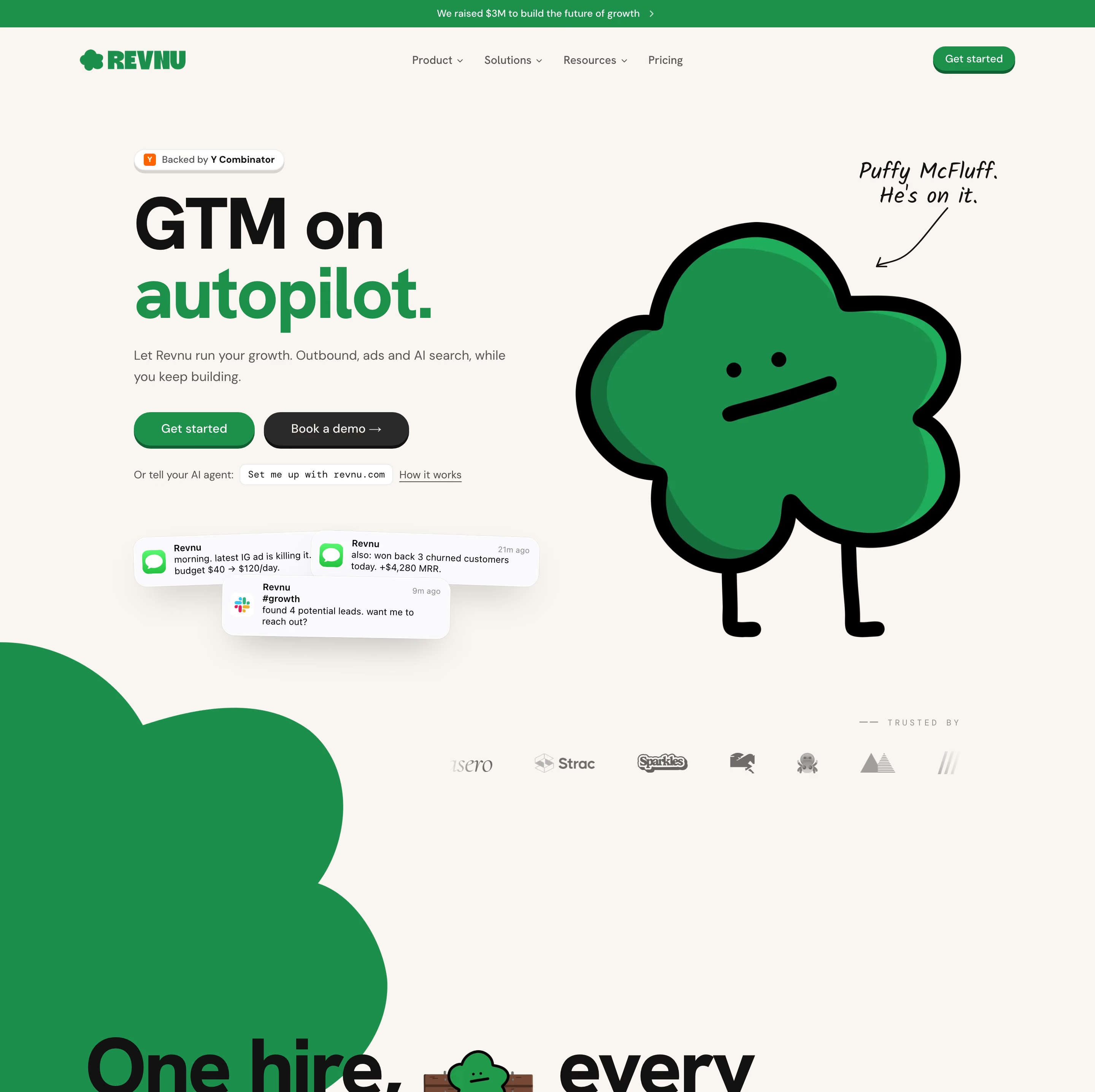
Below, a "Backed by Y Combinator" chip precedes the headline "Self-improving AI growth team.", a one-line subhead, and a pill input reading "Enter your website" with a "Get started" button.
Gooseworks · Above the fold
Often confused with
Chip vs. pill
Pill describes shape (a capsule with fully rounded ends). Chip describes behavior: a compact element you can select, remove or tap. Most chips are pill-shaped, but a pill can also be a large button.
Chip vs. badge
A badge is a read-only status label such as "New" or "Beta". A chip is interactive or represents a value the user chose.
Chip vs. tabs
Tabs switch between whole panels of content. Filter chips narrow one set of items and can often be combined.
Frequently asked
Can several chips be selected at once?
Filter chips usually allow it, which is their main difference from tabs. If only one option can be active at a time, a segmented control or tab row communicates that more clearly.
Are chips the same as tags?
Tags are one use of chips. A tag labels content; a chip is the general component, which can also filter, suggest or hold a selected value.