
Components
Badge
A badge is a tiny label, such as "New", "Beta" or "Soon", attached to a link, card or heading to flag its status without adding a sentence.
- Also called
- Tag, Label, New badge, Beta tag, Status label
- Spotted on
- 29 of 422 homepages
- Browse examples
- Hero sections →
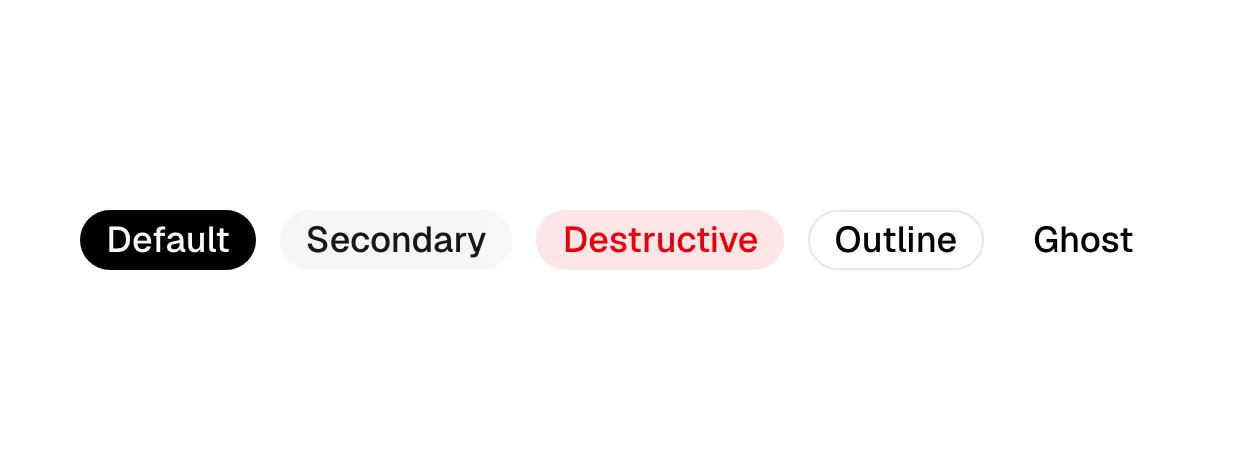
What is a badge?
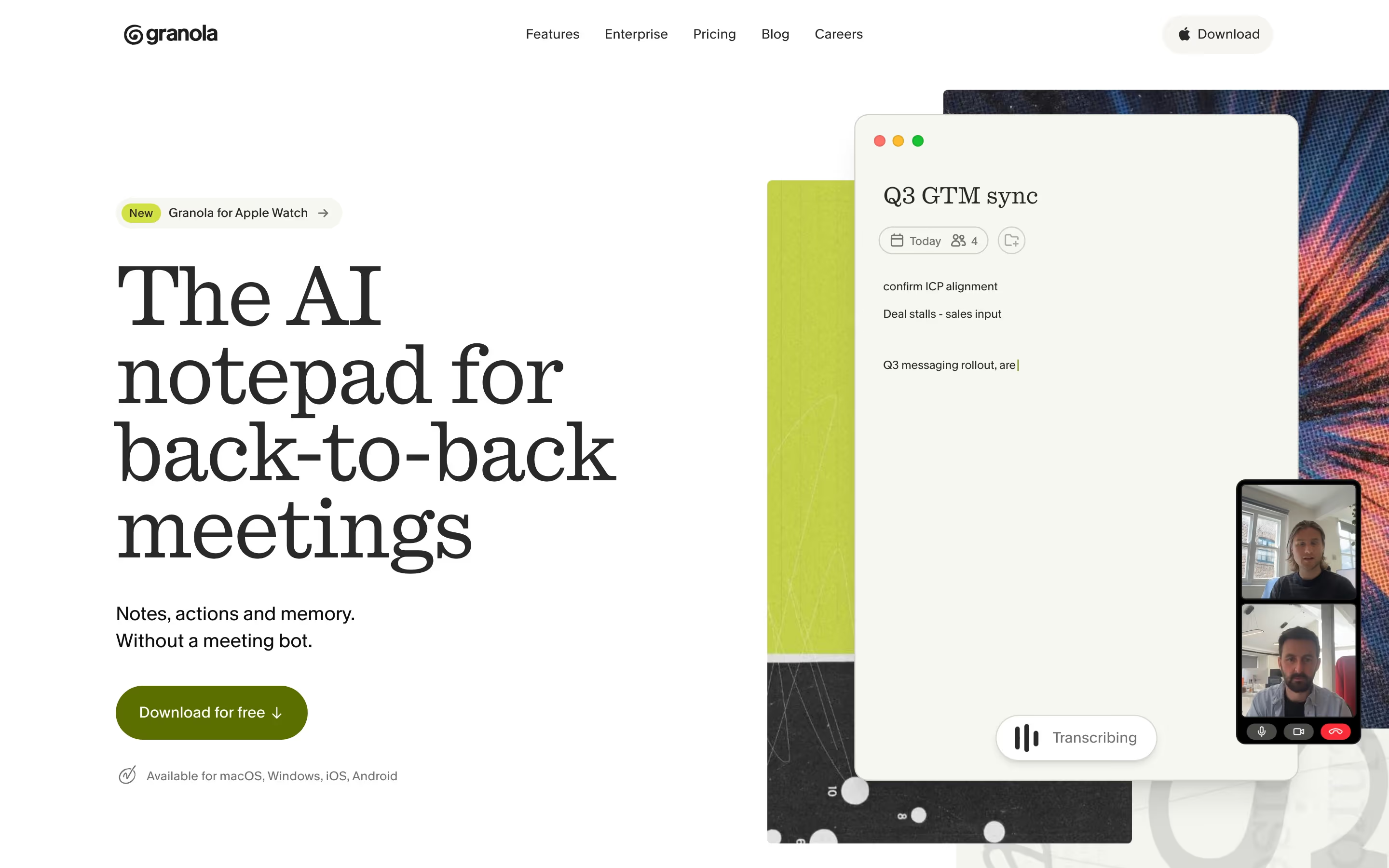
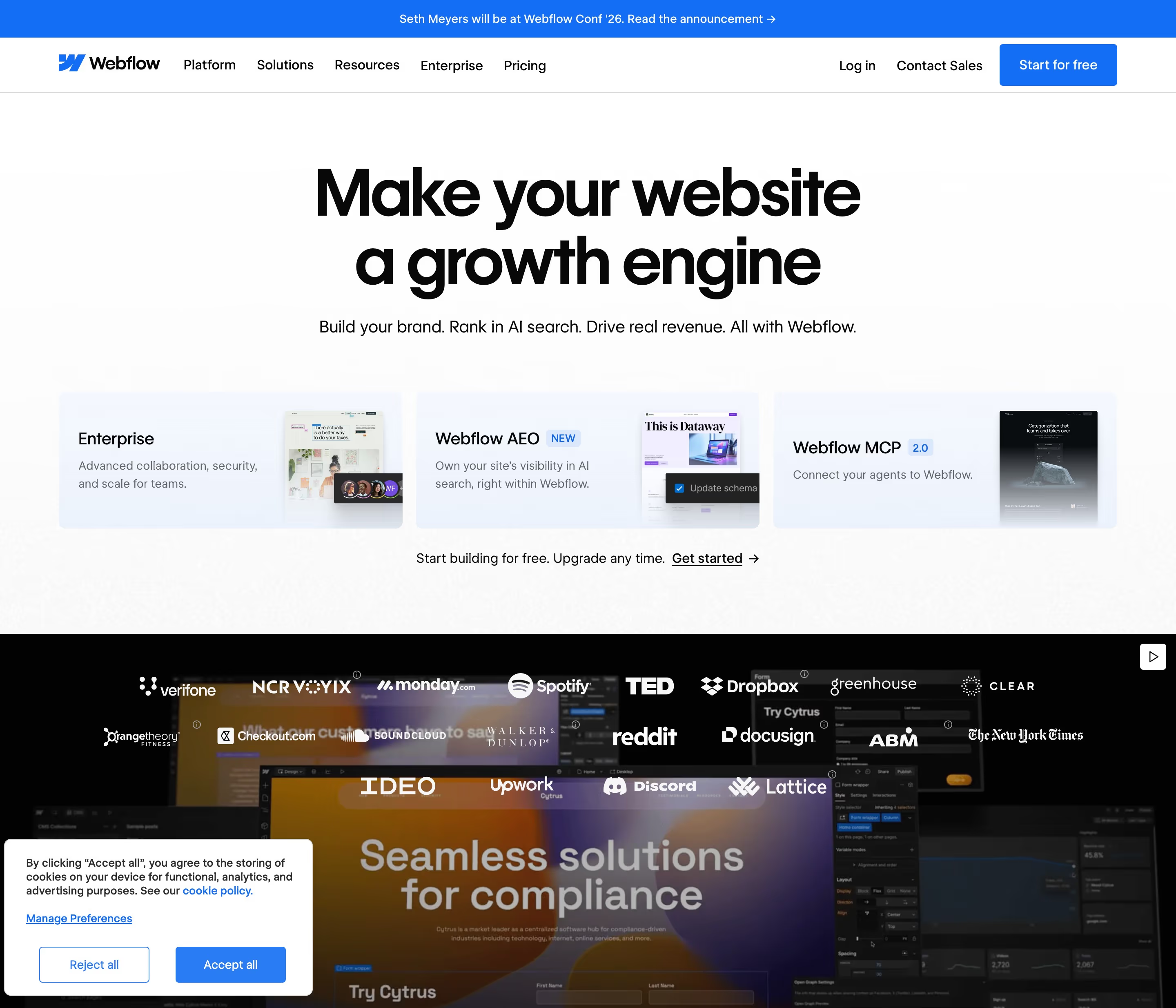
Badges let a SaaS site mark what changed without rewriting the page. A violet "NEW" on one feature card, a "Beta" next to a nav item, a "Soon" on a roadmap tile: each tells returning visitors where to look. Typeform puts violet "NEW" pills on two of its three hero cards; Granola's hero opens with a "New" badge for its Apple Watch app.
Footers are the other common home. Figma, Vercel and Framer tag individual footer links with small "NEW" or "BETA" labels, which turns the footer into a quiet changelog.
A badge stops working when it stops being rare. If half the cards say "New", none of them are; and a "New" badge left on for a year is a small lie. Keep them to one or two per screen and take them off on a schedule.
Badge examples from real SaaS sites
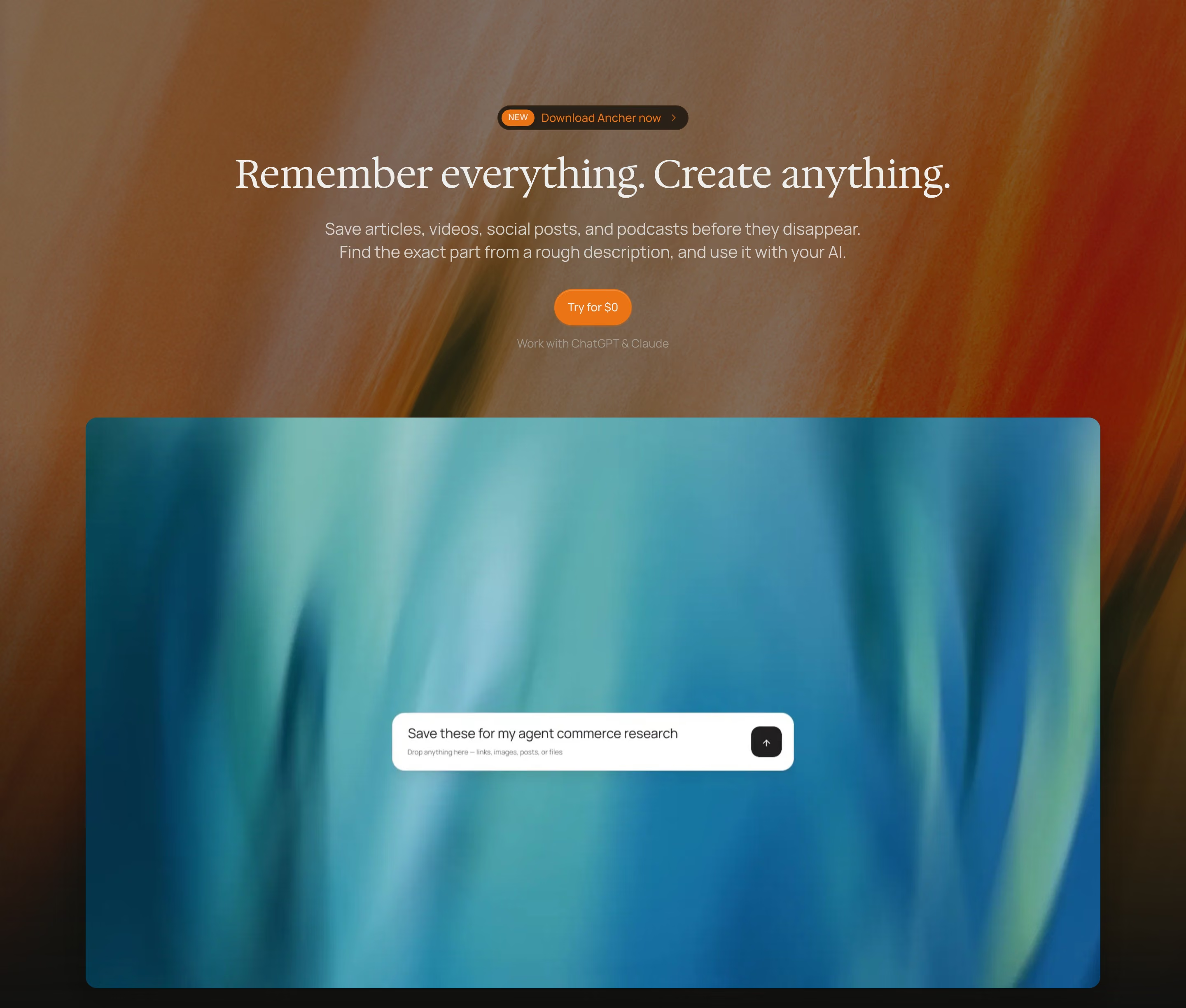
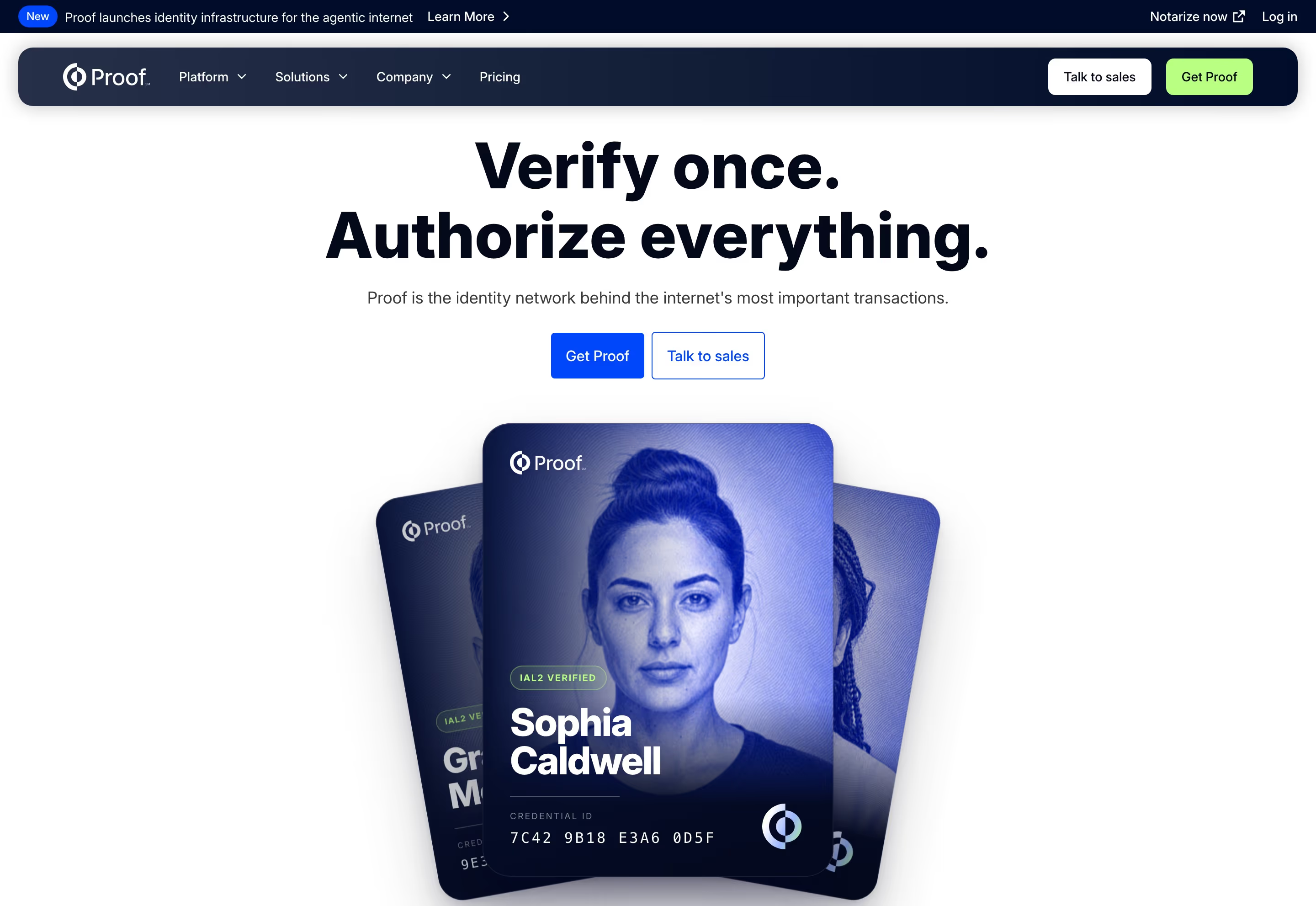
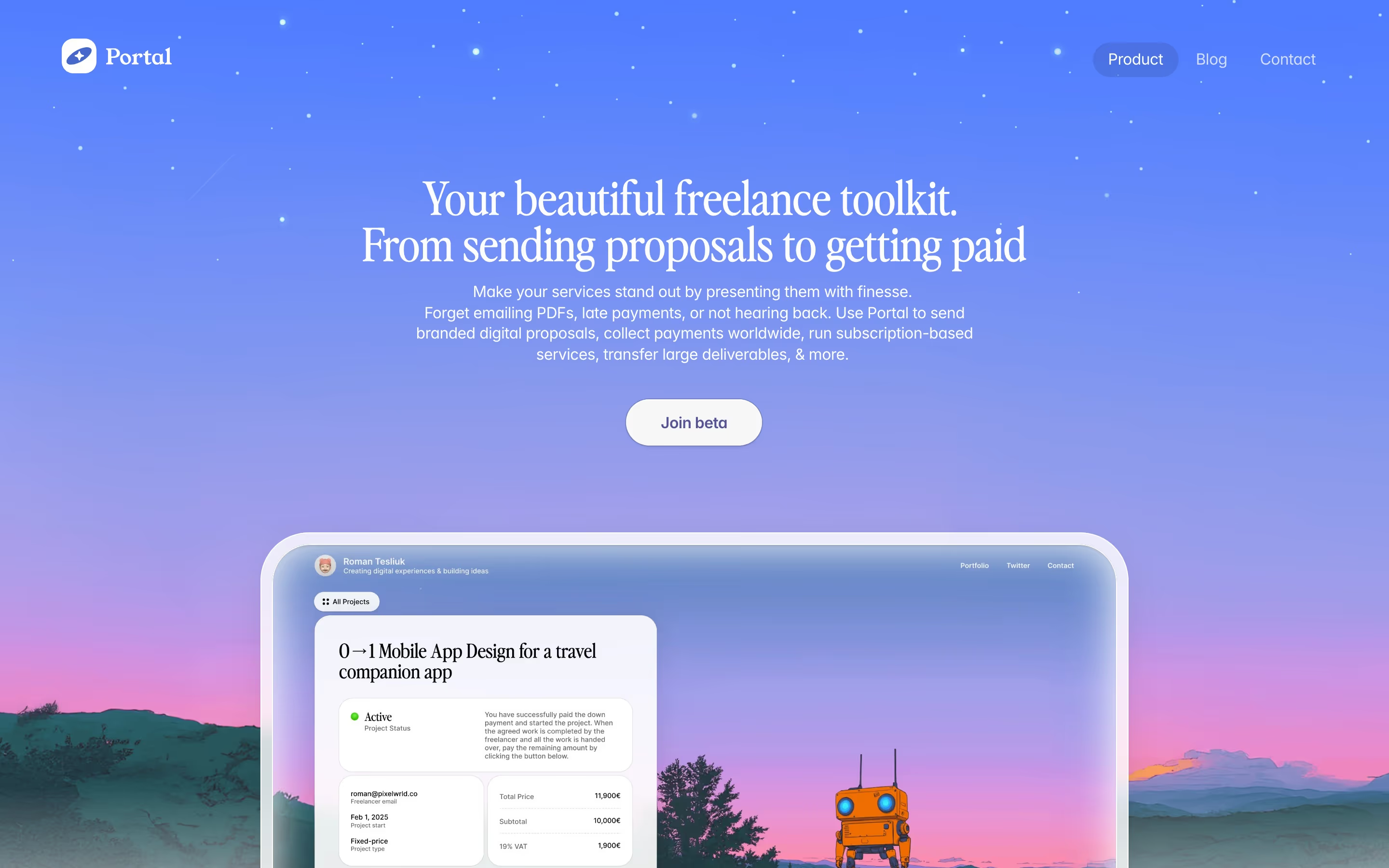
Each one is a hero capture whose design review mentions the badge.

When to use a badge, and when not to
Use it for
- Recent launchesA feature shipped in the last few weeks and returning visitors should spot it.
- Maturity warningsA product is in beta or preview, and that should be clear before someone signs up for it.
- Roadmap honestyA card describes something not available yet; a "Soon" badge avoids a false promise.
Avoid it for
- Trust signalsSOC 2, ISO or GDPR marks are trust badges, a different element with a different job.
- RatingsG2 or Capterra stars belong in a review badge, not a status label.
- Permanent emphasisIf something is always important, give it layout weight instead of a label that implies it is temporary.
Anatomy of a badge
- 1ContainerA small pill or rounded rectangle, usually 18-24px tall, in a tinted or saturated color.
- 2LabelOne short word, often uppercase and letter-spaced: NEW, BETA, SOON, PREVIEW.
- 3Anchor elementThe link, card title or nav item the badge sits beside, which it modifies.
Common badge variants
1. "New" badge
The most common type, beside a feature, product or footer link.
2. Beta or preview tag
Marks a product that works but is not finished, as with Default's "In beta" card.
3. "Coming soon" tag
Flags roadmap items; Quiver's mobile view gives "Typography" a "Coming soon" badge.
4. Hero lead-in badge
A "NEW" label inside the announcement pill above the headline, as on Attentive and Krea.
Spotted in our design reviews
Our reviews describe a badge on 29 of the 422 SaaS homepages in the catalog. A few of them:
A blue banner announces "Seedance 2.5" with a "NEW" pill.
Krea · Above the fold
Four icon tiles ("Website", "Slides" with a "New" tag, "App", "Prototype") and "or import from" chips for "Figma" and "GitHub" follow.
Bolt · Above the fold
A "NEW" badge leads into a cream prompt box with a "Starter prompts" dropdown and blue send arrow, flanked by two pill menus.
Retool · Above the fold
A "NEW" pill precedes the centred headline "Marketing made personal", with "personal" italic.
Attentive · Above the fold
A pill reading "Use GPT-6 Astra" with a NEW tag sits above a three-line left-aligned headline, "Build and govern every AI agent in one place".
Sim · Above the fold
Three bordered cards, "ASK", "ACT" and "LEARN", close the screen; two carry violet "NEW" pills.
Typeform · Above the fold
“Public Alpha” labels the outlined headline “Design and move to production faster”.
Wonder · Hero workspace
The hero stacks a "New" pill reading "Polar Signals is Joining Dash0" above the headline "Make code run at its best with full visibility and control".
Polarsignals · Above the fold
Often confused with
Badge vs. trust badge
A trust badge is a compliance or security mark (SOC 2, ISO 27001) that reassures buyers; a badge here is a status label on your own content.
Badge vs. review badge
A review badge shows a third-party rating such as G2 stars; a status badge says nothing about quality, only about newness or availability.
Badge vs. pill
Pill is a shape; badge is a role. Most badges are small pills, but they are read as annotations, not buttons.
Frequently asked
How long should a "New" badge stay up?
Until the feature is no longer news to your regular visitors, usually a few weeks to a couple of months. Put the removal date in the same ticket that adds it.
Should badges be clickable?
Usually not on their own. The badge modifies a link or card that is already clickable; making the tiny label a separate target just creates a hard-to-hit button.