
Forms & inputs
Search bar
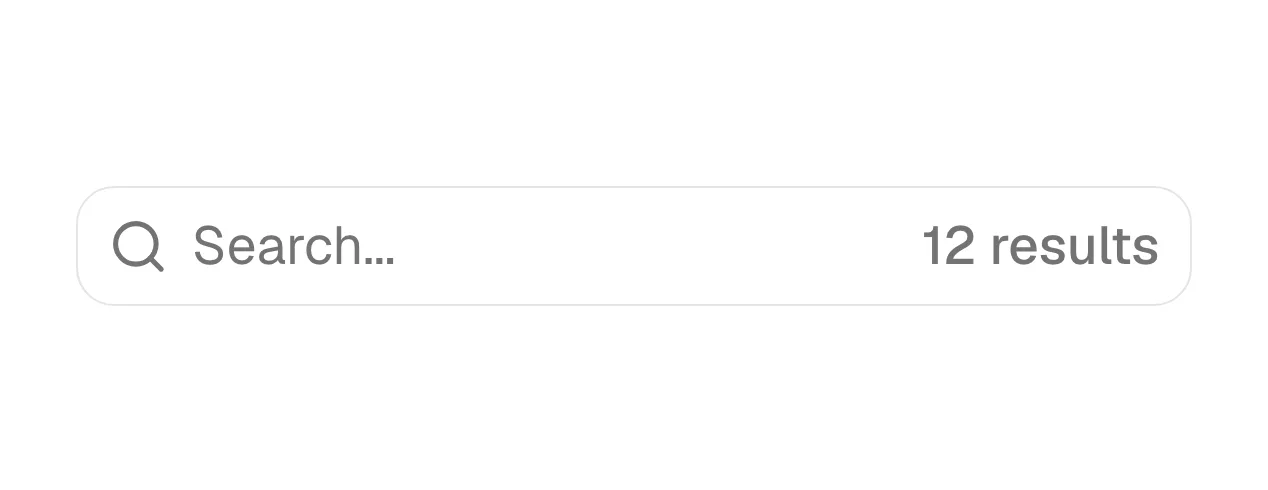
A search bar is a text input, usually with a magnifying-glass icon, where a visitor types keywords to find pages, articles, docs or items on a site.
- Also called
- Search field, Search box, Search input, Site search
- Spotted on
- 20 of 422 homepages
- Browse examples
- Blog pages →
What is a search bar?
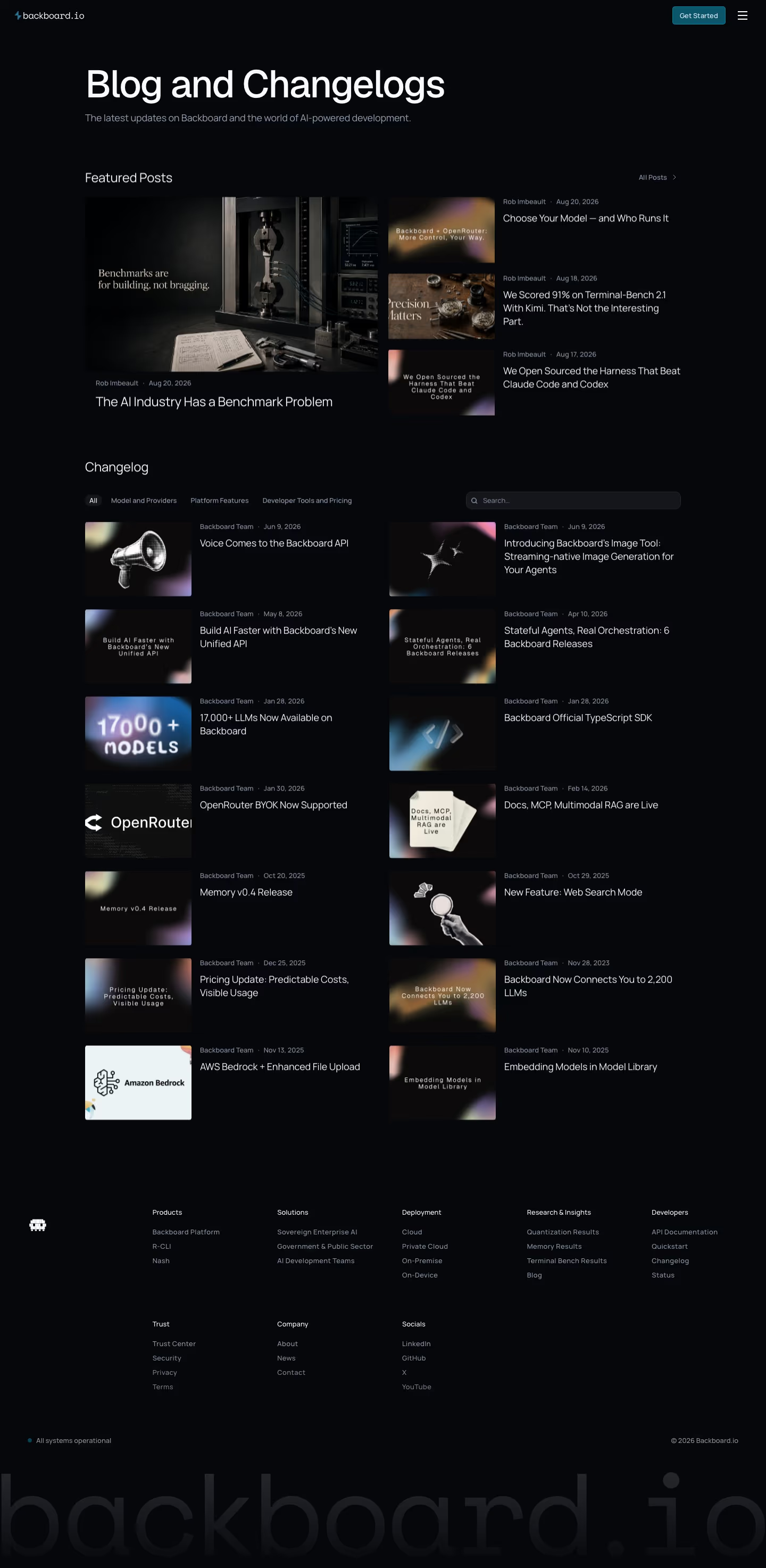
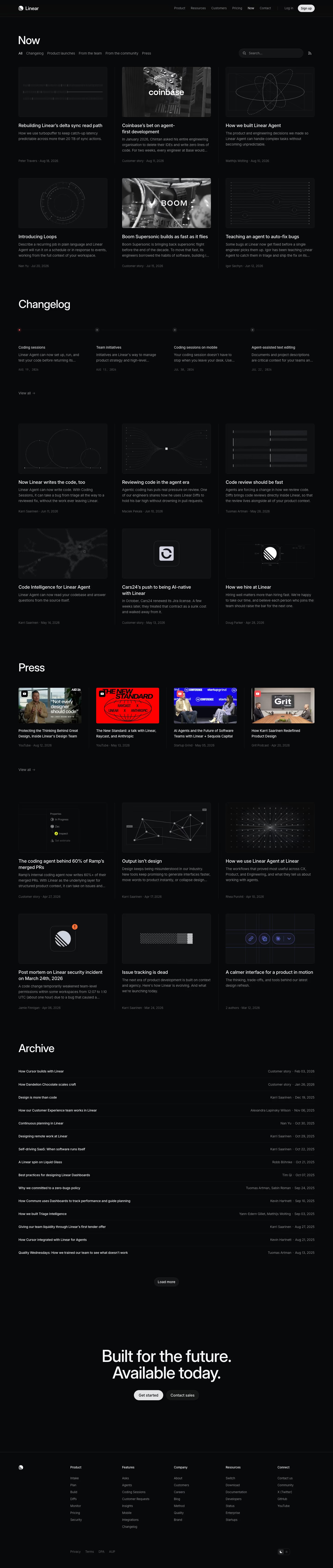
On SaaS marketing sites the search bar lives mostly on content-heavy pages: the blog index, the docs, the help center, the changelog and template or integration directories. Linear, Tailscale and Teachable all put one at the top of their blog or news index beside filter tabs. On the homepage it is rarer, and when it appears it usually means the product itself is about finding things: Gumroad pairs "Start selling" with a "Search marketplace" field, and Replicate puts search directly in its top bar.
Some heroes now use a search-style input as the main call to action, inviting the visitor to try the product right away, as Cosmos does with a search bar laid over tilted images. That works when the result is instant and impressive; it fails when the search leads to a signup wall.
A good search bar has a visible label or clear placeholder ("Search docs"), a big enough tap target on mobile, a keyboard shortcut on docs sites, and a useful empty state when nothing matches. In the navigation, a search icon that expands into a field saves space without hiding search entirely.
Search bar examples from real SaaS sites
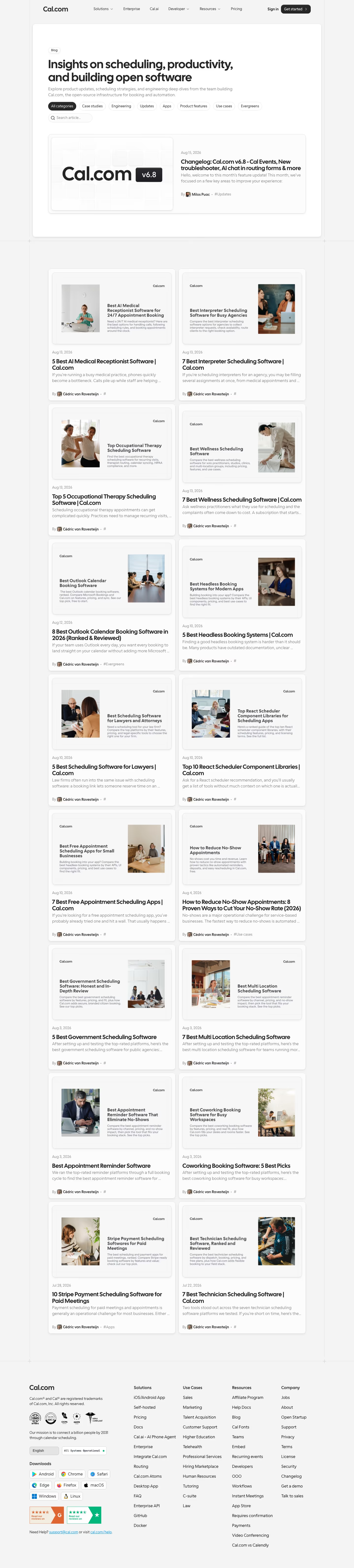
Each one is a blog page capture whose design review mentions the search bar.



When to use a search bar, and when not to
Use it for
- Lots of contentBlogs, docs and directories with more items than a visitor can browse comfortably.
- Visitors know what they wantPeople arriving with a specific question, error message or integration name in mind.
- Search is the productMarketplaces, data and discovery tools where trying a search is the best demo.
Avoid it for
- Small marketing sitesA ten-page site doesn't need search; clear navigation does the job.
- Weak resultsA search that returns poor matches is worse than none; it tells visitors the content isn't there.
- Replacing navigationSearch complements categories and menus; it shouldn't be the only way to find pricing.
Anatomy of a search bar
- 1Search iconThe magnifying glass, at the left of the field or as the submit button.
- 2InputA text field with a placeholder naming what can be searched.
- 3Shortcut hintAn optional key badge such as "/" or Cmd K, common on docs sites.
- 4Clear buttonAn X that empties the field once text has been typed.
- 5Suggestions or resultsA dropdown of matches as the visitor types, or a results page on submit.
Common search bar variants
1. Blog or docs search
A field beside category filters at the top of an index page.
2. Nav search icon
A magnifying glass in the header that expands into a field or opens an overlay.
3. Hero search
A large input as the main action, used by marketplaces and discovery products.
4. Search with suggestions
A field that shows matching pages as the visitor types.
Spotted in our design reviews
Our reviews describe a search bar on 20 of the 422 SaaS homepages in the catalog. A few of them:
A frosted card at lower right, tagged "RESEARCH PREVIEW", shows a search field reading "Summarize what's working across the ads archive".
Twelvelabs · Above the fold
The hero adds "Backed by Y Combinator", "Web data {API} for AI agents" and a search box with tabs from "Extract" to "Screenshot".
Context · Above the fold and logo wall
Two plan-labelled buttons, "Get started free" and "Compare plans", precede an "Ask AI" search field and a row of eight customer logos from "Microsoft" to "Bloomberg".
Grafana · Above the fold
A top bar holds the logo, a search field, "Explore", "Pricing", "Enterprise", "Docs" and "Blog", a "Sign in" link and a black "Try for free" button.
Replicate · Above the fold
The nav reads "Explore", "Sequence" and "Careers", with a centred search field reading "Try 'archival animations'".
Cosmos · Above the fold
Below it, a black "Start selling" button sits beside a search field reading "Search marketplace ...".
Gumroad · Above the fold
"Agentic Search" sets a wide search field reading "IDENTIFY OUT-OF-DATE POLICIES AND SUGGEST REV" over a monospace log of timestamped steps.
Conductorai · Platform capabilities, search and workflows
A search field labelled "Search animations..." tops a scrolling mosaic of thumbnails.
Lottiefiles · Brand cards, animation library and Lottie Creator
Often confused with
Search bar vs. command palette
A command palette opens as an overlay from a keyboard shortcut and runs actions as well as search; a search bar is a field placed on the page.
Search bar vs. combobox
A combobox resolves typed text to an option from a list; a search bar submits a free query and shows results.
Search bar vs. text field
A search bar is a specialized text field, styled and labeled for queries rather than form data.
Frequently asked
Does a SaaS homepage need a search bar?
Usually not. Search pays off on the blog, docs and help center. On the homepage it only makes sense when searching is the product's own core action.
Should site search use a keyboard shortcut?
On docs and developer sites, yes: "/" or Cmd K is expected, and showing the shortcut inside the field teaches it. On a marketing blog it's optional.