
Overlays & feedback
Status indicator
A status indicator is a small green dot or pill, usually in the footer, that reports live service health, such as "All systems operational".
- Also called
- System status badge, Status dot, Uptime indicator, "All systems operational" badge
- Spotted on
- 30 of 422 homepages
- Browse examples
- Footers →
What is a status indicator?
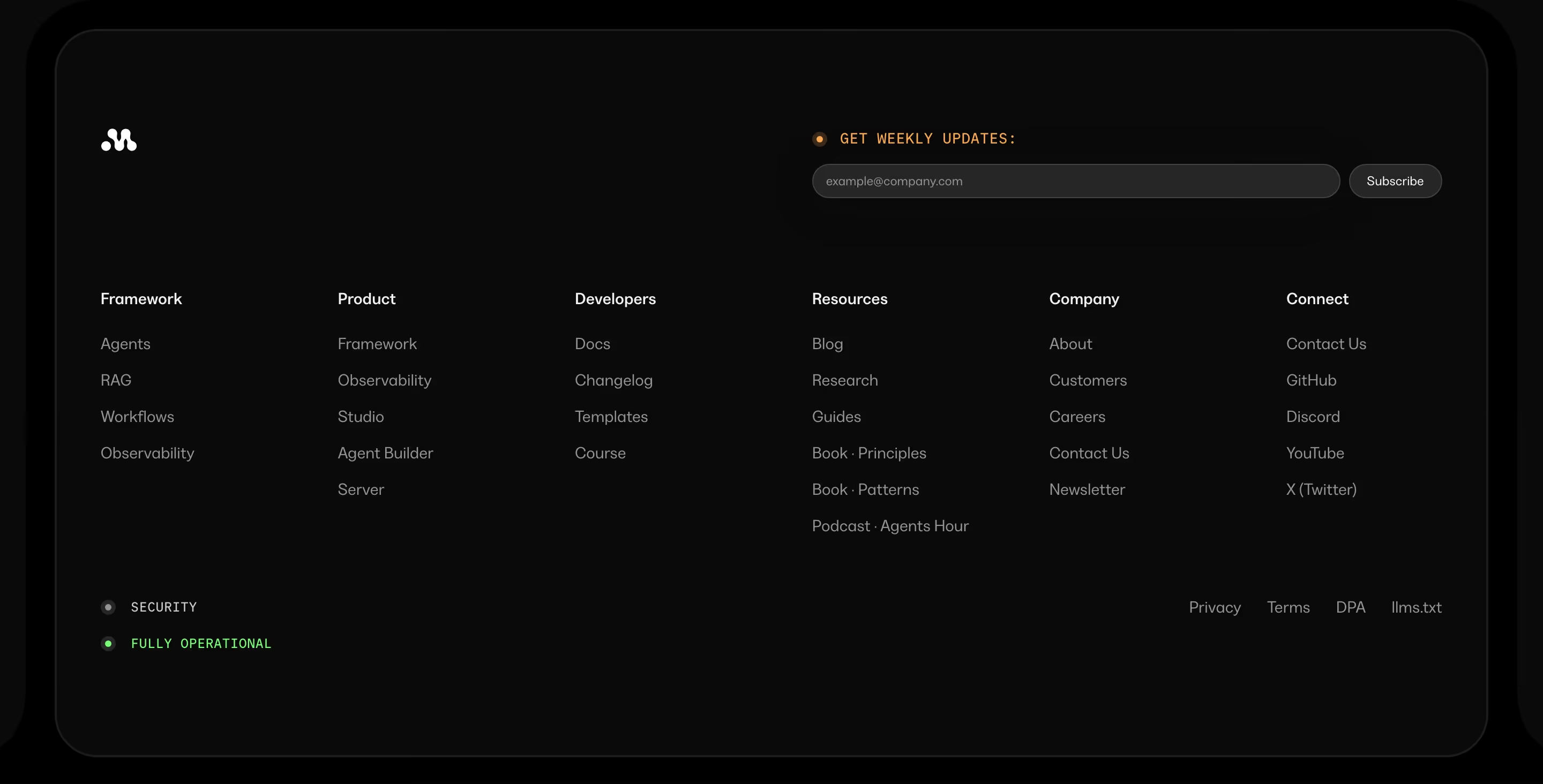
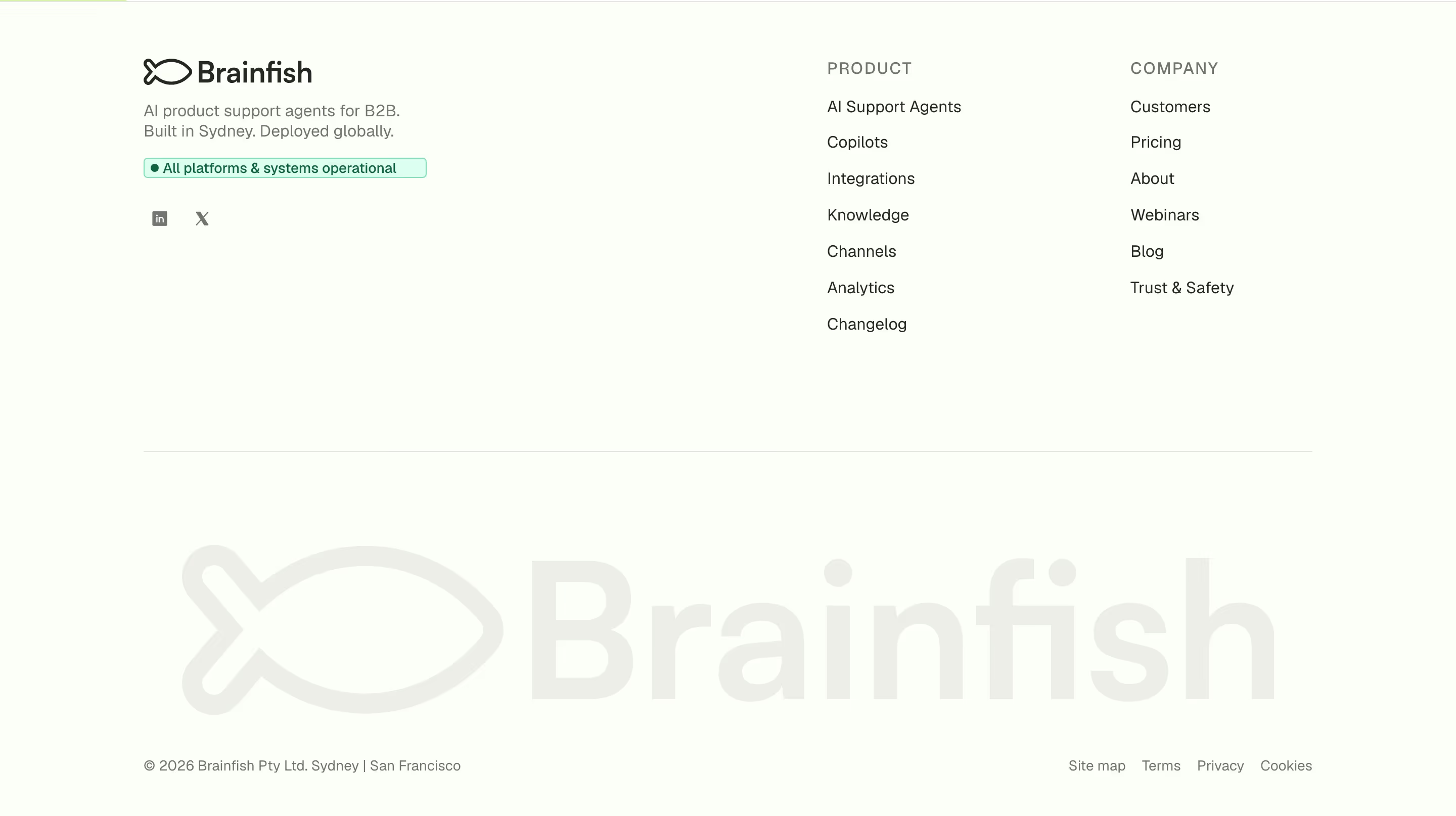
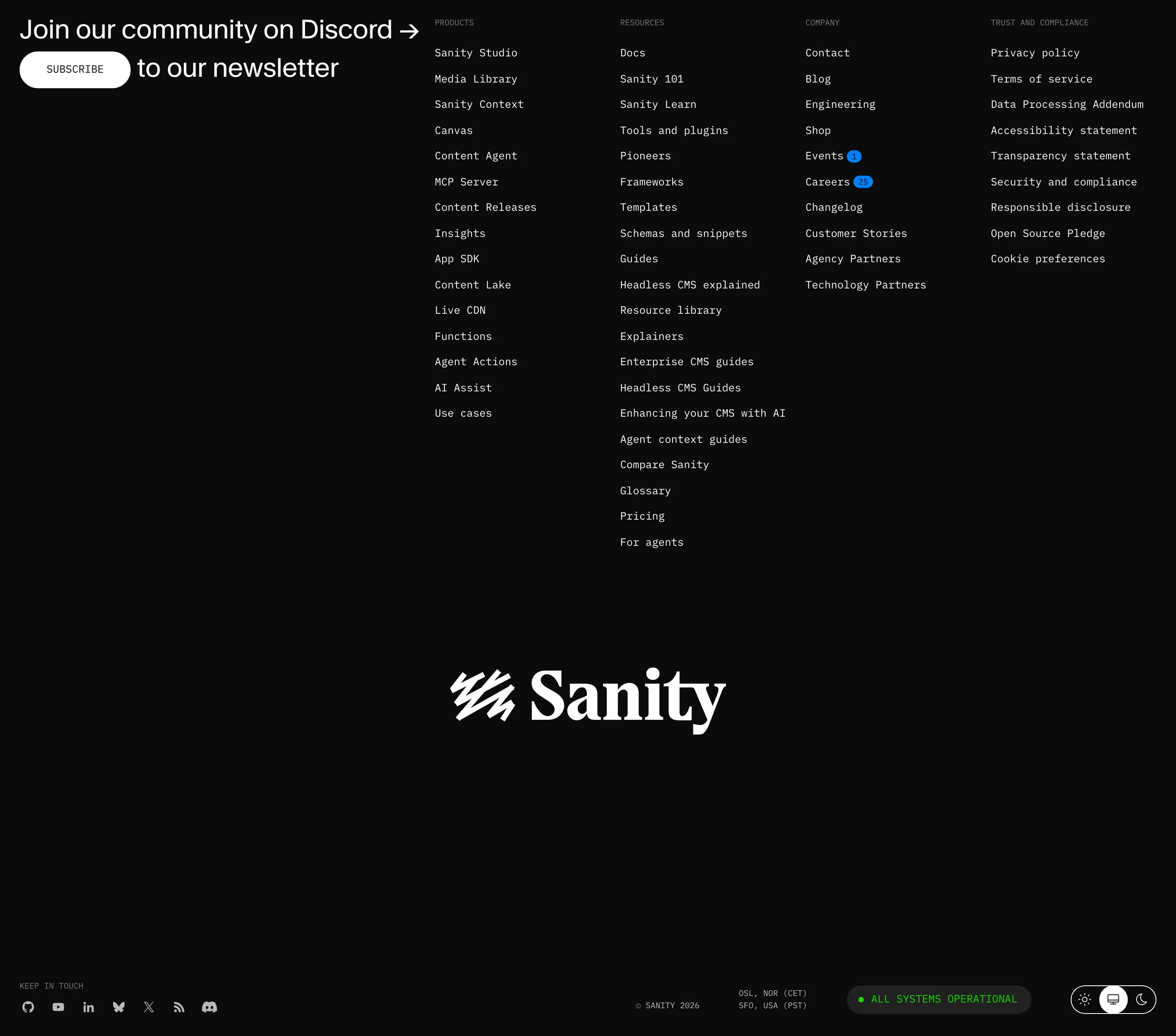
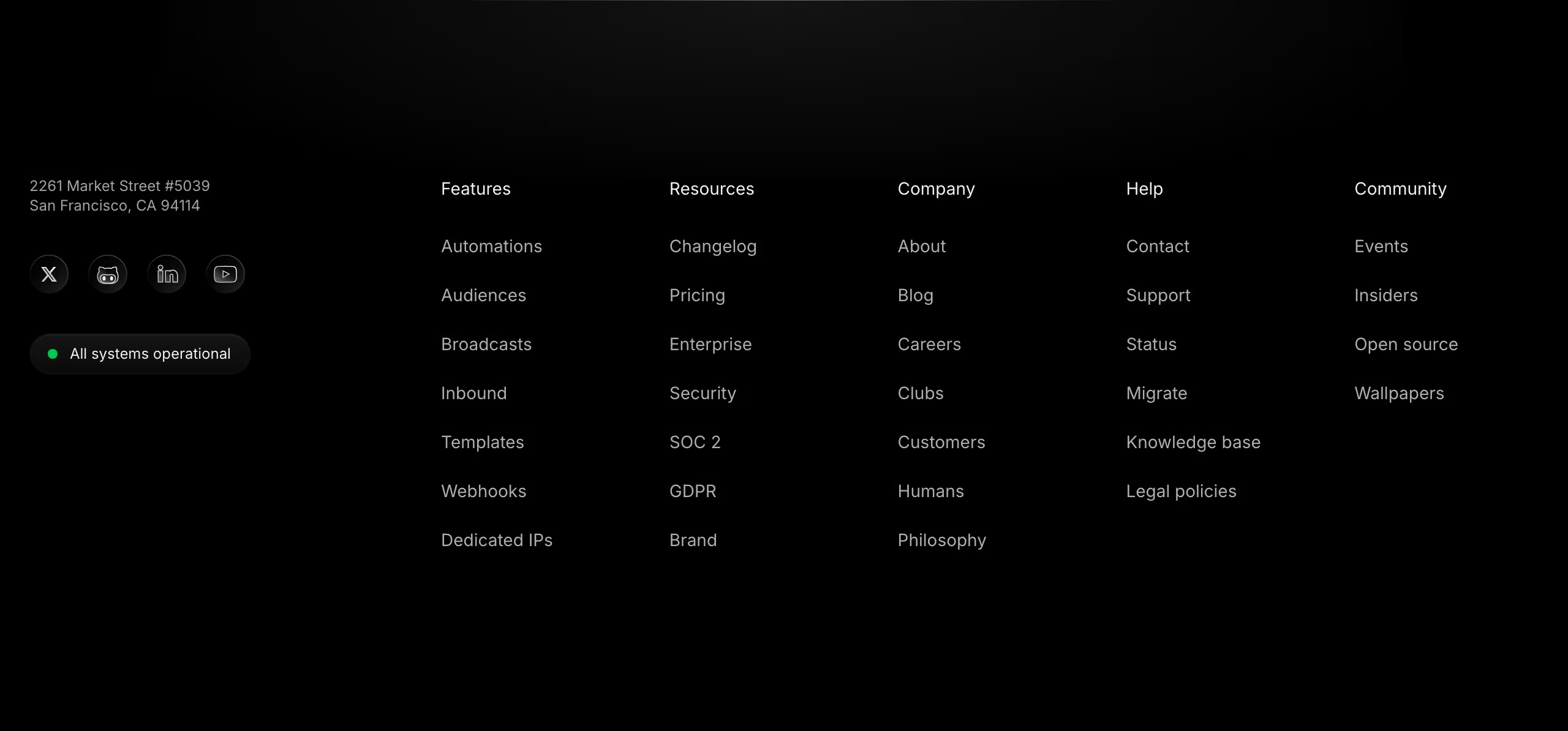
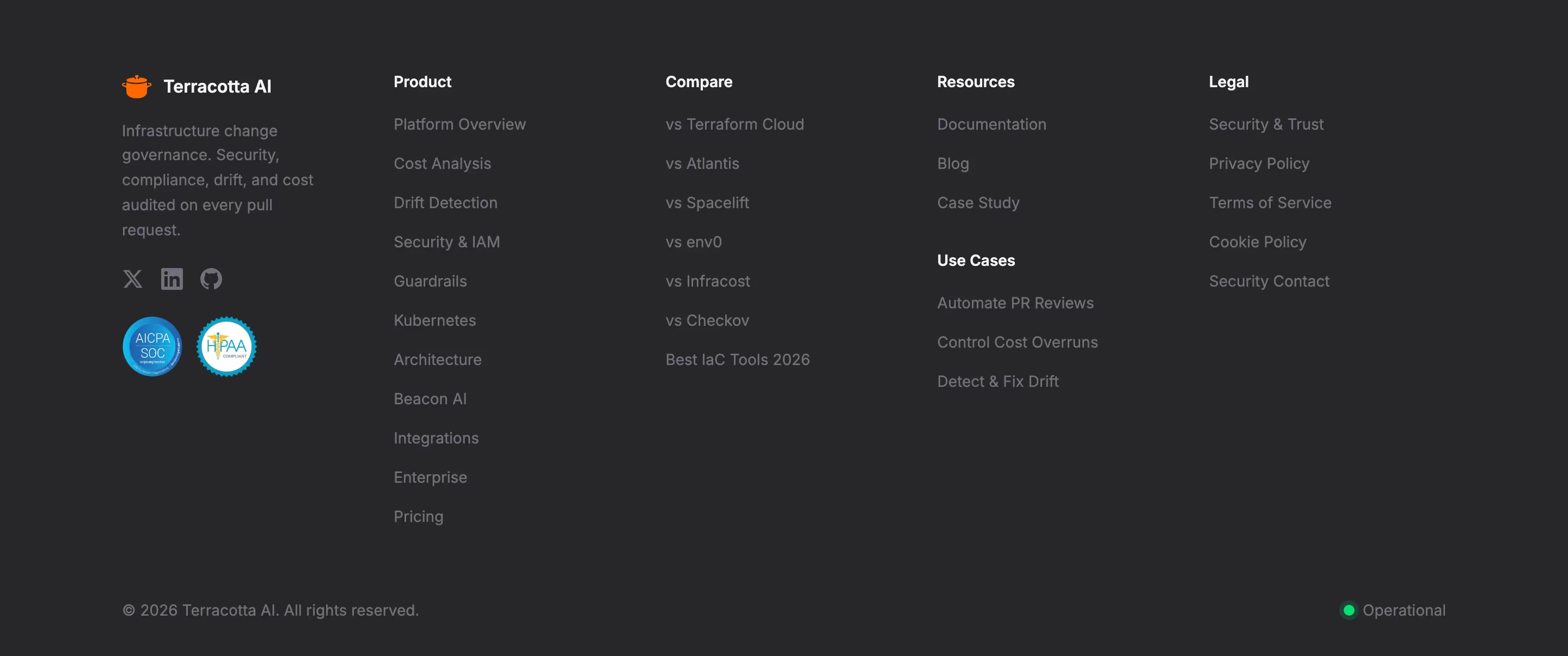
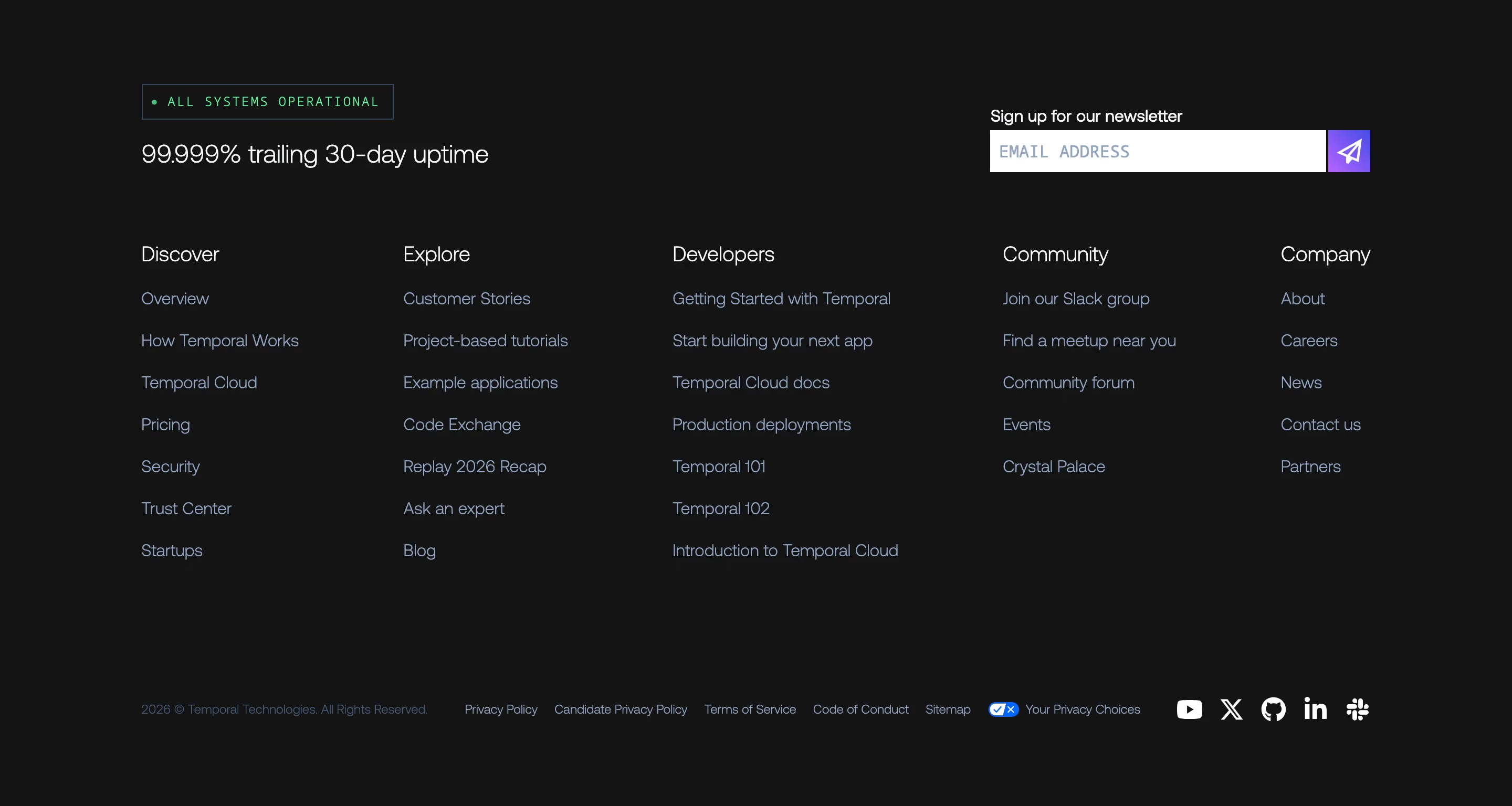
For infrastructure and developer products, uptime is part of the pitch, and the footer status indicator is the quietest way to make it. A green dot and "All systems operational" says the service is running right now and that the company publishes its incidents. Resend, Warp, Sanity, Cal.com, Graphite and Temporal all carry one in the footer, usually beside the copyright line or the compliance badges.
It works because it is live. A real indicator pulls from the status page and would turn amber or red during an incident; that honesty is the trust signal. A hard-coded green pill that never changes is decoration, and a developer audience will eventually notice.
The wording varies ("All systems normal" on Mintlify, "ALL SYSTEMS ONLINE" on AgentMail, "FULLY OPERATIONAL" on Mastra), but the design is consistent: small, low in the footer, one color-coded dot and a short phrase that links out to the full status page.
Status indicator examples from real SaaS sites
Each one is a footer capture whose design review mentions the status indicator.
When to use a status indicator, and when not to
Use it for
- Infrastructure and APIsProducts whose customers' own apps break when yours does.
- A public status page existsThe indicator should link to real incident history, not stand alone.
- Developer audiencesEngineers evaluating a dependency look for exactly this kind of signal.
Avoid it for
- Hard-coded greenIf it can't change color during an outage, it is a fake signal; leave it out.
- Hero placementService health is reassurance, not a value proposition; the footer is the right place for it.
- Simple consumer toolsWhere visitors don't think about uptime, the badge adds clutter without meaning.
Anatomy of a status indicator
- 1DotA small circle, green for operational and amber or red for degraded or down, sometimes with a soft pulse.
- 2Status textA short phrase such as "All systems operational", often in small caps or monospace.
- 3ContainerAn optional pill or chip with a subtle border, sitting in the footer's bottom row.
- 4LinkThe whole indicator links to the public status page with component-level detail and incident history.
Common status indicator variants
1. Dot and text
A bare colored dot followed by the status line, the most minimal form.
2. Status pill
The same content inside a rounded chip, as on Warp and Sanity.
3. Product mockup
Status-page and incident-management products show the indicator inside their product visuals, as Rootly and incident.io do.
Spotted in our design reviews
Our reviews describe a status indicator on 30 of the 422 SaaS homepages in the catalog. A few of them:
A "Problem" and "Solution" toggle introduces "Humans and agents, working in lockstep.", with four white cards marked "Resolved" under an "All systems operational" pill.
Incident · Logo wall, Zendesk case study and problem and solution toggle
"Keep your customers informed." swaps the card for a monitor mockup showing "All systems operational" and uptime bars.
Rootly · On-call, response, retrospectives and status page
Below, a small line credits 37signals, then seven plain links from "Status" to "Sign in" sit beside a green status dot and a copyright notice.
Basecamp · Footers
Below, a "Get in touch" list stacks four labelled links, then a row reading "All systems operational".
Linear · Contact Us
The footer's left block holds the logo, five compliance badges, a language selector, an "All Systems Operational" chip, seven download buttons and two review badges.
Cal · Footers
A teal dot with "All systems operational" and "© 2026 Backboard.io" run along the bottom, under an oversized monospace "backboard.io" wordmark in near-black grey.
Backboard · Footers
Four link columns follow, then a blue "All systems normal" status.
Firecrawl · Footers
Social icons, "Legal", a copyright line and an "All Systems Operational" dot run along the bottom.
Customer · Footers
Often confused with
Status indicator vs. trust badge
A trust badge, such as SOC 2, certifies something that was audited once. A status indicator reports the live state of the service right now.
Status indicator vs. badge
A badge labels content ("New", "Beta"). A status indicator reports system health and should change when that health changes.
Frequently asked
Where should a status indicator go?
In the footer, near the copyright line or compliance badges. That's where our catalog's developer-tool sites put it and where technical visitors look for it.
Does the status indicator need to be live?
Yes. The point is that it would turn amber or red during an incident. A permanently green pill tells visitors nothing and can backfire during an outage.
What should the status indicator link to?
The public status page, with per-component status and incident history. The indicator is the summary, the status page is the evidence.