
Components
Ghost button
A ghost button is a button with a transparent fill and a thin border, used for the secondary action beside a solid primary button.
- Also called
- Outline button, Outlined button, Secondary button, Bordered button
- Spotted on
- 38 of 422 homepages
- Browse examples
- Hero sections →
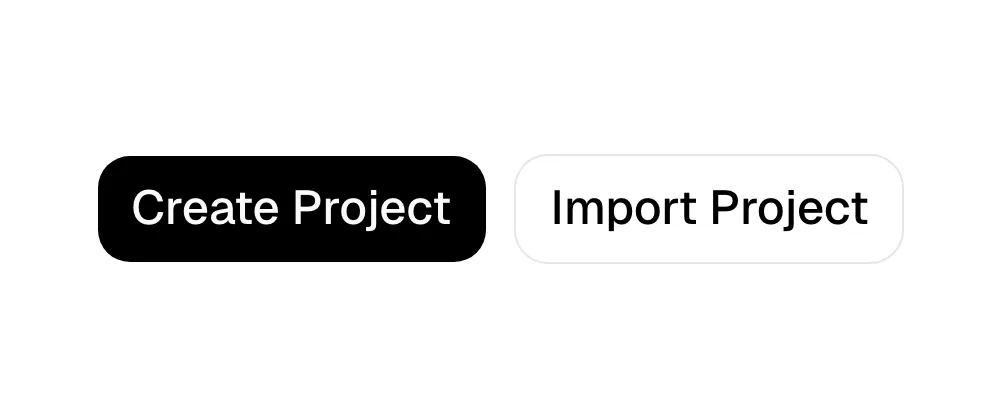
What is a ghost button?
On SaaS sites the ghost button exists to be second. The hero pairs a filled "Start free" or "Get a demo" with an outlined "Watch the video", "Read the docs" or "Talk to sales", and the difference in weight tells visitors which one the company wants them to press. Usepropane does exactly this: "Book a real demo" filled dark, "Try for free" outlined.
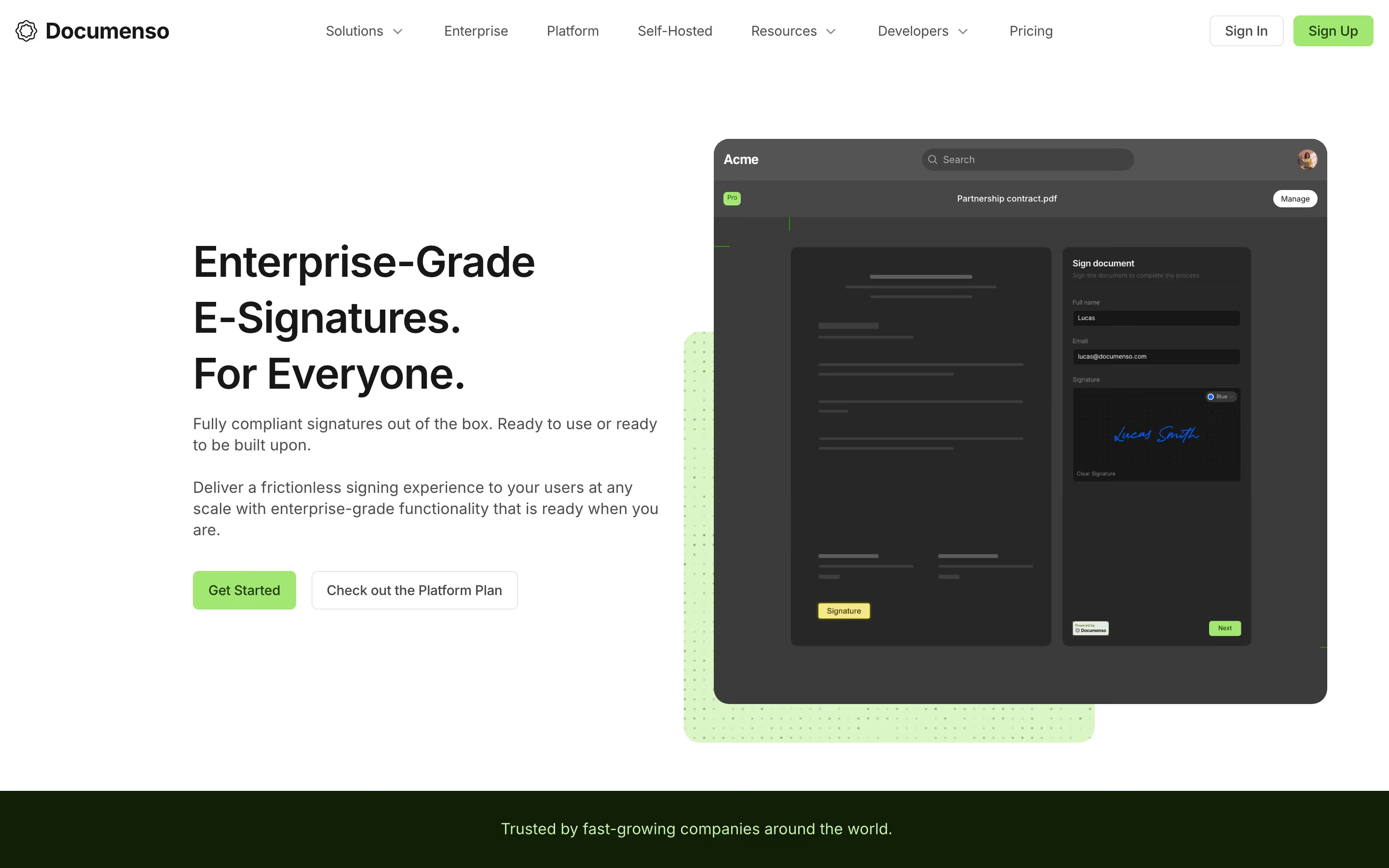
It also shows up in the navigation, where "Log in" or "Contact" sits in an outline next to a solid sign-up button, as on Stytch and Documenso, and at the bottom of repeated feature cards, where a row of filled buttons would shout.
The weak version is a ghost button with a hairline border in a low-contrast grey, laid over a photo or gradient. It stops looking like a button at all. A border at least as strong as the body text, and a hover state that fills in, keep it legible without promoting it.
Ghost button examples from real SaaS sites
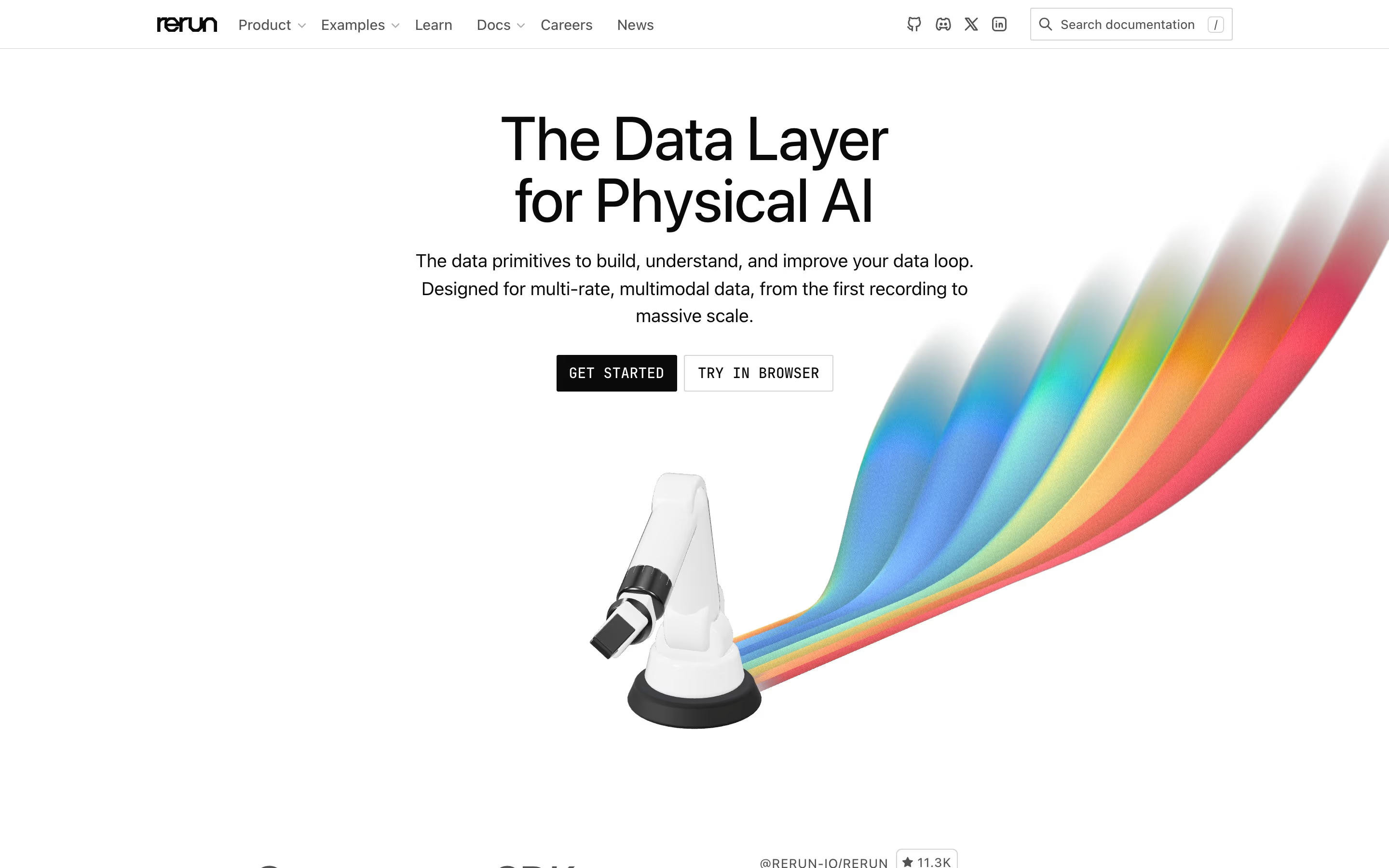
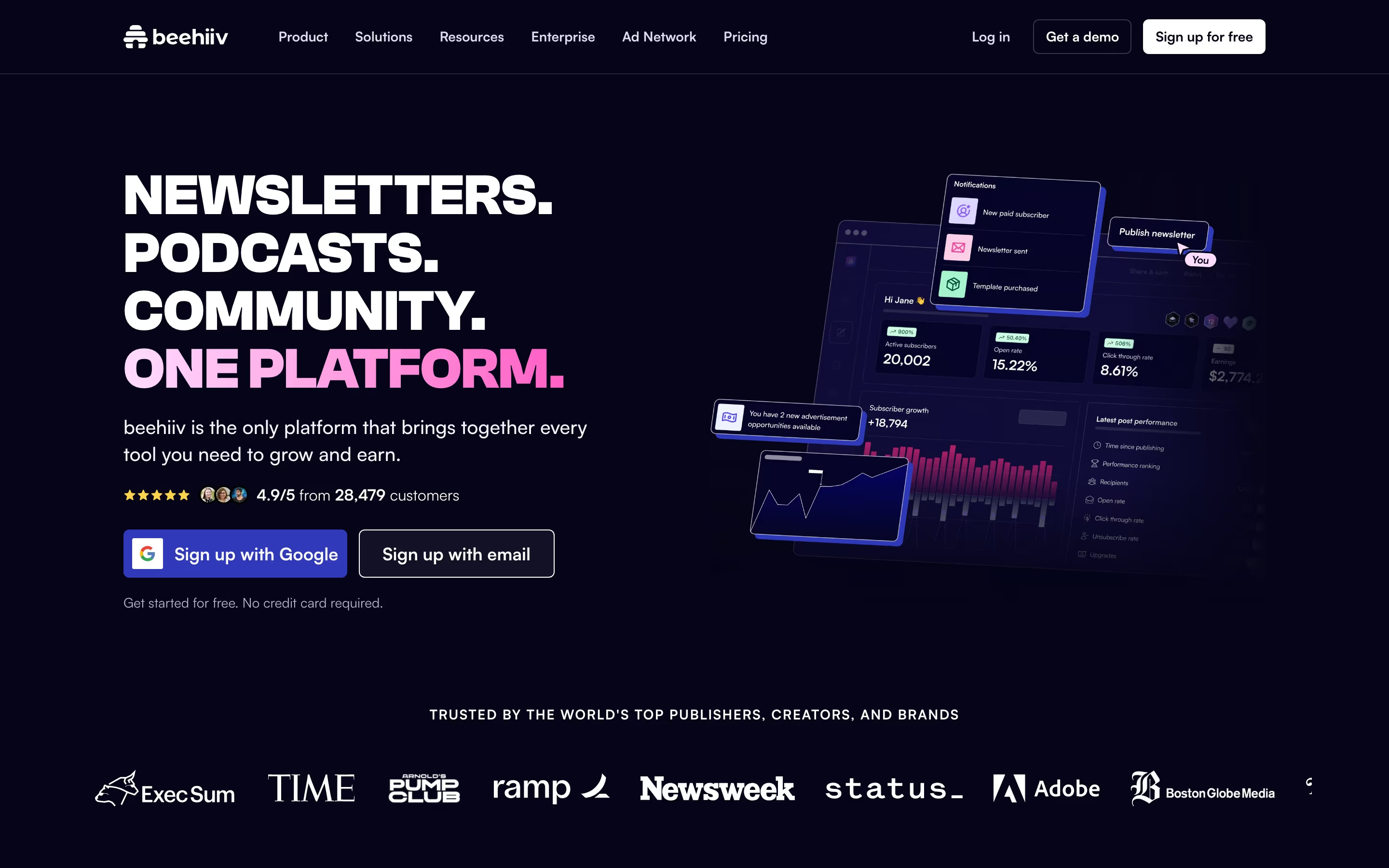
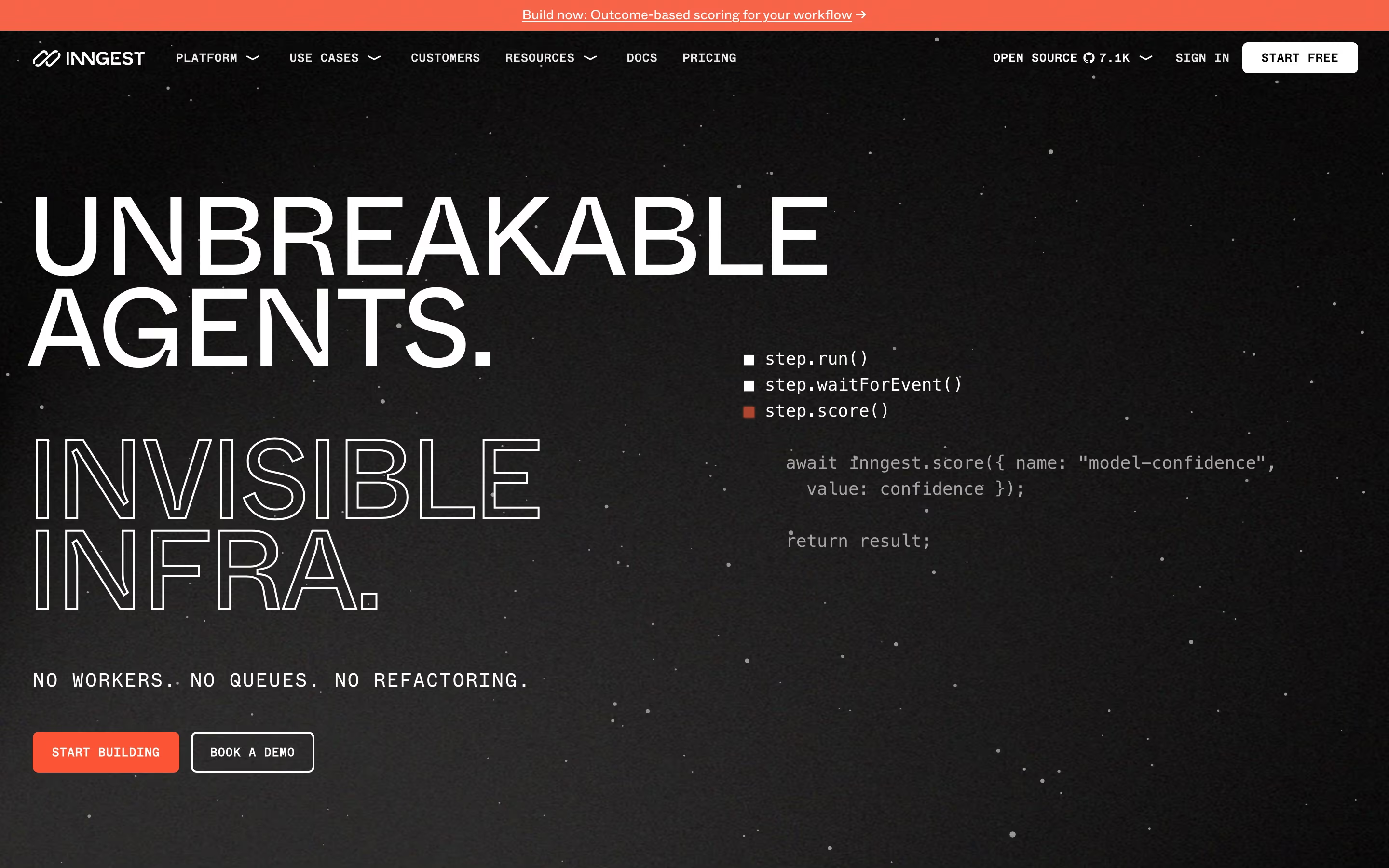
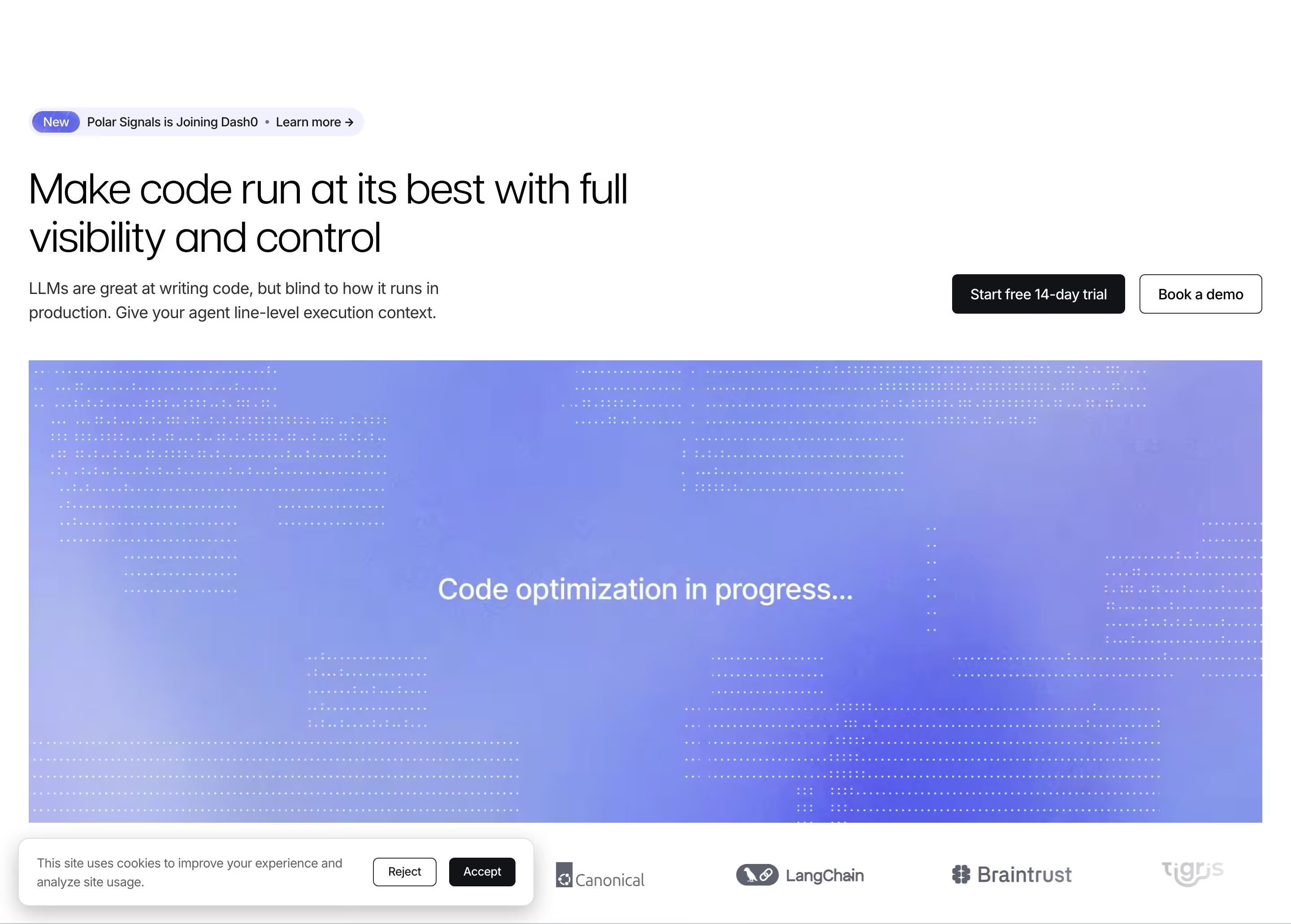
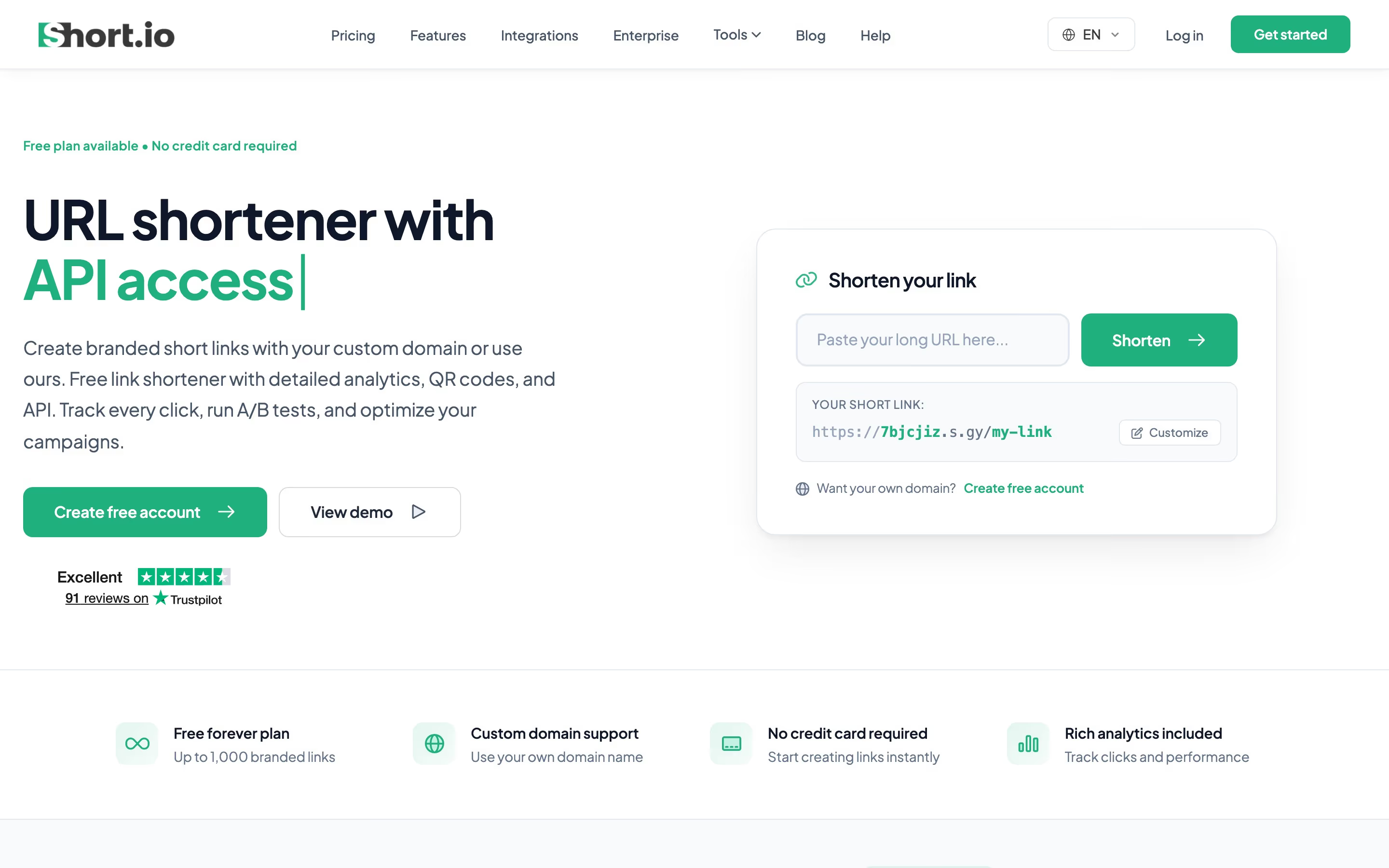
Each one is a hero capture whose design review mentions the ghost button.
When to use a ghost button, and when not to
Use it for
- Two actions, one priorityThe hero offers a main path and an alternative, and the main one should clearly win.
- Repeated card actionsEvery card in a grid needs a link, and six filled buttons in a row would flatten the page.
- Returning users"Log in" must be findable in the nav without competing with the sign-up button.
Avoid it for
- The only actionIf a section has one thing to do, make it a filled button; an outline alone reads as optional.
- Busy backgroundsOver photos, video or strong gradients the thin border disappears and the button reads as stray text.
- Two equal ghostsTwo outlined buttons side by side give no hierarchy; one of them should be filled.
Anatomy of a ghost button
- 1BorderA 1-2px stroke in the text color or brand color that defines the button's shape.
- 2Transparent fillThe section's own background shows through, which is what makes the button recede.
- 3LabelA short verb phrase in the same color as the border, usually the alternative to the primary action.
- 4Hover stateTypically fills with the border color or a light tint so the control confirms it is clickable.
Common ghost button variants
1. Hero secondary
Sits right of (or below on mobile) the filled primary button with the same height and radius.
2. Nav outline
A small outlined "Log in", "Contact" or "Demo" in the header beside the sign-up button.
3. Card footer button
An outlined "Learn more" at the base of each feature or product card, as in Thinkific's and Encord's card rows.
4. Inverted ghost
A white or brand-colored outline on a dark band, common in closing CTA sections.
Spotted in our design reviews
Our reviews describe a ghost button on 38 of the 422 SaaS homepages in the catalog. A few of them:
Two buttons follow: "Book a real demo" filled dark and "Try for free" outlined.
Usepropane · Above the fold
The very large black headline "Great designs come alive with motion!" is left-aligned over a grey subhead and two buttons, "Get started for free" in teal and "Get in touch" outlined.
Lottiefiles · Above the fold
The headline "Everything you copy on every device" sits above a grey subhead, then two buttons: "Try for free" in solid blue and "See plans" in outline.
Pasteapp · Above the fold
The headline sets "Product videos" in black over "in minutes with AI" in grey, above a subhead and two buttons, "Start free trial" filled and "Book a demo" outlined.
Clueso · Above the fold
Solid blue and outlined buttons follow, then a grey wordmark band under "GLOBAL COMPANIES GROW WITH REMOTE".
Remote · Above the fold
A nav bar holds the "FLORA" logo, five menu items and two buttons, "Contact sales" outlined and "Get started for free" in white.
Flora · Above the fold
The headline "Invoice to Payment Made Easy" sits in a large black-outlined box at left, above two intro paragraphs and two outlined buttons, "Explore Products" and "Explore Integrations".
Tranch · Above the fold
Two outlined buttons, "PRODUCT" and "COMPANY", flank a centered black wordmark, with a pink "GET A DEMO +" button at right.
June AI · Above the fold
Often confused with
Ghost button vs. call to action
A call to action is the job (the action you want taken); a ghost button is one visual treatment, normally reserved for the less important of two actions.
Ghost button vs. pill
A pill describes shape (fully rounded ends); a ghost button describes fill. A ghost button can be pill-shaped, and a pill can be filled.
Frequently asked
Should the secondary hero button be a ghost button or a text link?
A ghost button when the second action is a real alternative path, such as a demo or docs. A plain text link with an arrow when it is a lighter detour, such as "See how it works". Both keep the primary filled button dominant.
Do ghost buttons get fewer clicks?
That is the point of them. They pull attention away from nothing; they mark the second choice. If the outlined action is the one you actually need clicked, swap the styles.