
Visual style
Product video
A product video is a demo, walkthrough or looping clip of the software embedded on a marketing page, showing the product in motion rather than as a still.
- Also called
- Demo video, Hero video, Product demo video, Explainer video, Looping product video
- Spotted on
- 38 of 422 homepages
- Browse examples
- Hero sections →
What is a product video?
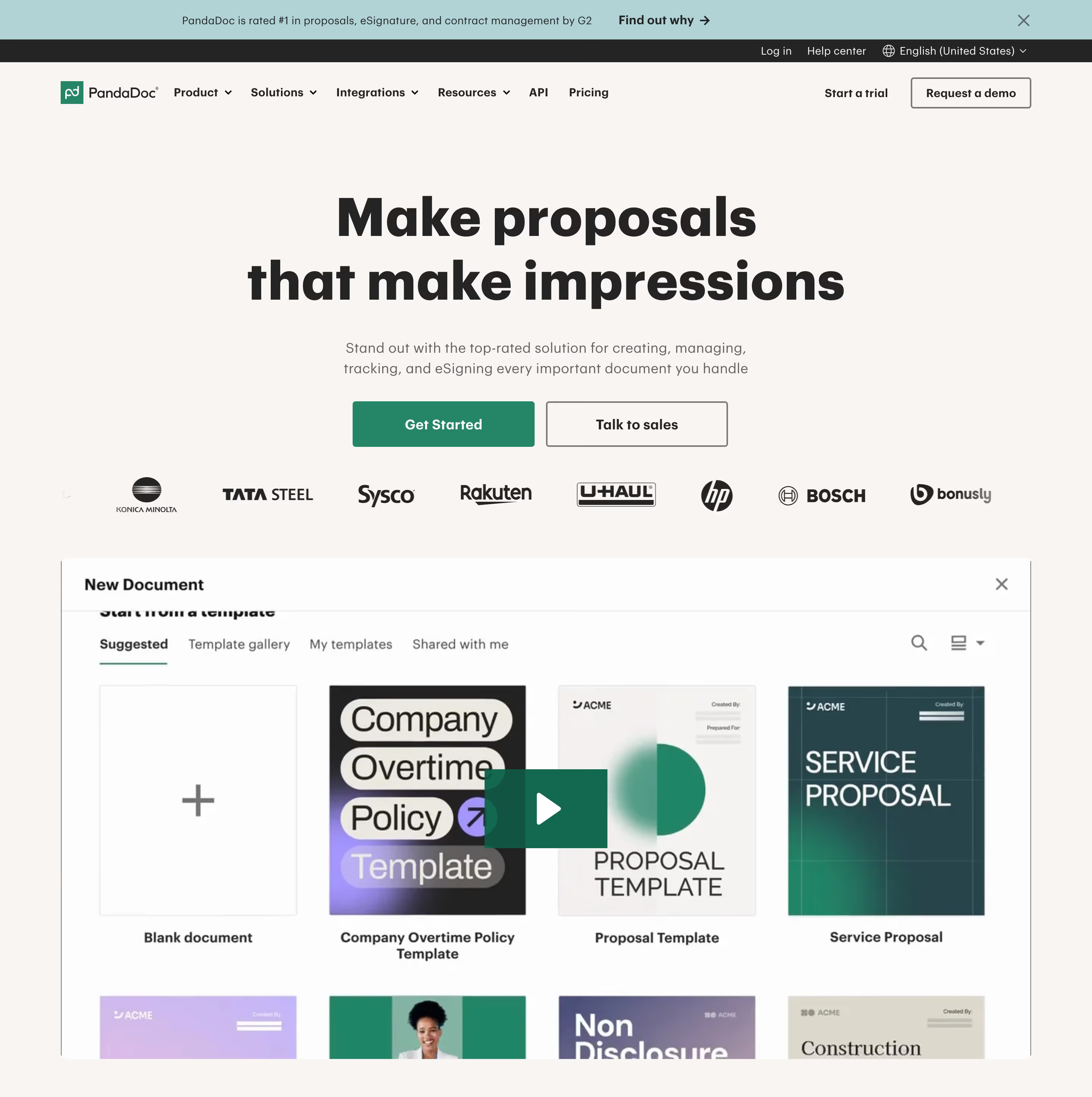
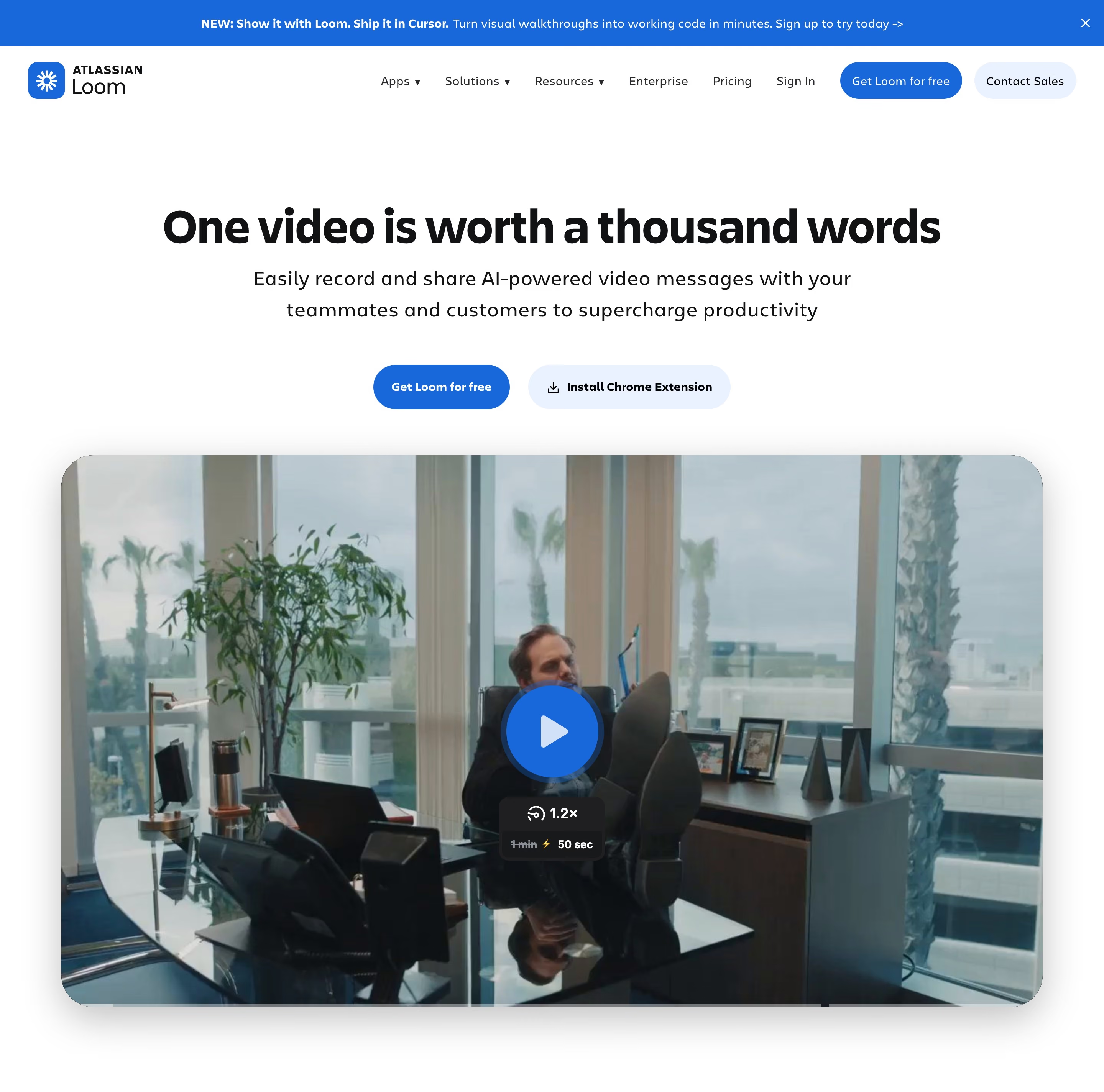
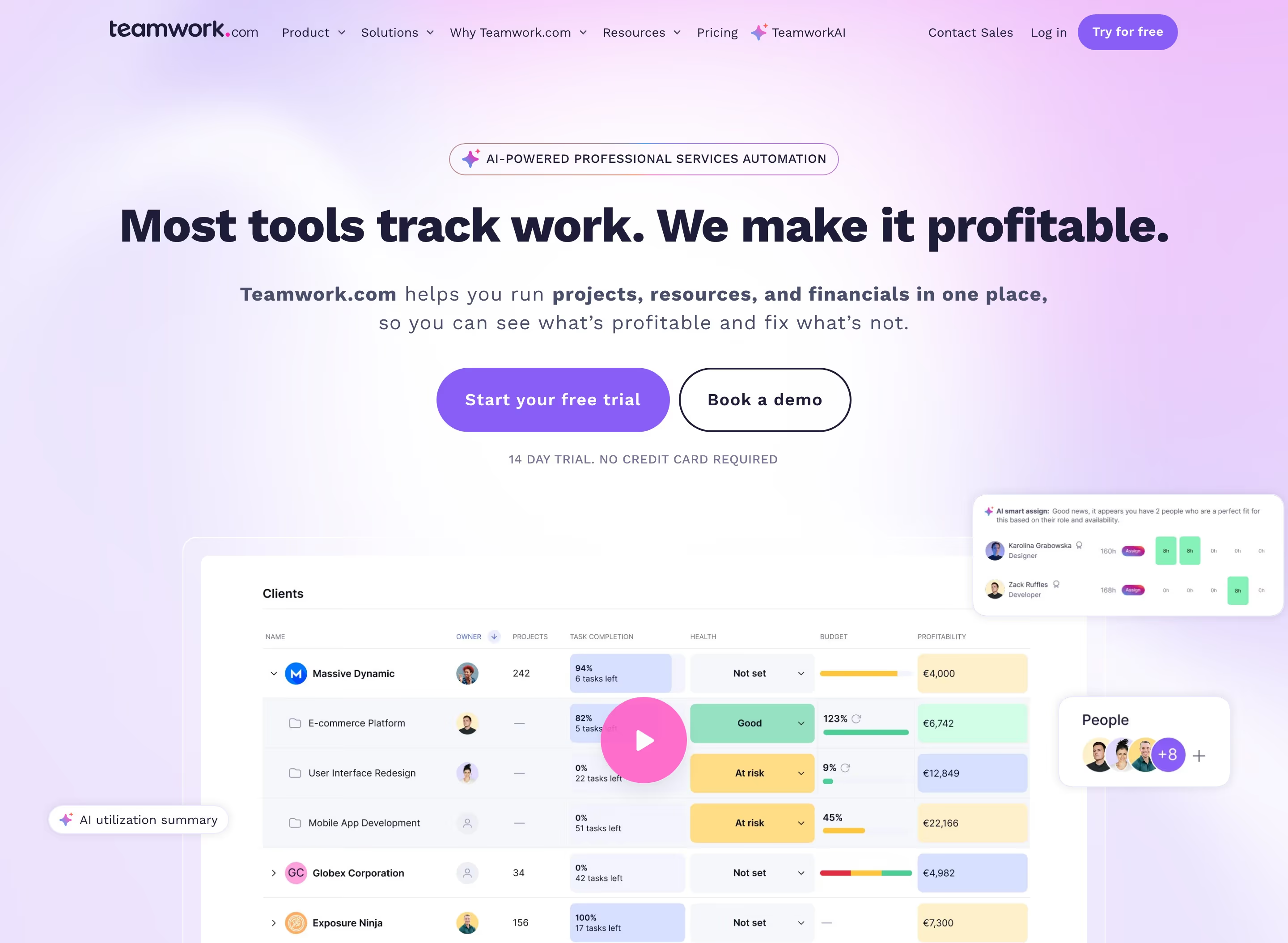
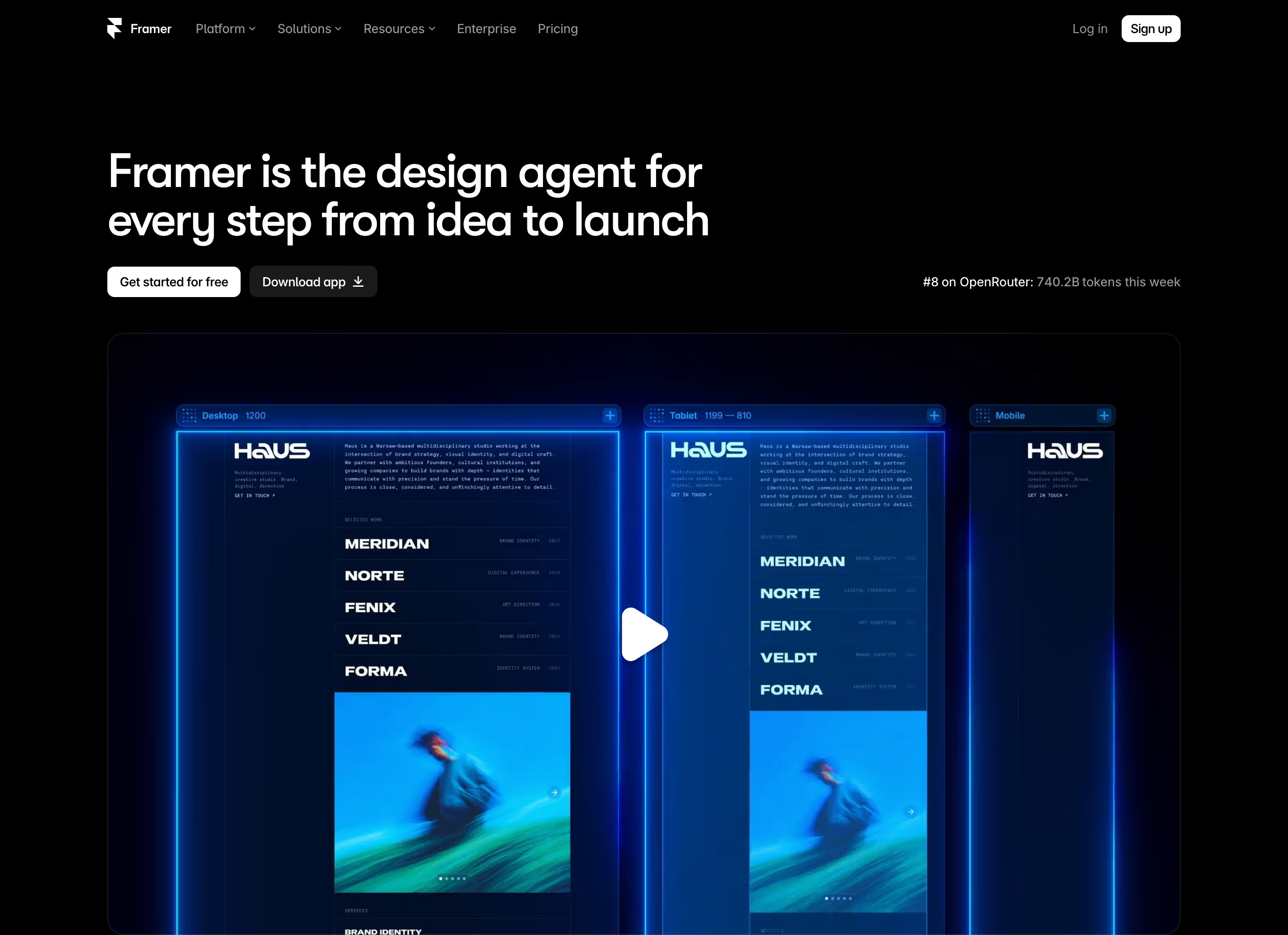
Video shows what a screenshot can't: a workflow from start to finish. On SaaS homepages our reviews find it in two forms. Some sites autoplay a short, silent loop in place of a static screenshot, as Reflag does with a looping product video beside its hero and Framer does with a hero product video. Others show a still frame with a play button over it, like Amplemarket's pending-actions screenshot or Loom's rounded video frame with a blue play button.
The two forms do different jobs. A silent loop works like a moving screenshot: it needs no click and should make sense in a few seconds without sound. A click-to-play video is a commitment, so its thumbnail has to promise something specific and its length should be stated or obviously short.
Mobile changes the picture. Several reviews note desktop screenshots becoming video players at phone width, as on Slack and Lattice, and heavy autoplaying video costs mobile visitors data and load time, so a poster frame and lazy loading matter.
Product video examples from real SaaS sites
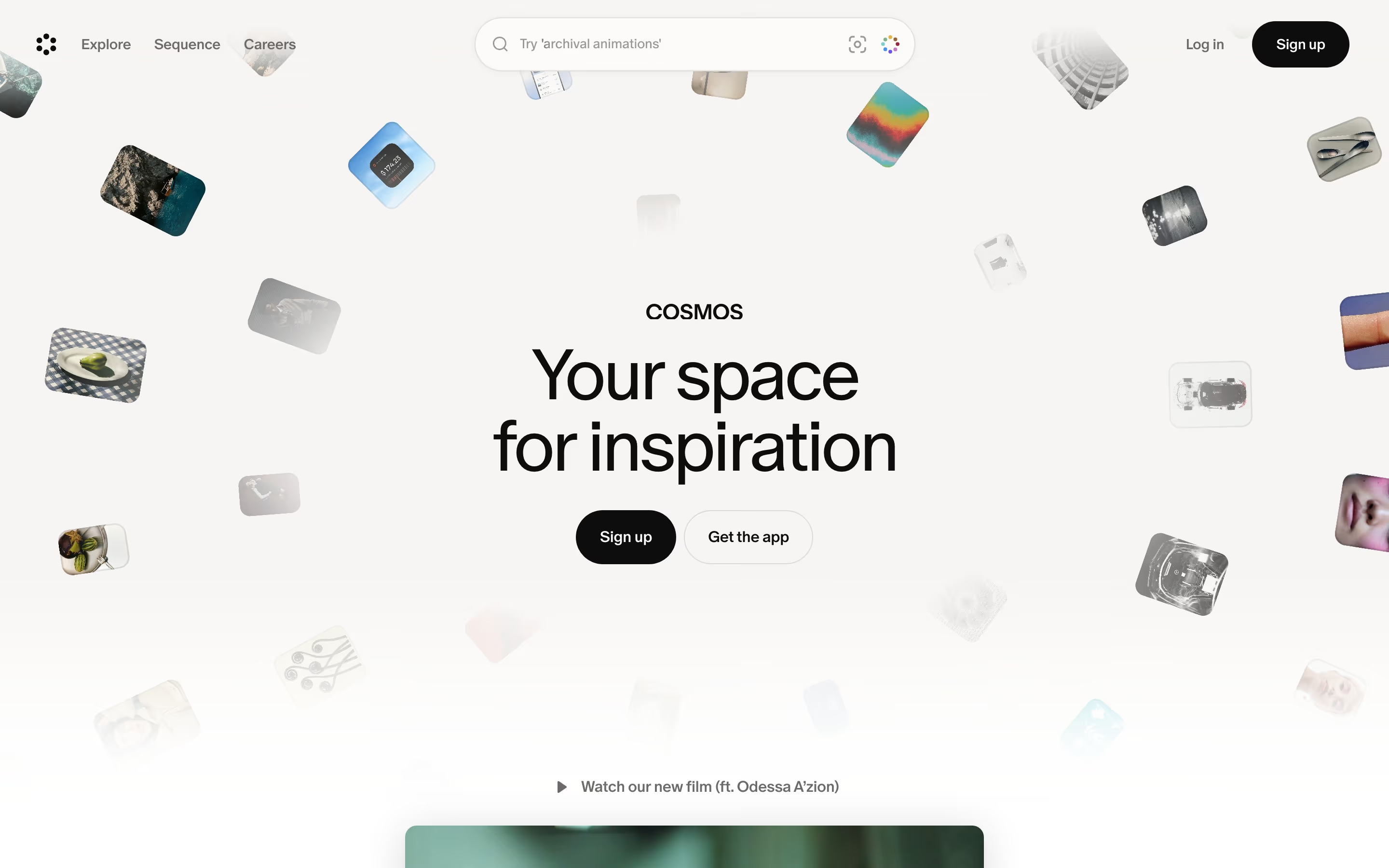
Each one is a hero capture whose design review mentions the product video.

When to use a product video, and when not to
Use it for
- Motion is the valueProducts whose benefit is speed, automation or a multi-step flow that a still can't convey.
- Short silent loopsA few seconds of UI in motion that reads without sound or a click.
- Considered purchasesA longer walkthrough for buyers who want to see the product before booking a call.
Avoid it for
- Replacing the headlineIf the page only makes sense after watching, most visitors will leave without knowing what the product does.
- Heavy hero filesA large autoplaying file can slow the first screen, especially on mobile.
- Unclear thumbnailsA generic play button over a blurry frame gives no reason to click.
Anatomy of a product video
- 1Video frameA rounded or browser-style frame that holds the clip, often on a tinted or gradient panel.
- 2Poster frameThe still shown before playback; ideally a readable product screenshot in its own right.
- 3Play controlA play button or icon for click-to-play videos, sometimes with a duration.
- 4Caption or titleA short label naming what the video shows.
- 5Playback behaviorAutoplay muted loop, or click to play with sound and controls.
Common product video variants
1. Looping hero clip
A short, silent, autoplaying loop of the interface in place of a static hero screenshot.
2. Click-to-play demo
A poster frame with a play button that opens a longer, narrated walkthrough.
3. Feature clips
Small looping videos inside feature cards or tabs, one per capability.
Spotted in our design reviews
Our reviews describe a product video on 38 of the 422 SaaS homepages in the catalog. A few of them:
A laptop-style video frame follows, captioned "Available on Web, Mac, iPhone and Android."
HireKai · Above the fold
Beneath it, the subhead sits left of a video panel showing an exposure bar chart with a play button.
Reflag · Above the fold
The right column shows a product screenshot in a mint-to-lavender card, with a play button, a presenter photo and a notification naming "Matt Rodriguez".
Vidyard · Above the fold
A video frame sits at the centre.
Momentic · Above the fold
A Duo Copilot pending-actions screenshot with a play button sits below the form.
Amplemarket · Above the fold
Lower down, a black video panel gives way to a row of tool icons and the tagline "Google Antigravity is our agentic development platform, allowing anyone to build in the agent-first era."
Antigravity · Above the fold
A rounded video frame overlaps the subhead.
Veed · Above the fold
A large video frame follows with a yellow "SEE ORUM IN ACTION" button.
Orum · Logo band, video and notifications
Often confused with
Product video vs. product screenshot
A screenshot freezes one state and needs no playback; a video shows the flow but costs load time and attention.
Product video vs. interactive demo
An interactive demo lets visitors click through the product themselves; a video plays a fixed path.
Frequently asked
Should a SaaS hero video autoplay?
Short, silent loops of the interface can autoplay muted. Longer narrated demos should wait for a click, with a poster frame that already explains something.
How long should a homepage product video be?
Looping hero clips work best at a few seconds. A click-to-play walkthrough can run longer, but say how long it is so the click feels like a small commitment.