
Forms & inputs
Text area
A text area is a multi-line input for longer free text, such as a message on a contact form or a prompt typed into an AI product's main input box.
- Also called
- Textarea, Multi-line text field, Message box, Prompt box
- Spotted on
- 35 of 422 homepages
- Browse examples
- Contact pages →
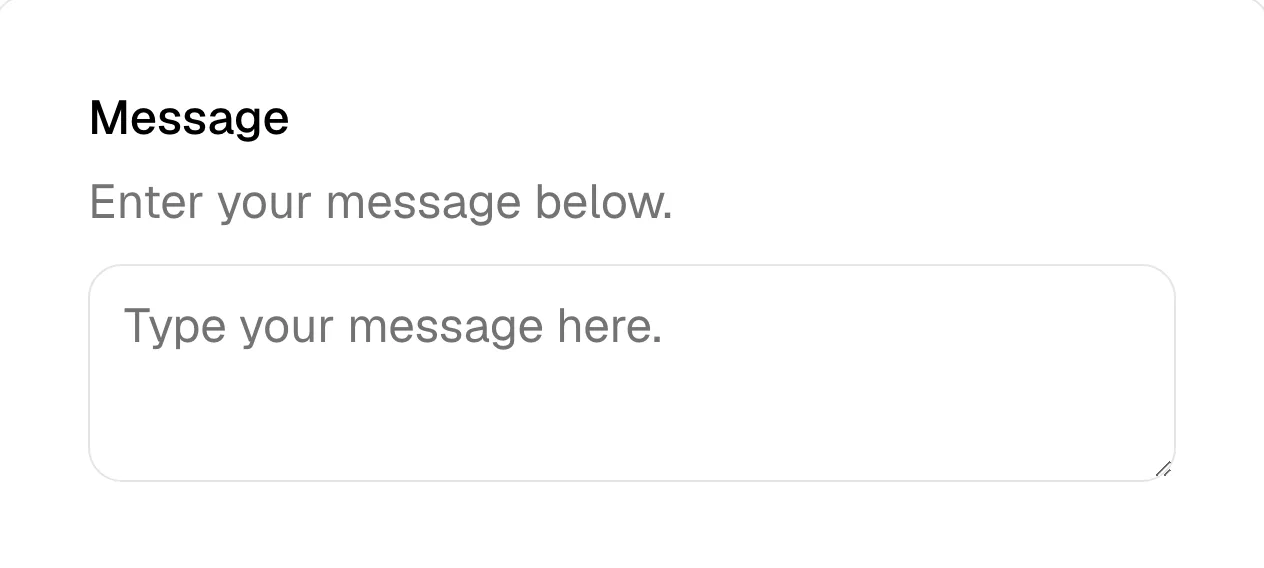
What is a text area?
For years the text area on a SaaS site meant one thing: the "Message" or "How can we help?" box at the end of a contact or demo form. ClickHouse closes its contact form with a tall text box, and Cal and Blacksmith use a message box under name and email fields.
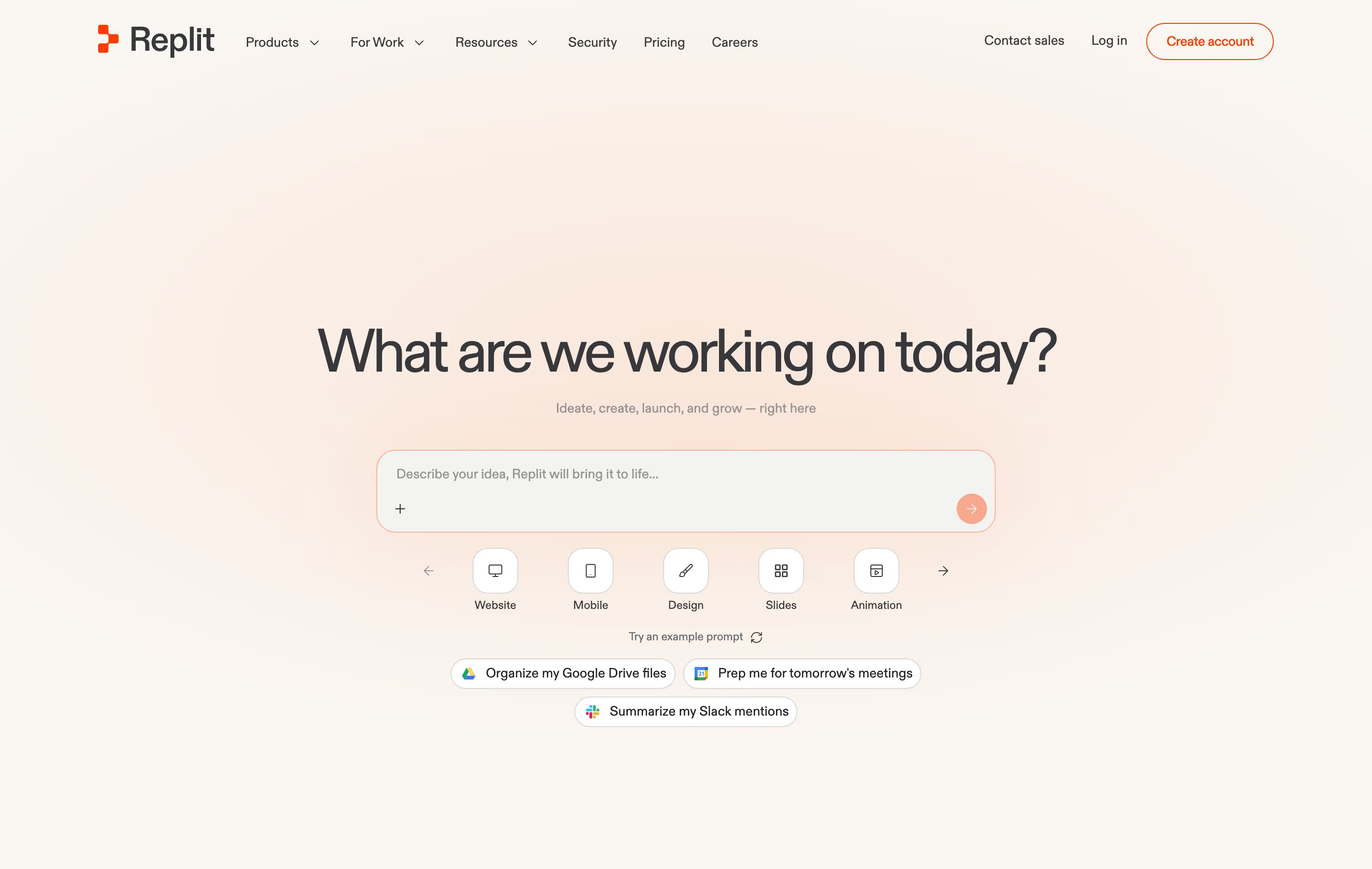
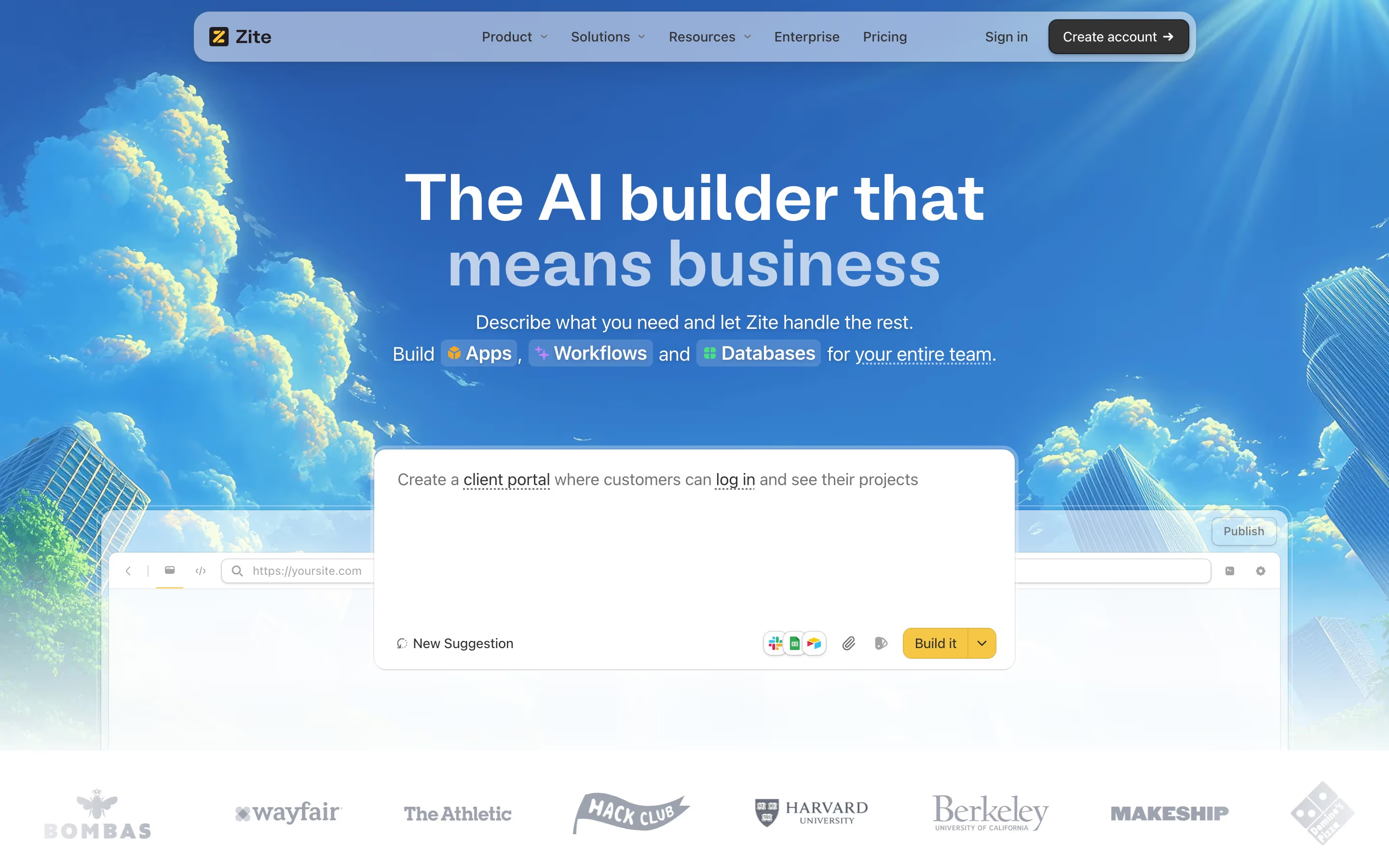
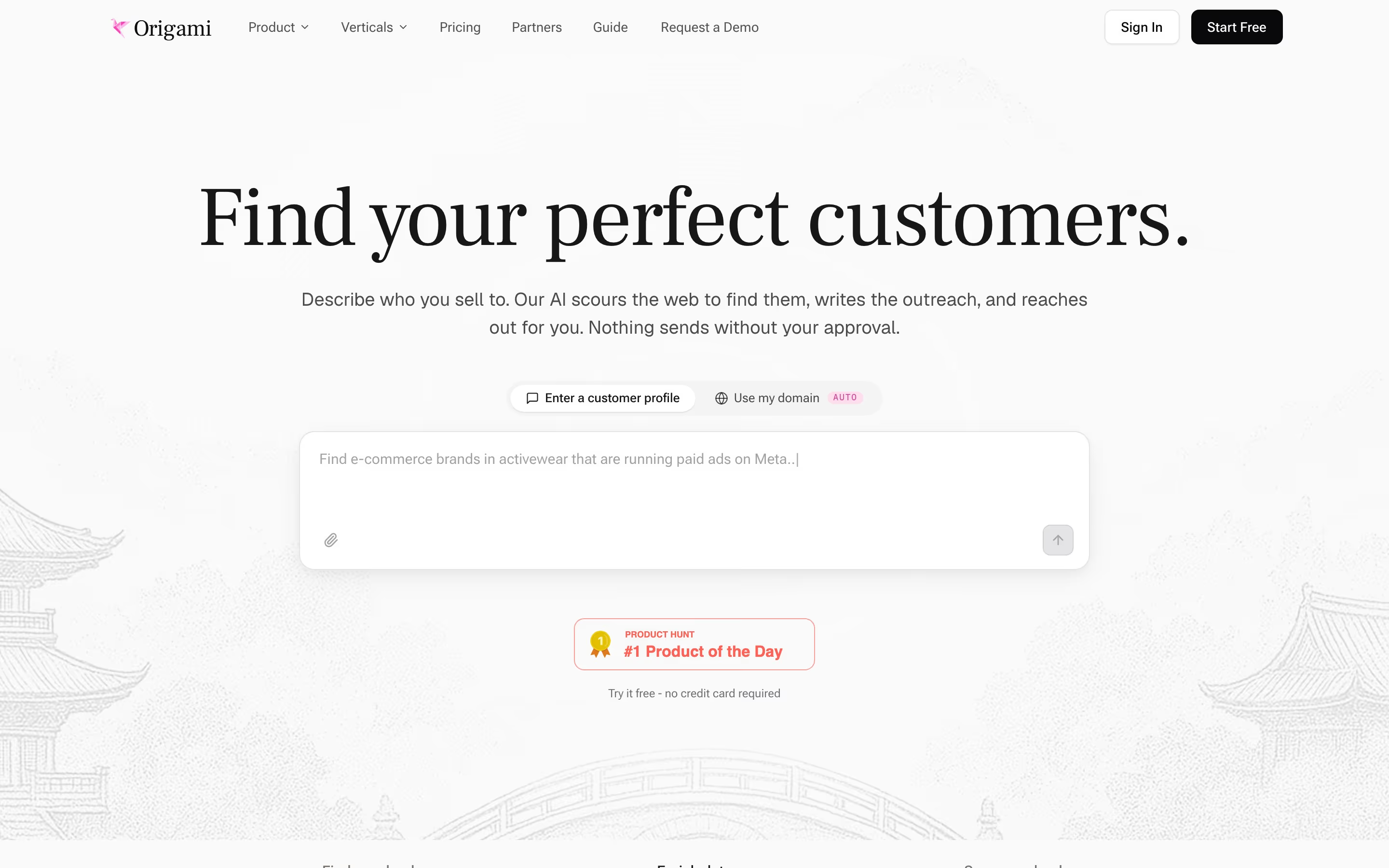
AI products have turned it into a hero element. The prompt box, a large multi-line input with a send arrow, now replaces the headline-plus-button hero on many sites: Replit's prompt field reads "Describe your idea, Replit will bring it to life...", Pexo shows a wide white prompt box, and Retool's homepage opens with one. It invites the visitor to try the product in the first second, and the placeholder text doubles as an example of what to ask.
Size it for the expected answer (three to five visible lines for a contact message), let it grow as people type, and show a character limit only when one exists. For prompt boxes, the placeholder and nearby preset chips matter as much as the box: they show visitors what a good request looks like.
Text area examples from real SaaS sites
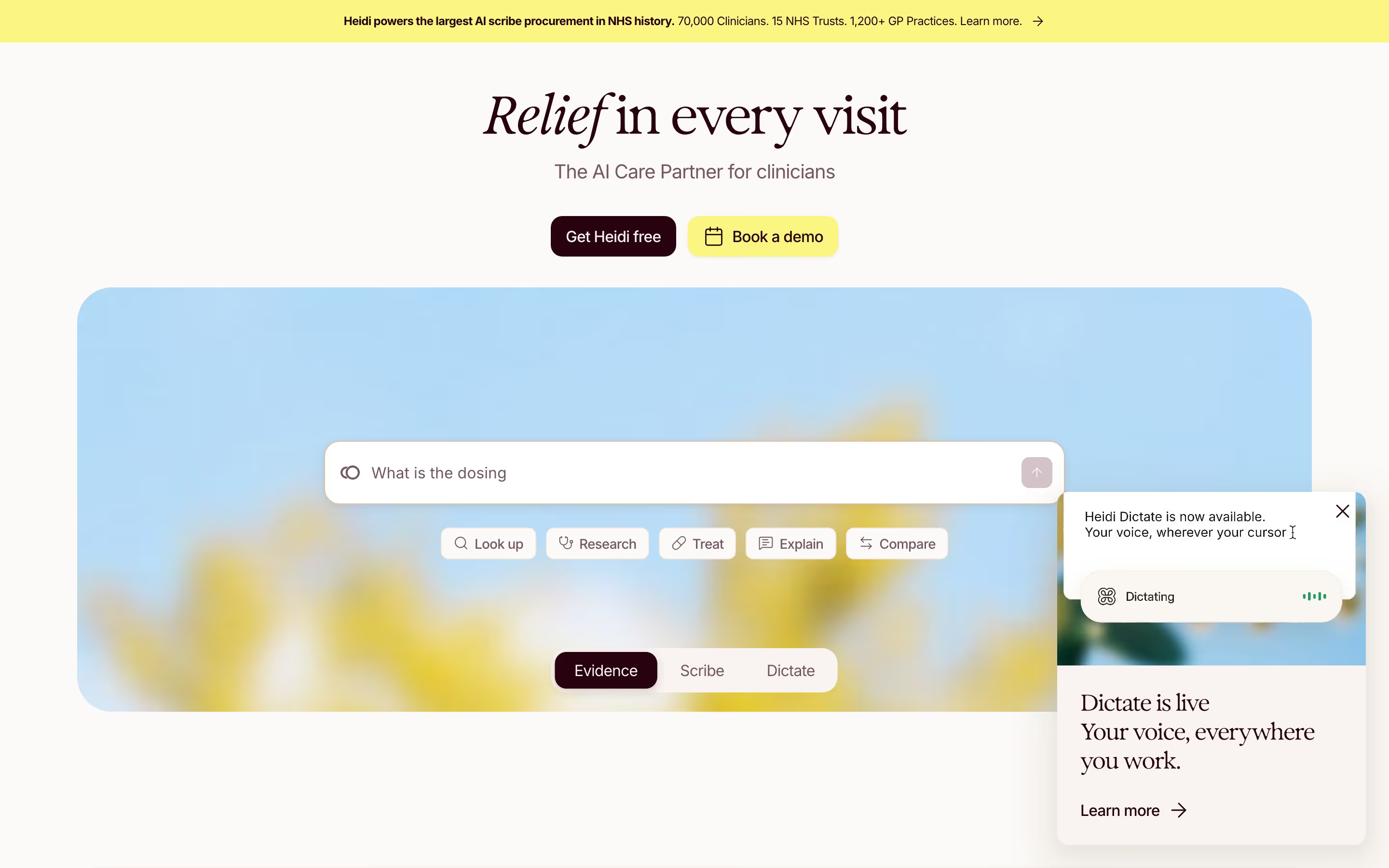
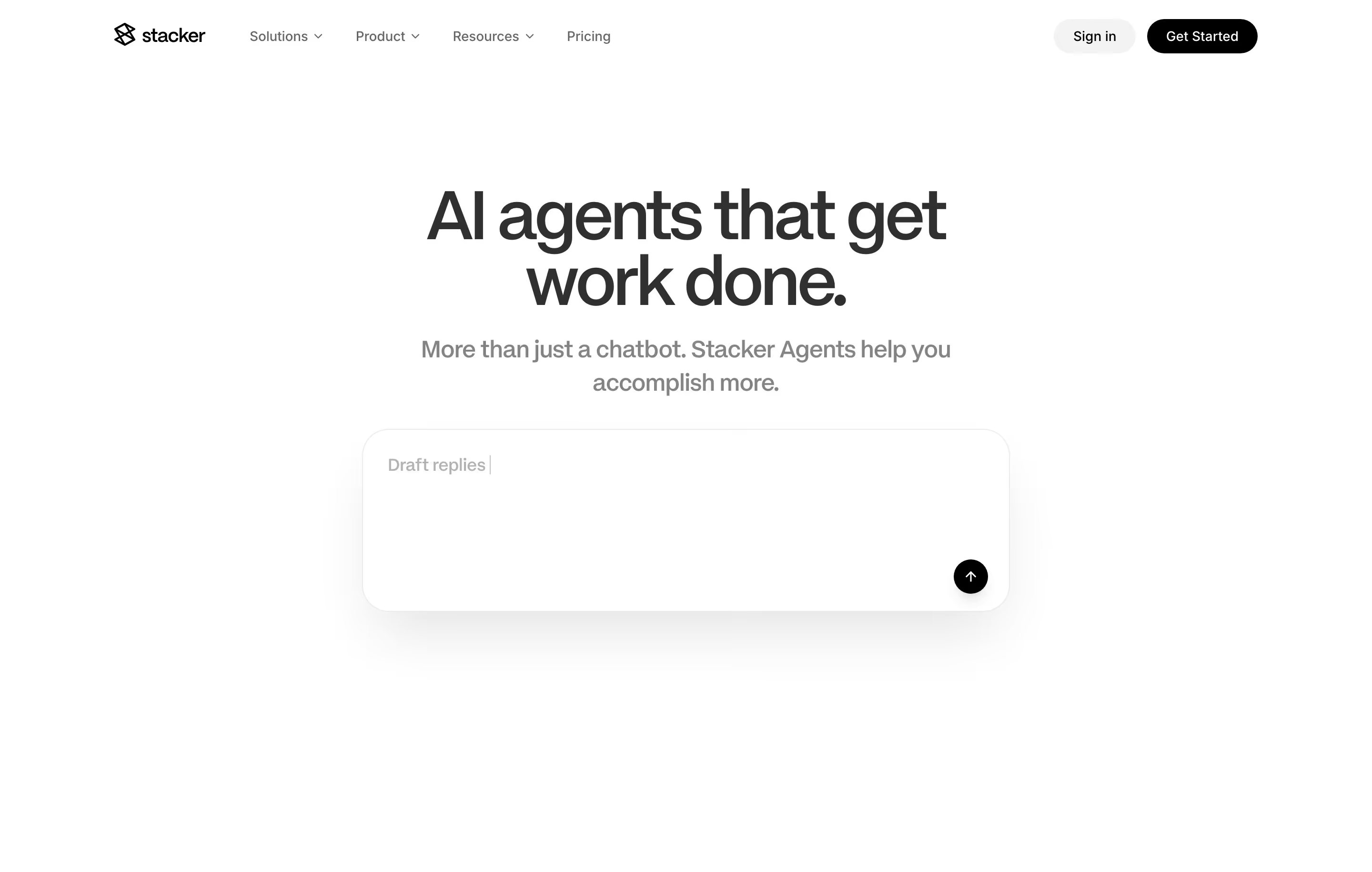
Each one is a hero capture whose design review mentions the text area.

When to use a text area, and when not to
Use it for
- Open-ended answersThe visitor needs more than a line to explain their need or question.
- Try-it-now heroesAI products where typing a request is the fastest demo of the product.
- Optional contextA final "Anything else?" field that helps sales prepare without blocking submission.
Avoid it for
- Short, structured answersNames, emails and company names belong in single-line text fields.
- Required essaysMaking a long message mandatory on a demo form costs completions.
- Fixed choicesIf the answer is one of a known set, use a select or radio buttons.
Anatomy of a text area
- 1LabelA visible label or question, such as "How can we help?".
- 2Input areaA multi-line box, initially three to five lines tall, that expands or scrolls.
- 3PlaceholderExample text that disappears on typing; in prompt boxes it suggests a real request.
- 4Character countAn optional counter when there is a limit.
- 5Submit controlIn prompt boxes, a send arrow inside the box; in forms, the form's main button.
Common text area variants
1. Contact message box
The last field on a contact or demo form, usually optional.
2. Hero prompt box
A large rounded input with a send button, preset chips and sometimes a model select.
3. Auto-growing field
Starts as one line and expands as the visitor types, common in chat-style inputs.
Spotted in our design reviews
Our reviews describe a text area on 35 of the 422 SaaS homepages in the catalog. A few of them:
A wide prompt box with an orange send arrow precedes two pills, "Get started" and "Contact sales".
Linearity · Above the fold
On the right, six tiles mix a prompt box, an interview video, photographs and a chart.
Maze · Above the fold
A "NEW" badge leads into a cream prompt box with a "Starter prompts" dropdown and blue send arrow, flanked by two pill menus.
Retool · Above the fold
A white prompt box below reads "Generate a sales presentation for a digital marketplace", with a "Prompts" control and a pale "Generate" button.
Pitch · Above the fold
Below, a panel with the tabs "For Me" and "Catch me up" holds the prompt box.
Runner · Above the fold
A wide white prompt box reads "to create a 1 minute launch video for my website with dynamic motion graphics".
Pexo · Above the fold
A lilac "Contact us" button sits above a prompt box with dashed-outline tokens for "Spreadsheet", "Revenue Dashboard App" and "Agent" plus app icons.
Zaro · Above the fold
Below, a full-width product window shows a left sidebar with "New chat", "Agents", "Systems", "Artifacts", "Skills" and "Apps", and a prompt box where a typed request mentions Snowflake, PostHog, Slack and Metabase as blue inline chips.
Keystroke · Split hero and app mock-up
Often confused with
Text area vs. text field
A text field holds one line, like a name or email; a text area holds several lines of free text.
Text area vs. search bar
A search bar takes short keyword queries; a prompt-style text area takes full sentences or instructions.
Frequently asked
Should the message field on a demo form be required?
Usually not. Most people book a demo without wanting to write a paragraph; make it optional and ask a short, specific question as its label.
Why do AI products use a big text box in the hero?
Because typing a request is the product. A prompt box with a good placeholder shows what the tool does and lets visitors try it before reading anything else.