
Forms & inputs
Text field
A text field is a single-line input where a visitor types a short value, such as an email address, name, company or website URL, usually with a label.
- Also called
- Text input, Input field, Email field, Form field
- Spotted on
- 49 of 422 homepages
- Browse examples
- Hero sections →
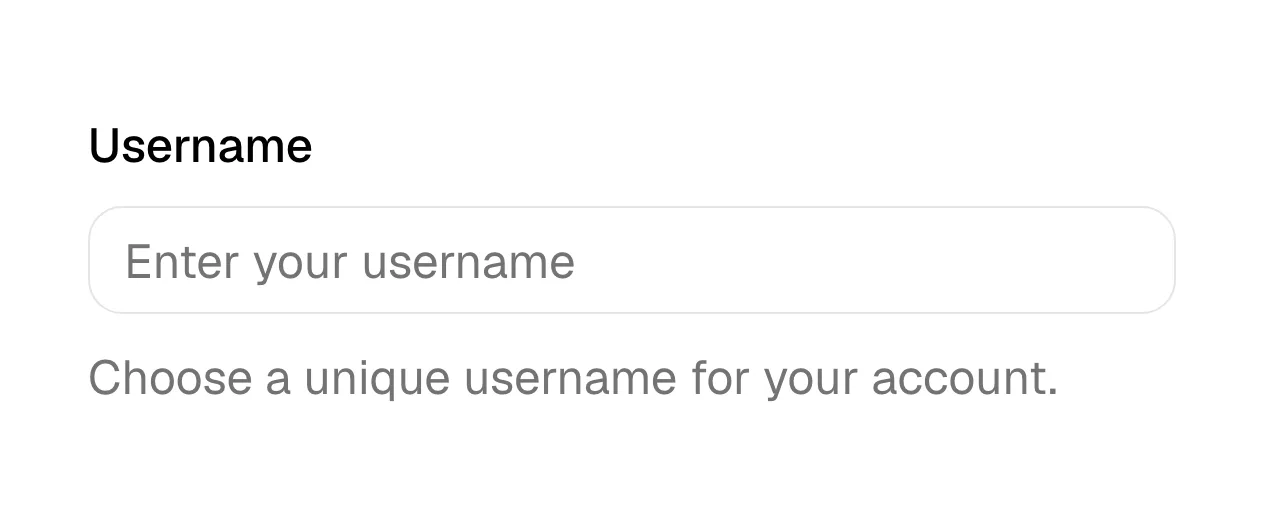
What is a text field?
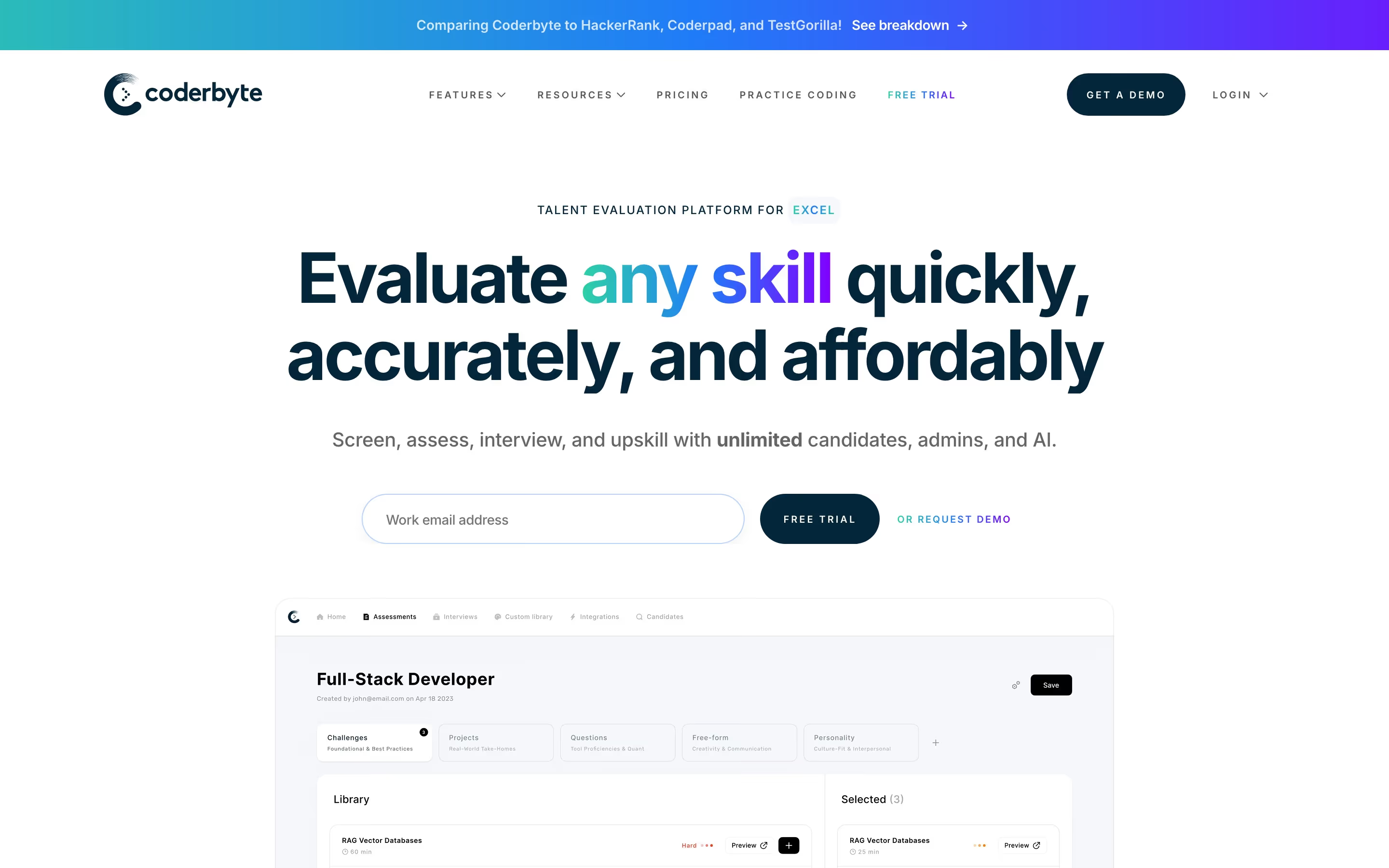
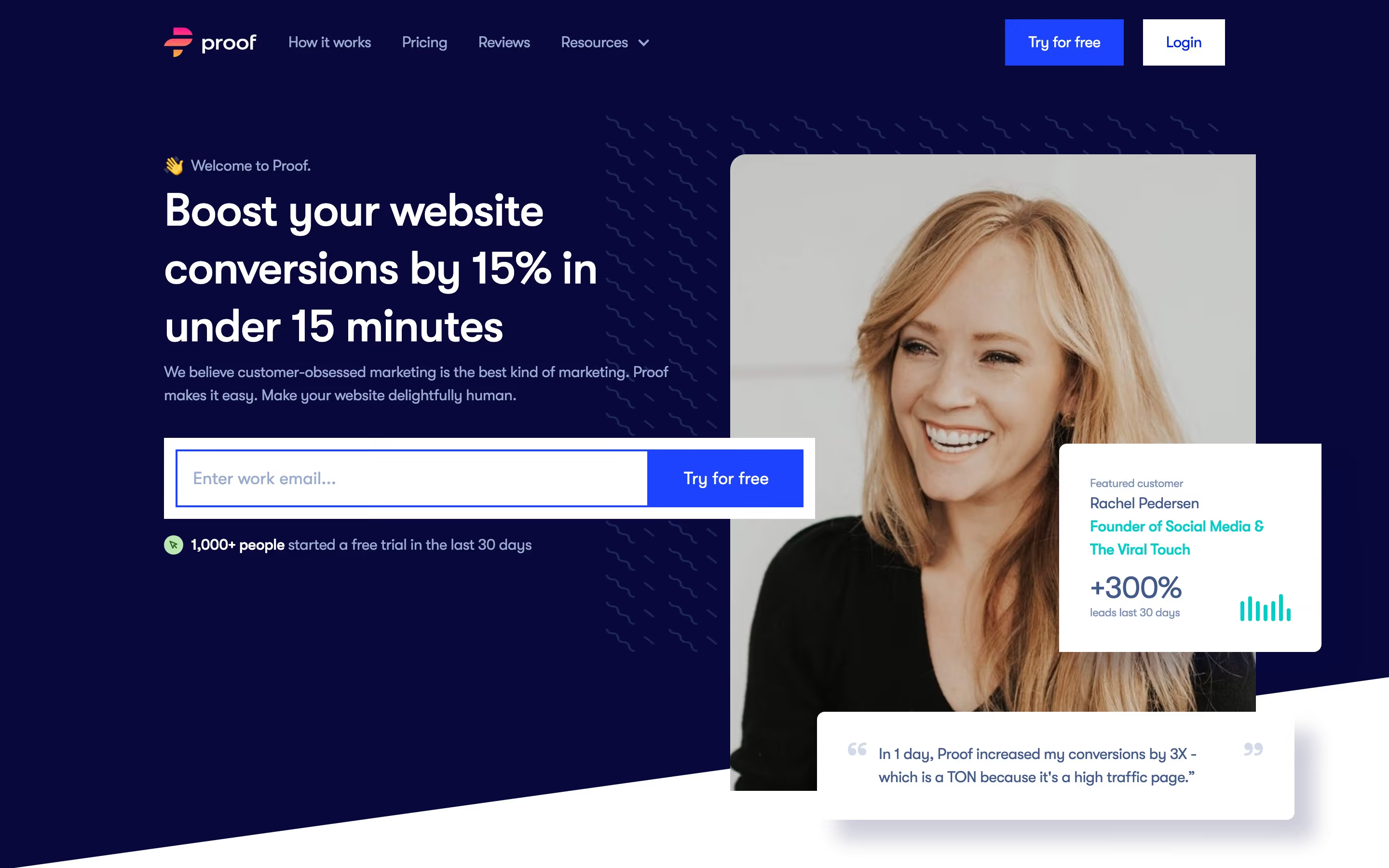
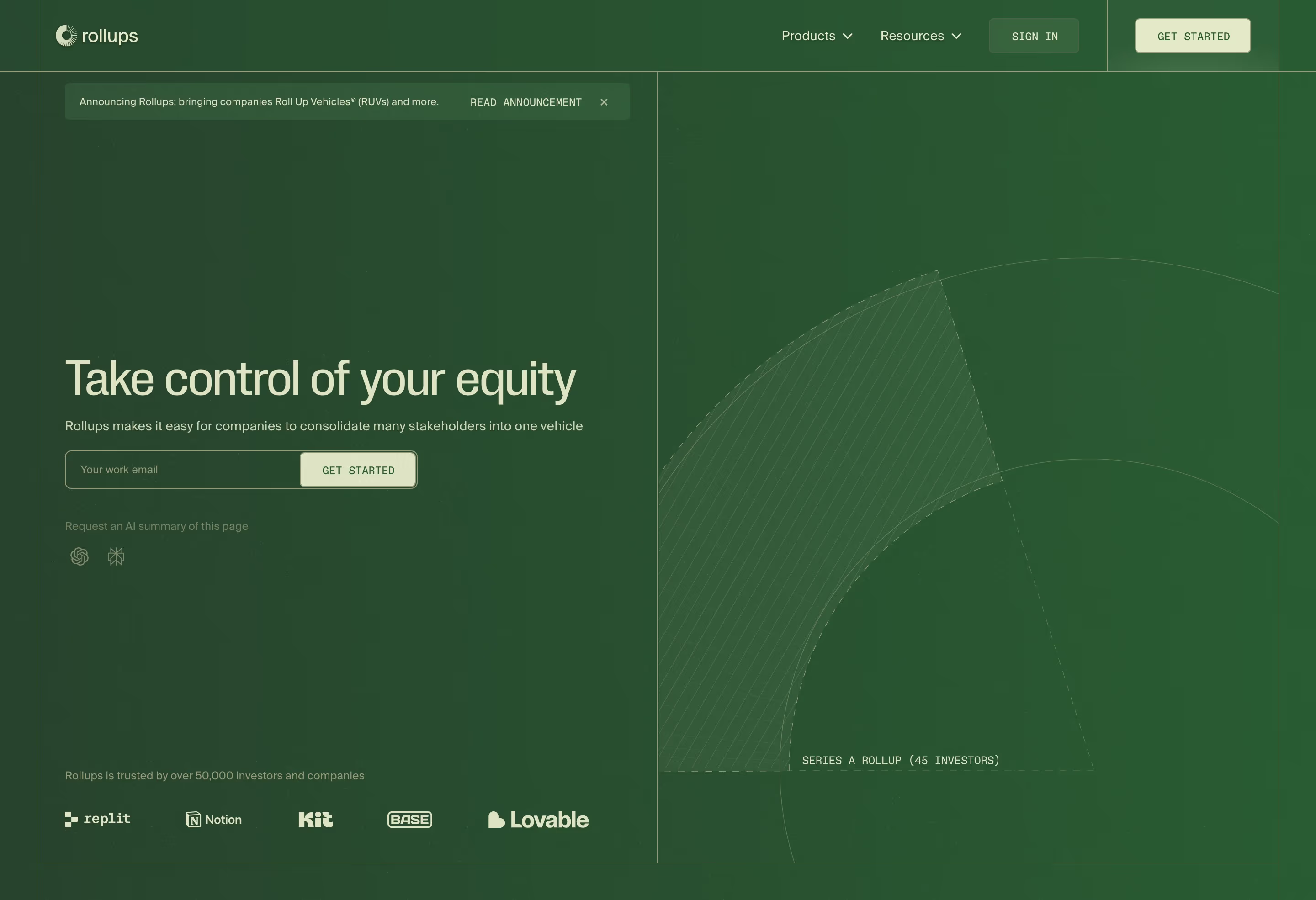
The most important text field on a SaaS site is the email field in the hero. Pairing one email input with a sign-up button turns the headline into an action: Rippling fuses an email field to "Create free account", RevenueCat puts one under "Build and grow your app business", and Cometchat places one with a "Start for Free" button. The same pairing returns in footers and closing bands as newsletter or waitlist signup, as on Gorgias, Proof and Lemcal.
Beyond the hero, text fields make up most of every signup, demo-request and contact form: name, work email, company, phone, website. Each one costs effort, so the best forms ask only what sales really needs, and use the right input type (email, tel, url) so phones show the matching keyboard and browsers can autofill.
Labels matter more than looks. A placeholder alone ("Your email") disappears as soon as someone types, fails contrast checks and breaks autofill hints; a short visible label or a floating label avoids that. Error messages should appear next to the field, say what's wrong ("Use your work email") and keep what the visitor already typed.
Text field examples from real SaaS sites
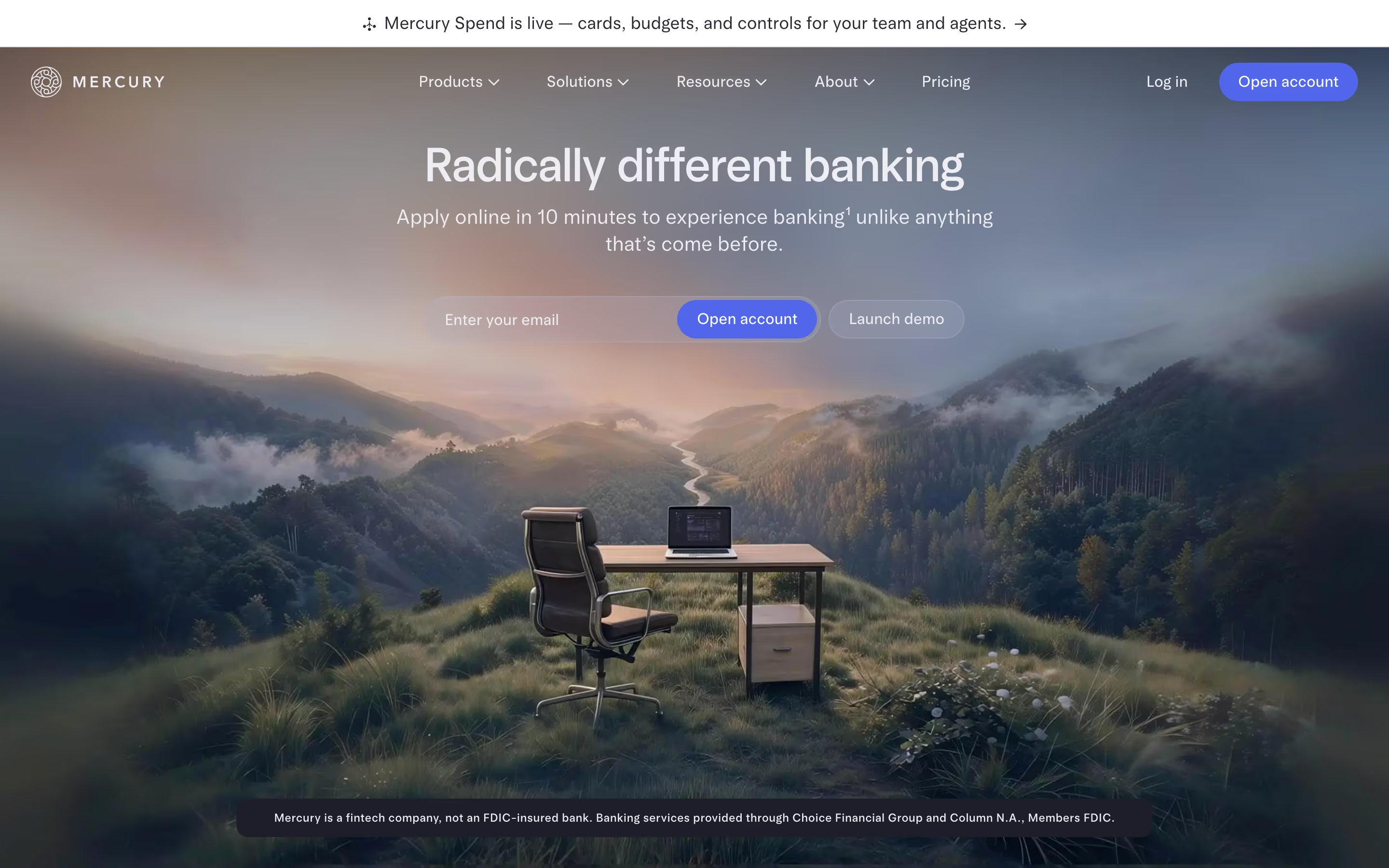
Each one is a hero capture whose design review mentions the text field.

When to use a text field, and when not to
Use it for
- Short free-form valuesNames, emails, company names, URLs and phone numbers.
- One-step signupA single email field in the hero that starts a trial or waitlist with one click.
- Personalized demosA URL or domain field whose result shows the product working on the visitor's own site.
Avoid it for
- Long answersMessages and descriptions need a multi-line text area.
- Known optionsCountry, company size or role are faster to pick from a select or radio group.
- Unneeded dataEvery extra field lowers completion; drop the ones sales doesn't use.
Anatomy of a text field
- 1LabelShort visible text naming the field, above it or floating inside it.
- 2Input boxThe bordered or filled area where text is typed, at least 44px tall on mobile.
- 3PlaceholderOptional example text, such as name@company.com, never a replacement for the label.
- 4Helper or error textA line below for hints or validation messages, tied to the field for screen readers.
- 5Attached buttonIn inline signups, the submit button joined to the right edge of the field.
Common text field variants
1. Inline email capture
One email field fused to a button, the classic hero and footer signup.
2. Stacked form fields
Labeled fields in a column, the standard demo and contact form.
3. Floating label field
The label starts inside the box and shrinks above it on focus, saving vertical space.
4. URL or domain input
A field that takes the visitor's website and returns a result, used by SEO, design and analytics tools.
Spotted in our design reviews
Our reviews describe a text field on 49 of the 422 SaaS homepages in the catalog. A few of them:
The hero sets "In-app chat and calls, ready to ship." large on the left, above an email field with a violet "Start for Free" button.
Cometchat · Above the fold
The left column holds "Finance built for speed and control.", a one-line subhead, an email field fused to "Get started" and a "See Brex in action" link.
Brex · Above the fold
An email field reads "Your work e-mail" beside a violet "Start for free" button, with "Datadog bill too high?
Betterstack · Above the fold
An email field and a second "Book a Demo" button sit below the mono subhead.
Autostep · Above the fold
The headline "Human collaboration at the speed of AI" sits in light oversized type over two lines, above an email field and a blue "Get Started Free" bar beneath.
Miro · Hero with live-canvas collage
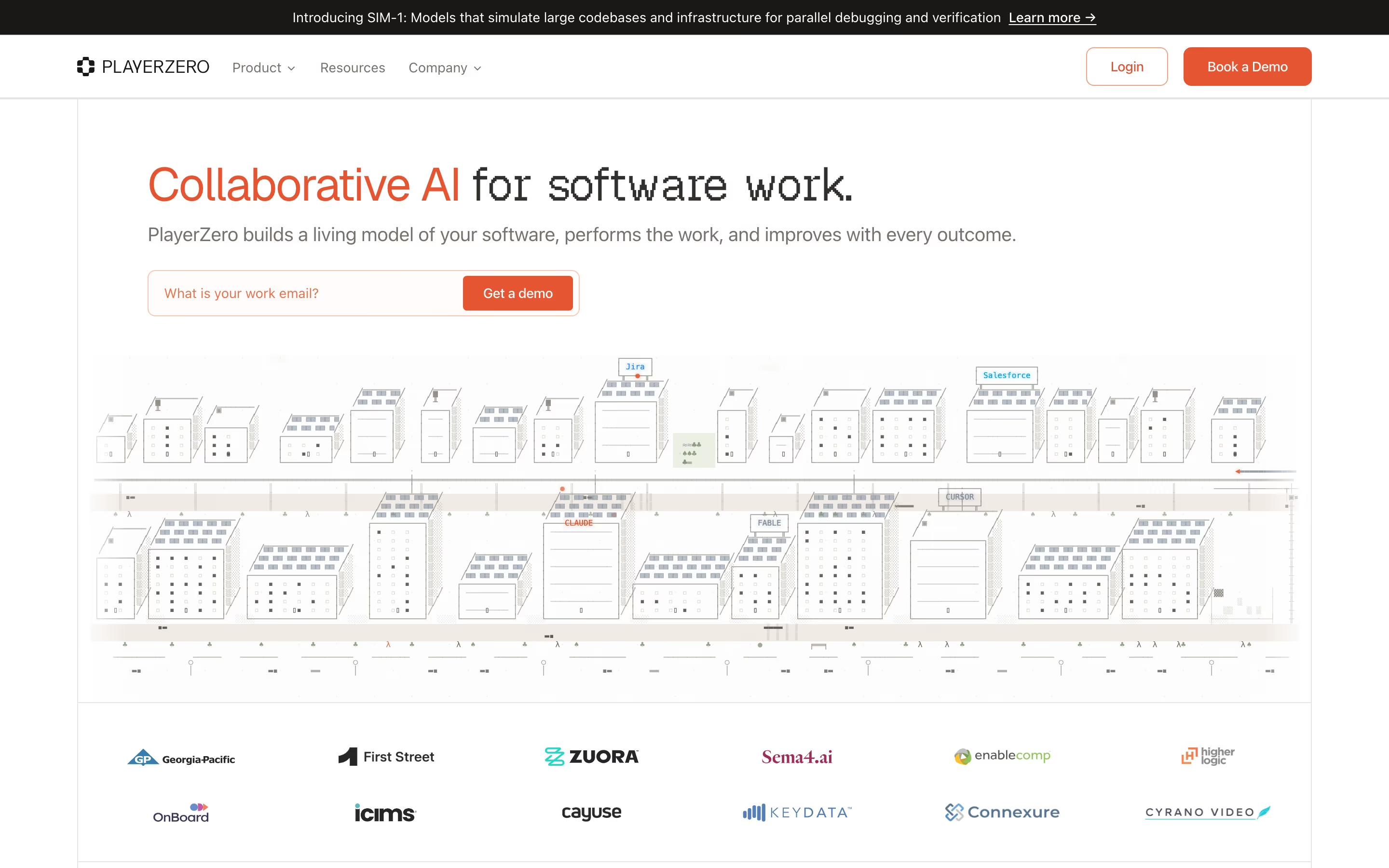
The lavender hero centres the serif headline "Trust is everything" over an email field with an inline "Get a demo" button, while the llama stands at the right.
Vanta · Above the fold
A full-width hero headed "Go all in on AI" sits on off-white, with a subhead and an inline email field beside a black "Book a Demo" button.
Runlayer · Above the fold
Beneath the subhead, an email field sits beside a red-orange "See a Demo" button, with "Watch the 2-min tour" to the right.
Warp · Above the fold
Often confused with
Text field vs. text area
A text field holds one line; a text area is multi-line for messages and prompts.
Text field vs. newsletter signup
A newsletter signup is a whole section or block; the text field is the input inside it.
Text field vs. search bar
A search bar is a text field styled for queries, with a search icon and results.
Frequently asked
Is an email field in the hero better than a button?
It works best for self-serve products where an email is all you need to start. It saves a click and commits the visitor. For sales-led products, a "Book a demo" button leading to a full form is usually more honest.
Can I use placeholder text instead of a label?
Avoid it. Placeholders disappear while typing, are often low contrast and confuse autofill. A single-field hero signup can get away with an accessible hidden label, but multi-field forms need visible ones.
Should I ask for a work email only?
Only if sales truly can't use personal addresses. If you block them, say so in the label or helper text before the visitor submits, not in an error afterward.